

Page 1
One local or one remote user can access
this 4-, 8-, or 16-port PC-only KVM switch.
One local or one remote user can access
this 4-, 8-, or 16-port PC-only KVM switch.
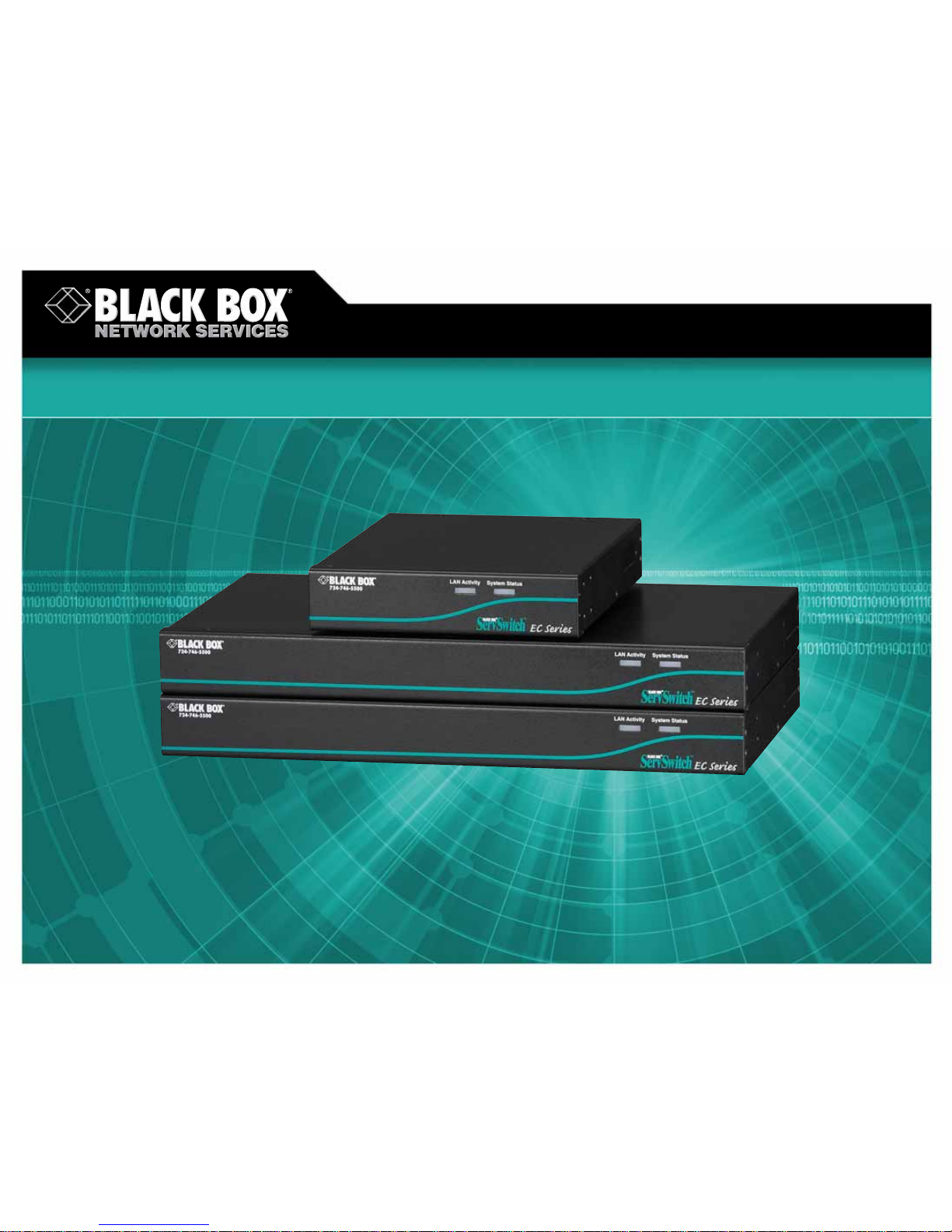
ServSwitch EC with Built-In IP for PS/2®and USB Servers and PS/2 Consoles
© 2007. All rights reserved. Black Box Corporation.
FREE 24-hour Tech Support: 724-746-5500
blackbox.com
Page 2
2 of 3
6/18/2007
#26612
724-746-5500 blackbox.com
FEA TURES
• Local maximum resolution of 1600 x
1200 at 85 Hz.
• Connect remotely via VNC Client
or Java
™
enabled Web browser.
• Supports PS/2
®
style keyboard
and mouse.
• Flash upgradable.
• RoHS compliant.
• VNC connection opens automatically
after login.
• Dual-function Reset button enables you
to reset power or reset everything back
to the defaults.
• New, exclusive IP-On-Screen Display
(OSD) feature makes setup simple.
Simply press the IP Setup button to
bring up the IP-OSD.
• The system administrator can now
personalize preference settings for
each user.
• SNMP manageable.
• Select from 8, 12, or 16 bits of
color depth.
• Different sizes of screen snapshots
are now available.
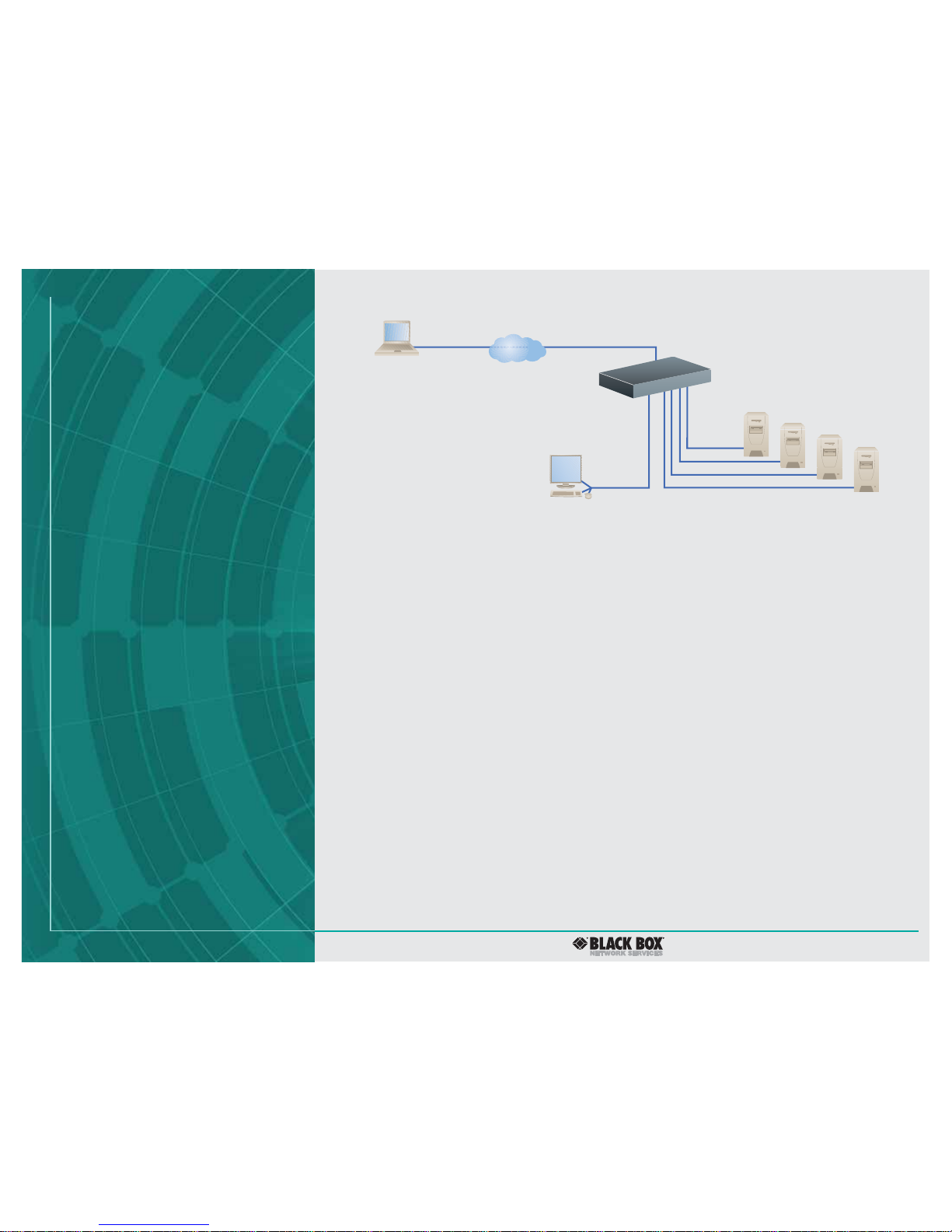
Access up to 16 servers across any IP network.
OVERVIEW
Overcome KVM distance limitations at an economical price
by using your Ethernet network and the ServSwitch
™
EC with
Built-In IP for PS/2 and USB Servers and PS/2 Consoles. The
switch enables you to use your Web browser to easily and
securely access and control remote servers remotely across
any TCP/IP network as if they were local. You can even use the
Internet to manage servers from home or the road. And with
the new dual-function Reset button, you can perform a power
reset or reset all settings back to the defaults.
Remote or local switching is made easy. The switch is
compatible with any Java enabled Web browser. Just open
the browser, enter the IP address of the switch, and select the
server you wish to access. What’s more, this ServSwitch EC is
also fully compatible with Virtual Network Computing (VNC)
viewers, and a VNC connection opens automatically after
login. You can also switch from a local workstation using
on-screen menus or hotkeys.
The ServSwitch EC with Built-In IP for PS/2 and USB Servers
and PS/2 Consoles doesn’t skimp on security either . You get
all the features you’re looking for such as SSL encryption,
SSH tunneling, and RADIUS authentication.
Setup is now even simpler. Simply press the IP Setup button
to bring up the new IP On-Screen Display (OSD) feature. It
leads you step by step through the setup process without the
need to study the manual. Following setup, on-screen menus
enable you to set up password-protected user accounts.
And because different user accounts may have different
preferences, you can now personalize preferences for each
user. Users (other than the administrator) can’ t make changes
to the system but can access the Web interface and log into
the VNC console. You can also set user accounts to time out
after they’ve gone unused for a specified amount of time.
Additionally, the switch features an internal firewall that,
when enabled, causes the ServSwitch EC to only accept logins
from listed hosts.
When a new firmware version is released, it’s easy to
upgrade the flash memory. Check your firmware version
and update via easy on-screen menus.
The ServSwitch EC with Built-In IP for PS/2 and USB Servers
and PS/2 Consoles integrates easily into your SNMP-managed
network. Just use the SNMP menu to configure the switch
to be recognized and managed using industry-standard
SNMP software.
You can connect an equal-size or smaller -size ServSwitch EC
slave unit to a master unit ServSwitch EC with IP. Thus, a 16port master switch can connect to both 16- and 8-port slave
units, and 8-port master units can connect to 8- and 4-port
slave units. Once connected, all units automatically configure
themselves as master or slaves. The 16-port unit can support
up to 136 servers when you cascade 8 16-port slave units.
All three models now feature flexible color depth. Choose
between 8, 12, or 16 bits. What’s more, you can also take
screen snapshots of varying sizes.
The 4-port switch is housed in a compact desktop chassis.
The 8- and 16-port models are rackmountable in only 1U of
space. Rackmounting hardware is included.
ServSwitch™EC with
Built-In IP,4-Port
(KV9304A-R2)
Laptop
IP
Monitor
Keyboard
Mouse
PS/2
®
PS/2
USB
USB
Page 3

3 of 3
6/18/2007
#26612
724-746-5500 blackbox.com
TECH SPECS
Resolution (Maximum) — 1600 x 1200 @ 85 Hz
CE Approval — Yes
Connectors —
All:
Monitor: (1) HD15 F;
Keyboard: (1) 6-pin mini DIN F;
Mouse: (1) 6-pin mini DIN F;
Ethernet: (1) RJ-45;
Serial RS-232 (DTE): (1) DB9 M;
KV9304A-R2 also has: (4) DB15 F server ports;
KV9308A-R2 also has: (8) DB15 F server ports;
KV9316A-R2 also has: (16) DB15 F server ports
Indicators — LEDs: (1) Link Activity, (1) System Status, (1) Ethernet Activity ,
(1) System Okay
Power — 115 VAC, 60 Hz, external
Size — KV9304A-R2: 1.7"H x 7.3"W x 8.7"D (4.3 x 18.5 x 22.1 cm);
KV9308A-R2, KV9316A-R2: 1.75"H (1U) x 15.9"W x 8.7"D
(4.4 x 40.4 x 22.1 cm)
Item Code
ServSwitch™EC with Built-In IP for PS/2®and USB Servers
and PS/2 Consoles
4-Port KV9304A-R2
8-Port KV9308A-R2
16-Port KV9316A-R2
✦ All include (1) AC power adapter with card, (1) PS/2 cable,
(1) DB9 RS-232 null-modem serial cable, (1) set of foot pads,
(1) 19" rackmount kit with (1) package of screws, and a user’s
manual.
For your server connections, order…
ServSwitch Server Cables for EC Series
PS/2
6-ft. (1.8-m) EHN70001-0006
10-ft. (3.0-m) EHN70001-0010
15-ft. (4.5-m) EHN9000P-0015
30-ft. (9.1-m) EHN9000P-0030
USB
6-ft. (1.8-m) EHN9000U-0006
10-ft. (3.0-m) EHN9000U-0010
15-ft. (4.5-m) EHN9000U-0015
Recognize any of these situations?
• You wait more than 30 minutes to getthrough
to a vendor’s tech support.
• The so-called “tech” can’t help you or gives you
the wrong answer.
• You don’t have a purchase order number and the
tech refuses to help you.
• It’s 9 p.m. and you need help, but your vendor’s
tech support line is closed.
According to a survey by Data Communications
magazine, 90% of network managers surveyed say
that getting the technical support they need is extremely
important when choosing a vendor. But even though
network managers pay anywhere from 10 to 20% of their
overall purchase price for a basic service and support
contract, the technical support and service they receive falls
far short of their expectations—and certainly isn’t worth
what they paid.
At Black Box, we guarantee the best value and the
best support. You can even consult our Technical Support
Experts before you buy if you need help selecting just
the right component for your application.
Don’t waste time and money—call Black Box today.
Why Buy From Black Box? Exceptional V alue.
Exceptional Tech Support. Period.
KV9316A-R2, front and rear views
 Loading...