

Page 1
February 2010
JPMT1016A
MT1000A-85-R4
JPMT1024A
JPMT1036A
JPMT1048A
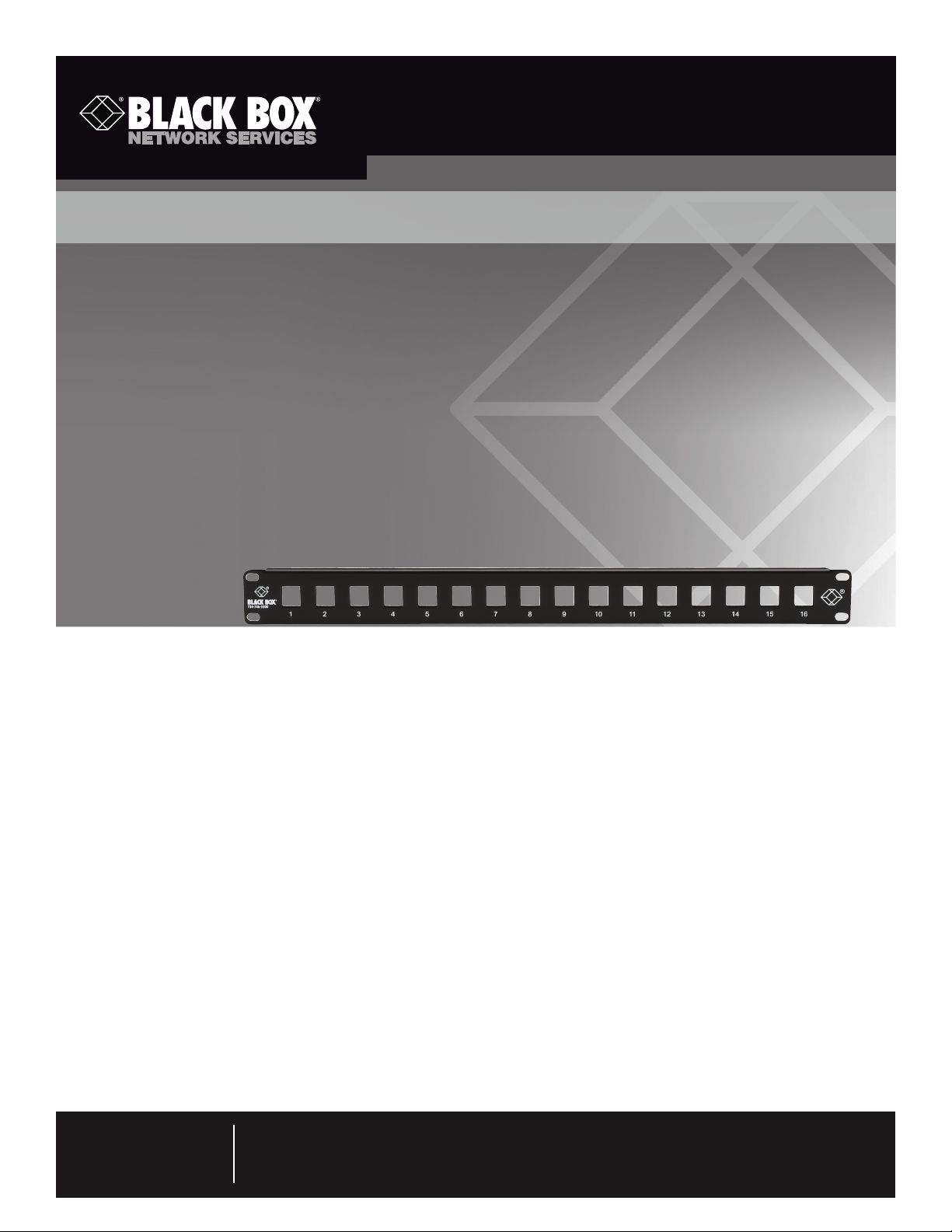
16-, 24-, 36-, or 48-Port High-Density Multimedia Patch Panel
Provides multiple applications in one easy-to-secure,
high-density panel.
• Supports UTP, STP, fiber, and S-Video applications.
• Flexible and modular; high-density design enables optimum use of rack space.
Specifications
Number of Ports — JPMT1016A: 16; JPMT1024A: 24;
JPMT1036A: 36; JPMT1048A: 48
Size — JPMT1016A, JPMT1024A, JPMT1036A:
1.75"H (1U) x 19"W x 0.4"D (4.4 x 48.3 x 1.1 cm);
JPMT1048A: 3.5"H (2U) x 19"W x 0.4"D (8.9 x 48.3 x 1.1 cm)
Weight — JPMT1016A: 0.98 lb. (0.45 kg);
JPMT1024A: 0.89 lb. (0.4 kg);
JPMT1036A: 0.74 lb. (0.34 kg);
JPMT1048A: 1.77 lb. (0.81 kg)
Overview
The High-Density Multimedia Patch Panels are used for highdensity applications that have multiple media-type connections
in one panel. These panels accept GigaTrue2, GigaBase2, CAT3,
and USOC modular jacks, and GigaStation2 snap fittings. They
install in a standard 19" rack.
NOTE: The GigaStation2 MT-RJ snap fittings will only work with
the 16-port model (JPMT1016A).
What’s Included
Your package should include the following items. If anything
is missing or damaged, please contact Black Box at
724-74 6-550 0.
• (1) unloaded adapter panel
• (4) #12-24 cuphead Phillips screws
• (4) #10-32 cuphead Phillips screws
• This user’s manual
Assembly Instructions
1. Terminate the individual jacks and snap fittings using the
instruction sheets supplied with those products.
2. Insert the terminated jacks or snap fittings into the unloaded
adapter panel. See Figure 1.
Customer
Support
Information
Order toll-free in the U.S.: Call 877-877-BBOX (outside U.S. call 724-746-5500)
FREE technical support 24 hours a day, 7 days a week: Call 724-746-5500 or fax 724-746-0746
Mailing address: Black Box Corporation, 1000 Park Drive, Lawrence, PA 15055-1018
Web site: w ww.blackbox.com • E-mail: info @blackbox.com
Page 2
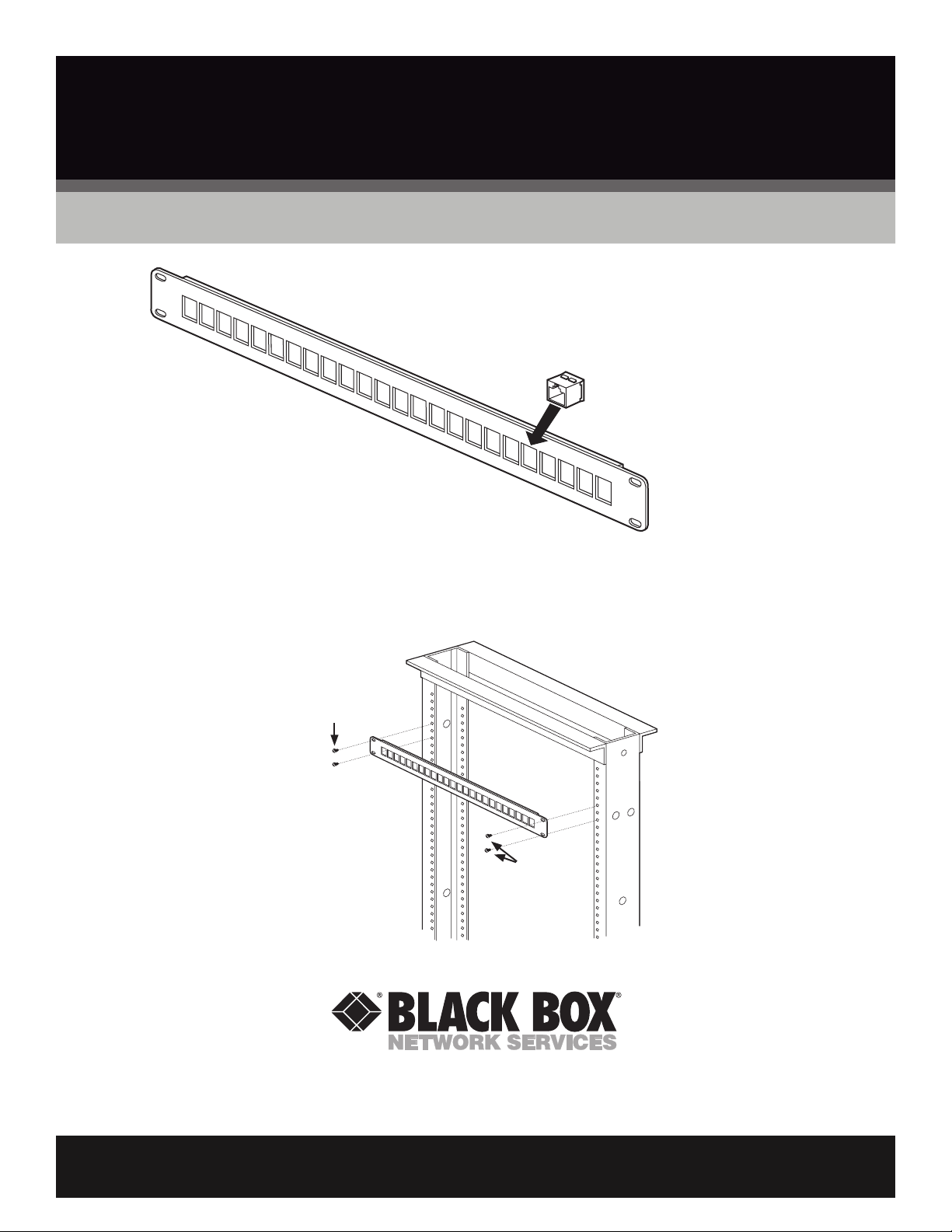
GigaTrue2, GigaBase2, CAT3,
or USOC modular jack
24-Port High-Density Multimedia
Patch Panel (JPMT1024A)
Figure 1. Installing the jacks or snap fittings into the patch panel.
3. Mount the panels in a standard 19" relay rack using the supplied hardware. See Figure 2.
#12-24 or #10-32
cuphead Phillips
screws
24-Port High-Density
Multimedia Patch Panel
(JPMT1024A)
#12-24 or #10-32
cuphead Phillips
screws
19" rack
Figure 2. Installing the patch panel onto a rack.
© Copyright 2011. Black Box Corporation. All rights reserved. Printed in U.S.A. Black Box® and the Double Diamond logo are registered trademarks of BB Technologies, Inc. Any third-party
trademarks appearing in this manual are acknowledged to be the property of their respective owners.
JPMT1016A , version 2
FREE, live, 24/7 Tech Support is just 30 seconds away.
724-746-5500 | blackbox.com
 Loading...