

Page 1
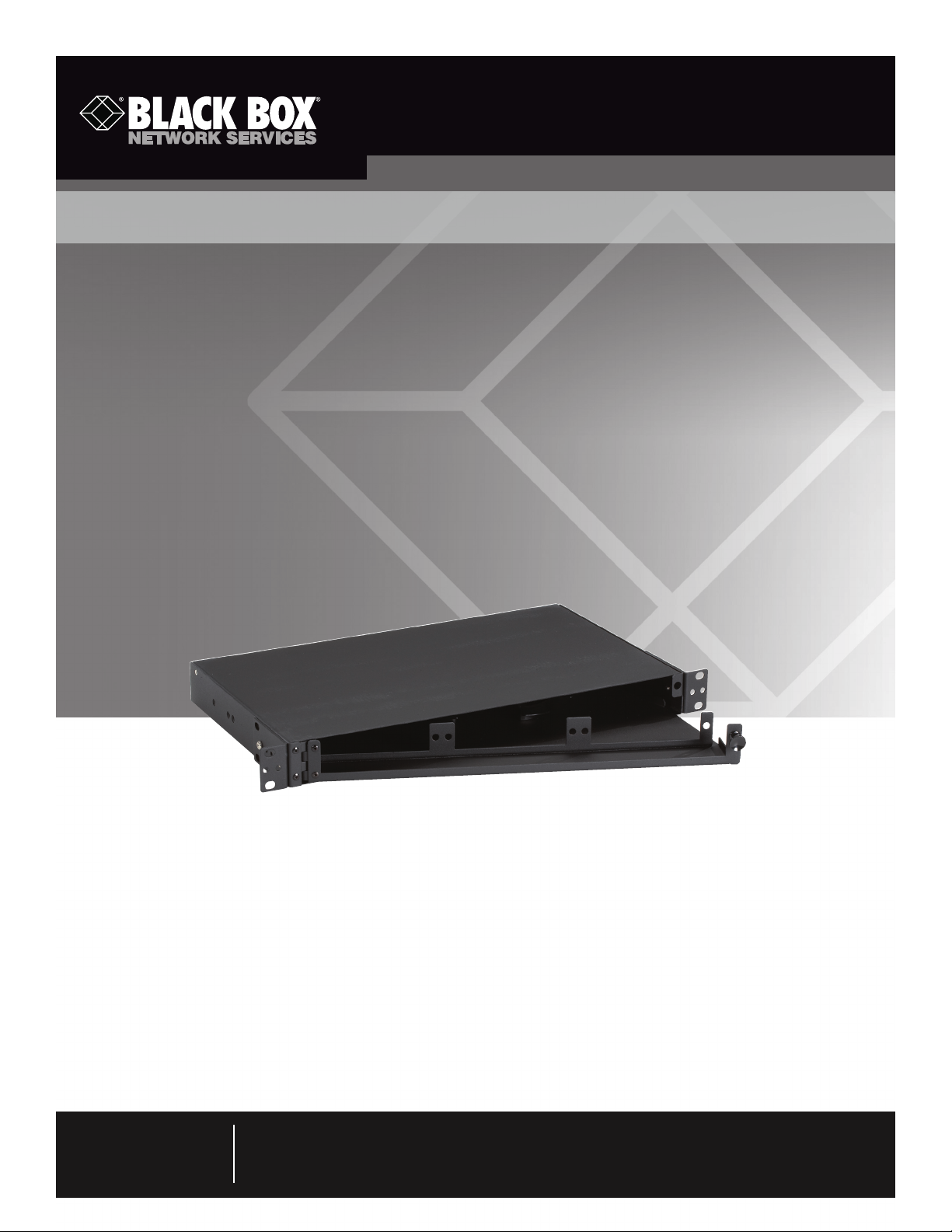
JPM407A-R5
Rackmount Fiber Shelf, 3-Adapter, 1U
Use this 1U enclosure where you have limited rack
or cabinet space.
Provides termination for optical cables on the premises or in a central office.
JPM407A-R5
Customer
Support
Information
Order toll-free in the U.S.: Call 877-877-BBOX (outside U.S. call 724-746-5500)
FREE technical support 24 hours a day, 7 days a week: Call 724-746-5500 or fax 724-746-0746
Mailing address: Black Box Corporation, 1000 Park Drive, Lawrence, PA 15055-1018
Web site: w ww.blackbox.com • E-mail: info @blackbox.com
Page 2

Rackmount Fiber Shelf, 3-Adapter, 1U
1. Specifications
Capacity — Supports (3) fiber adapters; fit in 19" or 23" racks
Construction — 16-gauge cold-rolled steel
Size — 1.73"H x 16.9"W x 11"D (4.4 x 42.9 x 27.9 cm)
Weight — 11.5 lb. (5.2 kg)
2. Introduction
The Rackmount Fiber Shelf is 1U high and accepts three adapter panels. (Fiber adapter panels have either 6 or 12 connectors,
depending on the panel, for a total of 18 to 36 ports.) They provide termination for optical cables on the premises or in a central
office.
The shelf is constructed of 16-gauge steel housing and is compact and rugged enough for commercial applications. Its powdercoated finish is corrosion resistant.
Since the shelf is only one rack unit (1U) high, the swing-out tray provides access for testing, removing, adding, or replacing a fiber
adapter panel. It’s ideal for fiber installations where space is limited. The shelf has two openings in the back for cable access and a
rear bar that supports cable ties.
Your package should include the following items:
• (1) Rackmount Fiber Shelf, 3-Adapter, 1U
• (4) 10-32 cuphead screws
• (4) 12-24 cuphead screws
• (4) 4-inch (10.2-cm) cable ties
• (30) 3-inch (8.5-cm) cable ties
• (1) red “danger” sticker that warns you of laser hazard
• (6) 1" (2.5-cm) stick-on rectangular cable holders
• (1) pair of black spool rings for cable management (installed)
• (1) extra locking button
• This user’s manual
3. Installation
DANGER: Do not view the fiber ends if the laser is illuminated. Eye damage may result. An unmated connector may emit invisible
laser radiation. Visually test with white light only!
1. The shelf is shipped with three screws installed on the sides for the front rackmounting position. Either keep these in this
position or move them to the middle or back positions to suit your application.
2. Using the included 10-32 or 12-24 cuphead screws, mount the shelf in a 19" or 23" rack.
3. Pull the button on the front right of the shelf to release the tray.
4. Install the fiber adapters in the three slots on the pull-out tray.
NOTE: The shelf supports three 6- or 12-port fiber adapters. One or two splice trays (part number RM440A, not included) are
optional. Two splice trays support a total of up to 48 fibers.
5. Route multipair distribution fiber cable through the opening in the back of the shelf.
®
6. Once you pull the cable through the opening in the shelf, use the cable ties or Kevlar
trunk in place. Make sure you strip back enough fiber to wrap around the black spool rings.
Page 2
724-746-5500 | blackbox.com
clamps to hold the distribution fiber
JPM407A-R5
Page 3
Rackmount Fiber Shelf, 3-Adapter, 1U
7. Use the included 3" and 4" cable ties to secure the cable to the back plate.
8. Attach the “danger” sticker (see the DANGER note on the previous page) to the outside top of the shelf.
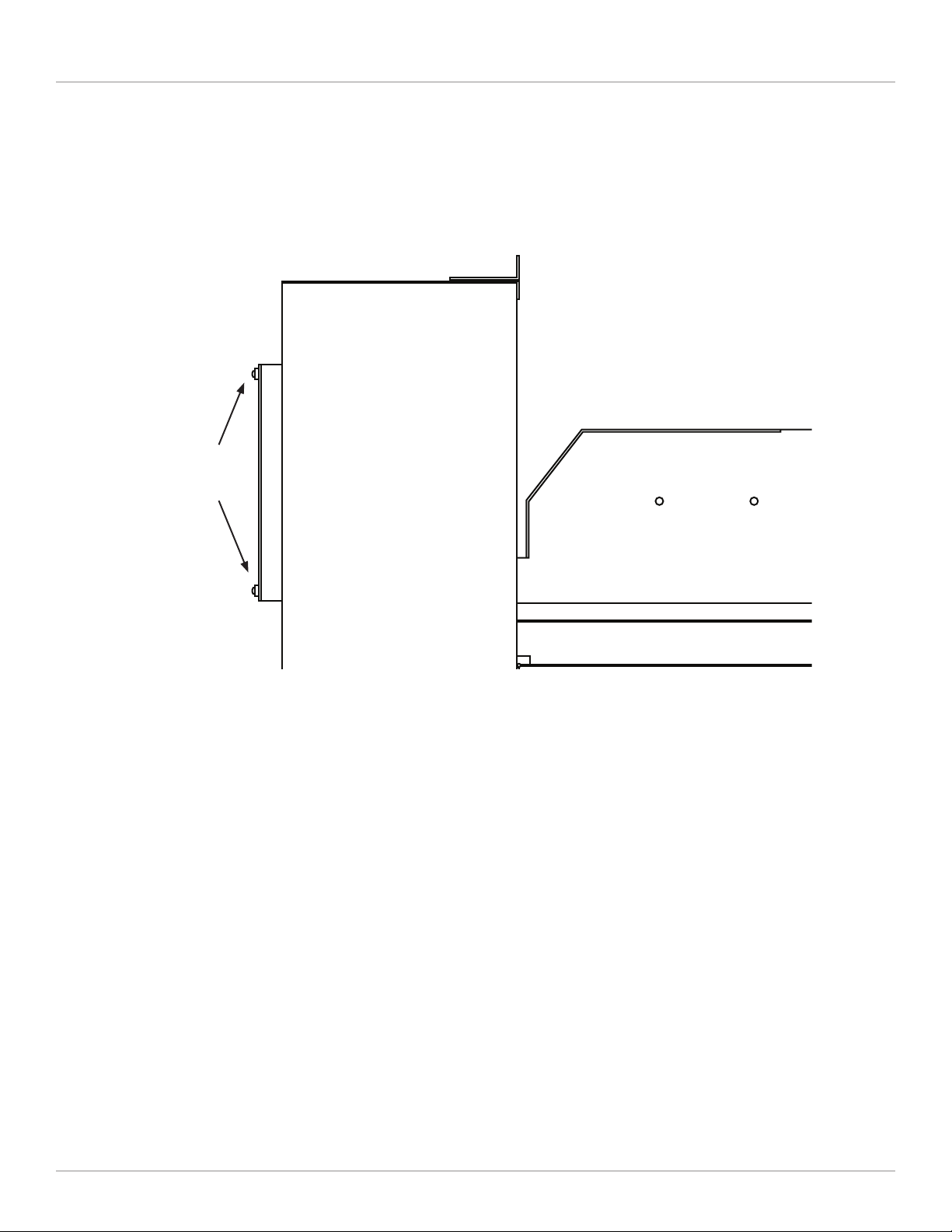
Kevlar®
clamps
Figure 1. Rackmount Fiber Shelf with tray open.
9. Terminate the multipair fiber cable and connect it to the fiber adapters. See Figure 2.
JPM407A-R5
Page 3
Page 4

Kevlar clamps
(3) 6-panel
fiber adapters
shown in this
diagram
Figure 2. Wiring diagram.
About Black Box
Black Box provides an extensive range of networking and infrastructure products. You’ll find everything from cabinets and racks
and power and surge protection products to media converters and Ethernet switches all supported by free, live 24/7 tech support
available in 30 seconds or less.
© Copyright 2012. Black Box Corporation. All rights reserved. Black Box® and the Double Diamond logo are registered trademarks of BB Technologies, Inc.
Kevlar is a registered trademark of du Pont de Nemours and Company. Any third-party trademarks appearing in this manual are acknowledged to be the
property of their respective owners.
JPM407A-R5, ver sion 1
724-746-5500 | blackbox.com
 Loading...