

Page 1
IC830A & IC831A - 0610 pg. 1 / 2 pn#8023-rev001
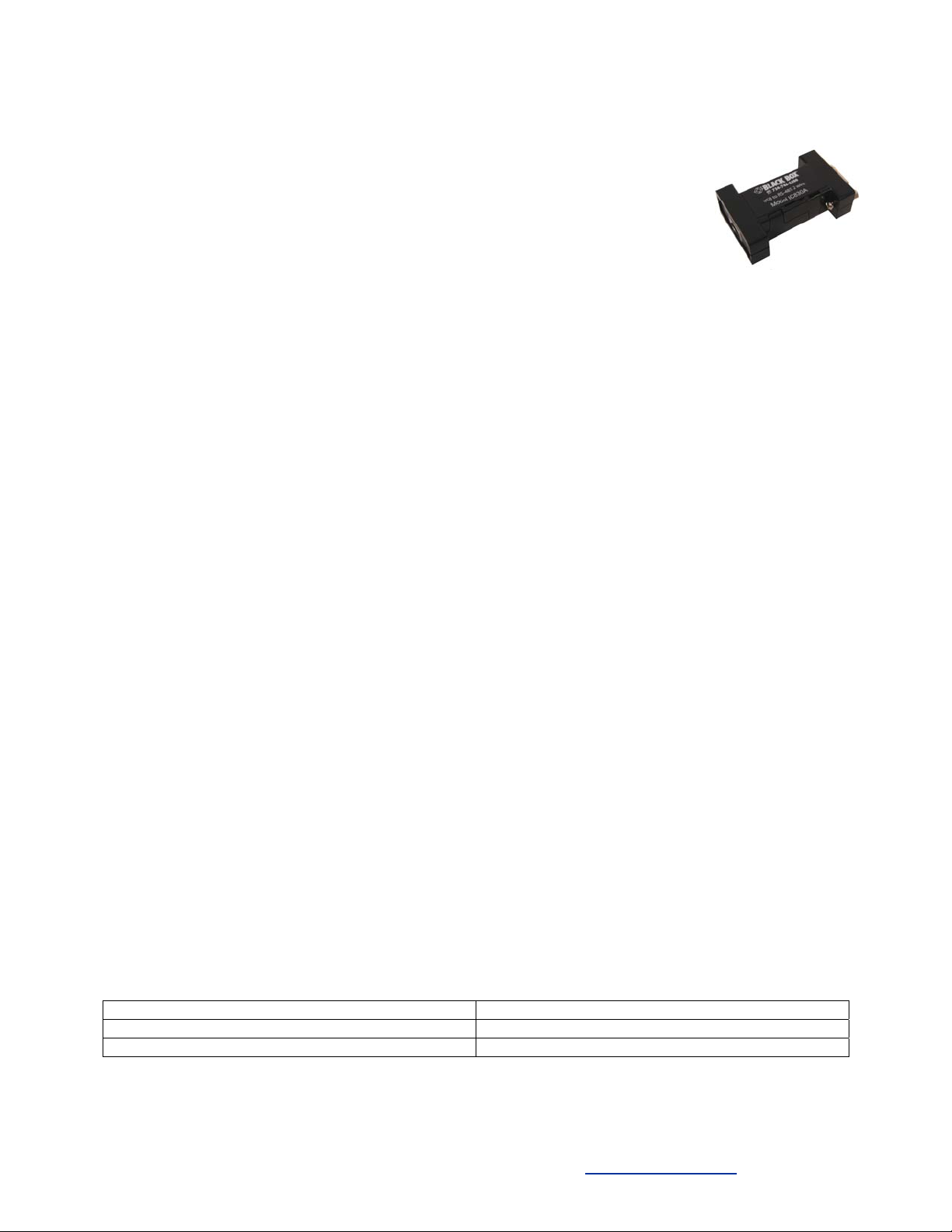
Model IC830A & IC831A
USB to RS-485 Mini-Converter
Features
• Connects an RS-485 2-Wire or 4-Wire device to your USB Port
• USB Port Powered
• USB 2.0 Compatible
• RS-485 Data Rates up to 921.6 kbps
• Automatic Configuration on Windows 2000, XP, Vista & Windows 7
Functional Description
Universal Serial Bus (USB) has become the connectivity workhorse of today’s PCs, replacing the familiar serial
ports. However, many commercial and industrial devices still use the RS-485 interface. To connect these devices
to modern PCs, you need a simple and reliable conversion solution. The IC830A and IC831A offer this solution in
a space saving, USB Port powered package. Simply plug the converter into an available USB port on your
computer or USB hub and install the drivers supplied on CD ROM. The device will show up as an additional COM
port in the Windows Device Manager which is fully compatible with your Windows applications. A one-meter USB
cable is included
Operation
• Drivers are included on the Compact Disk included with the converter. Simply connect the converter to an
available USB port and insert the CD into the drive. The “Found New Hardware Wizard” will guide you
through the installation process. The drivers are not available via Microsoft Windows Updates. When
prompted to connect to Windows Updates to search for drivers, select “No, not at this time” and follow the
instructions for installing from the CD.
• When the driver software is installed, the converter will show up in Windows Device Manager as the next
available COM port labeled “RS-485 Port.” Configure the COM port for your application. The default
setup is 9600 baud, 8 data bits, no parity, 1 stop bit, no flow control. The converter will also be listed
under USB Controllers.
• To uninstall the drivers, follow the instructions contained in the uninstall “read me” file.
• Use the IC830A for RS-485 2-Wire systems. In the 2-Wire configuration, the receiver toggles with the
transmit data. Bias is provided by 4.7 KΩ pull-up and pull-down resistors.
• Use the IC831A for RS-485 4-Wire systems. In the 4-Wire configuration, the receiver is always active.
Bias is provided by 4.7 KΩ pull-up and pull-down resistors on the receive pair. Bias should be provided on
the transmit pair by the end of line slave device.
• In most applications, termination is not required. If your application does require termination, it must be
installed external to the converter.
Ordering Information
Model Number Description
IC830A USB to RS-485 2-Wire Converter
IC831A USB to RS-485 4-Wire Converter
Black Box Corporation - 1000 Park Drive - Lawrence, PA 15055-1018
Tech Support and Ordering: 724-746-5500 - Fax: 724-746-0746
To contact us about Black Box products or services:
Page 2
IC830A & IC831A - 0610 pg. 2 / 2 pn#8023-rev001
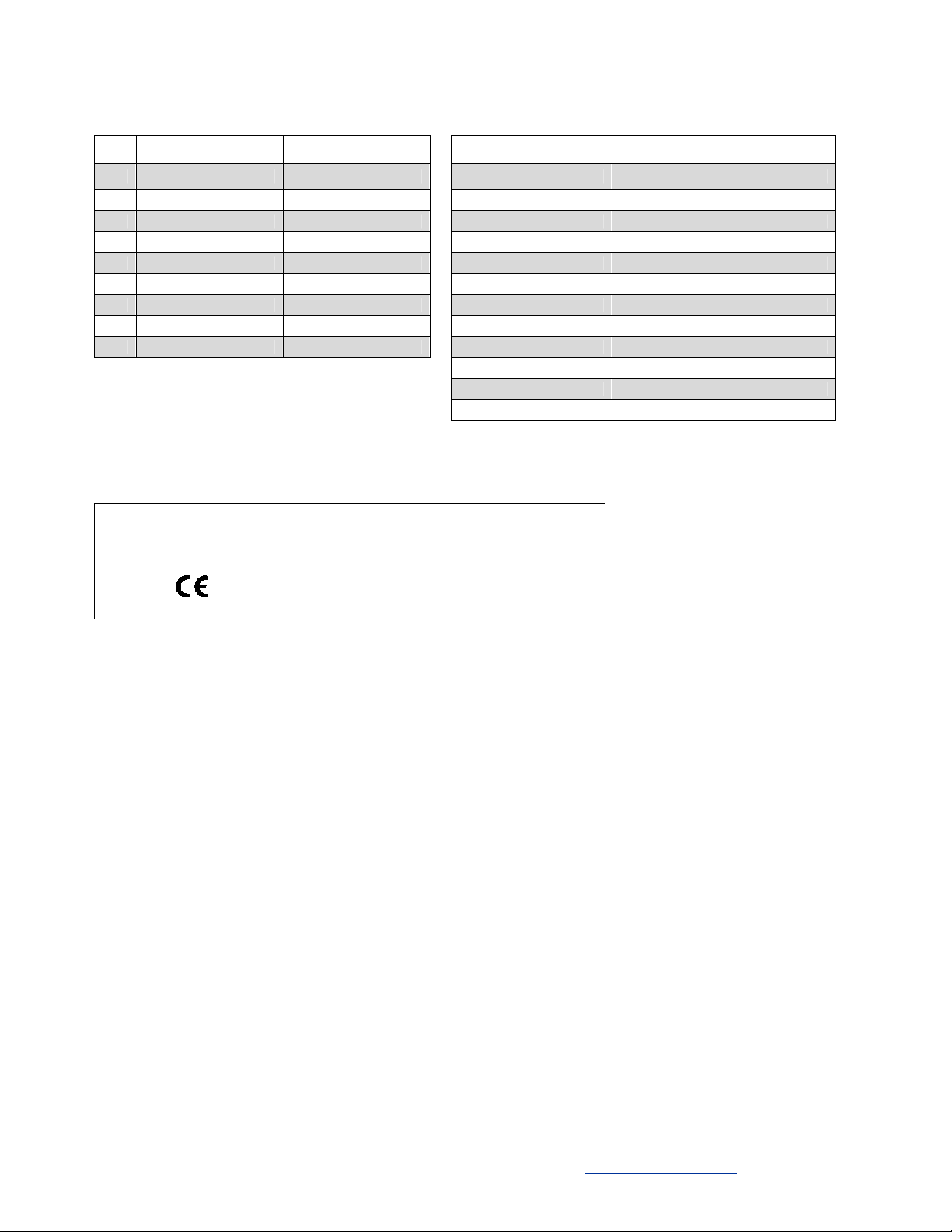
Table 1
DB9F Pin-out
PIN IC830A IC831A Input Power 5VDC from USB Port
1 Not Used Not Used Current Draw Lower Power Device (<100 mA)
2 Data - RDA (-) Operating Temperature -40 to 176 °F (-40 to 80 °C)
3 Data + TDB (+) Operating Humidity 0 to 95% Non-condensing
4 Ground Ground USB Connector USB type B Female
5 Not Used Not Used RS-485 Connector DB9 Female
6 Ground Ground USB Data Rate 12 Mbps
7 Data + RDB(+) RS-485 Data Rate 921.6 kbps
8 Data - TDA (-) USB Standard 2.0 (Backward Compatible)
9 Not Used Not Used Dimensions 2.3 x 1.3 x .6 in (5.8 x 3.2 x 1.6 cm)
MTBF (IC830A) 2130833 hours
MTBF (IC831A) 1869313 hours
Approvals CE, FCC
CE Declaration of Conformity
Model Number: IC830A and IC831A
Description: USB to RS-485 Converter
Type: Light Industrial ITE Equipment
Application of Council Directive: 89/336/EEC
Standards: EN55022
EN 61000-6-1
EN 61000 (-4-2, -4-3, -4-4, -4-5, -4-6, -4-8, -4-11)
General Specifications
Black Box Corporation - 1000 Park Drive - Lawrence, PA 15055-1018
Tech Support and Ordering: 724-746-5500 - Fax: 724-746-0746
To contact us about Black Box products or services:
 Loading...