

Page 1
Connect an ordinary PC
to a high-speed sync modem.
Connect an ordinary PC
to a high-speed sync modem.
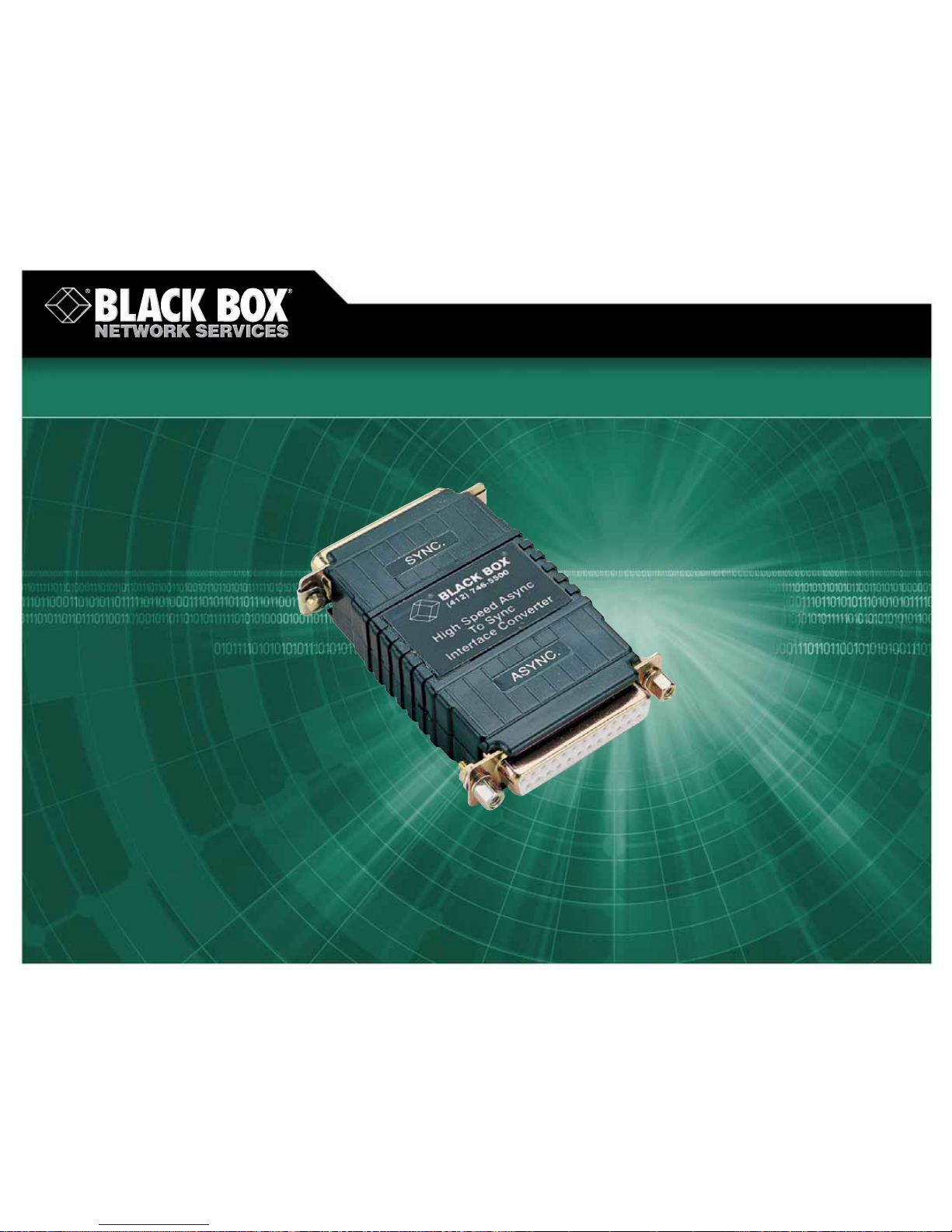
High-Speed Async to Sync Interface Converter
© 2007. All rights reserved. Black Box Corporation.
FREE 24-hour Tech Support: 724-746-5500
blackbox.com
Page 2
2 of 2
9/21/2007
#14113
724-746-5500 blackbox.com
FEA TURES
• Plugs directly into any ordinary async
DTE—PC or terminal.
• Needs no AC power or batteries—
draws power from the data and
control signals.
• Conforms to V.14 and V.22 standards.
• Runs at speeds from 19.2 to 64 kbps.
• Accepts character lengths to 11 bits.
• Uses external clocking.
Get WAN data-transfer speeds for your async PCs or terminals with
the High-Speed Async to Sync Interface Converter .
OVERVIEW
With the High-Speed Async to Sync Interface Converter,
asynchronous PCs can communicate with synchronous modems
or multiplexors at speeds from 19.2 kbps to 64 kbps.
Your PC can take advantage of a high-speed synchronous
link—the same fast, reliable data transfer you use for your highend applications. Put your PCs or terminals on the WAN, and get
WAN speed for your data transfer .
Just plug in one of these converters at your local end, and
another one at the remote end. The converter plugs directly into
a local asynchronous DTE (terminal, PC, etc.) and connects that
DTE, via straight-through-pinned RS-232 cable, to a synchronous
DCE. The converter is designed to be used in pairs.
Transfer files in bulk, or run time-sensitive applications that
wouldn’t be possible with an ordinary async modem link.
The converter ensures that the asynchronous data rate
matches the synchronous data rate by automatically compensating for variations between the two (-2.5% to +1% or +2.3%).
Since it gets its power from the interface, the converter
doesn’t need AC power or batteries. It derives its power from
either the sync or async side.
Installation is simple. Plug the converter directly into the PC
or terminal, then run a standard DB25 cable to the sync modem.
That’s all there is to it.
And once it’s installed, it keeps on working. With a mean time
between failures of more than 45 years, the converter might be
the most reliable piece of equipment in your system.
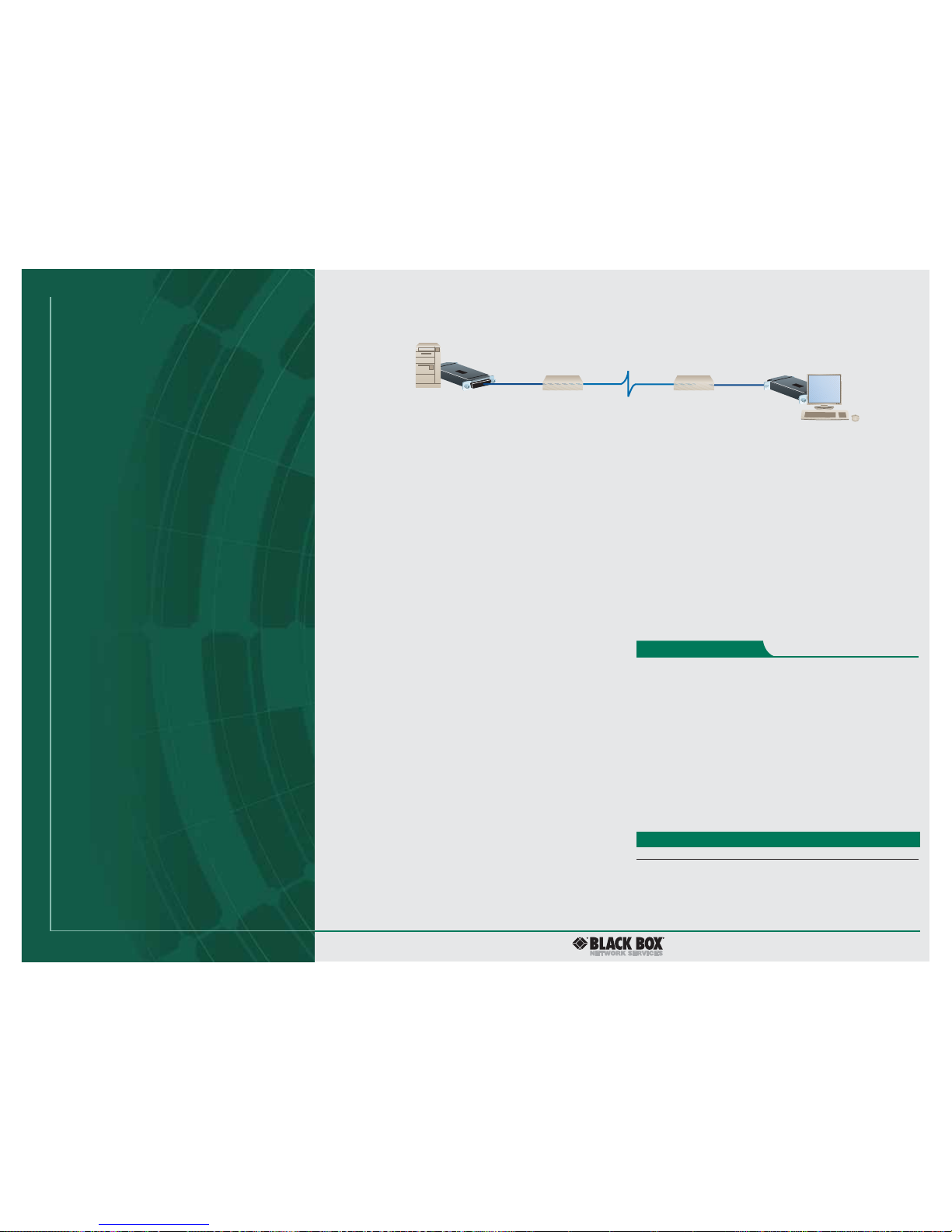
In a typical application, you’d connect async DTEs at opposite
ends of a sync link together via a pair of High-Speed Async to
Sync Interface Converters.
Async DTE
Async DTE
Sync DCE
High-Speed Async
to Sync Interface
Converter
High-Speed Async
to Sync Interface
Converter
Sync DCE
TECH SPECS
Speed — 19.2 to 64 kbps
Clocking — External from modem or multiplexor
Buffer — 4-bit override empties buffers before dropping RTS for use
in apolling environment
Operation — Half- or full duplex
Standards — V.14, V.22
Character Size — Up to 11 bits long
Mean Time Between Failure — 395,538 hours (more than 45 years!)
User Controls — (3) DIP switches: SW1-1 and SW1-2 for character length;
SW1-3 matches port signaling rates
Interface — RS-232
Connectors — Async: (1) DB25 female;
Sync: (1) DB25 male
Indicators — None
Temperatur e Tolerance —32 to 140°F (0 to 60°C)
Humidity Tolerance —Up to 95%, noncondensing
Altitude — Up to 15,000 feet (4572 m)
Power — No external power supply required; derives power from the
connected sync or async device
Size — 3.2"H x 2"W x 0.75"D (8.1 x 5.1 x 1.9 cm)
Weight — 2 oz. (56.7 g)
Item Code
High-Speed Async to Sync Interface Converter IC558A
You might also need cable…
RS-232 Extended-Distance/Quiet Cable, 25-Conductor,
10-ft. (3-m) EMN25C-0010
(You must specify the gender when ordering cable. For other
lengths or conductors, call our FREE Tech Support.)
The converter has three DIP switches:
• SW1-1 and SW1-2 set the character length. These two
switches operate jointly. The asynchronous character length
setting is determined by combining the number of start,
stop, data, and parity bits that make up each character
generated by the asynchronous DTE.
• SW1-3 matches the signaling rates of the asynchronous
and synchronous ports. When SW1-3 is set to OFF, the
asynchronous bit rate must match the synchronous clock
rate to a tolerance of -2.5% to +1%. When the switch SW13 is set to ON, the asynchronous bit rate must match the
synchronous clock rate to a tolerance of -2.5% to 2.3%.
Technically Speaking
 Loading...