

Page 1
OCTOBER 2007
AC247A
PS/2 Keyboard and Mouse
Emulation Device
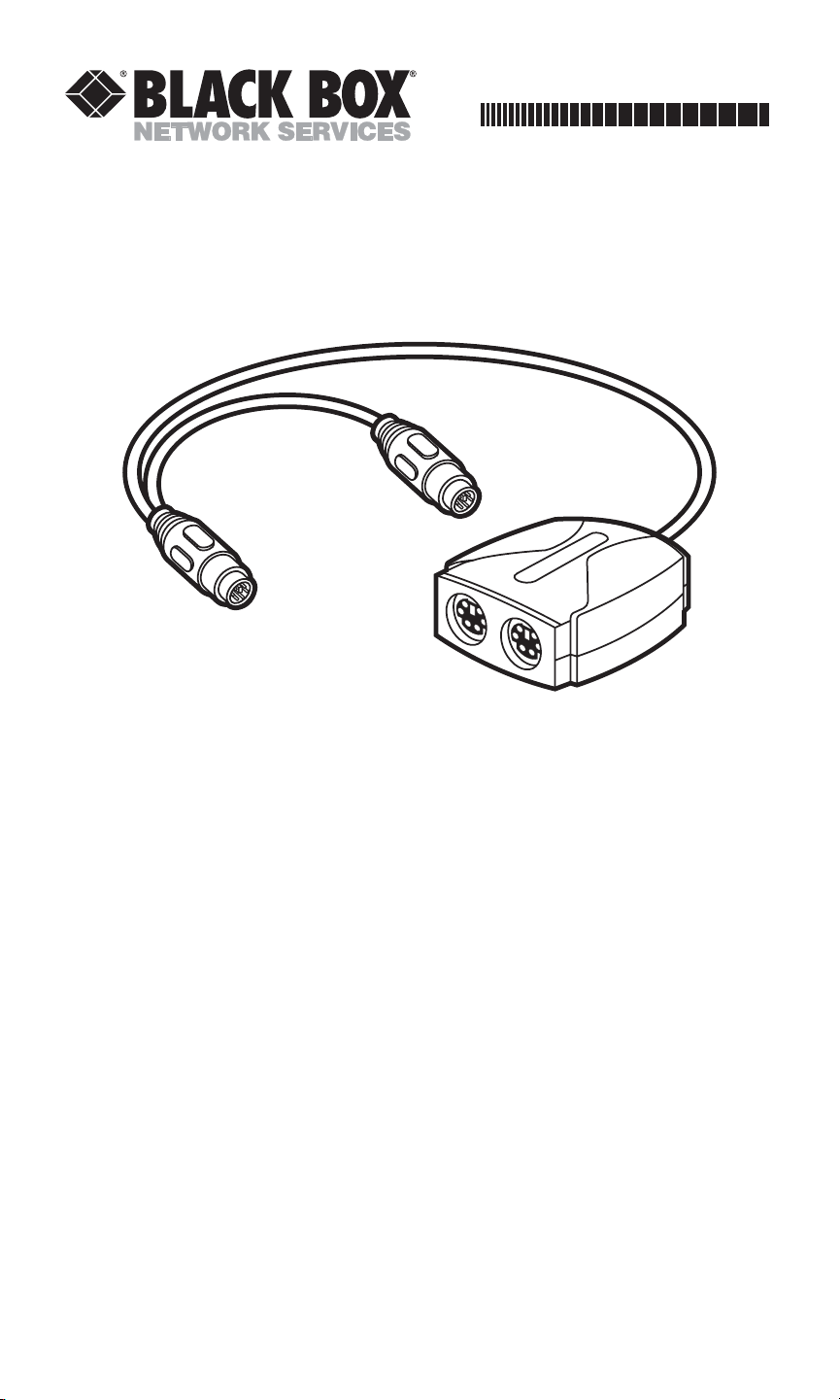
Once you plug a PS/2 Keyboard and Mouse Emulation Device (our product
code AC247A) into an IBM
®
PS/2®compatible computer, the emulation device
mimics the responses of a keyboard and PS/2 mouse. When you power up the
PC, it will boot and operate successfully without a keyboard or mouse attached.
Plug a keyboard and mouse into the emulation device when you need to
control the computer; the device will pass the data through to the computer.
This adds a measure of security to your system, making accidental use of the
computer impossible and purposeful misuse more difficult.
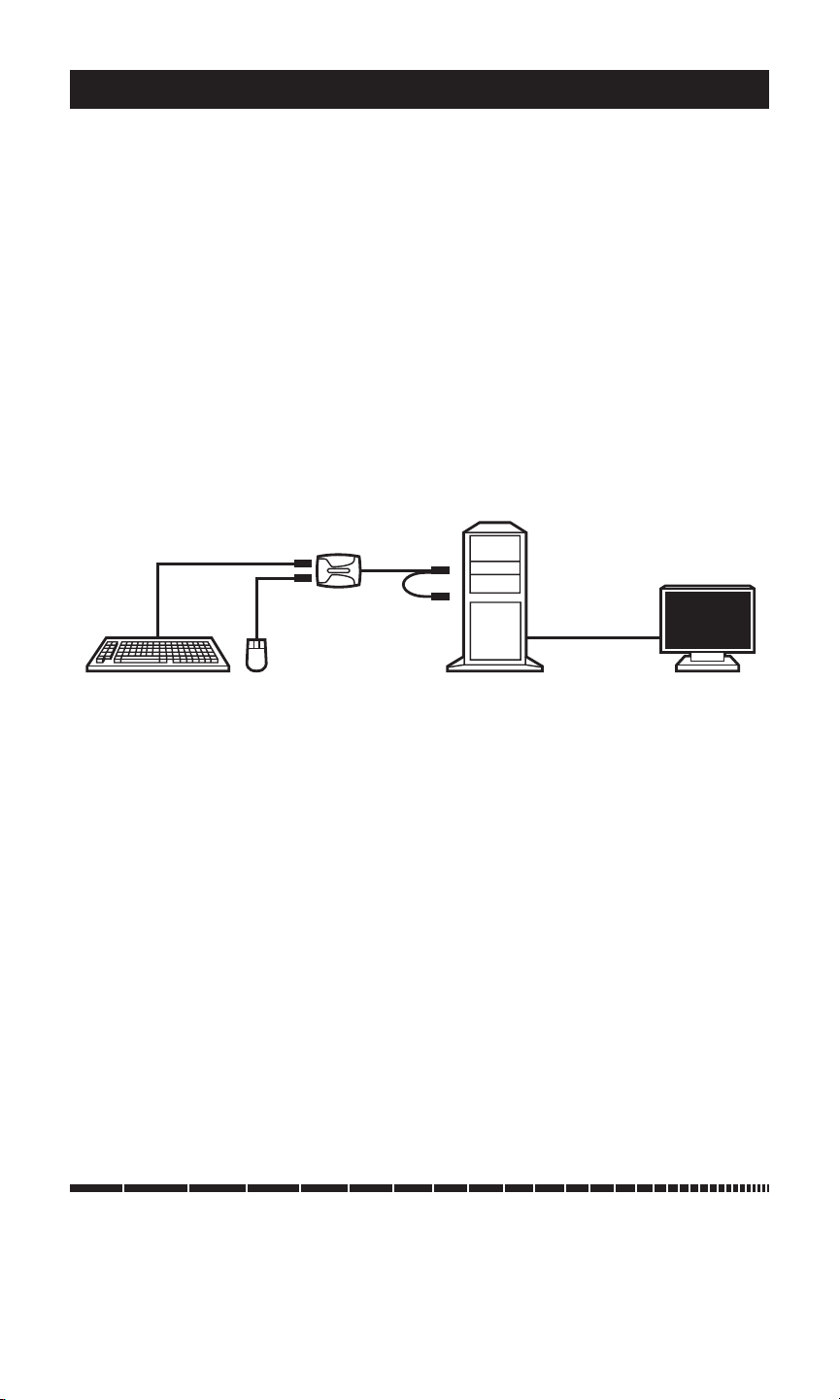
To install the Keyboard and Mouse Emulation Device, take these steps,
referring to the figure on the reverse:
1. Make sure the computer is turned off and unplugged, and that nothing is
attached to its keyboard or mouse ports. (The monitor’s video cable
should be attached to the computer’s video port.)
2. There are two short cables with 6-pin mini-DIN male connectors attached
to the emulation device. Plug the cable labeled with the keyboard symbol
(color-coded PC99 purple) into the computer’s 6-pin mini-DIN female
keyboard port. Note that if you only need to emulate the mouse, the
device gets its power from the keyboard interface, not the mouse interface,
so you still must make this keyboard connection.
3. Plug the device cable labeled with the mouse symbol (color-coded PC99
green) into the computer’s 6-pin mini-DIN female PS/2 mouse port.
Page 2
PS/2 KEYBOARD AND MOUSE EMULATION DEVICE
Order toll-free in the U.S.: Call 877-877-BBOX (outside U.S. call 724-746-5500)
FREE technical support, 24 hours a day, 7 days a week: Call 724-746-5500 or fax 724-746-0746
Mailing address: Black Box Corporation, 1000 Park Drive, Lawrence, PA 15055-1018
Web site: www.blackbox.com • E-mail: [email protected]
CUSTOMER
SUPPORT
INFORMATION
© Copyright 2007. Black Box Corporation. All rights reserved.
PS/2 Keyboard and Mouse
Device (plug into the PC’s
keyboard and mouse ports)
Monitor (plug
directly into the
PC’s video-
output port)
IBM PS/2
Compatible PC
Optional Keyboard and
Mouse (plug into the
keyboard and mouse
ports on the device)
An installed PS/2 Keyboard and Mouse Emulation Device.
4. Power up the computer. The PS/2 Keyboard and Mouse Device should
begin operating immediately from the DC voltage on the computer’s
keyboard port.
At any time, you can connect a keyboard to (and later disconnect it from)
the device’s 6-pin mini-DIN female keyboard port (labeled with a keyboard
symbol that’s color-coded PC99 purple) to send keyboard input to the
computer. Similarly, you can at any time plug a mouse into, and unplug it from,
the device’s mouse port (labeled with a mouse symbol that’s color-coded PC99
green) to send mouse input to the computer.
1000 Park Drive • Lawrence, PA 15055-1018 • 724-746-5500 • Fax 724-746-0746
TRADEMARKS USED IN THIS MANUAL
BLACK BOX and the Double Diamond logo are registered trademarks of BB
Technologies, Inc.
IBM and PS/2 are registered trademarks of International Business Machines
Corporation.
Any other trademarks mentioned in this manual are acknowledged to be the property of the
trademark owners.
 Loading...