

Page 1

SEVEN STARS
Big Dipper Laser Science And Technology Co., Ltd
REV: 1.01
8 EYES LE D BEAM LIGHT
USER MANUAL
Please read carefully before installing or operating
®
®
Page 2

8 EYES LED BEAM LIGHT User's Manual
Model:L015/L015N
1、 Pl ease read these operating inst r uc tions carefully to
familiarize you with basic operations of this unit BEFORE
USE.
2、 Without permitted, it is prohibited to spread the contents of
this manual to others.
3、 This m anua l is only to pro vide rela ted info rmati on, and the
contents of this manual will be changed at any time w ithout
notice.
Unless the instructions have a lread y stated , please do not
freely modified the unit。
All products made from Big Dipper Laser Company have
anti - fake identification. please verify the anti-counterfeit
label at the bottom of the case to ensure the interests of
consumers.
Page 1
Page 3
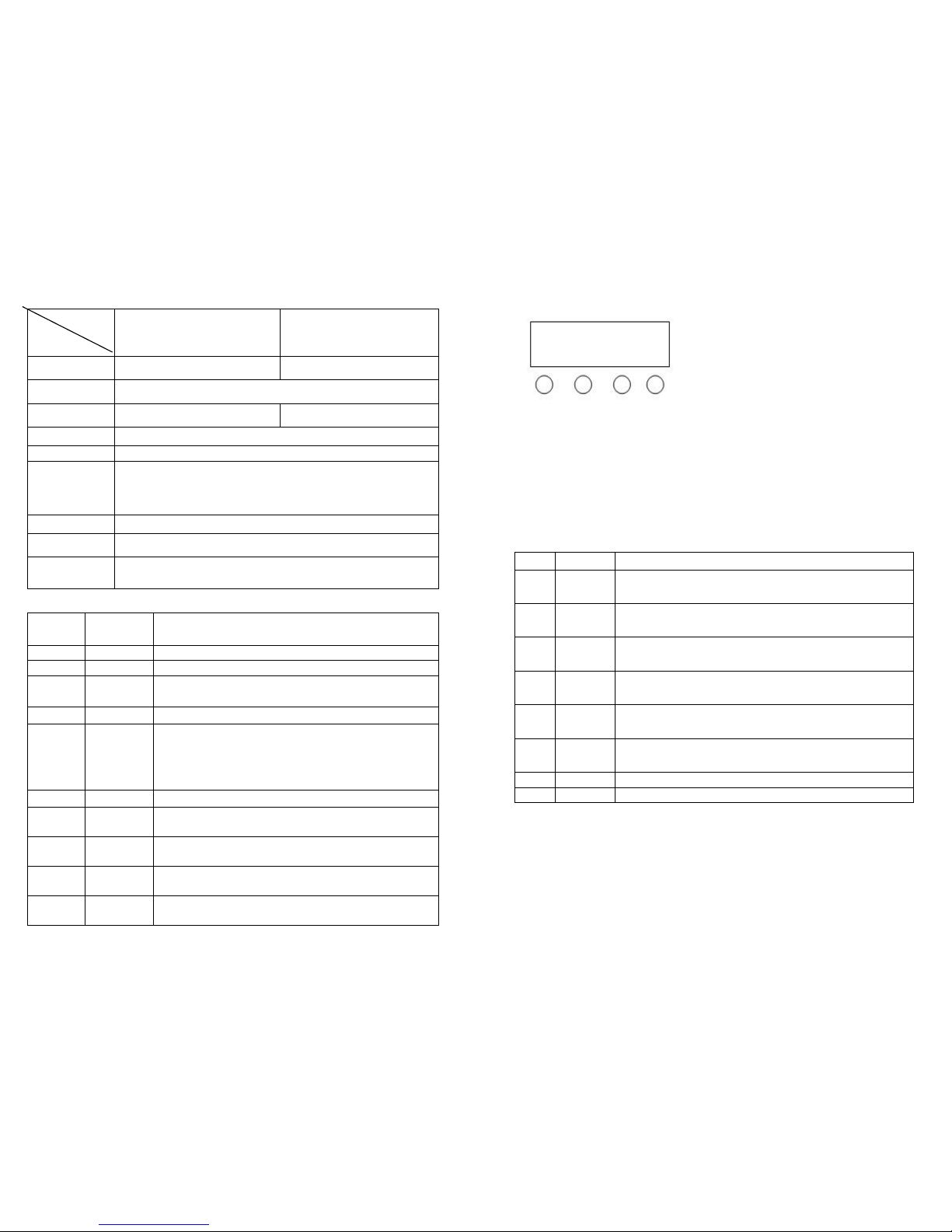
Technical Parameters
Mode
Parameters
L015 L015N
Light source 8pcs*12W 4in1 led (RGBW) 8pcs*8W 4in1 led (RGBW)
Power supply 100-240V/50-60HZ
Rating power 120W 90W
Play mode
Auto-running/Sound-activated/DMX/Mater-slave
DMX channel 10 or 38
Features
8 eyes beam effect light, consist of 8pcs 12W 4-in-1 high
brightness led source, Synthesizing colorful lighting change
through the basic RGBW chip
Dimensions 1065*143*89mm
N.W.
7.5KG S
Standard
configuration
Power cable
DMX512 10 Channel description
CH # Function Description
CH1
Motor
Displacement
CH 2
Motor
Speed
CH 3
Overall
dimming
R、G、B、W overall dimming,linear dimming,from
dark to bright
CH 4
Strobe
R、G、B、W Strobe,from slow to fast
CH 5
Function
choose
0--20:DMX 10 Channel control;21--70:jumping;
71--120:Shading;121--170:Pulse transform;
171--220:Running;221--240:Sound-activated 1;
241--255:Sound-activated 2
CH 6
Speed
Speed of function ,from slow to fast
CH 7
R
dimming
Red dimming,linear dimming,from dark to bright
CH 8
G
dimming
Green dimming,linear dimming,from dark to bright
CH 9
B
dimming
Blue dimming,linear dimming,from dark to bright
CH 10
W
dimming
White dimming,linear dimming,from dark to bright
Page 5
Key descriptions
MENU UP DOWN ENTER
Press menu to see 8 different modes and effects,the first two letters
represent the located function(ref. to the below function table),the last
two figures represent the address or speed of its function; Press up or
down to change the figures。Press enter to enter the mode
LED display window function table
No.
Display
Function Description
1 A001
10 channels address code,( 001—512)UP、DOWN key
change figures
2 D001
38c channels address code,( 001—512)UP、DOWN
key change figures
3 CC00
Colors jumping, (01—99)UP、DOWN key
changes jumping speed
4 CP00
Colors shading,( 01—99)UP、DOWN key changes
shading speed
5 DE00
Colors pulse transform, ( 01—99) UP 、DOWN
changes pulse transform speed
6 FF00
Running change, (01—99)UP、DOWN key changes
running speed
7
BEB1
Colors sound activated running change__1
8
BEB2
Colors sound activated running change__2
Press enter,all settings and functions will be saved. When restart, it displays
as saved
Page 2
Page 4
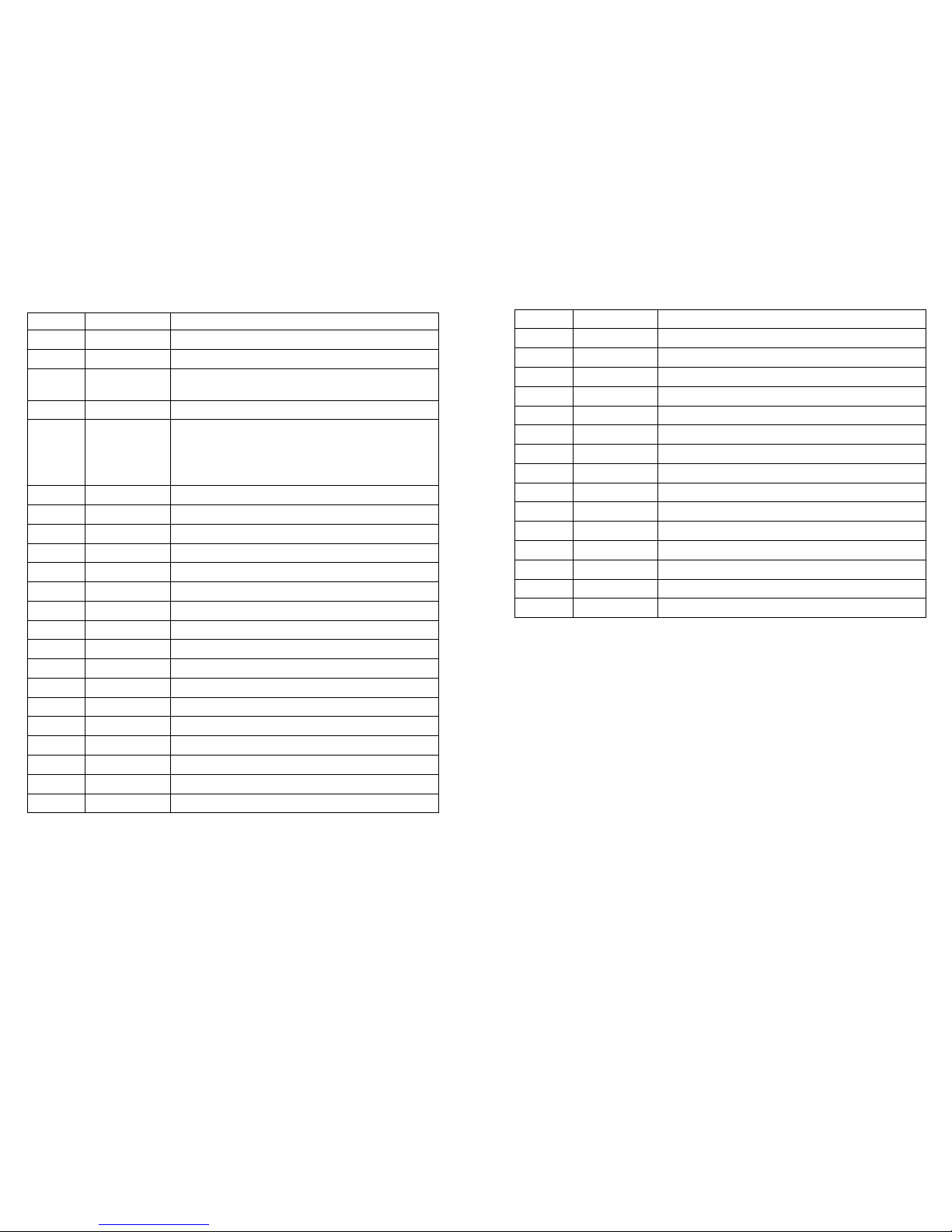
DMX512 38 Channel description
CH #
Function
Description
CH 1 Motor Displacement
CH 2
Motor Speed
CH 3
Overall
dimming
R、G、B、W overall dimming,linear dimming,
from dark to bright
CH 4
Strobe
R、G、B、W Strobe,from slow to fast
CH 5
Function
choose
0--20:DMX 38 Channel control;21--70:
jumping;71--120:Shading;121--170:Pulse
transform;171--220:Running;221--240:
Sound-activated 1;241--255:Sound-activated 2
CH 6
Speed
Speed of function ,from slow to fast
CH 7
R1 dimming
R1dimming,linear dimming,from dark to bright
CH 8
G1 dimming
G1 dimming,linear dimming,from dark to bright
CH 9 B1 dimming
B1 dimming,linear dimming,from dark to bright
CH 10
W1 dimming
W1 dimming,linear dimming,from dark to bright
CH 11 R2 dimming
R2 dimming,linear dimming,from dark to bright
CH 12
G2 dimming
G2 dimming,linear dimming,from dark to bright
CH 13
B2 dimming
B2 dimming,linear dimming,from dark to bright
CH 14 W2 dimming
W2 dimming,linear dimming,from dark to bright
CH 15
R3 dimming
R3 dimming,linear dimming,from dark to bright
CH 16 G3 dimming G3 dimming,linear dimming,from dark to bright
CH 17
B3 dimming
B3 dimming,linear dimming,from dark to bright
CH 18 W3 dimming W3 dimming,linear dimming,from dark to bright
CH 19
R4 dimming
R4 dimming,linear dimming,from dark to bright
CH 20
G4 dimming
G4 dimming,linear dimming,from dark to bright
CH 21 B4 dimming B4 dimming,linear dimming,from dark to bright
CH 22
W4 dimming
W4 dimming,linear dimming,from dark to bright
Page 3
Page 4
CH 23
R5 dimming
R5 dimming,linear dimming,from dark to bright
CH 24 G5 dimming G5 dimming,linear dimming,from dark to bright
CH 25
B5 dimming
B5 dimming,linear dimming,from dark to bright
CH 26
W5 dimming
W5 dimming,linear dimming,from dark to bright
CH 27 R6 dimming R6 dimming,linear dimming,from dark to bright
CH 28
G6 dimming
G6 dimming,linear dimming,from dark to bright
CH 29 B6 dimming B6 dimming,linear dimming,from dark to bright
CH 30
W6 dimming
W6 dimming,linear dimming,from dark to bright
CH 31
R7 dimming
R7 dimming,linear dimming,from dark to bright
CH 32 G7 dimming G7 dimming,linear dimming,from dark to bright
CH 33
B7 dimming
B7 dimming,linear dimming,from dark to bright
CH 34 W7 dimming W7 dimming,linear dimming,from dark to bright
CH 35
R8 dimming
R8 dimming,linear dimming,from dark to bright
CH 36 G8 dimming G8dimming,linear dimming,from dark to bright
CH 37
B8 dimming
B8 dimming,linear dimming,from dark to bright
CH 38
W8 dimming
W8 dimming,linear dimming,from dark to bright
 Loading...