

Page 1
BFBS TechniSat Quick Start Guide
Page 1 of 4 23-8-12
Unpacking
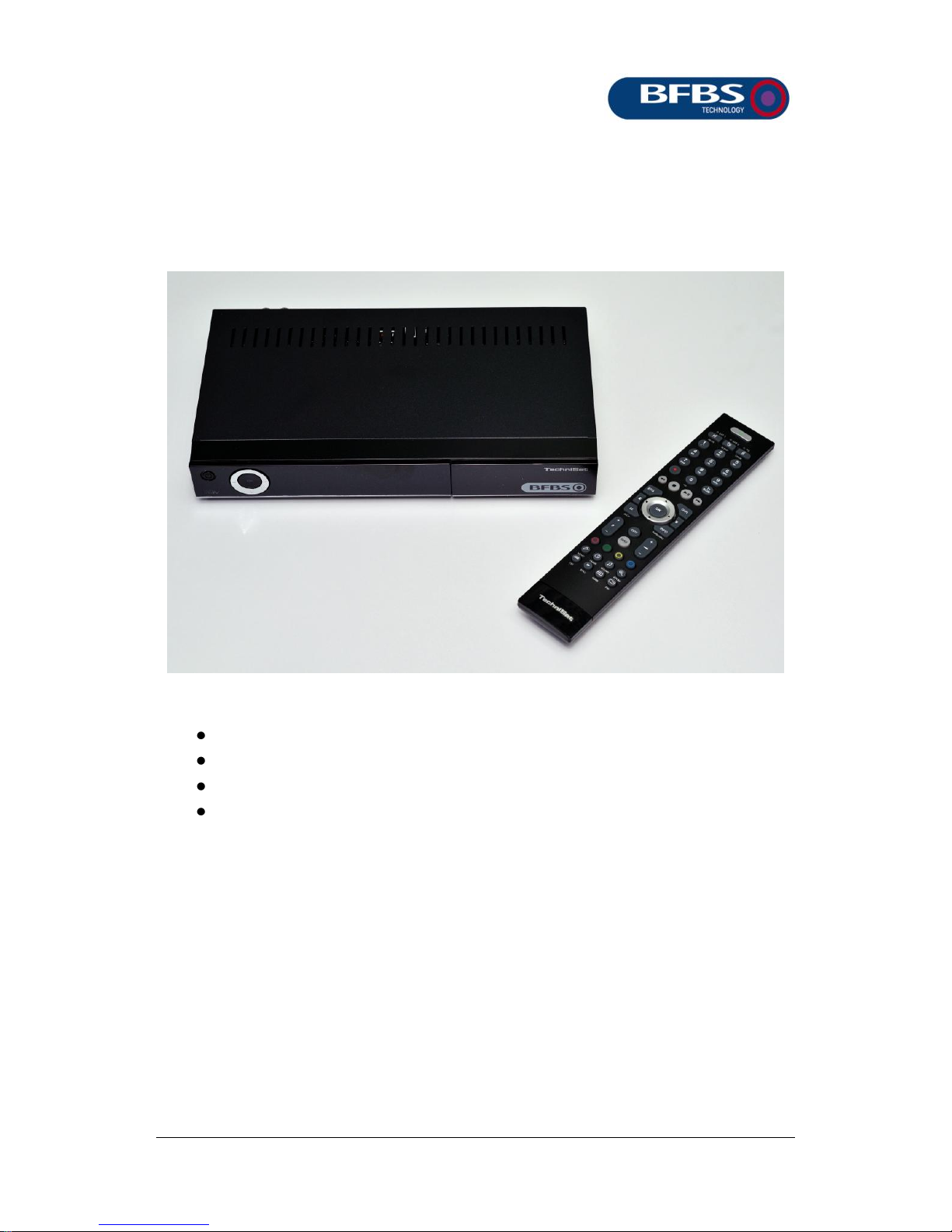
Check that your set top box (STB) has all the following items:
Set top box
Remote control (2 AAA batteries supplied separately)
Mains power unit with two alternative plug adapters
HDMI signal cable
In addition, you will be supplied with a ‘Conditional Access Module’
(CAM) and a BFBS Viewing Card. The card and CAM must only be
used in the STB for which they are issued.
Page 2
Page 2 of 4 23-8-12
Connections
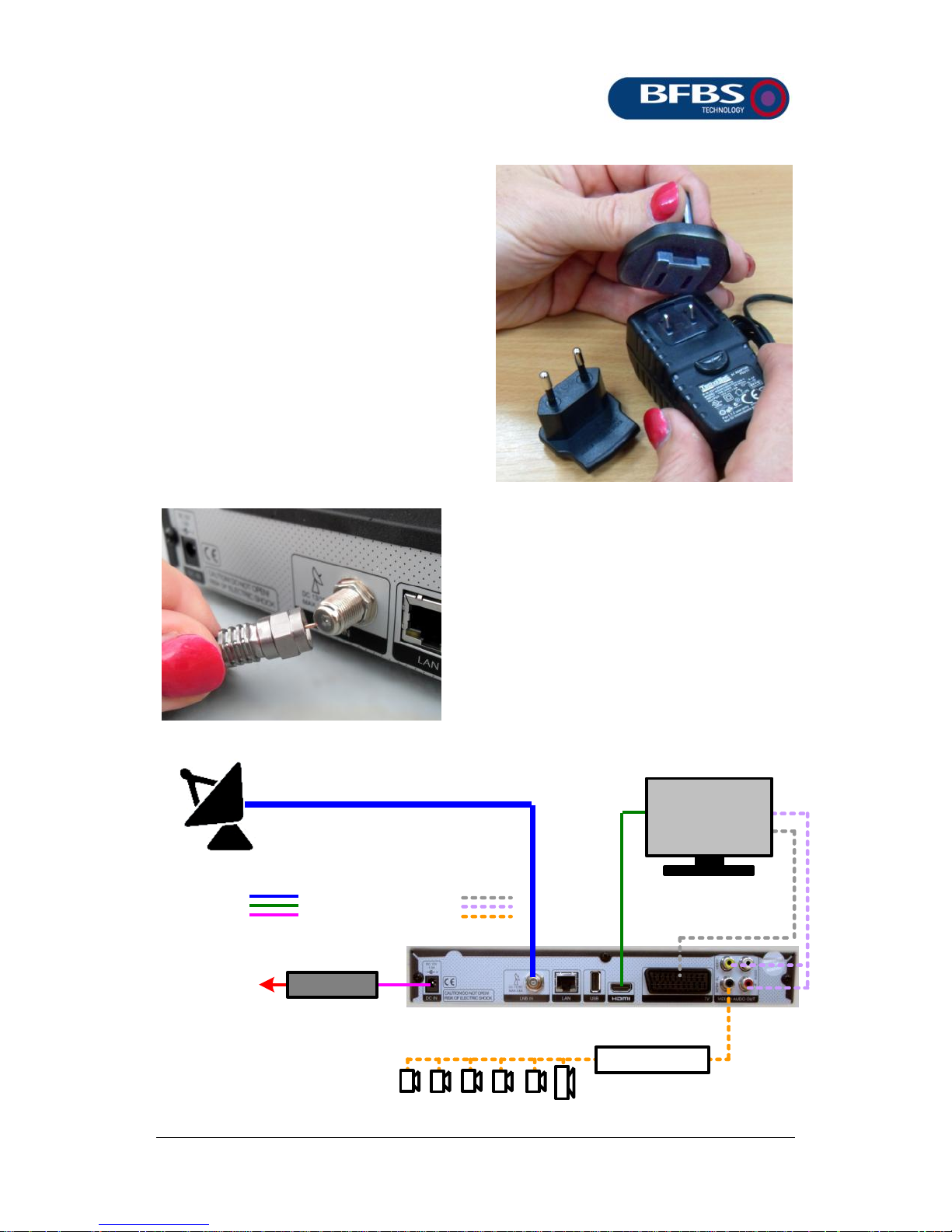
The mains power is supplied with
an adapter for UK style “13 amp”
sockets and one for European
type 2 pin plugs. Fit the required
one by engaging the end away
from the power outlet cable then
pivot it down until it locks in place.
Rooms equipped for using an STB
will have a cable feed with an “F
type” screw connector. Ensure the
centre conductor protrudes slightly
as shown below, guide it into the
dish connector on the rear of the
STB and screw it in place.
Mains adapter
230 V supply
Television
Connections Optional connections
Digital i/p amp
Speaker system
Page 3
Page 3 of 4 23-8-12
If your television has an HDMI connection available, this is the one to
choose. SCART and RCA phono connections provide alternatives
but you must then use the STB remote control MENU button as
described in the User Guide to make settings changes.
CAM and viewing card
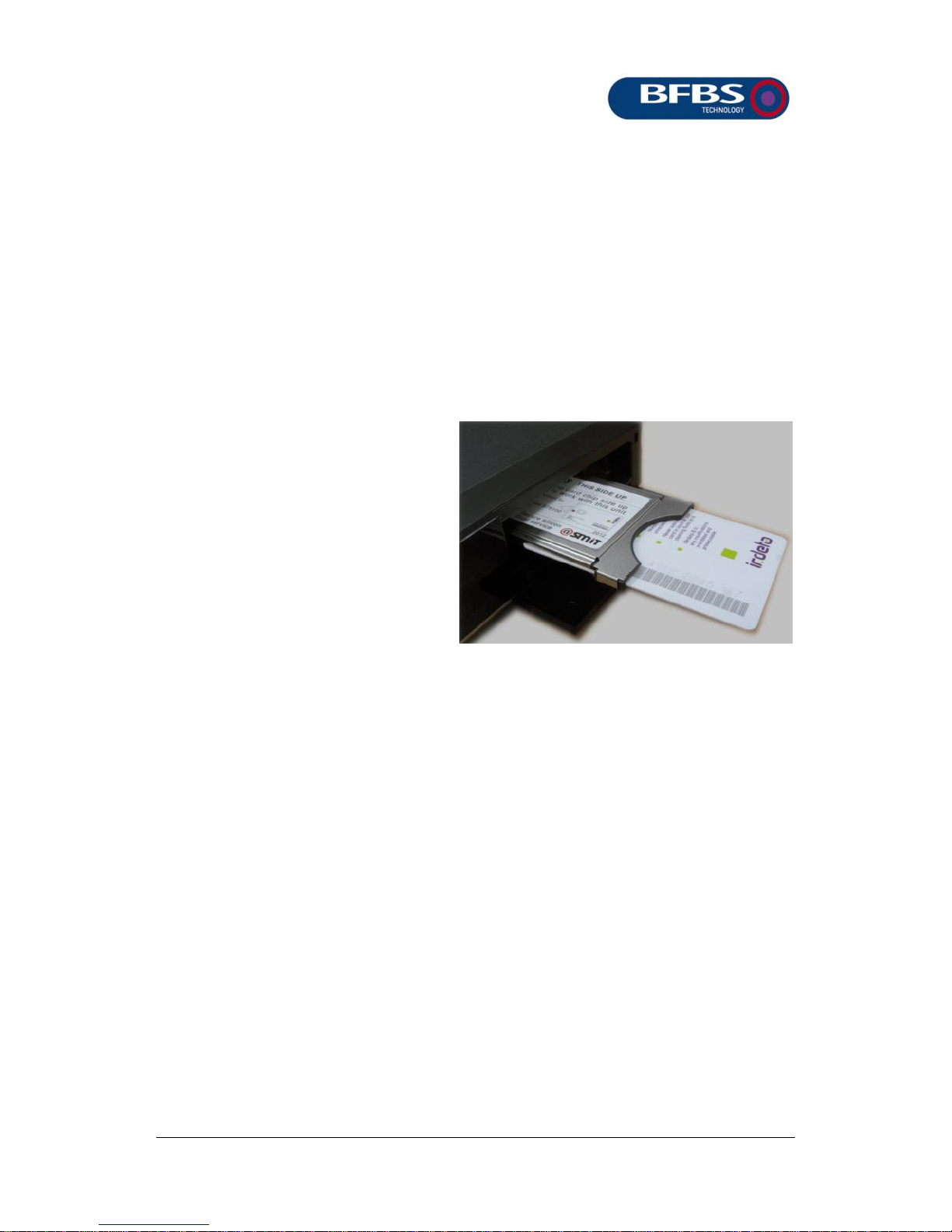
Towards the right end of the
set top box is a flap covering
the slot for the Conditional
Access Module (CAM). The
CAM holds a viewing card.
The CAM and/or viewing card
must both be pushed fully
home. Make sure you place
them the way round as shown.
The large BFBS logo on the
viewing card is on the underside.
Do not attempt to use the Viewing Card/CAM in any unit except the
one for which it was supplied. Cards and CAMS should never be
removed unless instructed by the support team at BFBS and never
touch exposed contact pads. The CAM is removed by pressing the
lever at the right of the CAM slot then once it is released, pulling it
straight outwards.
If contacting BFBS for support purposes, it is important to identify
your STB as being the TechniStar S1 version. You will also be asked
for viewing card number (the 11 digit number above the bar code)
and also the CAM identifier which is 14 characters.
Page 4
Page 4 of 4 23-8-12
Card enabling
BFBS television broadcasts are encrypted to prevent programmes
being watched by non-entitled viewers. When a Viewing Card/CAM
is issued, the card is enabled but it can take up to two hours for the
card to begin working.
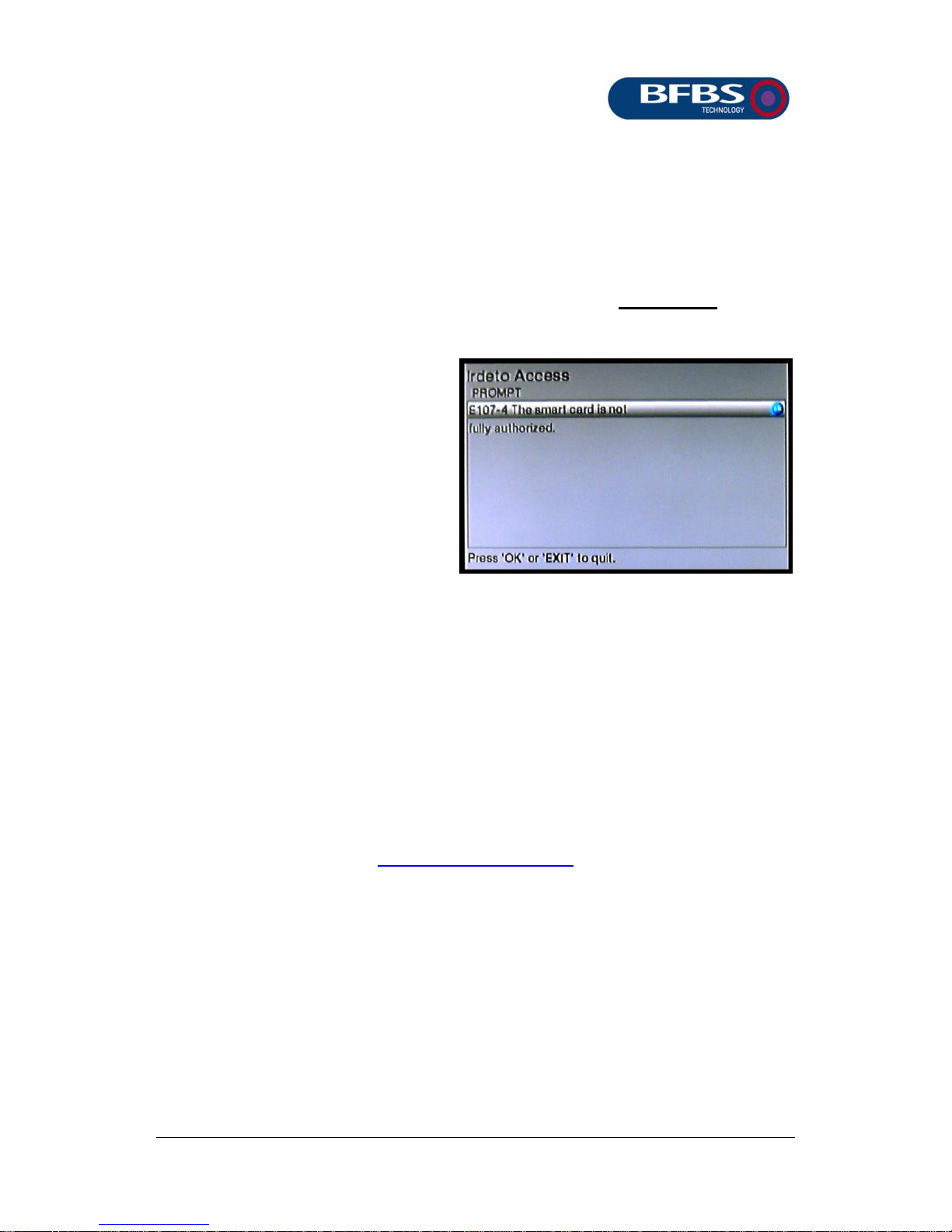
Until that happens you cannot
watch TV programmes and
the screen will show this “not
authorised” message.
During this time, the RADIO
mode allows you to check that
the audio connections are all
OK.
More information
If you need more help, consult the BFBS/TechniSat User Guide
supplied with your STB. This and further help can be found by
visiting the website:
www.bfbs.com/tvhelp
 Loading...