

Page 1
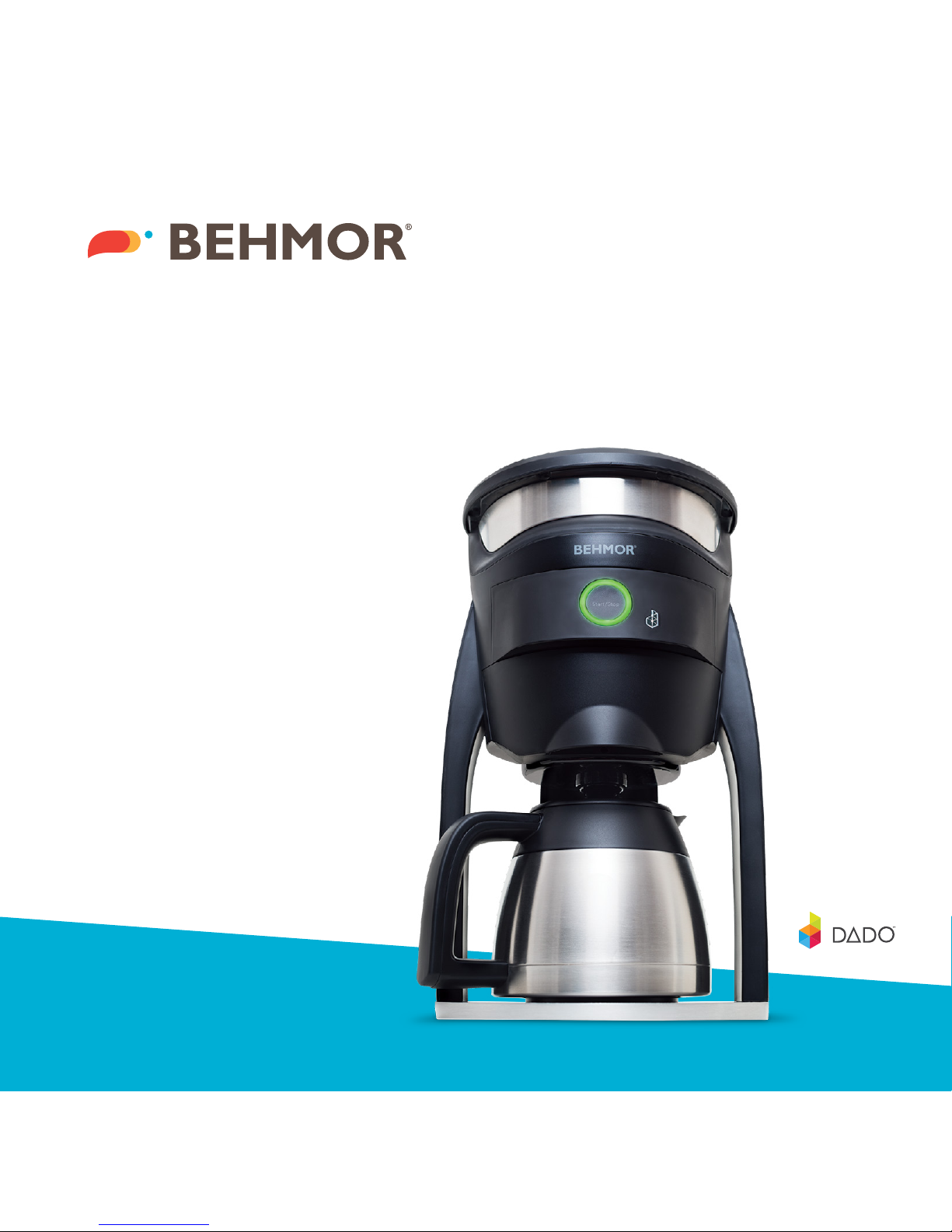
BEHMOR
BREWER
Quick Start Guide
it’s
Page 2
Congratulations! You are now the proud owner of
a Behmor Brewer! Brewing coee can now be as
simple as pressing the “Start/Stop” button or by easily
adjusting the Behmor Brewer’s unique settings to your
preference from your smartphone.
1. Press S tart/Sto p
Your Behmor B rewer
ships with a pre set
profile that works
right whe n you plug
in your brewer.
OR >
2. Downl oad App
Search for and
download the FREE
Behmor app from the
App store or G oogle
Play.
3. Launch App
Follow the ea sy
instruc tions in the
app to conne ct your
Behmor Brewer.
4. Choose Cups
Choose th e number
of cups by tapp ing
on the up an d down
arrows on the cu p
section o f the app.
5. Brew Temperature
A good sta rting poi nt
is 200
o
F but don’t b e
afraid to exp eriment
based on co ees,
roast profiles, and
your taste bu ds.
6. Pre- Soak Time
Allow your co ee
to bloom pri or to
brewing. 4 5 seconds
is a good st art; with
fresher c oees a
longer p re-soak time
is recommended.
TIP: Brewer de fault is, 8 c ups, 200
o
F, and 45 secon d pre-soa k time
Start/Stop
Page 3

A passion for all
things coee.
Behmor.com
 Loading...