

Page 1
BEDIENUNGSANLEITUNG
Model No. B0002-A
Zubehör im Lieferumfang
2x AA VARTA-Batterien (LR6) / 1x 3M Klebepad
Accessories
Included in the scope of delivery: 2x AA VARTA-batteries (LR6) / 1x 3M adhesive pad
Accessoires
inclus dans la livraison 2 piles AA (LR6) / 1x autocollant de xation 3M
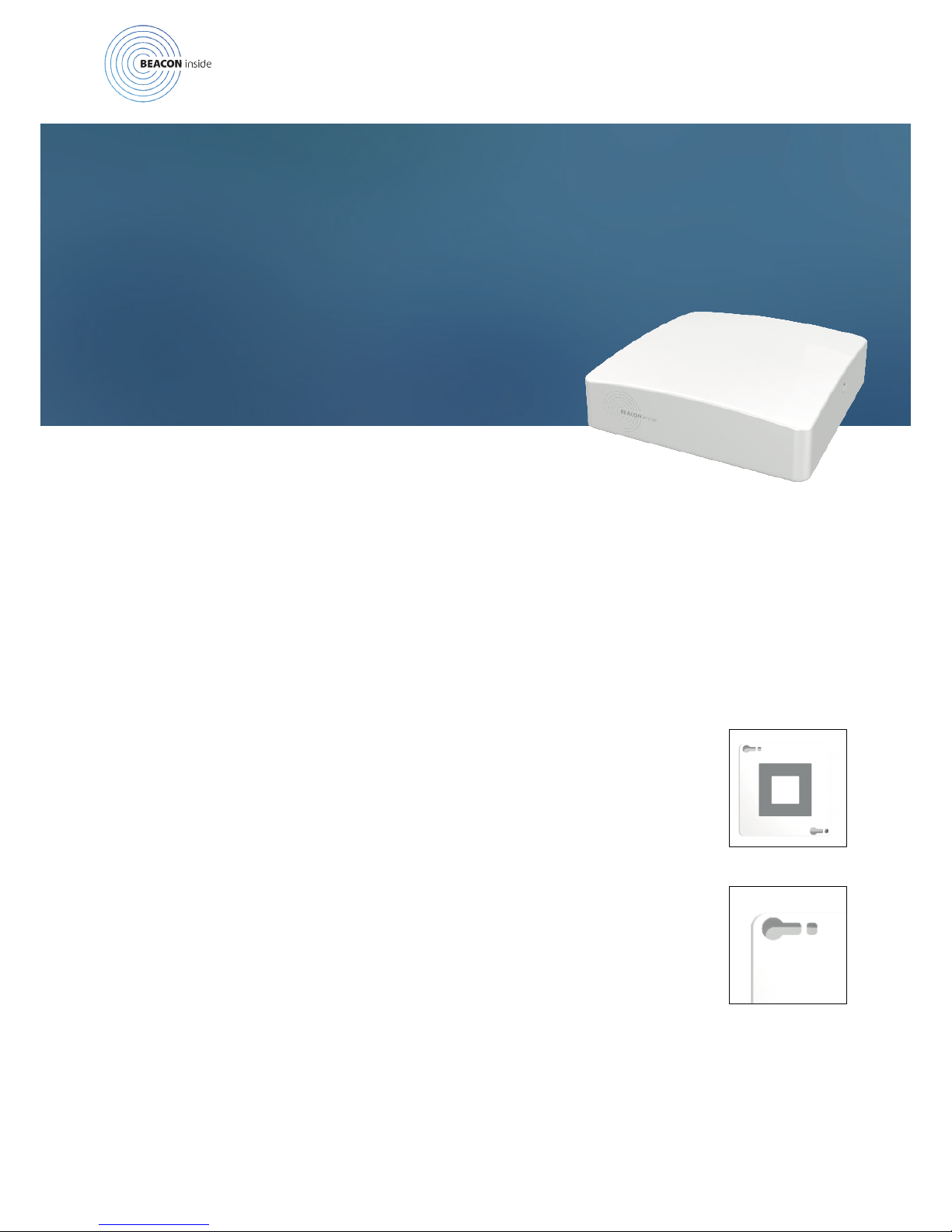
Montage (1)
Einfache und schnelle Anbringung mit Hilfe des extrastarken 3M Klebepads.
Installaon (1)
Quick and easy installation with 3M extra-strong adhesive pad.
Montage (1)
Montage simple et rapide grâce à l‘autocollant à xation extra-forte 3M
Alternative Montage (2)
Verschraubung durch die 2 Löcher auf der Bodenplatte oder Anbringung mit
Kabelbindern durch die beiden Ösen.
Alternave installaon (2)
Bolting through the 2 holes in the base plate or x it with cable ties through the both eyelet.
Montage alternaf (2)
La plaque de fond comporte 2 trous et 2 œillets permettant la xation du boîtier à l’aide de vis
ainsi que l‘utilisation de colliers de serrage en plastique.
OPERATING MANUAL
MODE D‘EMPLOI
1/3
Page 2
Inbetriebnahme (Dauerstrom)
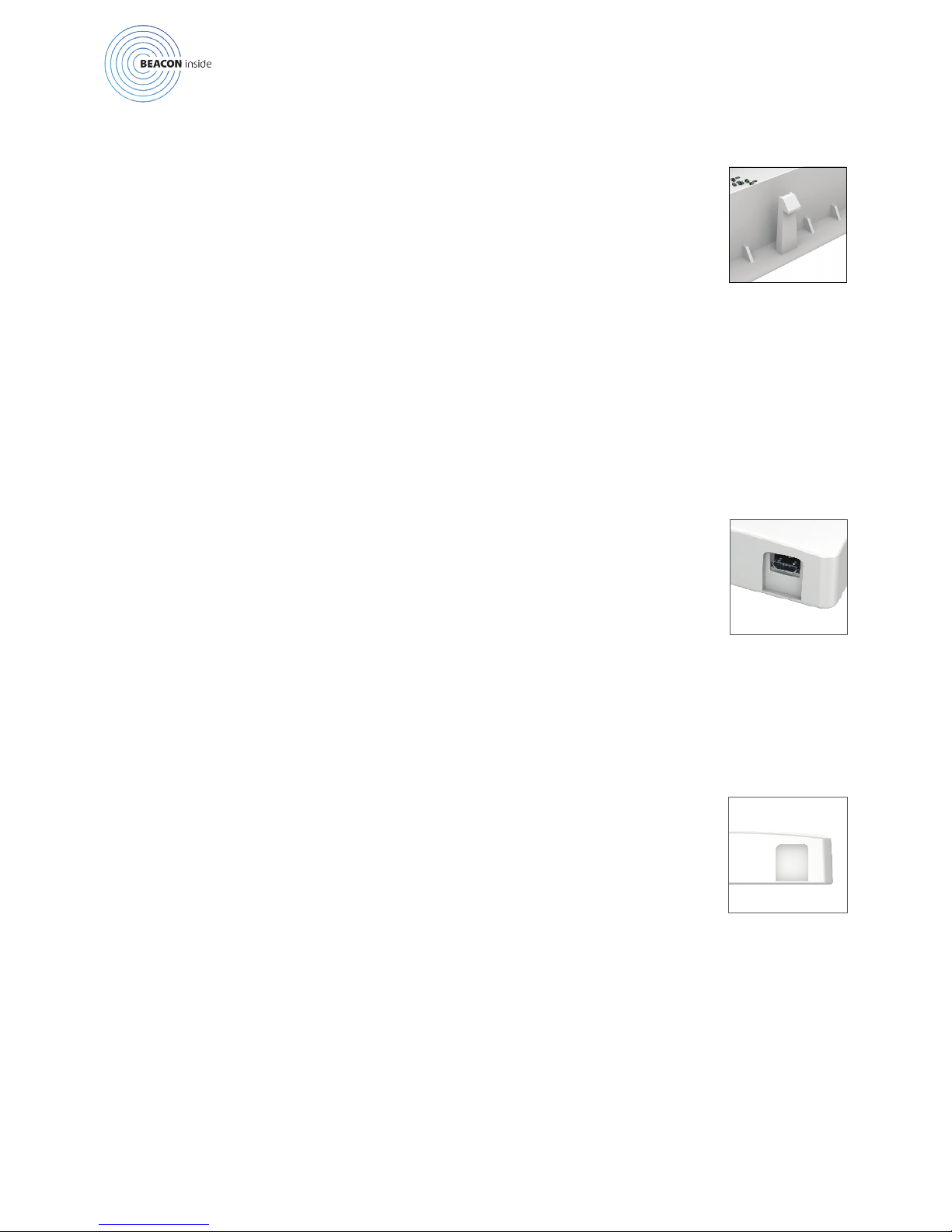
Der Beacon wird über den Micro-USB mit Dauerstrom (5V Nennspannung)
betrieben werden. Beim Betrieb mit Dauerstrom ist der Beacon vor Überspan-
nungen geschützt, dennoch empehlt es sich, davor immer zuersr Batterien aus
dem Beacon zu entfernen.
Commissioning (1)
The beacon can be supplied via the micro-USB (5V nominal Voltage).
Mise en service (1)
Le beacon peut être alimenté par un courant continu 5V via micro-USB.
Alternative Inbetriebnahme (Batterien)
Der Beacon kann alternativ auch über 2 AA Batterien betrieben werden. Bitte
auf die richtige Verpolung achten. Diese ist auf der Batteriehalterung kenntlich
gemacht.
Alternave commissioning (2)
The beacon can be operated with 2 AA batteries. Please ensure the correct polarity indicated on
the battery attachment. It is recommended to remove the batteries from the beacon if the micro-
USB is connected to guarantee the over-voltage protection.
Mise en service alternave (2)
Le beacon peut également fonctionner avec 2 piles AA. Il est nécessaire de respecter la polarité des
piles comme l’indique le schéma.
Il est cependant recommandé de retirer les piles si le beacon est branché par micro-USB, an de
garantir une protection contre les surtensions.
2/3
Sicherung und Öffnen des Gehäuses
Der Gehäusedeckel wird von zwei Sicherheitsrastern gehalten. Diese rasten
automatisch beim Verschließen des Gehäuses ein. Zum Öffnen beide Raster mit
einem spitzen Gegenstand nach innen drücken und Gehäusedeckel abnehmen.
Security and opening of the housing.
The housing cover is sealed with two exible latches. They automatically snap in by closing the
housing. To disassemble the beacon again, push the latch with a sharp-pointed object and take off
the housing cover.
Sécurité et démontage du boîer:
Le couvercle du boîtier est maintenu par deux loquets exibles qui se verrouillent automatique-
ment à la fermeture du couvercle. Pour démonter à nouveau le beacon, il suft de pousser le loquet
à l‘aide d‘un objet pointu puis soulever le couvercle du boîtier.
Page 3
3/3
powered by
© 2015 Beaconinside GmbH
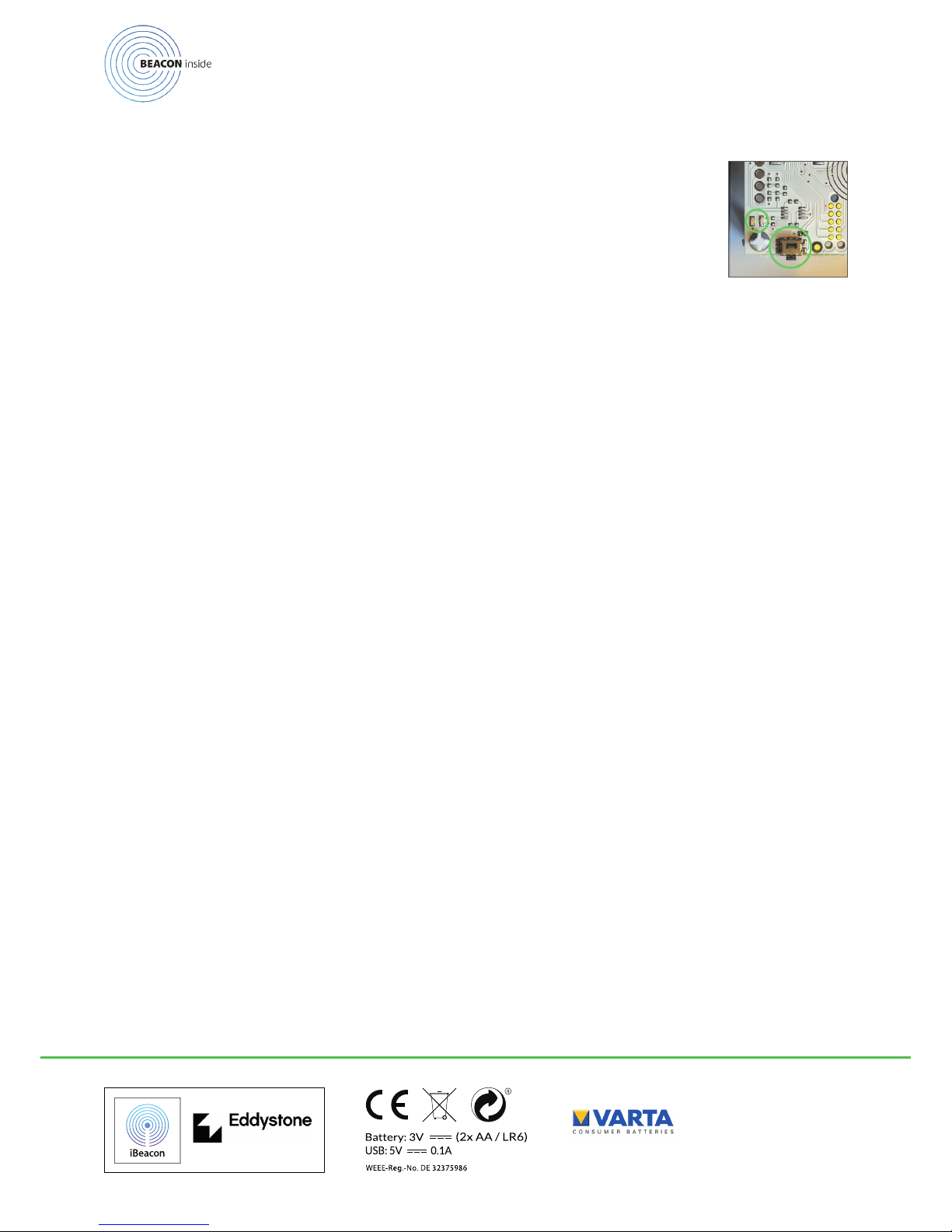
Taster und LED
Der Beacon verfügt über einen Taster zum Wechseln in unterschiedliche Betriebszustände und zwei LEDs die diese Betriebszustände anzeigen.
Ist der Beacon im normalen Betriebsmodus (der Beacon sendet iBeacon oder
Eddystone Signale aus), bewirkt das Drücken des Tasters, dass der Beacon
für 10 Minuten in den Kongurationsmodus wechselt und die rote LED kurz
aueuchtet. Mobiltelefone können sich danach zur Konguration des Beacons
verbinden und die grüne LED des Beacon blinkt während die Verbindung aktiv
ist mit einem Intervall von 3 Sekunden.
Buon and LED
The beacon is equipped with a button to switch between different modes of operation and two
LEDs for user notication. When the beacon is in the “advertising mode” (it sends out iBeacon or
Eddystone packets), a single button push gets the beacon into the “conguration mode” for 10
minutes. Additionally, the red LED ashes to notiy the user about this event. When a mobile
device is connected to the beacon during this conguration period, the green LED blinks with an
interval of 3 seconds.
Bouton et LED
Le beacon est équipé d‘un bouton permettant de basculer entre ses différents modes de foncti-
onnement, ainsi que de 2 LEDs de notication.
Lorsque le beacon se trouve en mode „publication“ (envoi de paquets iBeacon ou Eddystone), un
clic du bouton lui permet de passer au mode „conguration“ pendant 10 minutes. An d‘indiquer
ce changement de mode à l‘utilisateur, la LED rouge clignote.
La LED verte clignote à son tour pendant 3 secondes si un appareil mobile réussit à se connecter
au beacon pendant cette période de „conguration“.
 Loading...