

Page 1
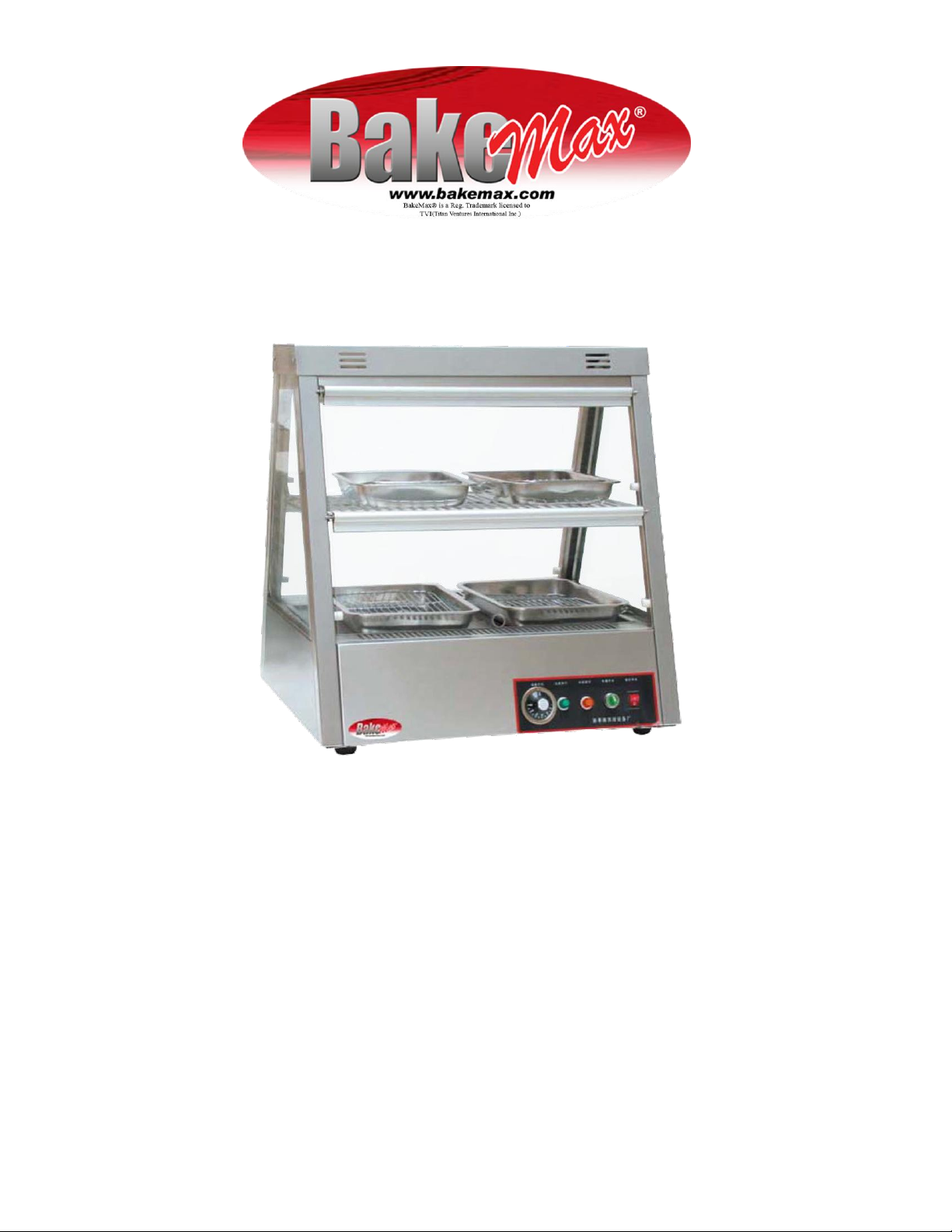
INSTRUCTION MANUAL
BMCDC01
COUNTERTOP DISPLAY CABINET
Page 2
Page 3
I. INSTRUCTION
Name
Model
Voltage
Power
Amps
Dimension
Display Warmer
Cabinet
BMCDC01
110V
0.7kW
13
700x640x730
Display Warmer
Cabinet
BMCDC05
110V
1.4kW
980x640x730
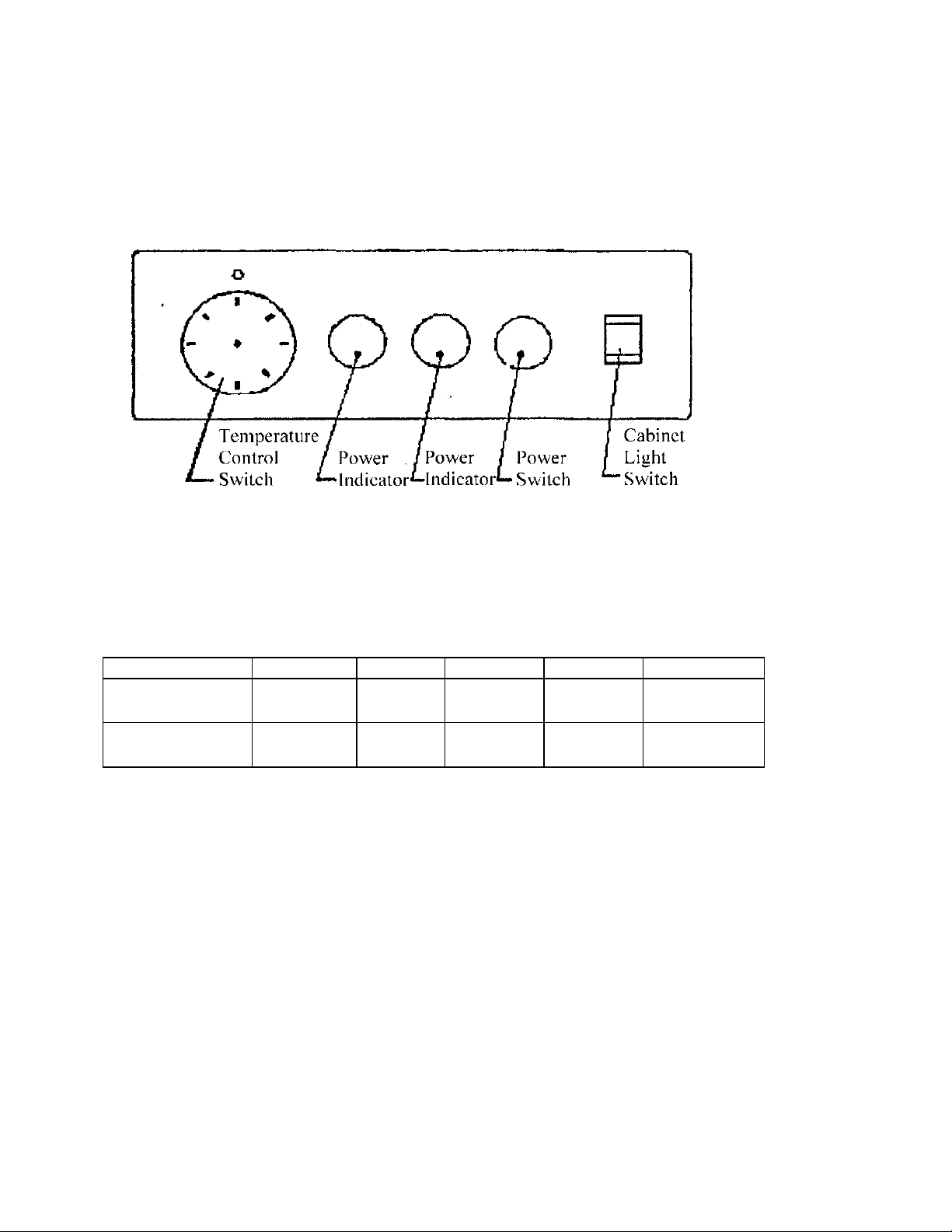
1. Use 110v power, turn on cabinet light, cabinet light is on.
2. Rotate power switch clockwise (indicator will light up at once and electricity will begin to flow).
Rotate temperature control switch to set temperature to user's needs (choose from 40C to 50C
according to food to keep humidity), heating light will turn on at once. The equipment will begin
operation.
3. After usage, shut all switches and unplug the equipment.
4. The equipment will automatically turn off when it reaches desired temperature, and will keep that
temperature by turning on and off as needed.
II. FEATURE
1. This machine is an advanced display cabinet and it has functions for keeping humidity and heat.
2. This product has a track sliding door, it is easy to push and shut.
3. There is automated temperature control equipment. It can keep food fresh.
4. The surface of this machine is smooth and beautiful. It's easy to clean and meets sanitation standards
III. BASIC PARAMETER
PRECAUTIONS
IV. ATTENTON FOR INSTALLING
1. Make sure the place of installation is more than 20cm away from inflammable objects.
2. Adjust the height of adjustable feet to balance machine.
3. As a safety precaution, always install ground wire.
V. ATTENTION FOR USING
1. User should check power switch before and after using.
2. If user needs, user can open bottom plate to add water to the fillister.
3. Do not move the temperature-sensing element in fillister.
4. Do not change the lamp when cabinet is wet.
5. Do not add water over heating tube.
VI. ATTENTION AFTER USAGE
1. Scrub the glass parts.
2. Do not leave oil on internal plate.
3. Make sure machine is turned off.
Page 4
 Loading...