

Page 1
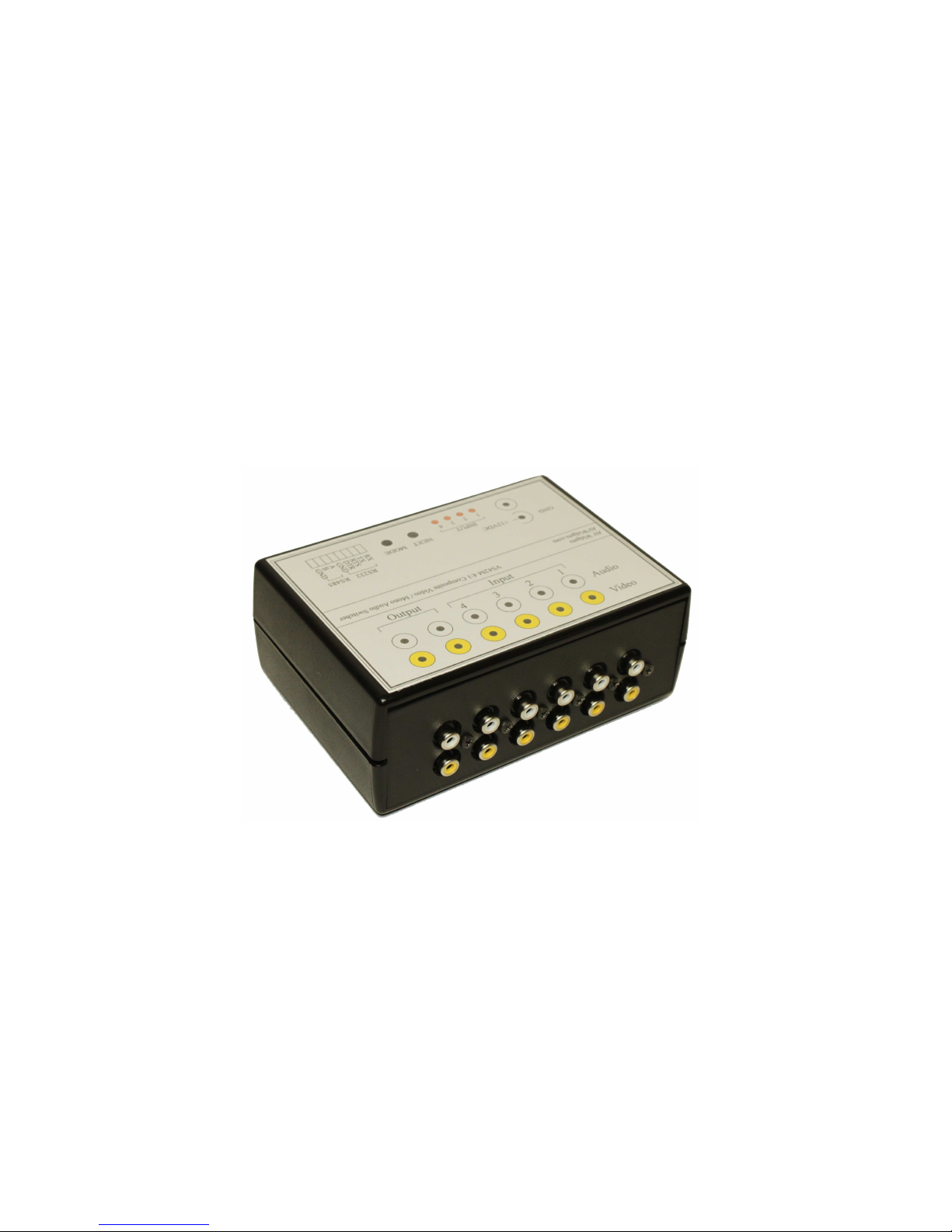
AV Widgets
VS42M
RS232/RS485 Controlled 4:1 Video Switch
Page 2

Title: AV Widgets VS42M
Date: 02.03.2011
Firmware: 1.0f
Hardware: PCB-100 Rev. 2
Description
The VS42M is a 4:1 composite video and mono audio switch that accommodates wired RS232
or RS485 remote control. Designed for home automation systems, the VS42M provides an
inexpensive method to control composite video sources. Primary interface is via RS232 or
RS485, simple diagnostic switching controls are also provided on the front panel. The VS42M
has two independent buffered outputs to accommodate driving multiple monitors.
Features
• 4:1 Video and mono audio switching
• 2 Independent buffered outputs
• RS232 or RS485 Remote operation
• RS485 Network capable (1-99) unique addresses
• Auto scan capability
• Video presence detection / auto skip on unused inputs
• Variable auto scan speed selection
• Settings stored in non-volatile memory
• Low cost
Front Panel
The VS42M is designed as primarily a remote controlled device. However, simple switching
and control can be accomplished from the front panel.
• Power Supply. Power should be 12VDC. The connector is a standard 2.1mm center pin
(Positive) connection. The outer sleeve is ground.
• Input LEDs indicate current selected input.
Page 3
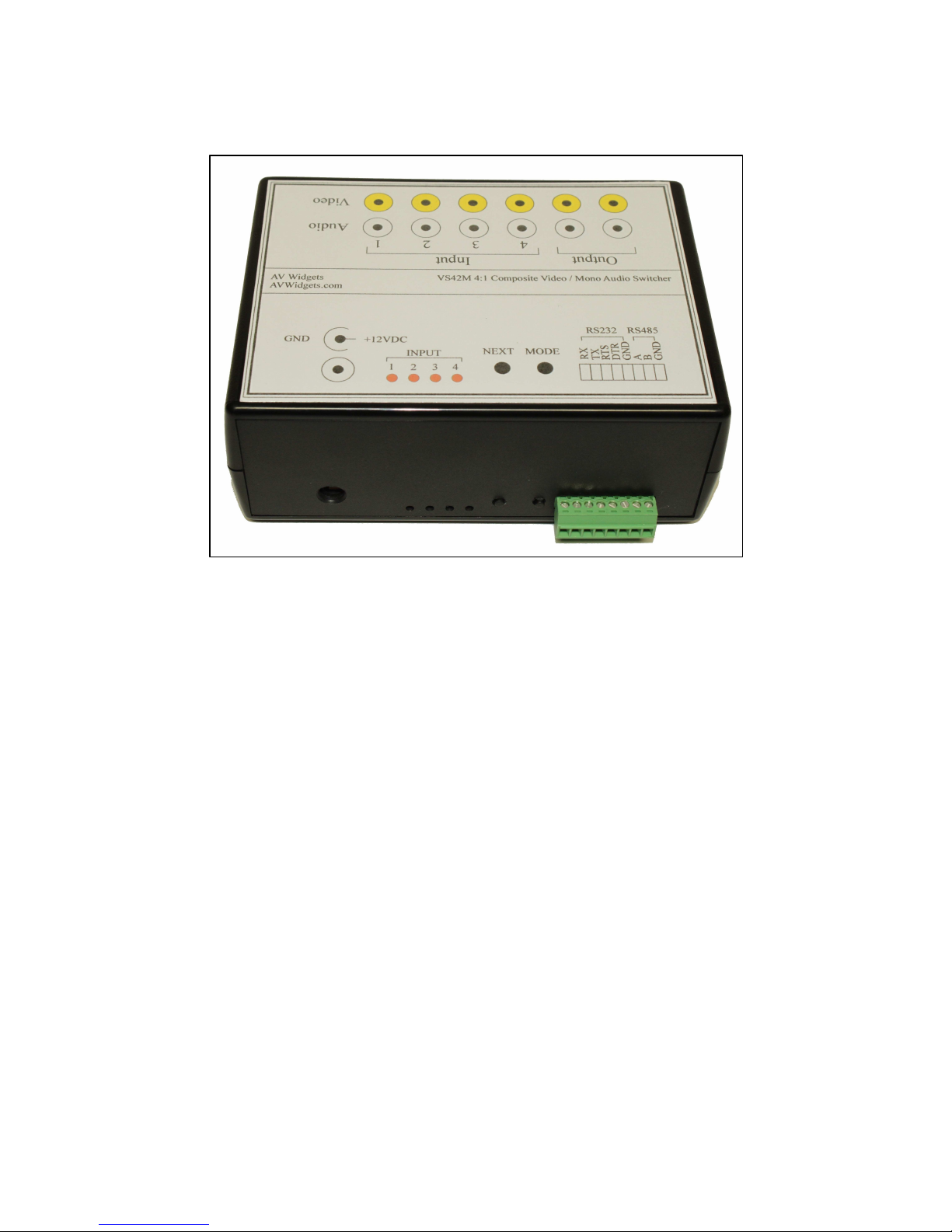
Three functions can be selected from the Next and Mode buttons.
(1) Select Next Channel. Press Next button. The next channel will be selected.
(2) Select Manual or Auto Scan. A press of the Mode button will toggle between manual mode
or auto mode.
(3) Select Auto Scan Speed. Press and hold Mode and then press Next. This will increment the
speed of the auto scan feature. Steps are in one second increments. Note that unused channels
will be skipped in the auto scan mode.
Rear Panel
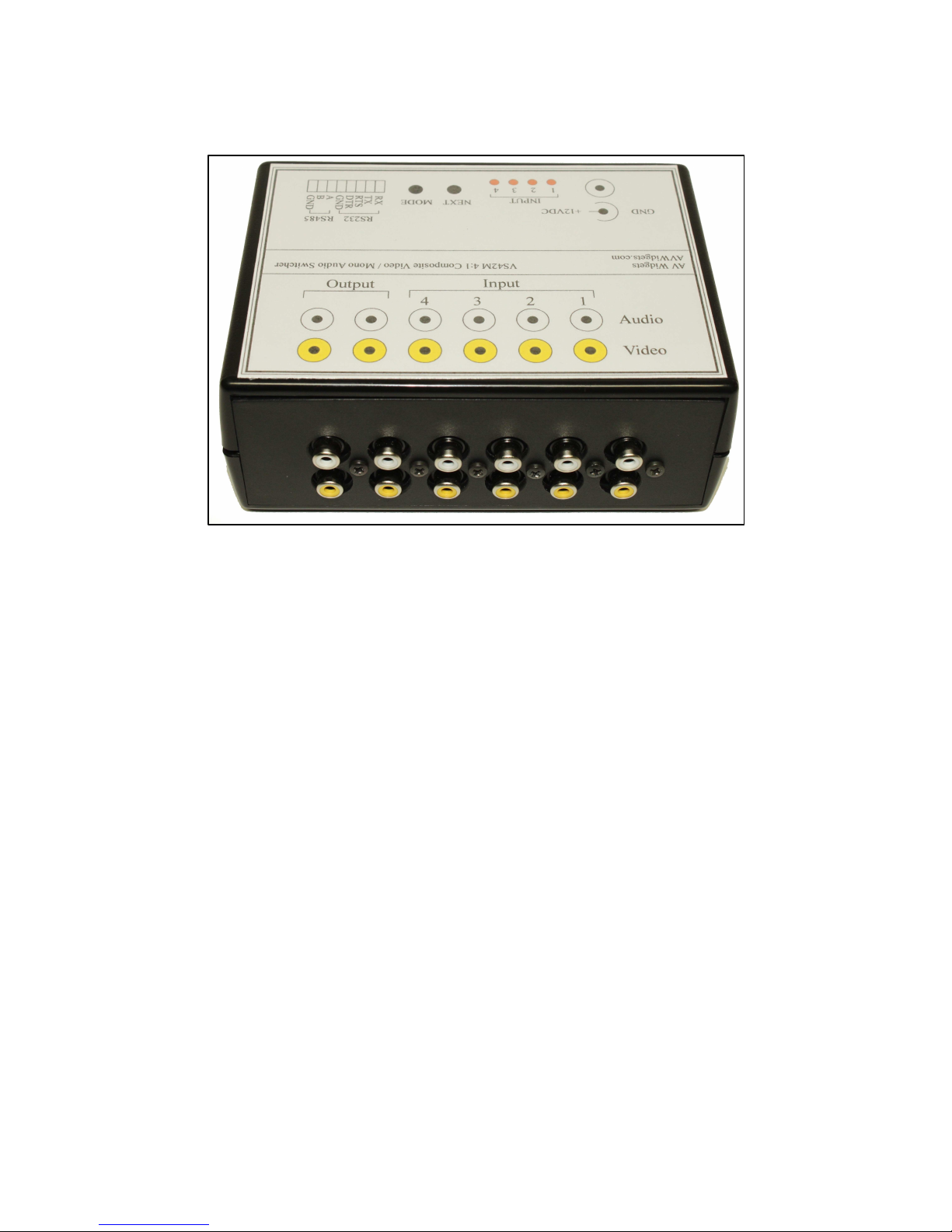
• All video inputs are 75 ohm terminated. Video outputs are 75 ohm series fed.
• Audio inputs are 20 Kohm terminated. Audio outputs are 75 ohm series fed.
Figure 1 - VS42M Front Panel
Page 4
Serial Control
The VS42M can be controlled with RS232 or RS485 signals. RS232 connection requires only 3
connections, TX, RX and Ground. Selection between RS232 or RS485 is automatic. RS232 and
RS485 signals can not be connected at the same time.
Interface
Baud 9600
Parity None
Bits 8
Stop 1
Control is accomplished with simple ASCII commands that always contain 10 characters. The
commands are case sensitive. The prefix AVW must always be transmitted and the suffix E
must always be the last character transmitted in a command. “X” values are “do not care”,
however, a character must be transmitted. Transmitting an “X” is suggested.
Global Commands
0123456789
AVWxxxxxxx All commands are preceded with AVW
xxxxxxxxxE All commands end with E
xxx00xxxxx Global, A Global command
xxx01xxxxx Local, Address 01-99
AVW00A01xE Set address to 01 (single device attached)
AVW00RxxxE Read address (single device attached)
Figure 2 - VS42M Rear Panel
Page 5

Local Commands
Following commands assume the VS42M address has been set to 01.
0123456789
AVW01S1xxE Local, Select input number 1
AVW01S2xxE Local, Select input number 2
AVW01S3xxE Local, Select input number 3
AVW01S4xxE Local, Select input number 4
AVW01T##xE Local, Scan time, Min=01 Sec, Max=30 Sec.
AVW01T01xE Local, Scan time of 1 second
AVW01T01xE Local, Scan time of 10 seconds
AVW01MMxxE Local, Scan Mode Manual
AVW01MAxxE Local, Scan Mode Auto
AVW01VxxxE Local, Read firmware version
Initialization
• The VS42M will respond to a Global command regardless of the current address.
• The default address of the VS42M (as shipped) is 01.
• There must only be one device on a bus when changing the address.
When the VS42M is first powered it will report similar data:
AV Widgets
Model:VS42M
Ver:1.0f
Scan: Auto
Scan: 10 s
Address: 01
(c) Copyright Statement
When a valid serial command is received, the VS42M will acknowledge the command. Sample
feedback is presented below.
Transmitted Received
AVW01S1xxE CMD OK 1
AVW01S2xxE CMD OK 2
AVW01MMxxE CMD OK MANUAL
AVW01MAxxE CMD OK AUTO
AVW00A01xE CMD OK ADDRESS CHANGED
AVW00RxxxE CMD OK ADDRESS 01
Page 6
Serial Error Messages
CMD ERROR 1 FORMAT
An unsupported local command was received. Byte location 5. Current commands are:
S Select channel
M Mode (Manual or Auto)
T Time (Scan Time)
V Version
CMD ERROR 2 ADDRESS
A command was sent to an invalid address.
CMD ERROR 3 GLOBAL
Occurs if a command other than A (Address Change) or R (Read Address) is issued to a
global address of 00.
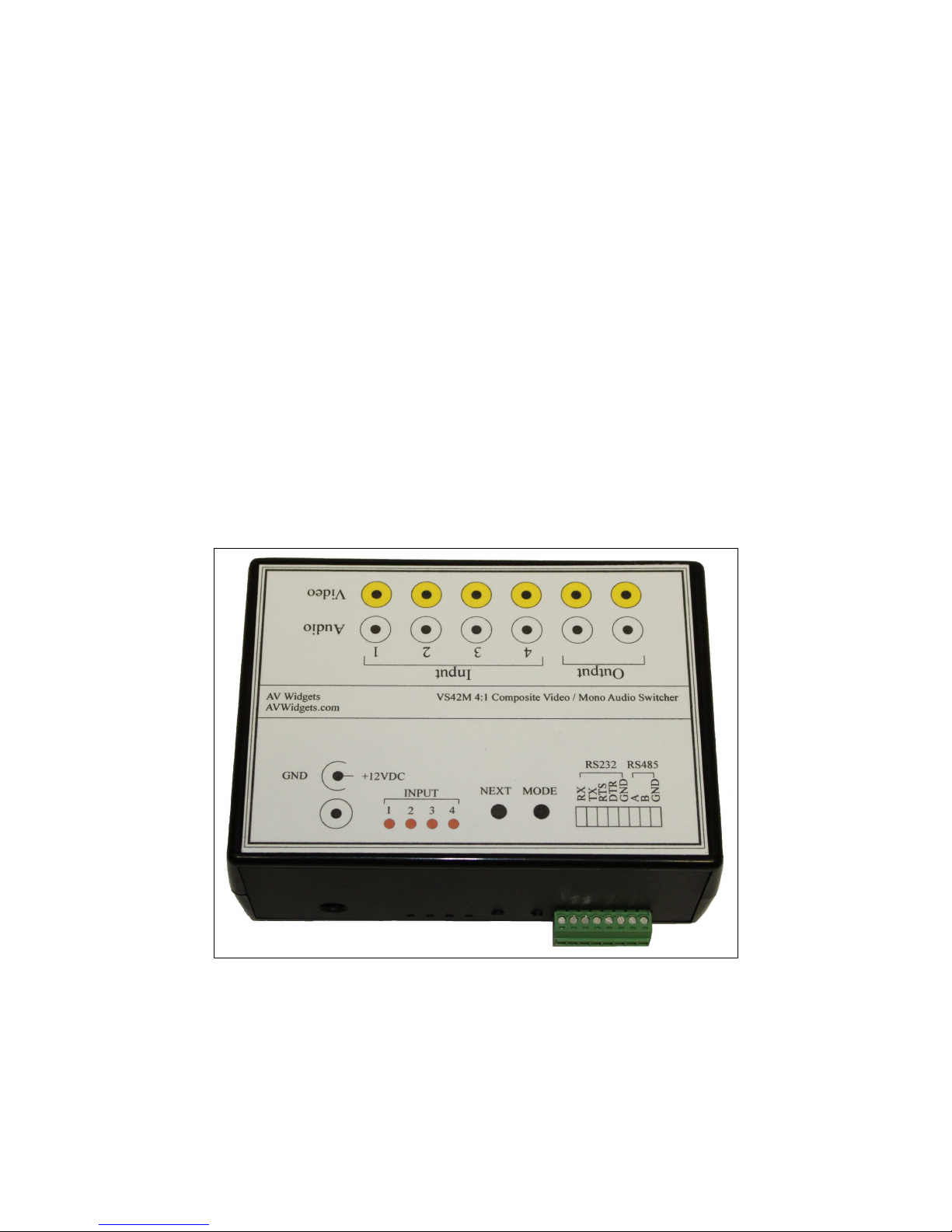
Figure 3 - VS42M Top Label
Page 7

Specifications
• Video termination 75 ohms
• Video source resistance 75 ohms
• Video frequency response DC to 15 MHz
• Video distortion < 0.15% @ 10 KHz
• Video gain 2
• Video coupling DC / Direct
• Audio termination 20 Kohms
• Audio source resistance 75 ohms
• Audio frequency response DC to 30KHz
• Audio distortion < 0.15% @ 1 KHz
• Audio gain 1
• Audio coupling DC / Direct
• Power Input 12VDC 500mA
• ESD Protection All inputs / outputs
• RS232 9600 N,8,1
• RS485 9600 N,8,1 100 ohm termination
• Maximum addresses 1-99
Specifications subject change.
 Loading...