

Page 1

AC-DA18-AUHD)
AC-DA18-AUHD)
A!full!4K60!4:4:4!(Up!to!18GBPS)!
Distribution!Amplifier!with!advanced!EDID!management!
*Available!in!1x2,!1x4,!and!1x8
User)Manual)
AVProConnect ~ 3518 N Casco Ave. Sioux Falls, SD 57104~ 1.877.886.5112 ~ +1.605.274.6055
pg. 1
~
Page 2

Introduction
AC-DA18-AUHD is an 18GBPS, full bandwidth HDMI2.0a (HDR) with
HDCP2.2 eight-way HDMI splitter. Functionally, distributes the input HDMI
signal to four identical HDMI outputs. These four outputs are synchronized.
AC-DA18-AUHD has the ability of pre-emphasis and equalization. Multiple
cascaded AC-DA18-AUHD achieves long distance transmission of HDMI
signal of more than 15 meters even in 4K (HDR) resolution.
The outstanding and proprietary clock jitter cleaner enable this splitter to out
preform the competition when in cascading mode no matter the signal is 4K or
1080P.
AC-DA18-AUHD offers solutions for usage as a component of digital HDMI
distributions and entertainment systems also UHDTV/4K retail and general
show sites. Use in conjunction with UHDTV, UHD Projector, STB, UHD-BD,
UHD Media Player and in environment where noise, space and security are
concerns. Fits perfectly in data center control rooms, information distribution
premises, conference and presentation rooms, school educational facilities
and corporate training environments.
AC-DA18-AUHD)
AVProConnect ~ 3518 N Casco Ave. Sioux Falls, SD 57104~
pg. 2
1.877.886.5112 ~ +1.605.274.6055 ~
Page 3

Contents
AC-DA18-AUHD)
HDMI Splitter ......................................................................................................... 2
Product Overview .................................................................................................. 4
Features ................................................................................................................ 4
Package Contents ................................................................................................. 6
Connections and Operations ................................................................................ 6
Specifications ........................................................................................................ 6
Panel Descriptions ................................................................................................ 7-8
Typical Application ................................................................................................... 15
Maintenance ......................................................................................................... 11
Product Service ..................................................................................................... 11
Mail-In Service ...................................................................................................... 12
Warranty ................................................................................................................ 12
Warranty Limits And Exclusions ........................................................................... 13
AVProConnect ~ 3518 N Casco Ave. Sioux Falls, SD 57104~ 1.877.886.5112 ~ +1.605.274.6055 ~
pg. 3
Page 4

Full 4K 60 (4:4:4) HDMI Splitter &
Distribution Amplifier
■
Features
l Easy to Use: Install in seconds, no need for setting.
l Distribution: One HDMI input, four identical HDMI outputs.
l Supports up to 18GBPS with resolutions of 4K60(YUV444), 4K30, 1080p,
1080i, 720p and other standard Video formats, PAL and NTSC.
l Customer can configure EDID function to enable the best compatibility.
l Supports HDCP2.2
l HDMI 2.0(a) w/ HDR.
l Mounting ears are included for easy fixation on wall, furniture or ceiling.
? Notice
AVP roConnect reserves the right to make changes in the hardware, packaging
and any accompanying documentation without prior written notice.
AC-DA18-AUHD)
■ Product Overview ( Model Number: AC-DA18-AUHD)
AVProConnect ~ 3518 N Casco Ave. Sioux Falls, SD 57104~
pg. 4
1.877.886.5112 ~ +1.605.274.6055 ~
Page 5
AC-DA18-AUHD)
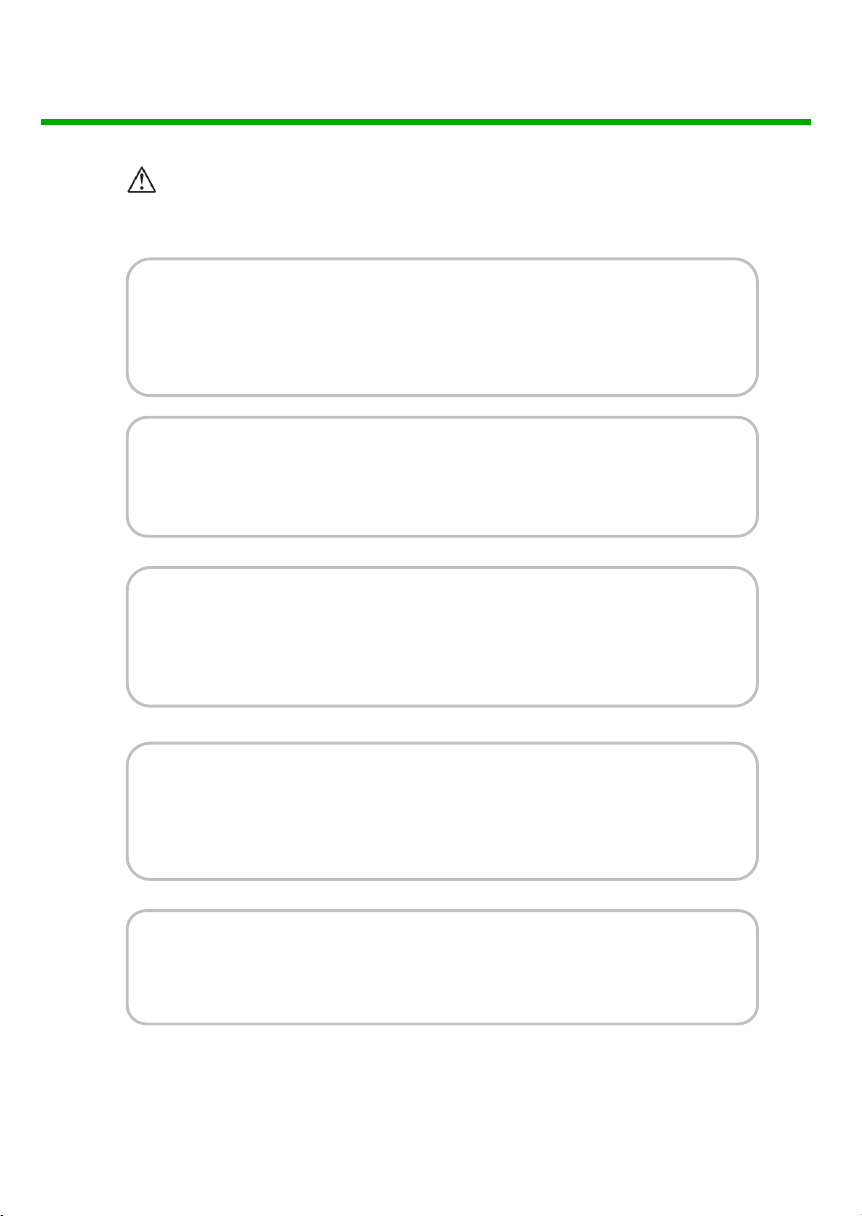
Warning
To reduce the risk of f ire , electric shock or product damage:
1. Do not expose this apparatus
to rain, moisture, dripping or
splashing and that no objects
filled with liquids, such as vases,
shall be placed on the apparatus.
2. Do not install or place this unit
in a bookcase, built-in cabinet or
in another confined space.
Ensure the unit is well ventilated.
3. To pr e ve n t r is k of el e ct r ic
shock or fire hazard due to
overheating, do not obstruct
the unit’s ventilation openings
with newspapers, tablecloths,
curtains, and similar items.
4. Do not install near any heat
sources such as radiators, heat
registers, stoves, or other
apparatus (including amplifiers)
that produce heat.
6. Clean this apparatus
only with dry cloth.
7. Unplug this apparatus
during lightning storms or
when unused for long
periods of time.
8. Protect the power cord
from being walked on or
pinched particularly at
plugs.
9. Only use attachments /
accessories specified by
the manufacturer.
5. Do not place sources of naked
flames, such as lighted candles,
on the unit.
AVProConnect ~ 3518 N Casco Ave. Sioux Falls, SD 57104~
pg. 5
10. Refer all servicing to
qualified service
personnel.
1.877.886.5112 ~ +1.605.274.6055 ~
Page 6
AC-DA18-AUHD)
■
Package Contents
① Main unit. P/N: AC-DA18-AUHD
② 12VDC Power Supply.
③ Operating Instructions. (Digital @ www.avproconnect.com)
④ Mounting Ears
■
Connections and Operations
1) Connect the HDMI input source into AC-DA18-AUHD
2) Connect the HDMI output equipment (Displays) into AC-DA18-AUHD
3) Insert the DC side of 12V power supply into AC-DA18-AUHD and then
connect the AC side of the Power supply into the wall outlet.
4) Plugging in the unit automatically powers up the device.
& NOTE: Insert / Extract cables gently.
■
Specifications
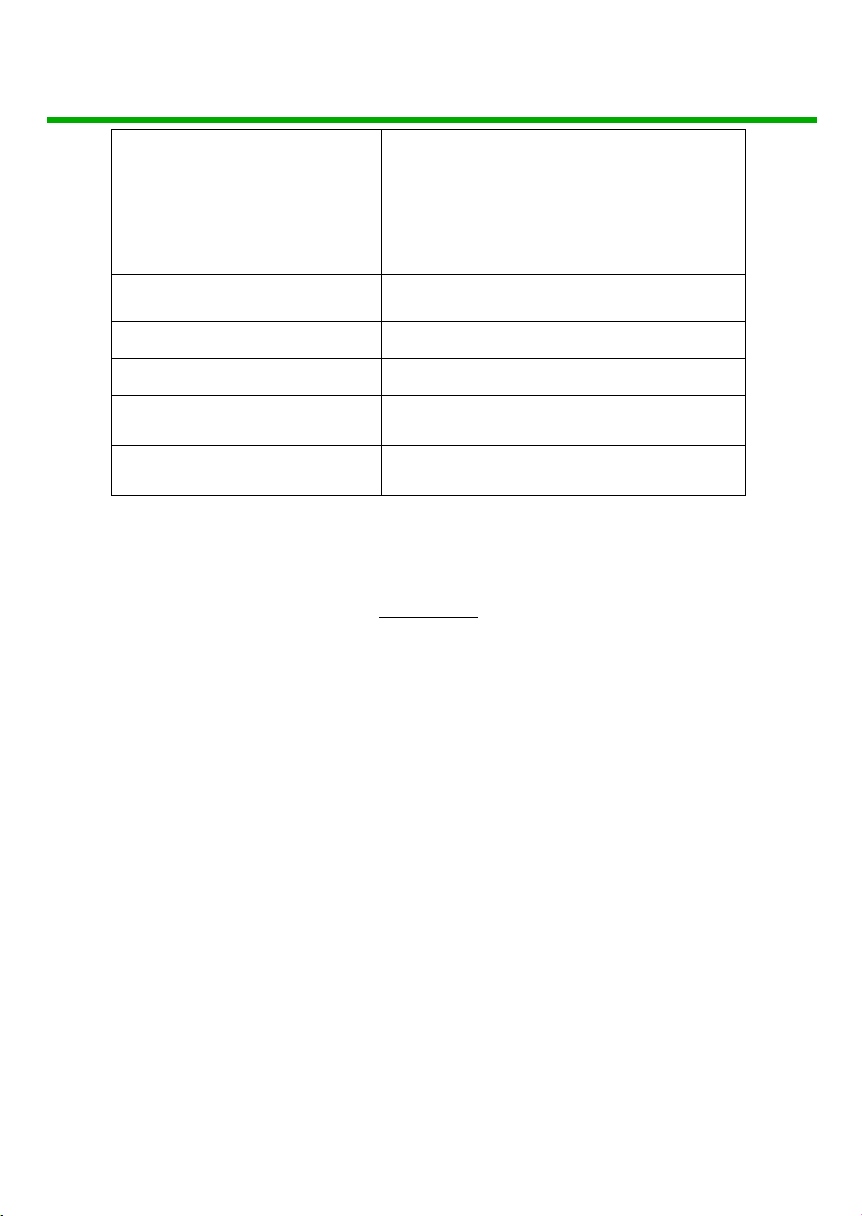
Operating Temperature Range -5 to +35°C (-41 to +95 °F)
Operating Humidity Range 5 to 90 % RH (no condensation)
Video Amplifier Bandwidth Up to 18.0 GBPS
Input Video Signal 0.5-1.0 volts p-p
Input DDC Signal 5 volts p-p (TTL)
HDCP version HDCP2.2 /HDCP1.4
Maximum Format Support 4K60Hz 4:4:4 / 8K24Hz 4:2:0
pg. 6
AVProConnect ~ 3518 N Casco Ave. Sioux
Falls, SD
1.877.886.5112 ~ +1.605.274.6055 ~
57104~
Page 7
AC-DA18-AUHD)
VESA: 640x480, 800x600, 1024x768,
Other Video Formats
Supported
Output Video
Power Consumption 6 Watts (max.)
Power Supply 12V DC/3A
Dimensions 150mm (W) x 81mm (H) x 25mm (D)
Mass 0.5 KGS
■
Panel Descriptions
Activity Display (Front):
1280x1024, 1600x1200, 1920x1200
DTV/HDTV:
480i/576i/480p/576p/720p/1080i/1080p/4K
HDMI 2.0, HDCP 2.2, HDR Compatible
Front Panel
a) When Power is applied all lights flash RED and the machine begins
to function. If no devices are plugged in, you can verify power by
looking inside the vent on the right side of the unit.
b) When the INPUT device is plugged in, the light blink RED while
“handshaking” is occurring, and goes SOLID once communication is
complete and signal is good.
c) When a sink (display) is plugged into an OUTPUT, the
corresponding light blinks RED until the “handshake” is complete.
Once the connection is made the OUTPUT lights will go SOLID (If a
sink or display is plugged in).
AVProConnect ~ 3518 N Casco Ave. Sioux Falls, SD 57104~ 1.877.886.5112 ~ +1.605.274.6055 ~
pg. 7
Page 8

Back Panel
① Power input.
② HDMI input.
③ HDMI outputs (x8).
Device Top Cover
Device cover is labeled for DIP Switch (EDID setting) and ISP mini USB port
and for easy HDMI port recognition especially useful when Mounting Ears are
used for fixation.
& NOTE: DIP Switch EDID setting index on next page.
AC-DA18-AUHD)
AVProConnect ~ 3518 N Casco Ave. Sioux Falls, SD 57104~ 1.877.886.5112 ~ +1.605.274.6055 ~
pg. 8
Page 9

AC-DA18-AUHD)
EDID Settings: The AC-DA18-AUHD uses a dual rotary style switch to house more EDID’s
and allow for future expansion. The dual rotary switches can be located on the side of the
device, and each rotary is representative of a number in the desired setting, (Left
Rotary=DIGIT ONE, Right Rotary=DIGIT TWO). The default mode is “00” which is both
rotary switches pointed to “0”, in this mode the device copies the EDID from the sink (display)
plugged into OUTPUT 1. Custom EDID settings are below.
EDID ROTARY Settings:
00: EDID COPY (See NOTE 1)
01: 1080P_2CH(PCM)
02: 1080P_6CH
03: 1080P_8CH
04: 1080P_3D_2CH(PCM)
05: 1080P_3D_6CH
06: 1080P_3D_8CH
07: 4K30Hz_3D_2CH(PCM)
08: 4K30Hz_3D_6CH
09: 4K30Hz_3D_8CH
10: 4K60Hz(Y420)_3D_2CH(PCM)
11: 4K6 0Hz( Y420 )_3D _6CH
12: 4K60Hz(Y420)_3D_8CH
13: 4K60Hz_3D_2CH(PCM)
14: 4K60Hz_3D_6CH
15: 4K60Hz_3D_8CH
AVProConnect ~ 3518 N Casco Ave. Sioux Falls,
16: 1080P_2CH(PCM)_HDR
17: 1080P_6CH_HDR
18: 1080P_8CH_HDR
19: 1080P_3D_2CH(PCM)_HDR
20: 1080P_3D_6CH_HDR
21: 1080P_3D_8CH_HDR
22: 4K30Hz_3D_2CH(PCM)_HDR
23: 4K30Hz_3D_6CH_HDR
24: 4K30Hz_3D_8CH_HDR
25: 4K60Hz(Y420)_3D_2CH(PCM)_HDR
26: 4K60Hz(Y420)_3D_6CH_HDR
27: 4K60Hz(Y420)_3D_8CH_HDR
28: 4K60Hz_3D_2CH(PCM)_HDR
29: 4K60Hz_3D_6CH_HDR
30: 4K60Hz_3D_8CH_HDR
31: Cascading Mode (See NOTE 2)
pg. 9
SD 57104~ 1.877.886.5112 ~ +1.605.274.6055 ~
Page 10

AC-DA18-AUHD)
EDID Setting Cont. (Notes):
Note1: EDID Copy mode: EDID will be copied from sink on OUTPUT 1. The
AC-DA18-AUHD is set this way by default for maximum “Plug & Play”
Compatibility. If you change sink (Display) plugged into OUTPUT 1, please
follow the steps below if you wish to use the new sink’s EDID.
1. Start with power off
2. Set ROTARY SWITCHES to ‘00’.
3. Power on the unit
4. Power on the source device and connect the HDMI input port.
Note2: Cascading mode (Ideal for larger installations) Cascade mode does
not react to the EDID from the sink device. It sends the signal that you put in,
out. This is ideal for linking multiple units together. The method below is an
ideal way to use this function effectively.
To use cascading mode:
1. Start with power off
2. Fix an EDID on the FIRST unit in the series from the list above
(4K60, 4K30, 1080P, etc…)
3. Set the ROTARY SWITCHES on all subsequent units to “31”
4. Connect the source device
5. Power up the system
AVProConnect ~ 3518 N Casco Ave. Sioux Falls,
pg. 10
SD 57104~ 1.877.886.5112 ~ +1.605.274.6055 ~
Page 11

■
Maintenance
Clean this unit with a soft, dry cloth. Never use alcohol, paint thinner or benzine
to clean this unit.
■
Product Service
● Provided Service
1) Damage Requiring service: The unit should be serviced by qualified
service personnel if:
l The DC power supply cord or AC adaptor has been damaged;
l Objects or liquids have gotten into the unit;
l The unit has been exposed to rain;
l The unit does not operate normally or exhibits a marked change in
performance;
l The unit has been dropped or the cabinet damaged.
2) Servicing Personnel: Do not attempt to service the unit beyond that
described in these operating instructions. Refer all other servicing to
authorized servicing personnel.
3) Replacement parts: When parts need replacing ensure the service uses
parts specified by the manufacturer or parts that have the same
characteristics as the original parts. Unauthorized substitutes may result
in fire, electric shock, or other hazards.
4) Safety check: After repairs or service, ask the service to perform safety
checks to confirm that the unit is in proper working condition.
AC-DA18-AUHD)
pg. 11
AVProConnect ~ 3518 N Casco Ave. Sioux Falls,
SD 57104~ 1.877.886.5112 ~ +1.605.274.6055 ~
Page 12

AC-DA18-AUHD)
● Mail-In Service
When shipping the unit, carefully pack and send it prepaid, adequately insured
and preferably in the original carton. Include a letter detailing the complaint and
provide a daytime phone and/or email address where you can be reached.
If repair is needed during the limited warranty period the purchaser will be
required to furnish a sales receipt/proof of purchase indicating date of
purchase, amount paid and place of purchase. Customer will be charged for
the repair of any unit received without such proof of purchase.
● Warranty
If your product does not work properly because of a defect in materials or
workmanship, AVProConnect (referred to as “the warrantor”) will, for the length
(
of the period indicated as below,
original purchase (“Limited Warranty period”), at its option either (a) repair your
product with new or refurbished parts, or (b) replace it with a new or a
refurbished product. The decision to repair or replace will be made by the
warrantor.
10 Years)which starts with the date of
During the “Labor” Limited Warranty period there will be no charge for labor.
During the “Parts” warranty period, there will be no charge for parts. You must
mail-in your product during the warranty period. This Limited Warranty is
extended only to the original purchaser and only covers product purchased as
new. A purchase receipt or other proof of original purchase date is required for
Limited Warranty service.
● Warranty Limits and Exclusions
1) This Limited Warranty ONLY COVERS failures due to defects in
materials or workmanship, and DOES NOT COVER normal wear and
tear or cosmetic damage. The Limited Warranty ALSO DOES NOT
COVER damages which occurred in shipment, or failures which are
AVProConnect ~ 3518 N Casco Ave. Sioux Falls, SD 57104~ 1.877.886.5112 ~ +1.605.274.6055 ~
pg. 12
Page 13

AC-DA18-AUHD)
caused by products not supplied by the warrantor, or failures which result
from accidents, misuse, abuse, neglect, mishandling, misapplication,
alteration, faulty installation, set-up adjustments, misadjustment of
consumer controls, improper maintenance, power line surge, lightning
damage, modification, or service by anyone other than a Factory Service
Center or other Authorized Service, or damage that is attributable to acts
of God.
2) There are no express warranties except as listed under “limited
warranty coverage”. The warrantor is not liable for incidental or
consequential damages resulting from the use of this product, or
arising out of any breach of this warranty. (As examples, this excludes
damages for lost time, cost of having someone remove or re-install an
installed unit if applicable, travel to and from the service location, loss of
or damage to media or images, data or other recorded content. The items
listed are not exclusive, but are for illustration only.)
Safety Instructions:
After Sale Service
To ensure reliable operation of this product as well as protecting the safety of any person
using or handling this device while powered, please observe the following instructions.
1. Use the power suppl
polarity and that it has sufficient power to supply the device it is connected to.
2. Do not operate these products outside the specified
temperature and humidity range given in the above specifications.
3. Ensure there is adequate ventilation to allow this product to operate efficiently.
4. Repair of the equipment should only be carried out by qualified professionals as these
products contain sensitive devices that may be damaged by any mistreatment.
5. Only use this product in a dry environment. Do not allow any liquids or harmful
chemicals to come into contact with these products.
AVProConnect ~ 3518 N Casco Ave. Sioux Falls,
ies provided. If an alternate supply is required, check voltage,
pg. 13
SD 57104~ 1.877.886.5112 ~ +1.605.274.6055 ~
Page 14

AC-DA18-AUHD)
After Sale Service
1. . Should you expe ence any problems while using this product,
firstly refer to the Troubleshooting section in this manual before
contacting Technical Support.
2. . When Calling Technical Support, the following information
should be provided:
• Product name an model number
• Product seri
• Details of the fault and
fault occurs.
3.. T s Product has a two year standard warranty, beginning from
the date of purchase as stated on the sales invoi
product
is required to acti
details please refer to our terms and conditions.
4.. Produ warranty is automatically void under any of the following
conditions:
al number
any conditions under which the
vate the full three year extended warranty. For full
ce. Online registration of this
• The product is already outside of
• Damage to the product
• Damage caused by unauthorized repairs
• Damage caused by mistreatment of the product
5. Only use this product in a
harmful chemicals to come into
AVProConnect ~ 3518 N Casco Ave. Sioux Falls, SD 57104~
due to incorrect usage or storage
dry environment. Do not allow any liquids or
pg. 14
its warranty period
contact with these products.
1.877.886.5112 ~ +1.605.274.6055 ~
Page 15

AC-DA18
-AUHD
)
AVProConnect ~ 3518 N Casco Ave. Sioux Falls, SD
pg. 15
57104~ 1.877.886.5112 ~ +1.605.274.6055 ~
 Loading...