

Page 1
TECHNICAL TRAINING
TRuepoint® 6500 Installation, Operation and Maintenance
TRN-TR6500-01
Course Specifics
Duration: 3 days
Class capacity: 10 students
Location(s) for open enrollment: San Antonio, TX, USA
Hamilton, Scotland, UK
Lagos, Nigeria
Materials provided: Instruction and user Manuals (USB)
Student Handbook (e-Book)
Datasheets (USB)
Course Description
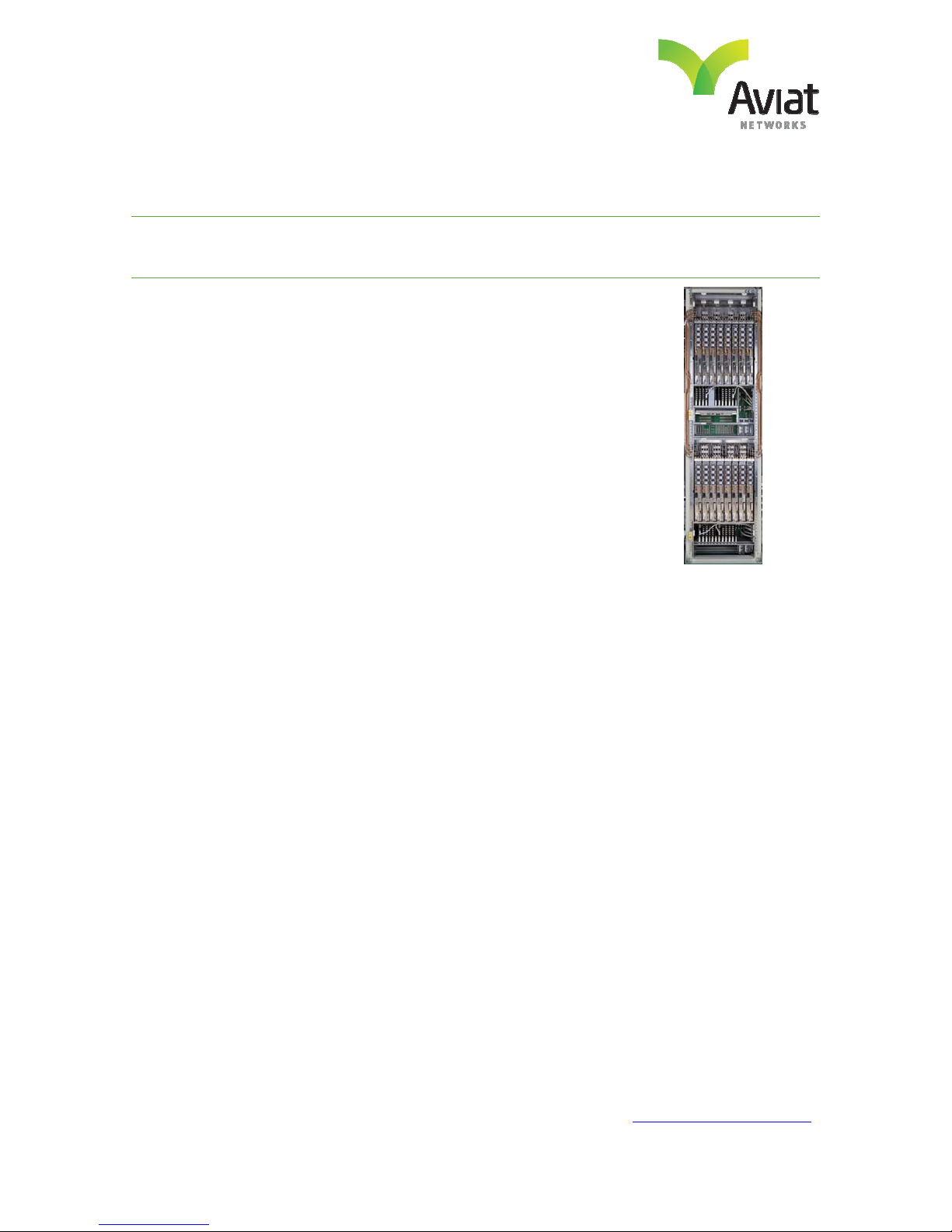
The Aviat Networks TR6500 is a high capacity, full-featured trunking radio, capable of supporting 8 T/R
channels in a single rack.
The TR6500 Installation, Operation and Maintenance course teaches students key functions of the
TR6500 radio platform. The course includes an overview of all availabl e modules and the chassis, initial
setup, install and login, basic configuration with the CLI, system commissioning, configuration, diagnostics,
maintenance and troubleshooting. Extensive hands-on labs (nearly 50% of the course duration) and case
studies offer students with scenarios they will face in real deployments in their networks.
Courses are conducted by AVIAT expert trainers in a mentoring environment backed by their deep
technology expertise and experience in implementation of micro wave wireless and IP networks.
The TR6500 Installation, Operation and Maintenance course is conducted at Aviat Training locations or
can be arranged at customer sites.
Target Audience
This course is intended for installation and service personnel responsible for installation, configuration, test
and maintenance procedures for the TR6500 radio platform.
March 2014
Visit our website at: WWW.AVIATNETWORKS.COM
Page 2

TECHNICAL TRAINING
Objectives
Upon successfully completing this course, participants will be able to perform:
List the functions and features of the TRuepoint 6500
Describe the hardware and configurations of the TRuepoint 6500
Explain the signal flow through the radio at the block diagram level
Perform installation, provisioning operation and preventive maintenance of the TR6500
Troubleshooting techniques will be discussed in order to maintain the initial of reliability
Prerequisites
1. Participants should have a basic understanding of Microwave and IP Fundamentals and have basic
computer skills.
2. Each student must bring an IBM compatible laptop PC or an equivalent and have administrator
rights on the PC.
The PC must have minimum parameters of:
• Pentium 4 or later w/ 1GB of RAM and 250 Mb of free hard drive space
• USB Port
• Ethernet 10Base-T LAN port with RJ-45 connector for local Ethernet connection
• 800x600 resolution, 256 color display (16-bit color)
• Microsoft Windows XP, Vista, or Windows 7
• TCP/IP installed and configured for LAN operation
• Web browser (Google Chrome recommended)
Course Outline
Overview and Theory of Operation
Introduction
Applications
System Configurations
Theory of Operations
Signal Processing Unit
Radio Frequency Unit
March 2014
Units Description and Configuration
Individual Field Replaceable Units
Layout Description
Signal Flow
Applications and Configurations
Operator Control and Management Tools
Visit our website at: WWW.AVIATNETWORKS.COM
Page 3

TECHNICAL TRAINING
Operation and Maintenance
General Information
Software download and upgrade
Protection Schemes
Protection Switching
Labs
Operational Lab
Customer Service Info Preparation
Maintenance Lab
Trouble Clearing Lab
Required Equipment for Training Sessions at Customer Sites
RADIO
OTHER EQUIPMENT
CLASSROOM SET UP
One equipment rack with 48VDC power supply (if using 48VDC PoE units).
At least 1 Traffic free hop – 2 radios talking to each other. (Path has been
simulated with at least 60dB of attenuation, for troubleshooting training
variable attenuators are preferred however not mandatory).
Radio links can be hired for duration of training course if required.
Digital multimeter.
Ethernet tester (Applicable only for Ethernet configuration Training).
Sufficient in size to handle all participants, instructor, desks, chairs, classroom
equipment. The room must have enough 110 AC (220) AC power and air
conditioning to operate equipment, all students clients PC’s and the server or
radio as required.
Classroom Equipment
Marker board, SVGA or Overhead projector and screen.
Desk and Chairs
Desks or workstations with enough room for each student to write
have open books, client PC and / or , keyboard and monitor.
Internet Access
Internet access through the server or through client PC.
Pricing
Please contact your Aviat local sales team for a quote or email [email protected].
March 2014
Visit our website at: WWW.AVIATNETWORKS.COM
 Loading...