

Page 1
General Guide – MP4 Player No 929s Manual
AVE Thailand Company Limited
Removable DVR/ Camera Portable Radar Gun System
AVE Thailand Company Limited Page 1 of 4 8/28/2009
MP4 PLAYER
Recording Mode
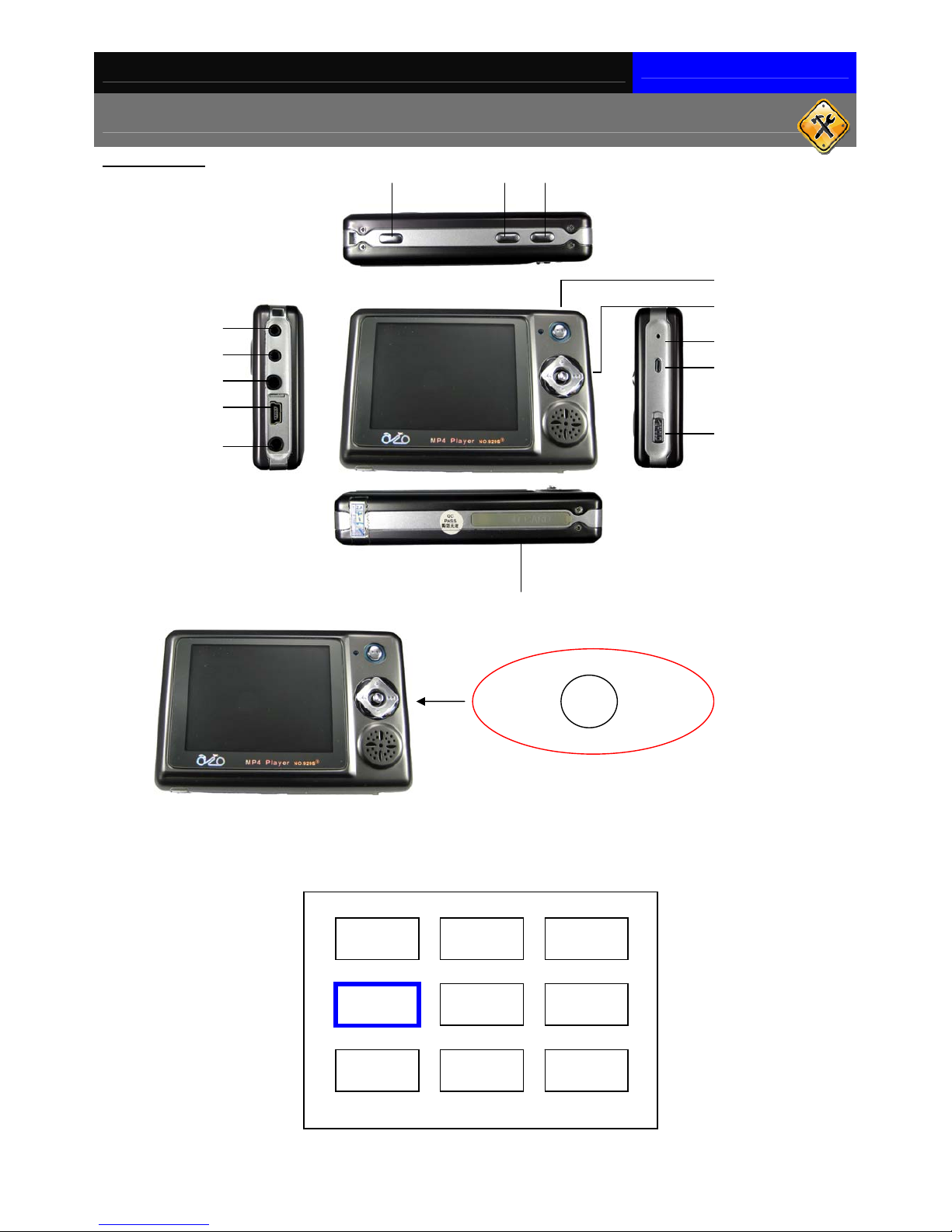
1. Hold “POWER” for 3 second to turn on or off MP4 Player.
2. Main Menu Pop up after powered up.
Main Menu
USB
HEAD PHONE
TV OUT
A
/V IN
POWER IN
MIC
HOLD
RESET
ESC MODEPOWER
SD CARD
Video Audio Photo
Recordin
g
Accessory
Setup
FM Camera DV
PAY/RECORD
JOYSTICK
+/UP
-/DOWN
RIGHT/>> <</LEFT OK
Page 2
General Guide – MP4 Player No 929s Manual
AVE Thailand Company Limited
Removable DVR/ Camera Portable Radar Gun System
AVE Thailand Company Limited Page 2 of 4 8/28/2009
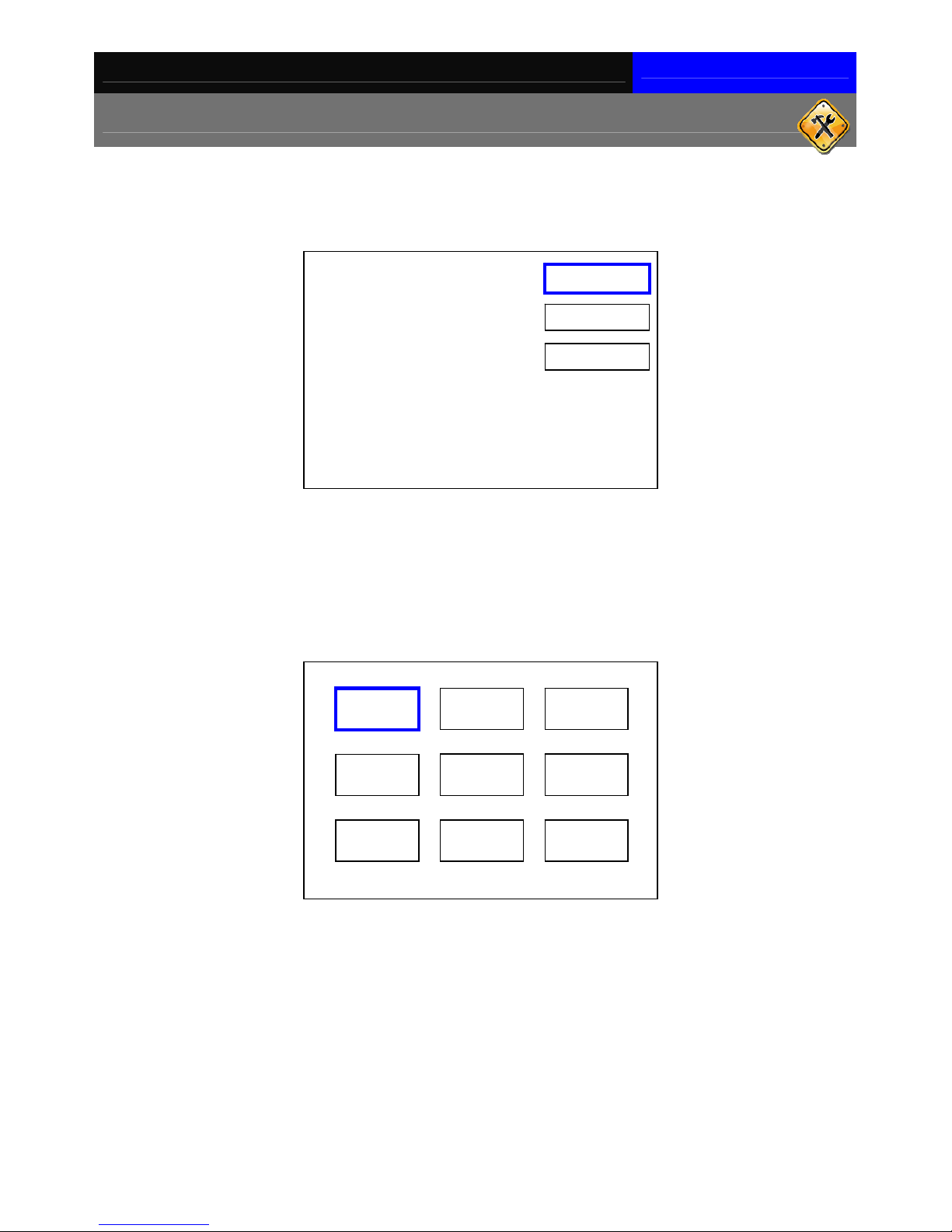
3. Choosing recording menu by using joystick to move the cursor to left/right up/down and
push in center to enter to sub-menu. Move cursor to “ AV in “ and push “OK” to enter the
AV in and Push” PLAY/RECORD to start recording the Video. The recording time will
show up on the LCD”. The AV input and be PAL/NTSC. This is auto detection.
REC Menu
4. Push” Mode” to stop the recording and exit off recording and return the REC menu.
5. Push” ESC” to exit off sub-menu and return to man menu.
Playback Mode
1. Choose ” Video” on the main menu and push”OK” to enter.
Main Menu
2. Move cursor to select the recorded video and Push “PLAY/RECORD” to play the video.
3. Push “Mode” to stop of playback.
4. Push “ESC” to exit to main menu.
A
V in
Video
Audio Photo
Recording
Accessory
Setup
FM Camera DV
Page 3
General Guide – MP4 Player No 929s Manual
AVE Thailand Company Limited
Removable DVR/ Camera Portable Radar Gun System
AVE Thailand Company Limited Page 3 of 4 8/28/2009
Playback Properties
1. In Play back mode. Move cursor to select the recorded video and Push”OK” to enter Video
Properties, Move the cursor to set the properties.
System Configuration:
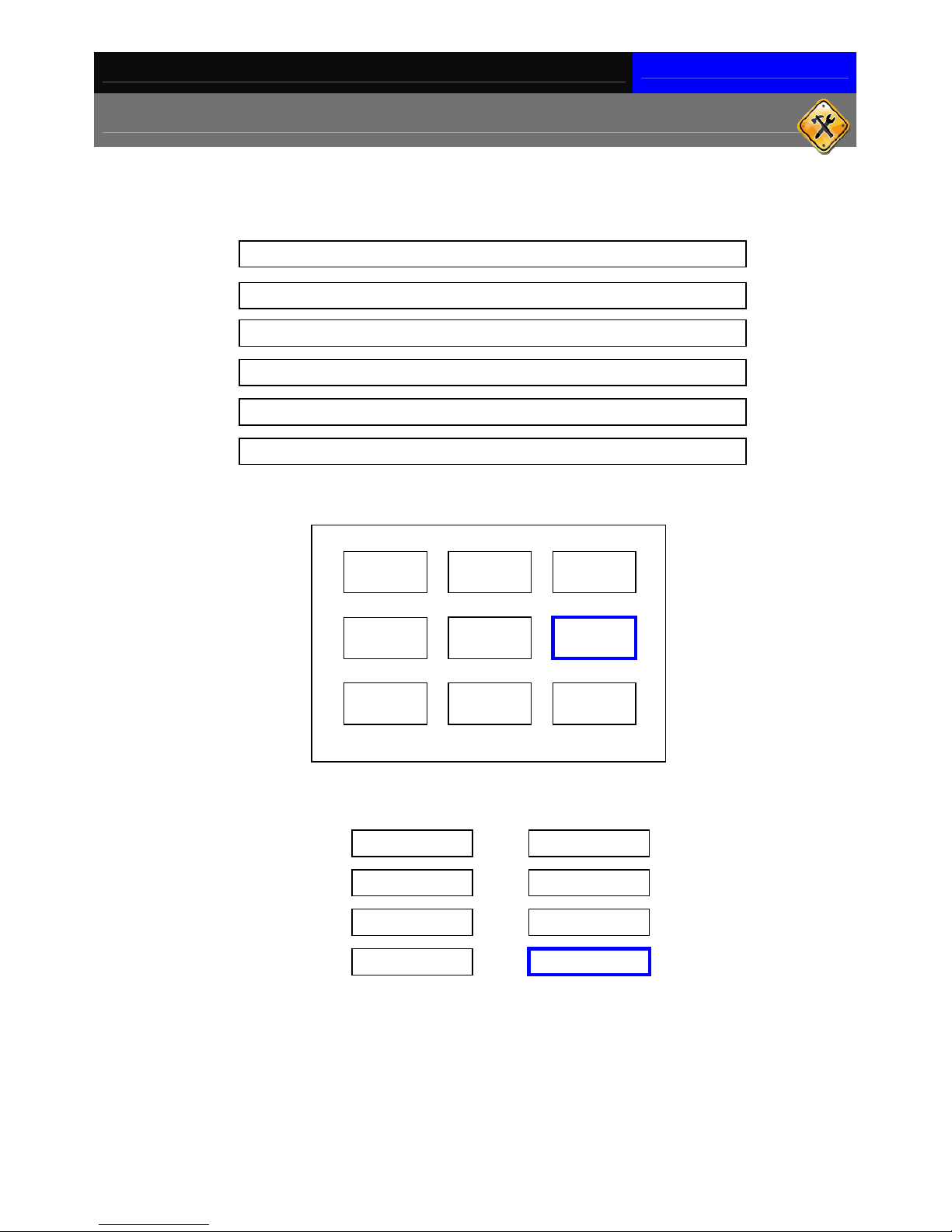
1. Move the Cursor to “Setup” and push ”OK” to enter the menu.
Main Men
The Setup Menu will appear as below:
Time Date - YYYY/MM/DD 24H
TV Out - NTSC/PAL/Self LCD
Speaker - SPEAKER ON/OFF
- BEFF ON/OFF
Default - No/Yes
Language - Enlish/China
Auto Power off - Never /3m/15m/30m
Storage - Nandflash/CARD/PC-Device
Format - Nandflash/Card
EQ MODE Classic/Pops/Rocks/Jazz/Bass/Normal
PLAY MODE MODE ONE/ALL/RANDOM/NORMAL
PROTECT PROTECTED/UNPROTECTED
DELETE ONE/ALL
AUDIO SET 8K/16K/24K/32K/48KHz
Information File Name/ Time Date
Video Audio Photo
Recording
Accessory
Setup
FM Camera DV
Time TV Out
Speaker Default
Language Auto Power off
Storage
Format Storage
Page 4

General Guide – MP4 Player No 929s Manual
AVE Thailand Company Limited
Removable DVR/ Camera Portable Radar Gun System
AVE Thailand Company Limited Page 4 of 4 8/28/2009
Initial Logo Setup.
1. Connect your MP4 Player to PC and down load JPEG file to MP4 Player
2. Move cursor to”Photo” and push “OK” to enter
3. Move Cursor to your Logo file and push “PLAY/RECORD” to open or play file.
4. your file will display full screen on LCD. and push “OK”. This message will pop up and down
for a second ‘set start picture” This picture will show while system initialization.
5. Push ”ESC” to exit full screen and push “ESC” again to main menu.
 Loading...