

Page 1

User Guide
Page 2

IMPORTANT INFORMATION: Audio Ease, the Speakerphone logo and SPEAKERPHONE are trademarks
of Audio Ease BV the Netherlands. All other product names, trademarks, or trade names are the names of
their respective owners, which are in no way associated, connected nor afliated with Audio Ease or the
SPEAKERPHONE product and which have not endorsed Audio Ease’s SPEAKERPHONE product. These
marks and names are used solely for the purpose of describing certain amplier, megaphone, radio or phone
tones produced using Audio Ease’s modelling technology so as to electronically emulate the performance of the
original product studied. The result of this process is subjective and may not be perceived by a user as producing the same effects as the original products studied.
Page 3

Audio Ease | Speakerphone
User Guide
3
1
Contents
2 Introduction 4
3 Basic Operation 7
4 Reference 9
Help Feature 9
Presets - Select modify and save presets here. 10
Automation Presets - Single click store and recall (automatable) 10
Wet / Dry control. 10
Speaker - Selection of the speaker impulse response. 11
Mic - Selection of the microphone impulse Response 13
Room - Convolution reverb. 13
Cover - Cover up the source with blankets boxes etc,. 13
Distortion - Emulate a speaker’s or amplier’s over modulation. 11
Equalizer section - 5 types of frequency lters. 14
Telecom - (Cellular) phone connection protocol simulation. 14
Gate - Mutes or attenuates the signal when it’s below the threshold level. 15
Compressor - Dynamic compression controls. 15
Delay - mono or stereo feedback delay with lter. 16
Crush - word length reduction and sampling rate reduction. 16
Mod - Tremolo, Chorus, Phaser, Flanger or Vibrato. 17
Leslie - Rotating speaker effect. 17
Phono - Gramophone effects simulator. 18
Tuning - Radio receiver tuning. 18
LFO - Multi LFO and Envelope followers. 19
Sample bay - A library of samples for instant playback by mouse clicks. 20
5 Speaker Impulse Responses 21
Page 4

Audio Ease | Speakerphone
User Guide
4
2
Introduction
Welcome to Speakerphone.
A bad GSM connection on a busy sidewalk, bullhorn with feedback and helicopters overhead, or a 1952 rockabilly guitar amp in a recording studio’s live room,
Speakerphone gives you authentic speakers of any size together with their natural
environments.
Speakerphone, powered by Altiverb, combines a wealth of effects including a
convolution engine that uses actual samples of hundreds of original speakers, a
radio receiver tuning dial, record player scratch and static generator, GSM cell
phone data compression, distortion, tremolo, delay, a variety of EQ and dynamics,
bit crushing, sample rate reduction, a full blown convolution reverb, and a library
of samples to combine into entire environments.
An impulse-response based speaker emulator, a convolution reverb and a sample
player all in one: Speakerphone can produce complete scenery where any speaker
is involved.
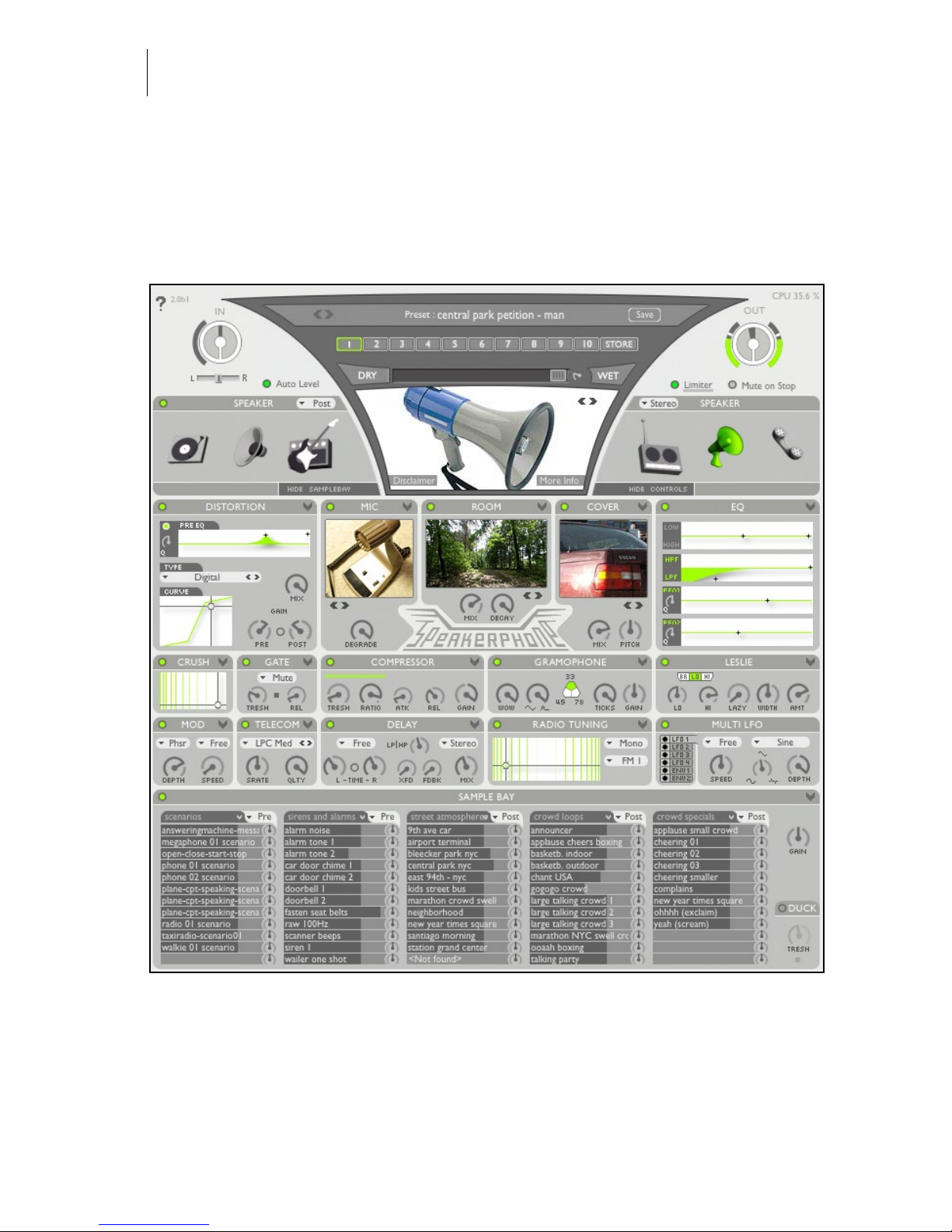
Operation is extremely simple and quick: you just call up one of hundreds of carefully crafted and archived presets. If you’re a tweaker just click ‘show controls’
and the whole dashboard slides out, at your disposal, with the most minute detail.
Page 5

Audio Ease | Speakerphone
User Guide
5
An obvious application for Speakerphone is television- and lm audio Post
production. Speakerphone will give you all the walkie talkies, distant transistor
radios, upstairs TV sets, bullhorns and cell phones you’ll ever need. It will add
dial tones, operators and static, and you can select from a wealth of environments
on either the caller’s or receiver’s end. It’ll make your voice sound through a
distorted megaphone suspended from the ceiling of a station hall, while mixing
in passenger’s footsteps around you. And you can simply drag anything from the
sample bay right to your Pro Tools track and vise versa.
But there are also many uses for Speakerphone in music production. You want
to make the artist rap through a cell phone? Rather than pull up an eq and some
distortion, why not make him rap through an actual cell phone? Perhaps in an
idling car, at a gas station ? You want your mix to start out on a gramophone ?
Choose one of the antique gramophones at hand. Tweak the ticks and crackle
controls, trigger stylus up and down samples, and if you prefer an off-center hole
in the record then just put it there. Then give the Wet-Dry Slider a kick and have
Speakerphone smoothly morph from gramophone to neutral by interpolation of
all its parameters. Plus there’s a host of classic guitar amps, complete with tailor
made distortion, spring reverbs, and everything else to build guitar tone like
you’ve never heard from a plug-in.
The end-all speaker simulator plug-in, with a host of environments to put them in.
Speakerphone is speakers done the Audio Ease way.
Speakerphone 2
Just over a year has passed since the introduction of Speakerphone. Speakerphone
has quickly become a household name in audio post production and music studios. Speakerphone version 2 has a new cleaner look, new features, many newly
sampled guitar amp cabinets, antique phones, toys, answering machines and
megaphones. Added is a microphone simulation module that hosts microphones
ranging from Royers to toy mics.
Among the new modules in Speakerphone 2 is one that’s called ‘Coverup’.
Coverup can place any sound inside tin cans, cardboard boxes, under blankets or
in the closed trunk of a car. Speakerphone 2 adds presets that switch via automation, an extensive LFO and envelope following section for controlling virtually all
parameters of Speakerphone, and a Leslie speaker module.
Page 6
Audio Ease | Speakerphone
User Guide
6
Page 7
Audio Ease | Speakerphone
User Guide
7
3
Basic Operation
Insert Speakerphone on a track of your sequencer or editor, and playback speech,
or speak live through the track.
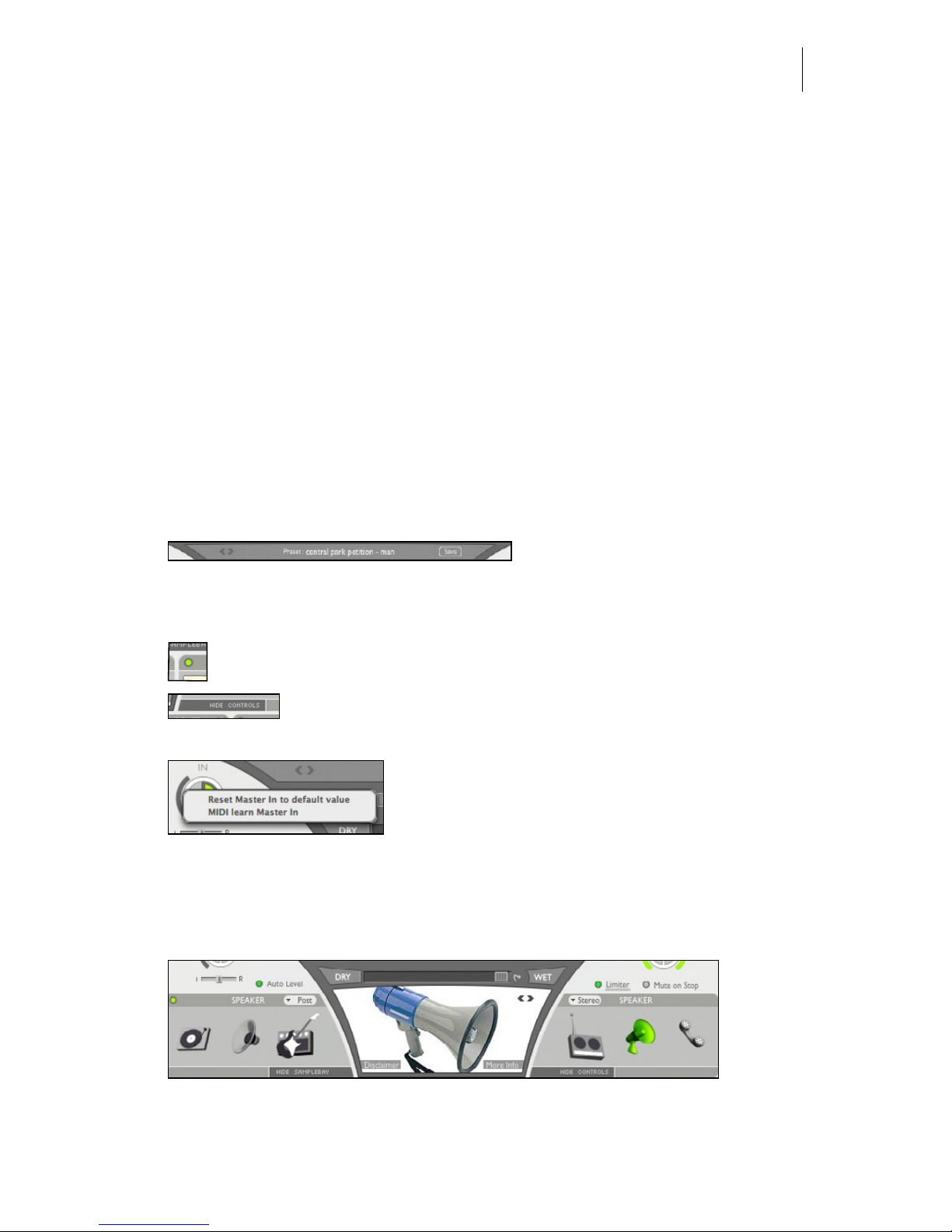
Click on the large preset name in
the preset bar. A browser is pre-
sented. You can select a preset from one of the many categories in the browser.
If you found something close, but you need it a bit different start tweaking
the controls. A module is active when its power control lights green. Each
module is described in the next chapter. If you see no controls you
can show them by clicking the show/hide controls tab.
CTRL or right -click on a control, such as a knob, to
bring up a menu that allows you to attach a parameter to a MIDI controller. The knob will blink until
a controller is sent on channel 1, after which it is
attached. The other option in this contextual menu resets the value to its default.
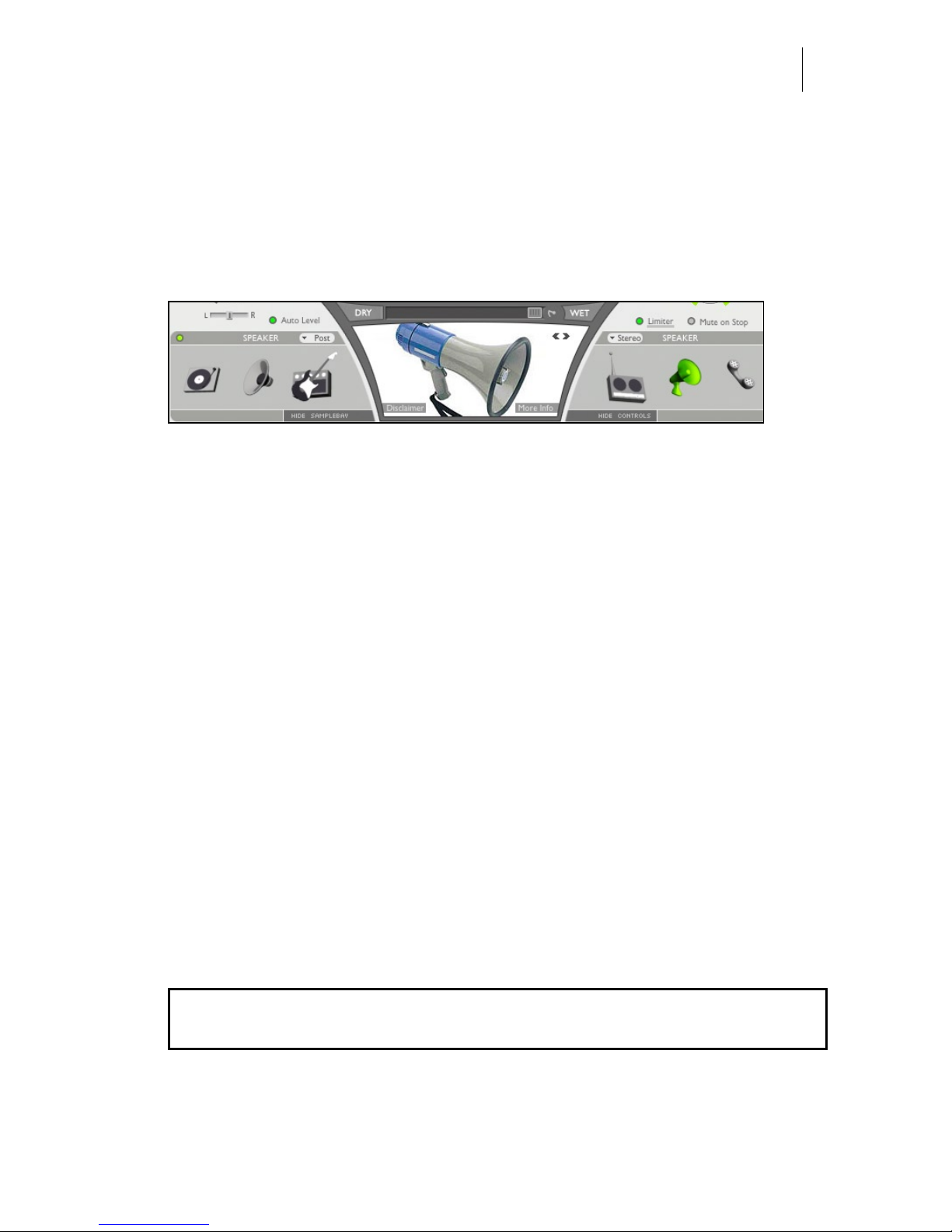
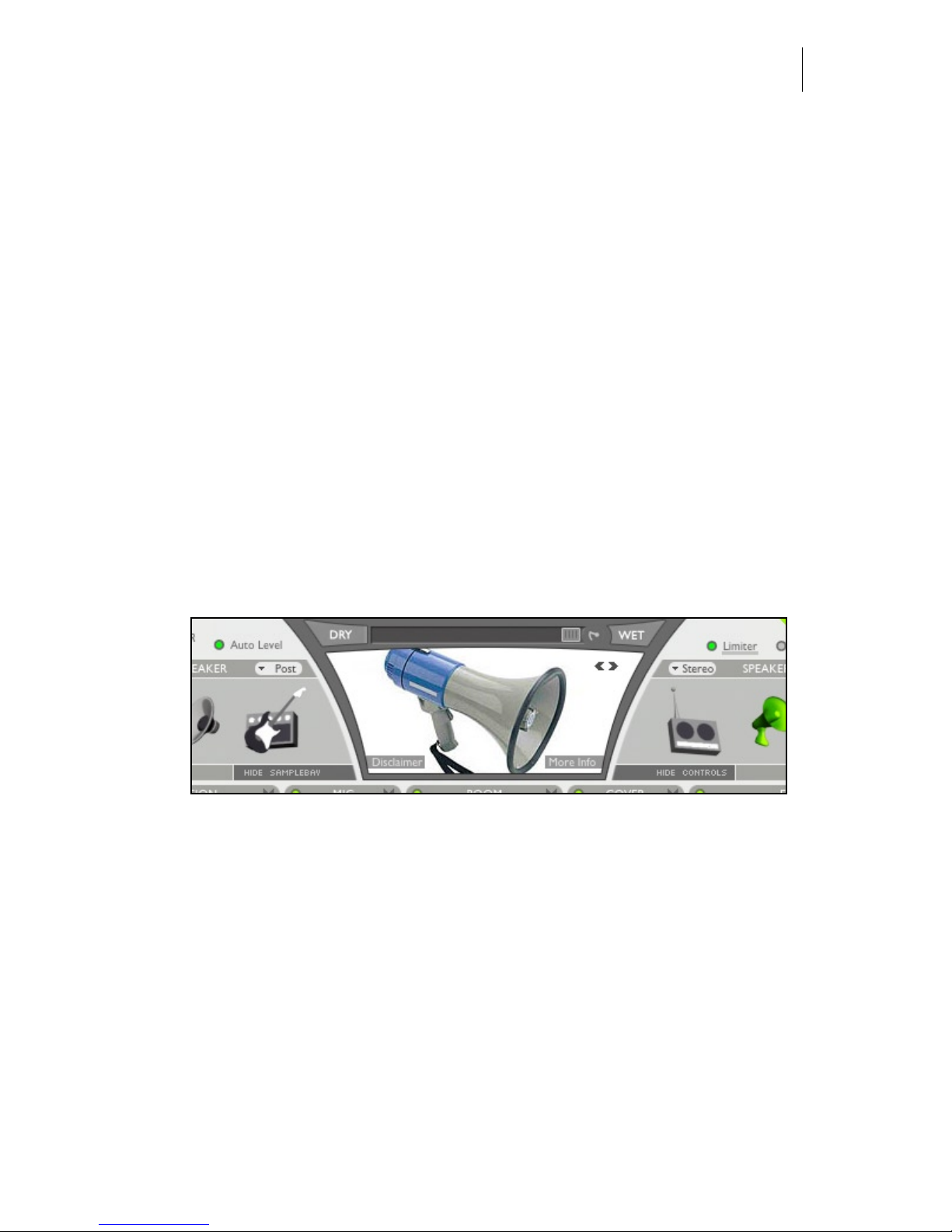
The heart of the preset is the Speaker module. Click on the phone icon to select
one of many phones, or on the radio icon to select a radio .
Page 8
Audio Ease | Speakerphone
User Guide
8
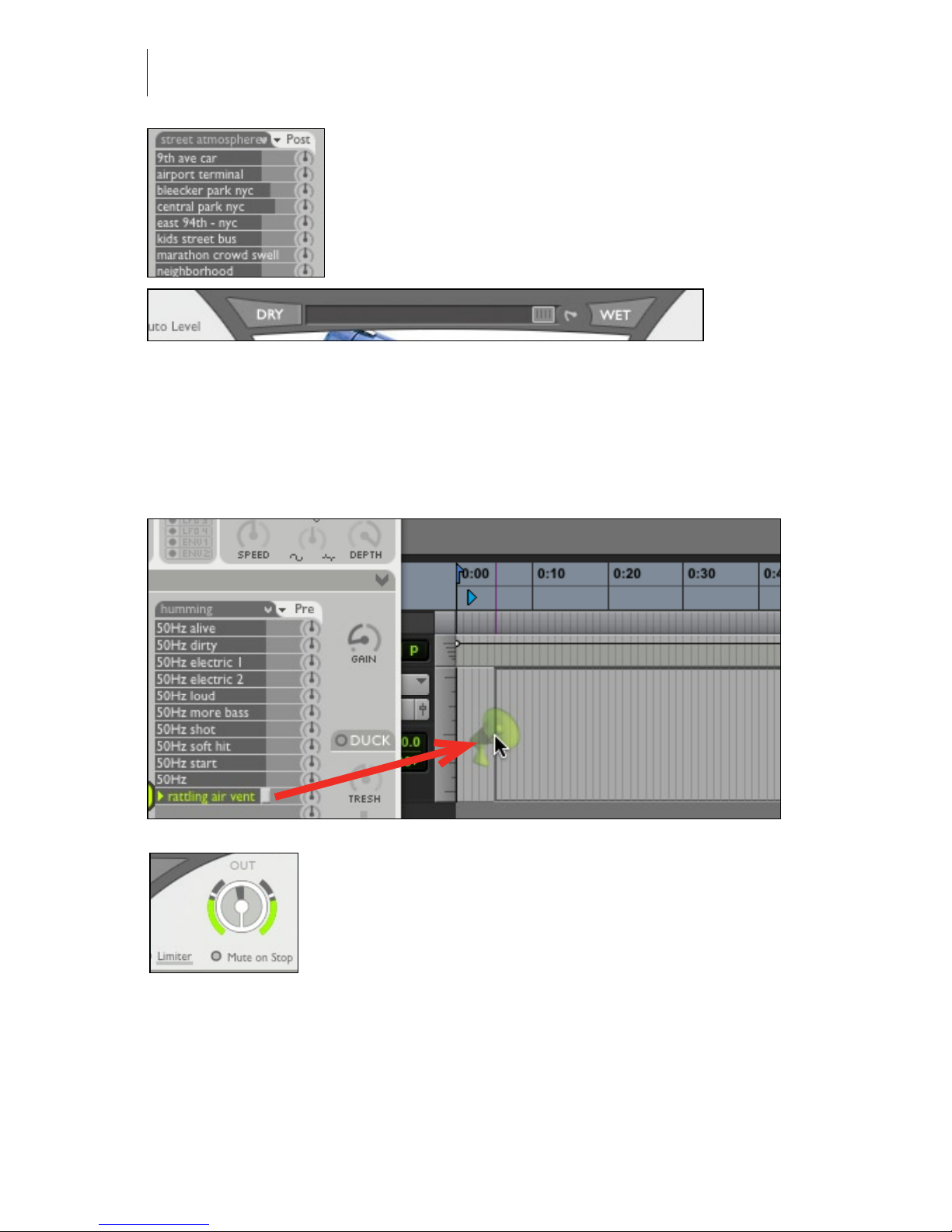
The background ambiences that you hear in many
presets come from the Sample Bay at the bottom. Click
on a sample to start it, on the fader handle to adjust its
volume, on the green-lit triangle to stop, and on the
rotary control to adjust panning. Click on the name of a
sample pack (“kids” in this example) to select another
sample pack.
Suppose the voice (or your complete mix) now sounds from a radio. If you play
back stereo music through this setting then perhaps at some point you want to
slowly ‘open up’ the sound to your full bandwidth stereo input sound. Click
the DRY button to make the slider move from wet to dry, from treated audio to
untreated audio. Or drag the WET/DRY slider manually.
You can drag les between the Finder/Windows, the sample
bay and your tracks, so if you like the ambience sounds, or
any other sample from the sample bay, but you’d rather have
it on your track than coming from Speakerphone, you can
click it, hold it for a second and then drag the sound from
the sample bay to the track.
Use the large Input and Output controls to adjust the volumes of incoming and
outgoing audio of Speakerphone. Next to the OUT control there is a limiter that
you can switch on or off, and next to the IN control there is ‘auto level’, which is
an automatic leveler to ensure that the input is just loud enough for the presets to
sound good. ‘Mute on stop’ means playback of samples from the sample bay will
be paused when your sequencer is not playing.
Page 9
Audio Ease | Speakerphone
User Guide
9
4
Reference
Help Feature
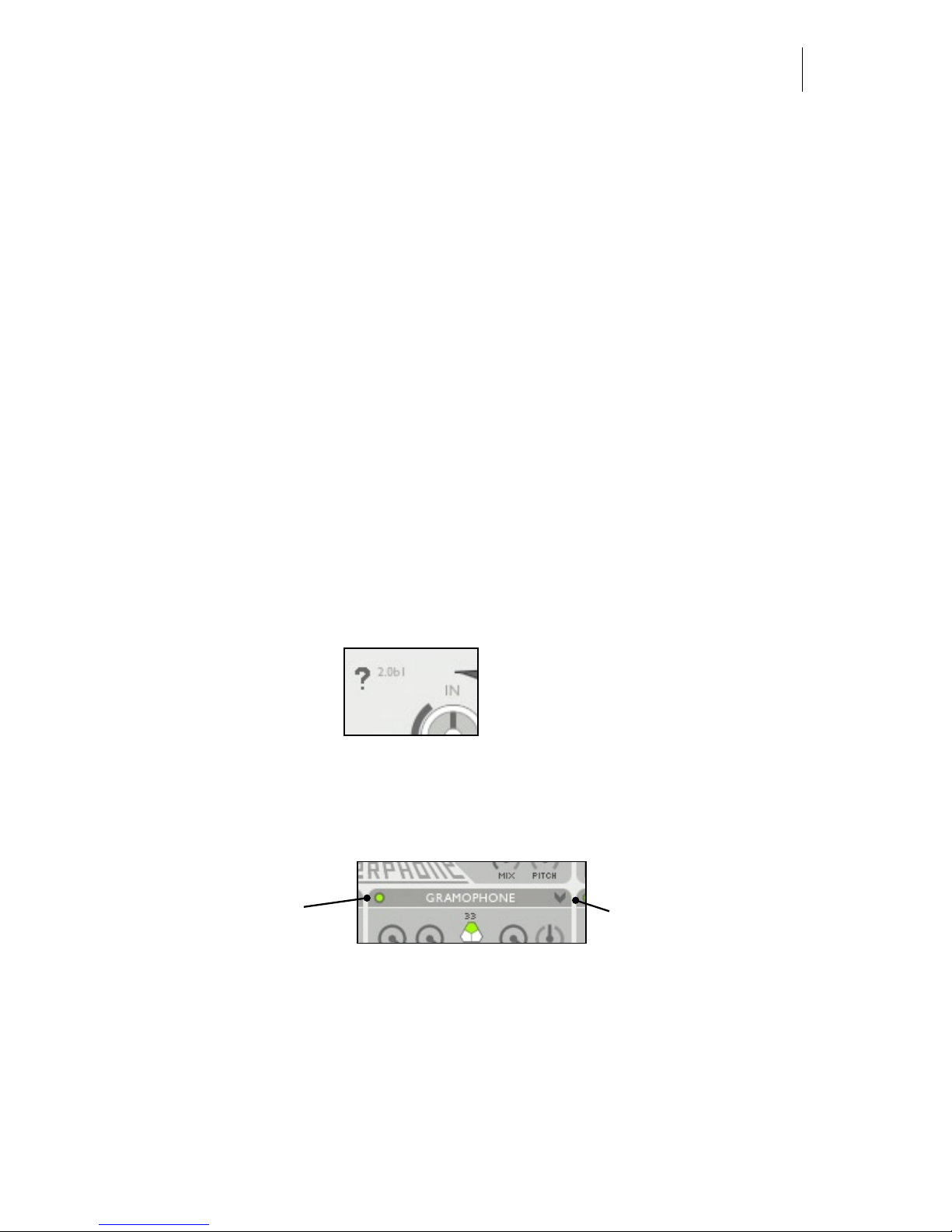
Clicking the ‘?’ will turn the help feature on and off. If the help feature is on you
can hover the cursor over a module to make an explanation appear.
Many modules have
their own preset menu,
bring it up by clicking
this arrow.
With this circular
button you switch a
module on or off.
Page 10
Audio Ease | Speakerphone
User Guide
10
Presets
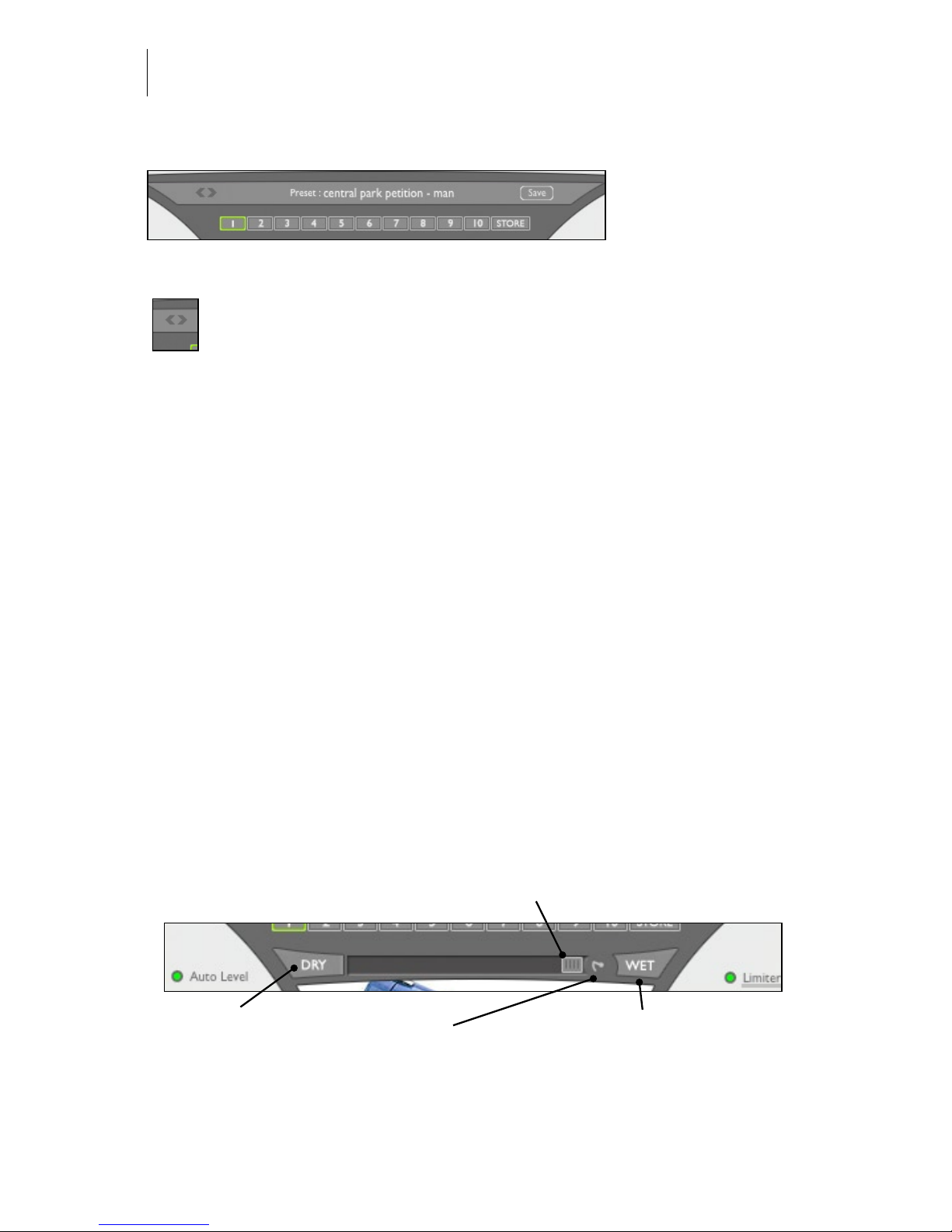
Click on the preset name. A browser shows up. You can select another preset now.
Selects the previous or next preset.
Automation presets
A preset can also be stored in one of 10 numbered slots below the preset bar. Do
this by clicking ‘store’, followed by a click on the desired slot. Recall a preset by
clicking on the slot. ‘automation preset index’ is an automatable parameter. You
can therefore invoke switches using your workstation’s parameter automation. In
Pro Tools this also works in case ‘automation preset index’ is the only parameter
that is automation enabled. The contents of all automation preset slots are in turn
saved in a single (Pro Tools) Preset, as well as in the Session le.
Wet / Dry control
The Wet Dry control gradually moves between processed and unprocessed (Bypassed) sound in an elaborate way. A movement from WET to DRY will gradually
open up lters, including the speaker IR, and diminish the effects of modules like
Distortion and Telecom each in a unique way. The overall result of a movement
from WET to DRY is a seamless ‘opening’ up of the sound from the complete
preset to unprocessed sound.
This dry button
starts to move the
WET/DRY Slider
gradually from wet
to dry
This WET button
starts to move the
WET/DRY Slider
gradually from dry
to wet
This controls how
fast the WET/DRY
slider will move
once the DRY or
WET buttons are
clicked
The WET DRY SLIDER changes
all parameters from their current
setting to ‘through’
Page 11
Audio Ease | Speakerphone
User Guide
11
If, for instance, you have your mix sounding from a jukebox in the back of a bar,
you can slowly ‘open up’ the sound to full stereo by dragging the WET/DRY
slider. Or click the DRY button to make the slider move from wet to dry, automatically, at a speed determined by the rotary control to the right of the slider.
Speaker - Selection of the speaker impulse response.
At the heart of the speaker simulator lies a library of recordings of different
speakers, often referred to as Impulse Responses, or IR’s. These impulse
responses by themselves capture many characteristics, both in frequency and
time, of the sampled speaker. The speaker module lets you select a speaker
impulse response, and it shows its corresponding photograph. Double click the
photograph to get additional info on the selected Impulse Response.
Speaker Category Icons - When you click a speaker category icon, like the phone
or the radio, a browser window appears that lets you select a speaker in that
category. Chapter 5 lists the speakers you can select from these categories, and offers some background info on them. To make auditioning as quick as possible, the
sounding selection is continually updated while you navigate the browser.
The Picture - Shows the actual speaker that was sampled. If you double click the
picture, a larger picture and additional info on the speaker and the recording are
displayed.
Pre/Post -Selects one of two positions in the signal chain where the convolution module can be inserted. The graph below shows both positions. Suppose a
selected speaker has a frequency range up to 5000 Hz. Using pre-convolution
Distortion and crunch will add harmonics above 5000 Hz in the end result. If you
want those to be cut-off by the IR, use post-convolution, shown in the connection
of modules below.
auto level + inputgain > sample bay (if pre) > phono > tuning > telecom >
speaker (if pre) > crush > gate > compressor > distortion > mod > delay > mic >
speaker (if post) > Leslie > cover > room > eq > sample bay (if post) > out > limiter
Stereo/mono - in stereo mode the IR will be used twice to treat the input: one for
the left input channel, and the other for the right. In mono mode, input channels
Page 12
Audio Ease | Speakerphone
User Guide
12
will be summed before they enter the speaker module. This way you can set up a
mono tube-radio patch and run your stereo mix through it. When you use the dry/
wet slider above, the signal will go from mono to stereo as well as from tube radio
to neutral.
Mic - Selection of the microphone impulse response.
Similar to the speaker selector, but here a microphone
impulse response can be selected. The available
microphone impulse responses capture time and
frequency characteristics of the microphones depicted,
and therefore make it sound as if the selected microphone was used in the result. Use it to make an
announcer speak through a typical announcer microphone, or to pick up a guitar cabinet using a classic
microphone for the purpose, for instance a Royer.
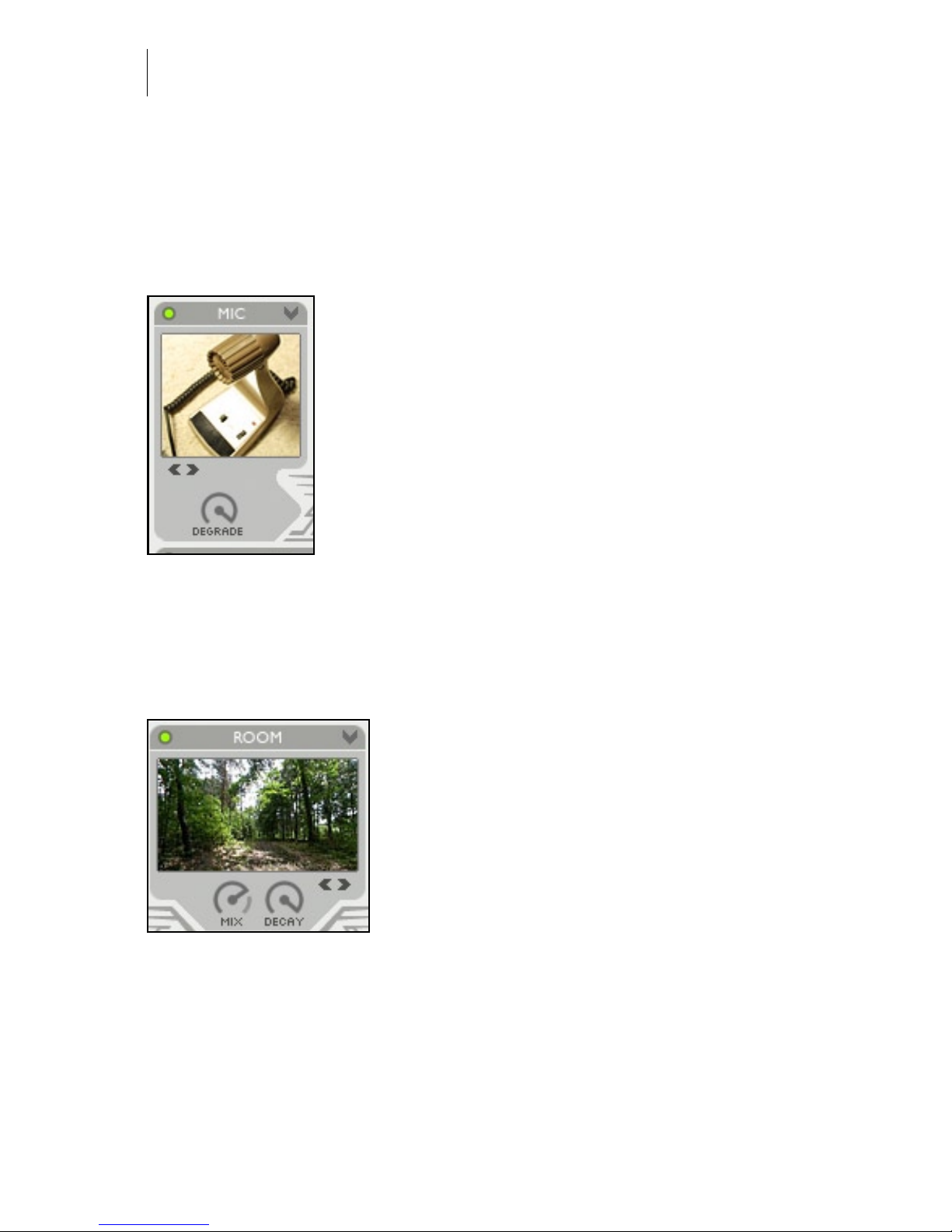
DEGRADE - in old (mainly telephone) carbon microphones a particular type of degradation is simulated with
this knob. Turn to right for the crackly effect, turn left to
leave the microphone in top condition.
Room - Convolution reverb for room, outdoor space, hall, resonant enclo-
sure, and reverb gear simulation.
Room creates reverb based on recordings of
actual spaces ranging from a railway station hall
to the cockpit of a MIG ghter plane. Samples of
spring- and plate reverbs are available as well.
Click on the photograph to select a different
acoustic space to place the speaker in.
MIX - turn to the right to get more reverb, or to
the left to add more dry audio.
DECAY - turned all the way clockwise the decay, or reverb tail length, is complete. Turn it counter clockwise to shorten the reverb tail.
Page 13
Audio Ease | Speakerphone
User Guide
13
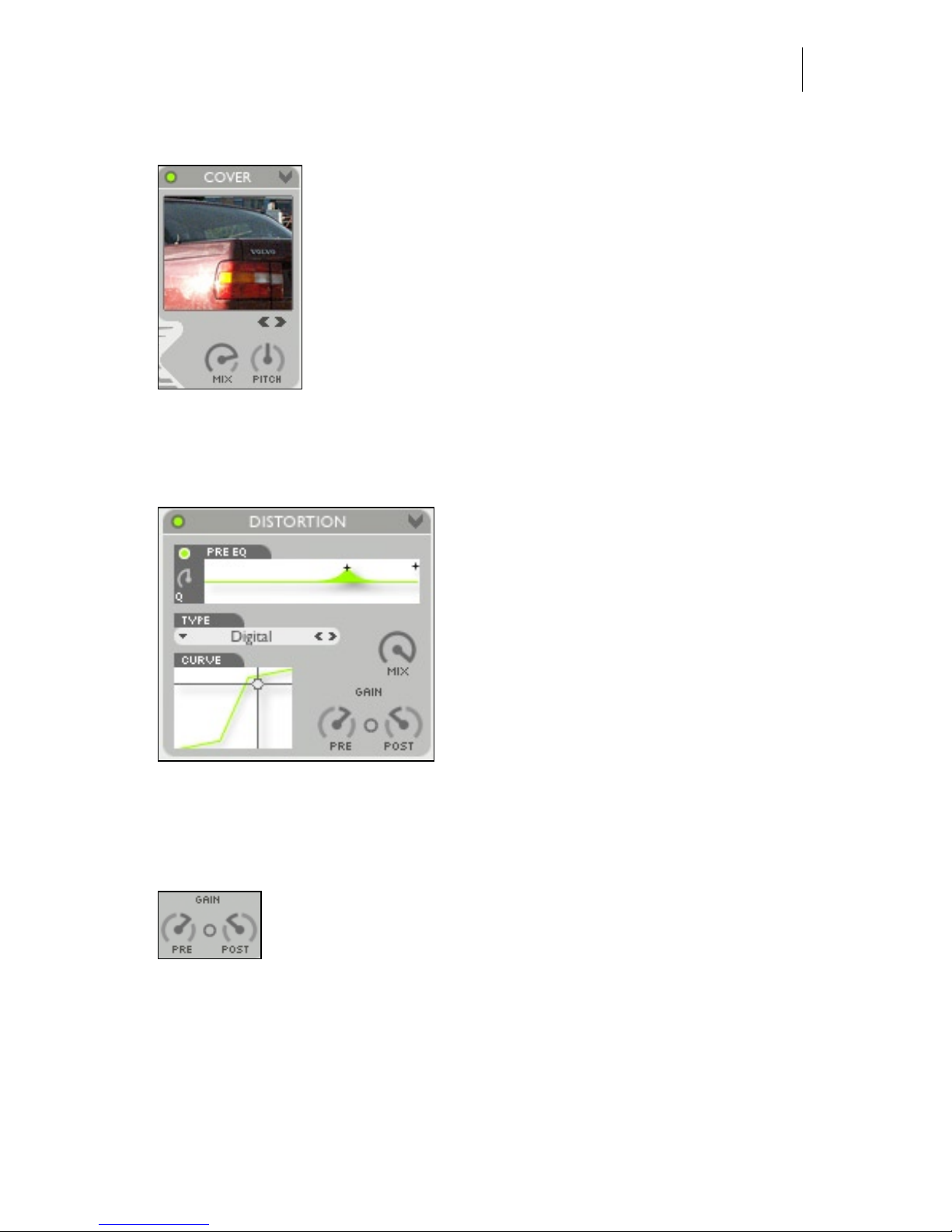
Cover - cover up the source sound with blankets, boxes, trunks etc
A variety of objects can cover a sound source. Blankets,
suitcases, boxes, glass cups, car trunks are just few. Click
on the picture to select such a cover. All of these are actual
impulse response recordings in Speakerphone.
MIX - turn to the right to get more of the cover’s characteristics, or to the left to add more dry audio.
PITCH - often the covers have very distinct resonances.
Tune them using this knob. Try it on a wine or beer bottle.
Distortion - Emulate a speaker’s or amplier’s over modulation.
In the distortion module audio is rst passed
through the Pre EQ. If you engage it by
clicking its on/off button you can control
both a parametric EQ and a low pass lter
with resonance in the same graph.
Bandwidth, or Q, for the Parametric EQ can
be adjusted with the small rotary control.
Next, the signal hits the PRE gain, which
typically amplies so the waveform will
become more or less distorted in the next
module: the Distortion Type.
The actual distortion model is selected in the ‘TYPE’ popup. Some are amp models, others are wave shapers, all of them are further controlled using the CURVE
graph at the bottom of the distortion module.
POST-gain controls the distortion’s output volume. You can also
click the connection-button in between PRE and POST to have
post gain automatically decrease when pre gain increases and vise
versa.
Finally you can Mix the distorted signal with the undistorted input signal using
the MIX control.
The effects of Distortion are different when it sits before or after the Speaker
module. The position of the Speaker module can be adjusted by the Speaker’s
PRE/POST control (see next section).
Page 14
Audio Ease | Speakerphone
User Guide
14
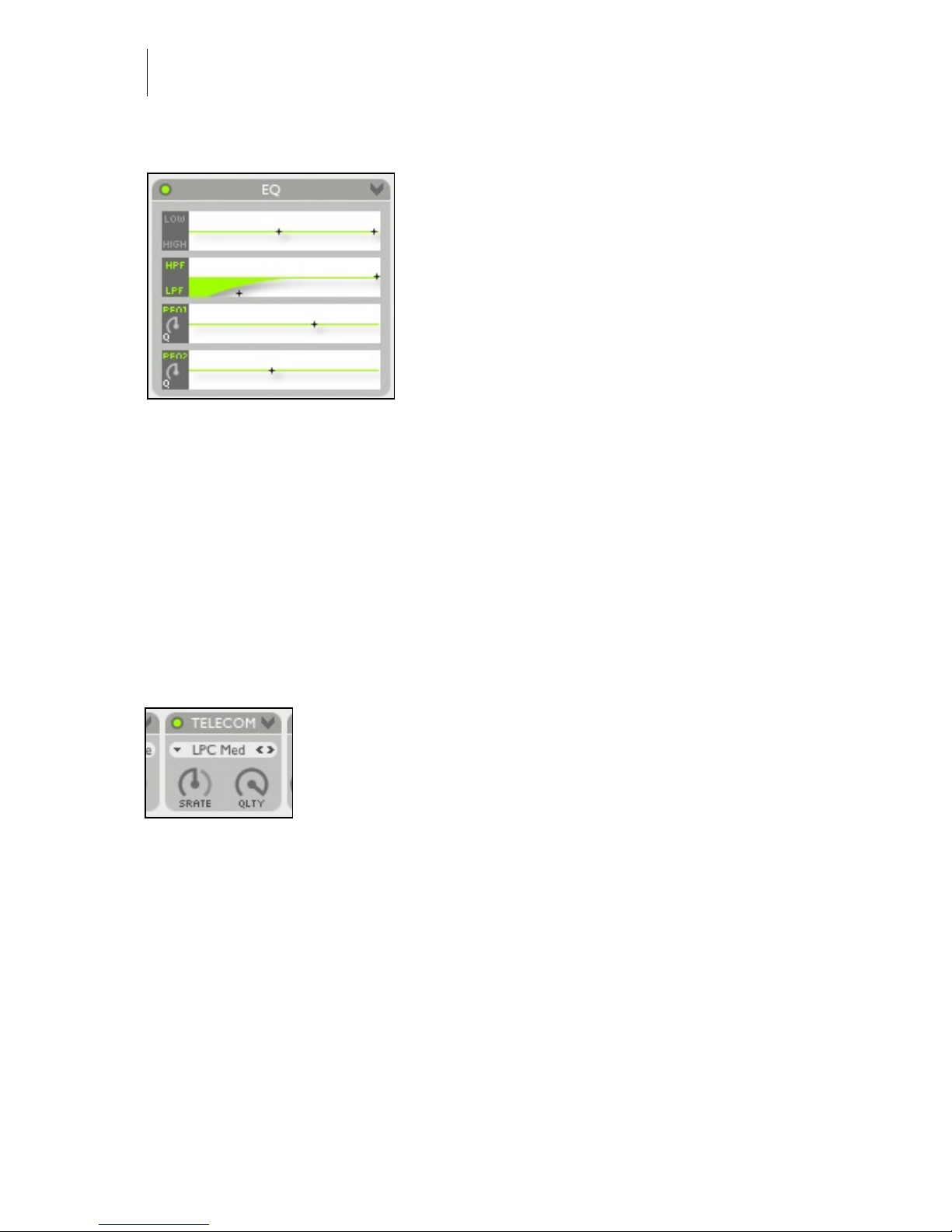
Equalizer section - 5 types of frequency lters.
A lter can be turned on or off by clicking its
name.
Low and High shelving lters - Click on a
cross in the graph and move it up to amplify, ,
down to attenuate and left-right to change the
cut-off frequency.
High pass lter and low pass lter with
separate resonators - Click and drag in the
graph to move the cross hairs. Left and right
adjusts cut-off frequencies, up and down adjusts resonance amount. Resonance is
a means of emphasizing the cutoff frequencies themselves. The high pass and low
pass lter’s frequency responses do not atten out like the shelving lters, making
them the more dramatic choice of the two.
Two bands of parametric Equalization - Horizontal movement adjusts the posi-
tion of the notch or peak. The amount of amplication or attenuation is controlled
by vertical movement. The width (q-factor) of the peak or the notch is adjusted
with the rotary knob.
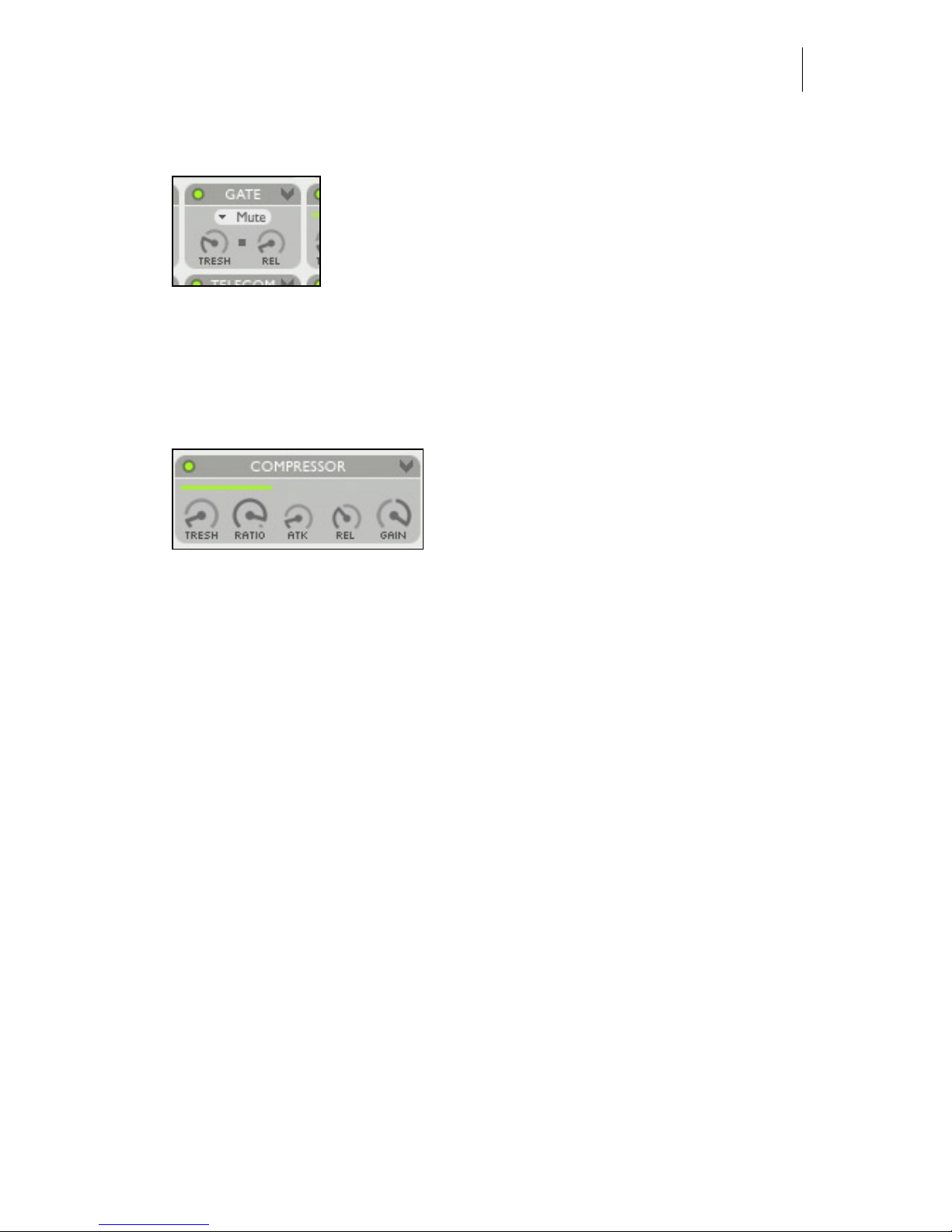
Telecom - (Cellular) phone connection protocol (degradation) simulation.
By applying actual telecommunication industry standard
audio data compression such as ‘GSM’, this module
faithfully reproduces the typical audio artifacts found in
bad phone connections. Repetitions, underwater effects, it
will all sound very familiar. As a side effect of the LPC
coder/decoder the Telecom module doubles as a classic
robot-harmonizer. You can build synthetic voice effects using LPC xed pitch, or
even send it MIDI notes on channel 3 to play pitches.
POPUP MENU - choose the encoding/decoding type of data compression that is
used in actual (cellular) phone connections. Some of them may introduce latency
(delay) in the same way actual telephone lines do. The ‘Liquid’ degradation types
introduce the smallest delay.
SRATE- changes the sampling rate of the phone data transmission.
QLTY - quality - simulates the effects of a bad connection. Most notably dropped
(and therefore repeated) time-slices. In Fixed Pitch mode the QLTY knob controls
pitch of the robot voice.
Page 15
Audio Ease | Speakerphone
User Guide
15
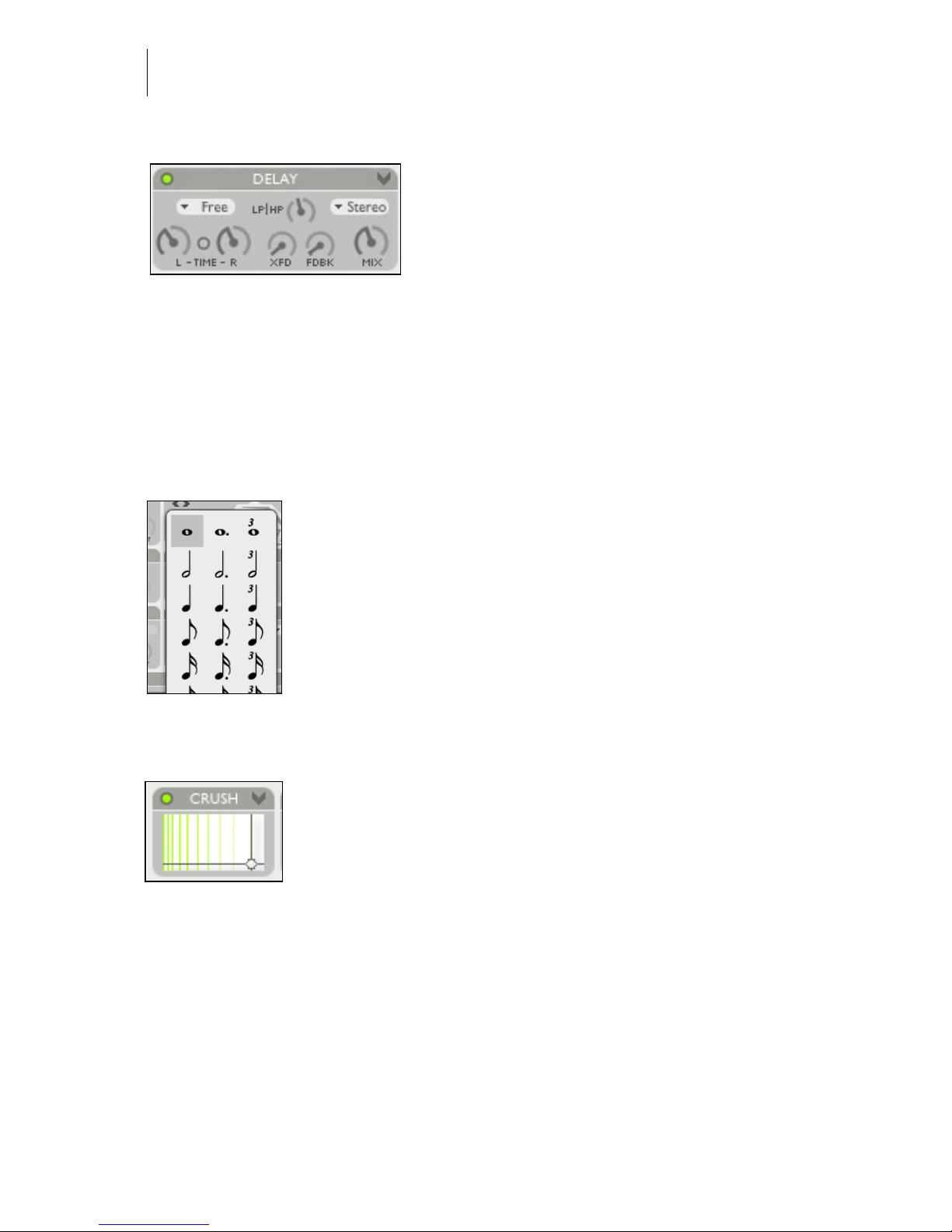
Gate - Mutes or attenuates the signal when it’s below the threshold level
TRESH - Threshold - the gate mutes or attenuates the
signal when it drops below this threshold level.
REL - release - how quickly the gate returns to no-gainreduction once the input level gets above the threshold.
MUTE vs ATTENUATE - Select in this popup menu wether the gate completely
mutes or just attenuates the signal.
Compressor - Dynamic compression controls.
The horizontal meter - continually displays
the amount of gain reduction. The dynamics
section is completed by the limiter near the
‘OUT” control at the right top.
TRESH - Threshold - the compressor reduces
the dynamic range of the incoming audio signal if it becomes louder than this
threshold.
RATIO - The amount of gain reduction. 4:1 means 4 dB of additional input creates just 1 dB of additional output level
ATK - attack - how fast the compressor responds to changes in input level.
REL - release - how quickly the compressor returns to no-gain-reduction once the
input level falls below the threshold.
GAIN -Volume of the output of the gain.
Page 16
Audio Ease | Speakerphone
User Guide
16
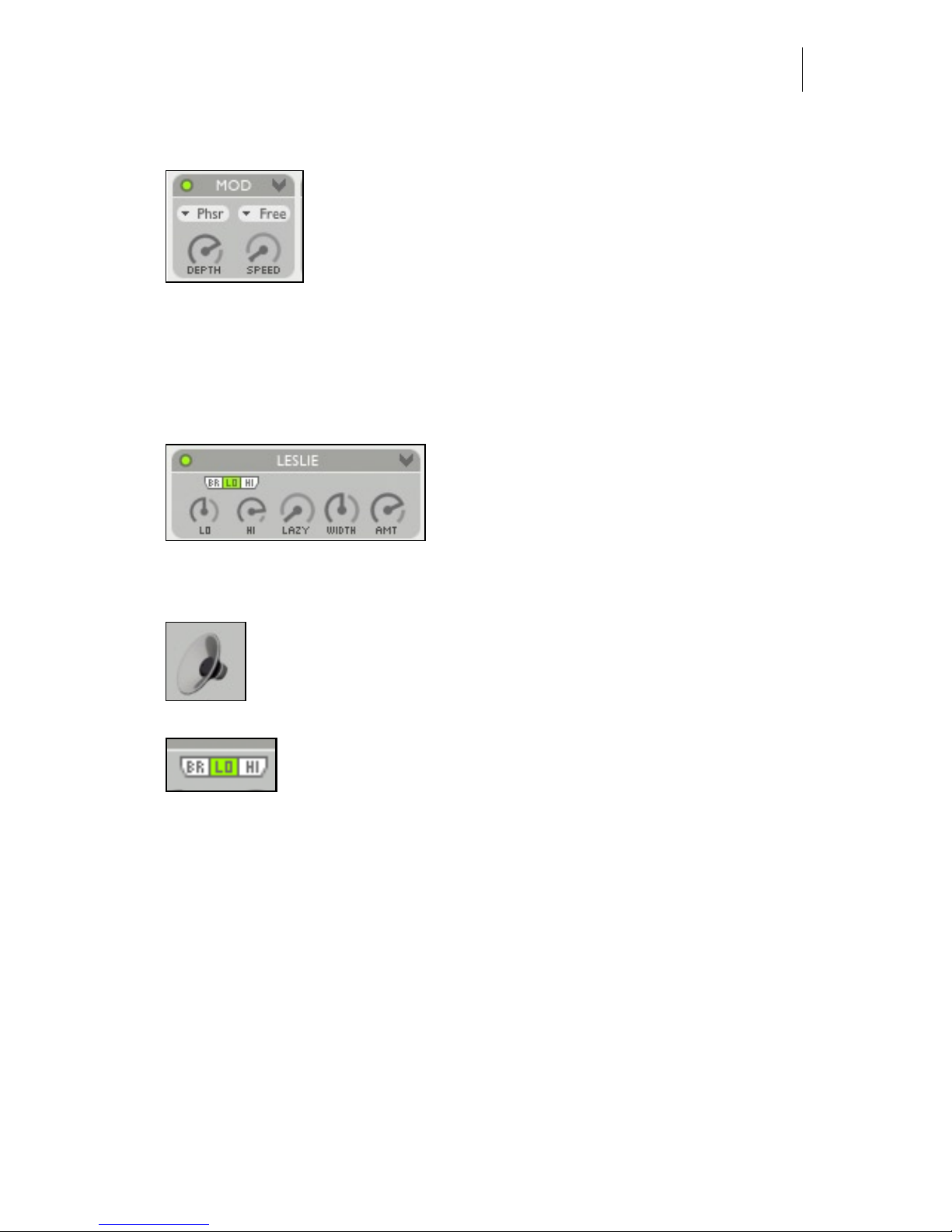
Delay - mono or stereo feedback delay with lter.
STEREO MONO - in mono mode the delay
output is summed to mono
TIME L - left channel delay time.
TIME R - right channel delay time.
FDBCK - amount of the delay output that is fed back into the delay input.
LP/HP - an optional low pass and high pass lter in the feedback path. Turn to
left to attenuate high frequencies or to the right to attenuate lows .
XFD - Cross feed determines how much of the left channel signal gets fed into
the right channel delay path.
MIX - determines the mix between the delayed signals and
the input signal.
FREE mode lets you adjust delay times in milliseconds, while
SYNC mode locks the timing of the delay to the host sequencer’s tempo. The delay time rotary knobs are exchanged
by notes, and clicking on the note brings up a note-value
selector box.
Crush - word length reduction and sampling rate reduction.
Drag the cross hair down to reduce word length (reduce from
32 bit input to 2 bit output). Move to the left to reduce
sampling rate. To maximize aliasing effects the most crude of
sample rate conversion algorithms lies beneath the Crush
module.
Page 17
Audio Ease | Speakerphone
User Guide
17
Mod - Tremolo, Chorus, Phaser, Flanger or Vibrato.
Mod offers 5 types of classic modulation effects, available in
the top left popup.
DEPTH - Controls the amount of the modulation effect.
SPEED - Controls how fast the modulation oscillates. Speed
can either be set in FREE mode or in SYNC mode. SYNC ties speed to the host
sequencer’s tempo and displays it with a note value (as is shown above in the
DELAY module) , while FREE offers a rotary knob.
Leslie - Emulation of the classic rotating speaker
This module emulates a Leslie speaker,
typically associated with Hammond organs.
A Leslie speaker, on the inside, rotates a horn
speaker for the mid to high frequencies, and
it rotates a horizontal bafe below a downward facing low frequency woofer. The
result is rich rotating sound.
For authentic results rst select from the speaker module (page 12) a
Leslie speaker. You’ll nd it in the miscellaneous speakers section
(speaker icon on the left) . Then use the following Leslie controls to
rotate it:
The HI AND LO KEYS switch the rotating elements between
two speeds. The corresponding speeds can be set using the LO
AND HI KNOBS. The rotation can be stopped using the BR
switch (brake).
LAZY - determines the the time the rotation speed needs to reach HI or LO.
WIDTH - Controls the stereo width of the rotation effect.
AMT - Amount controls the intensity of the Leslie’s effect. Together with ‘Width’
it would in reality be achieved by microphone positioning.
Page 18
Audio Ease | Speakerphone
User Guide
18
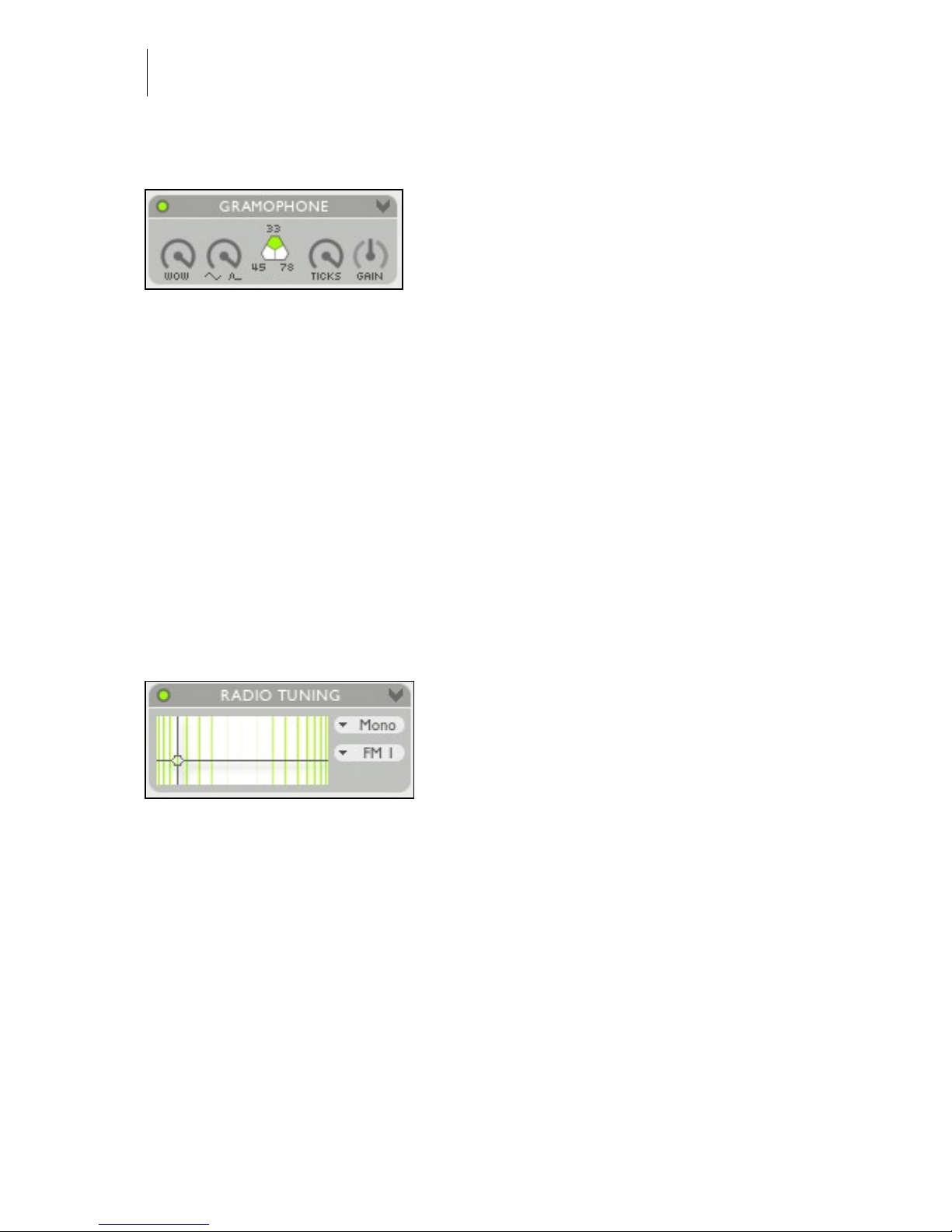
Phono - Gramophone eects simulator.
WOW AMT- The hole in a record can be off
center. The further the groove is from the
hole, the faster it will be moved beneath the
stylus, causing the pitch to swing up and
down. AMT controls how far the hole is off
center.
CURVE- A pitch curve also occurs when the record is not at. You can change
the shape of the pitch curve from a perfect sine (result of an off-center hole) to a
steep peak every turn (result of a steep bump in the record).
33/45/78 - RPM - The number of record rotations per minute. Inuences the speed
of the curve as well as the speed of repetitions in the TICKS parameters
TICKS - The density of the layer of crackles and ticks.
GAIN - The gain of the layer of crackles and ticks.
Tuning - Radio receiver tuning.
Simulates the various effects of a radio receiver dial.
STEREO MONO - in mono mode the
tuner’s output is summed to mono
VERTICAL MOVEMENT - changes the
frequency of inter-modulation side tones.
HORIZONTAL MOVEMENT- when the cross hair is moved out of the center
reception of the signal worsens (increasingly adds distortion and noise).
MONO/STEREO - in stereo mode both the band-noise and the swooshes are different on the left and right output channel.
RADIO BAND SELECTOR POPUP (FM/AM) - Different radio bands give different types of band-noise, modulation and distortion effects. Select the type radio
band here.
Page 19
Audio Ease | Speakerphone
User Guide
19
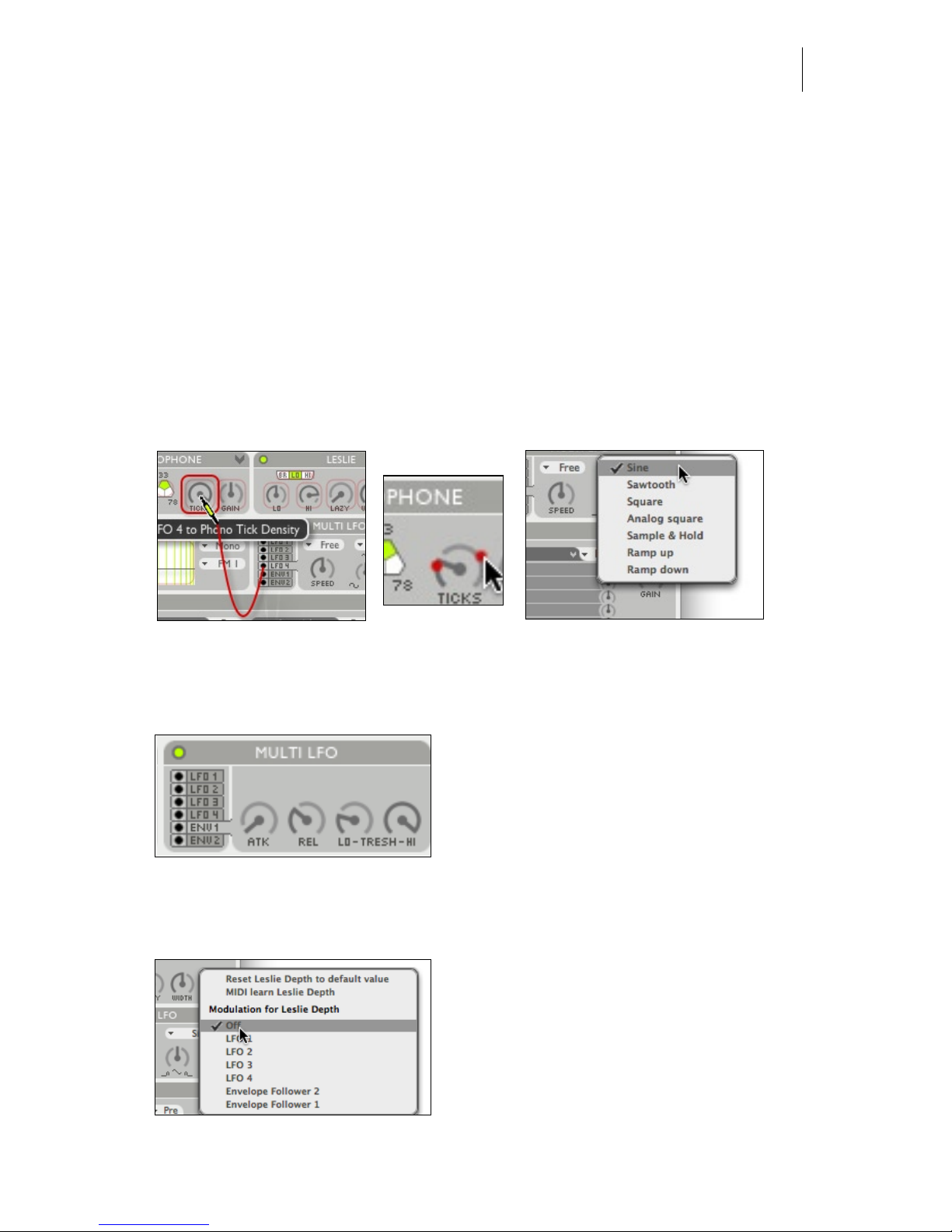
Multi LFO - 4 Low Frequency Oscillators and 2 envelope followers for
automated parameter control.
Connecting an LFO and adjusting shape speed and range.
Click and hold the black dot before a line that says ‘LFO’, in this example LFO
4. Then drag towards any on screen control, such as Leslie AMT. Then release the
mouse knob. You have now connected lfo 1 to Leslie AMT. Adjust the minimum
and maximum value that the LFO reaches by dragging the red limitation points
around the Leslie AMT knob. Further adjust the shape of the lfo by selecting a
shape from the shape popup (where it says ‘sine’), and use the shape turning knob
to distribute the movement to the far ends of the cycle, or to the middle. Speed
(lfo frequency) can be set freely, or locked to the beat, in which case notes pop
up.
(left) LFO 4 gets connected to parameter Gramophone Ticks (centre) minimum and maximum of
Ticks are set. LFO 4 will swing it between these values. (right) shape and speed of LFO 4 are set in
the LFO module.
Connecting and adjusting an envelope follower
Connecting is done similar to an LFO. An
envelope follower increases the value of
the connected parameter according to the
level of incoming audio. It starts reacting
when audio exceeds the lo-threshold, and it
will not increase further when the level
exceeds hi-threshold. Attack and release determine how quick the envelope
follower reacts.
Disconnecting an LFO or envelope follower
This is done by right clicking (or CTRL
clicking) the parameter it controls, and
selecting “off” such as in the picture to the
left. This pop up menu also offers the
alternative way of connecting a parameter
to an LFO or envelope follower.
Page 20
Audio Ease | Speakerphone
User Guide
20
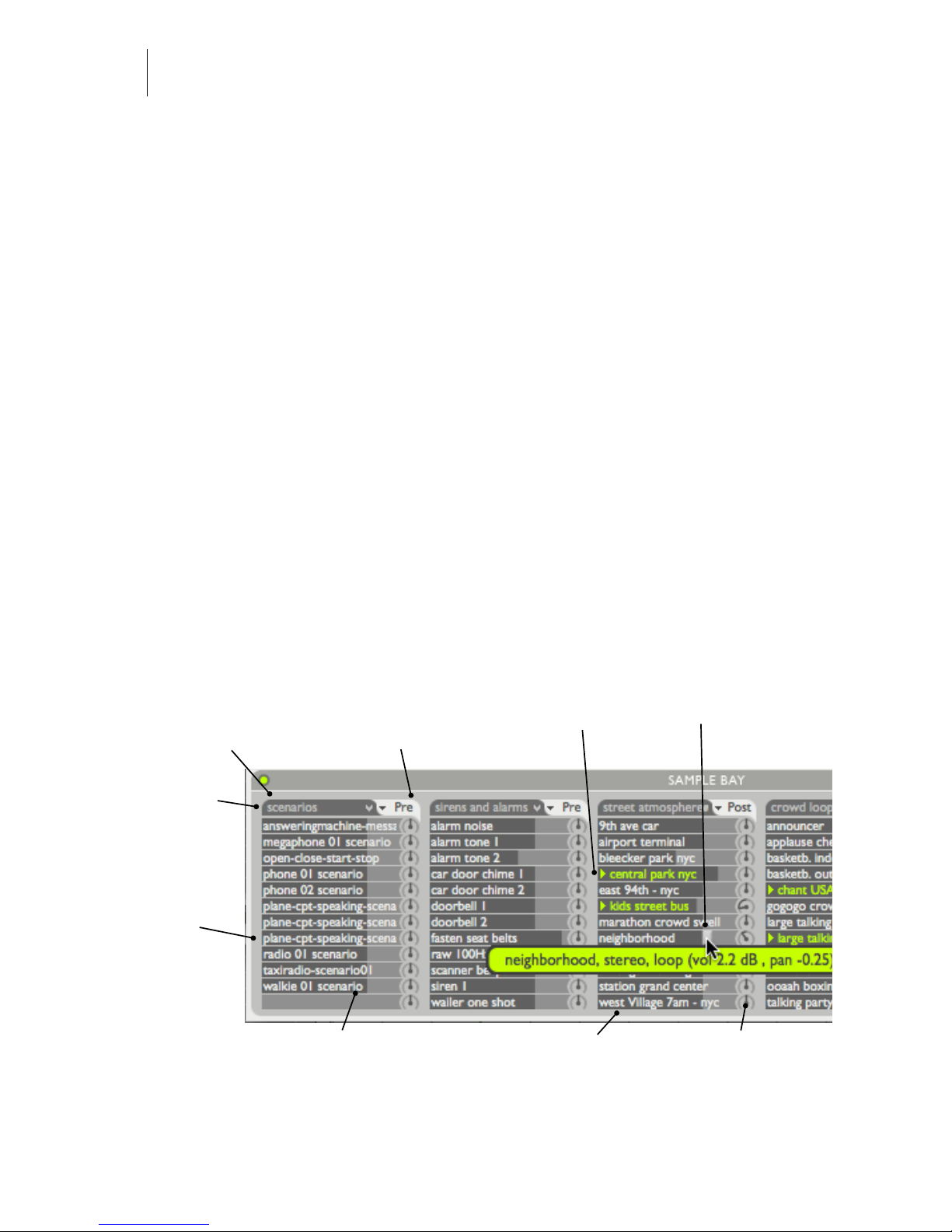
Sample bay - A library of samples for playback by mouse clicks or MIDI
You can build complete environments for the speakers here. Several gigabytes of
samples and music are installed with Speakerphone, free for use in your production. 5 tables of twelve samples are accessible at a time for playback via mouse
clicks or MIDI. The samples range from extras like knobs and closing car doors
to ambiences and music, and they are used throughout the presets that come with
Speakerphone.
MIDI - consult the manual of your sequencer to nd out how to send MIDI notes
from your MIDI keyboard or sequencer tracks to a plug-in. The sample Bay
receives MIDI notes and volume control on Channel 2. The rst sample-table runs
from MIDI note number 24 (c-2) to 35 (b-2) The next table is triggered by the
next octave and so on.
(Alt) drag samples from sample bay to tracks and the other way around. You can
also drag samples to and from the Finder/Windows, or between slots within the
samplebay.
You can move the samples folder to another drive, but after that you will have to
reconnect Speakerphone by selecting ‘choose samples folder’ from the arrow in
the top right of the sample bay.
One table of 12 audio samples is called a Sample Pack.
Select wether the sample is
played before (PRE) or after
(POST) effects. So here you
decide wether we receive a
call IN a car, or we receive a
call FROM a car.
Click on a sample to
play. Many of them
are seamless loops.
Drag the horizontal
fader to change
gain.
Click on the
heading name of
a Sample Pack to
select one of many
sample packs
Besides the sizeable speakerphone sample
library you can
drag your own
samples from the
Finder or your
sequencer tracks
into these slots
A sample can be dragged to the
Finder (where it will appear as a
sound le) or to the tracks of your
sequencer.
Command (Apple) click on
a sample slot to bring up
a selection dialog. You can
place a single sample this
way, or a complete folder of
With these you
adjust panning
of a sample
Page 21
Audio Ease | Speakerphone
User Guide
21
5
Speaker
Impulse Responses
Following is a list of the Speaker Impulse responses that come with Speakerphone. They are accessible via the Speaker module described on page 12.
IMPORTANT INFORMATION: Audio Ease, the Speakerphone logo and SPEAKERPHONE are trademarks
of Audio Ease BV the Netherlands. All other product names, trademarks, or trade names are the names of
their respective owners, which are in no way associated, connected nor afliated with Audio Ease or the
SPEAKERPHONE product and which have not endorsed Audio Ease’s SPEAKERPHONE product. These
marks and names are used solely for the purpose of describing certain amplier, megaphone, radio or phone
tones produced using Audio Ease’s modelling technology so as to electronically emulate the performance of the
original product studied. The result of this process is subjective and may not be perceived by a user as producing the same effects as the original products studied.
Page 22
Audio Ease | Speakerphone
User Guide
22
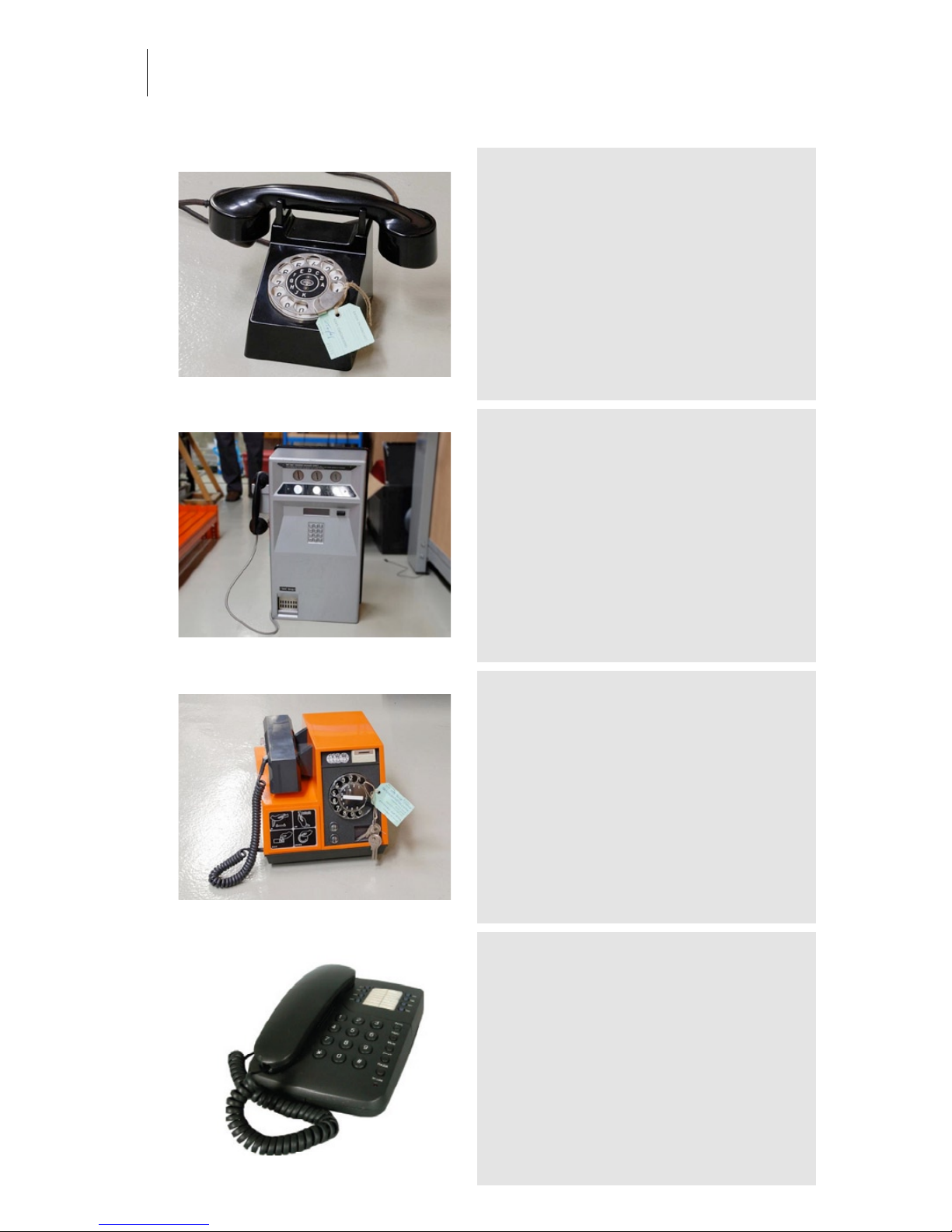
1930 Tefag
Category: Phones
Owner: Museum voor communicatie www.muscom.nl Location:
Museum voor communicatie www.muscom.nl
Recording: 2008-07-14 by Renier Linssen and Arjen van der Schoot
available in Speakerphone 2
Gray public phone
Category: Phones
Owner: Museum voor communicatie www.muscom.nl Location:
Museum voor communicatie www.muscom.nl
Recording: 2008-07-14 by Renier Linssen and Arjen van der Schoot
available in Speakerphone 2
1976 Orange public phone
Category: Phones
Owner: Museum voor communicatie www.muscom.nl Location:
Museum voor communicatie www.muscom.nl
Recording: 2008-07-14 by Renier Linssen and Arjen van der Schoot
available in Speakerphone 2
Marquant T-289
Category: Phones
Owner: SoundPalette Location: Audio Ease
Recording: 2005-05-23 by Audio Ease
Page 23
Audio Ease | Speakerphone
User Guide
23
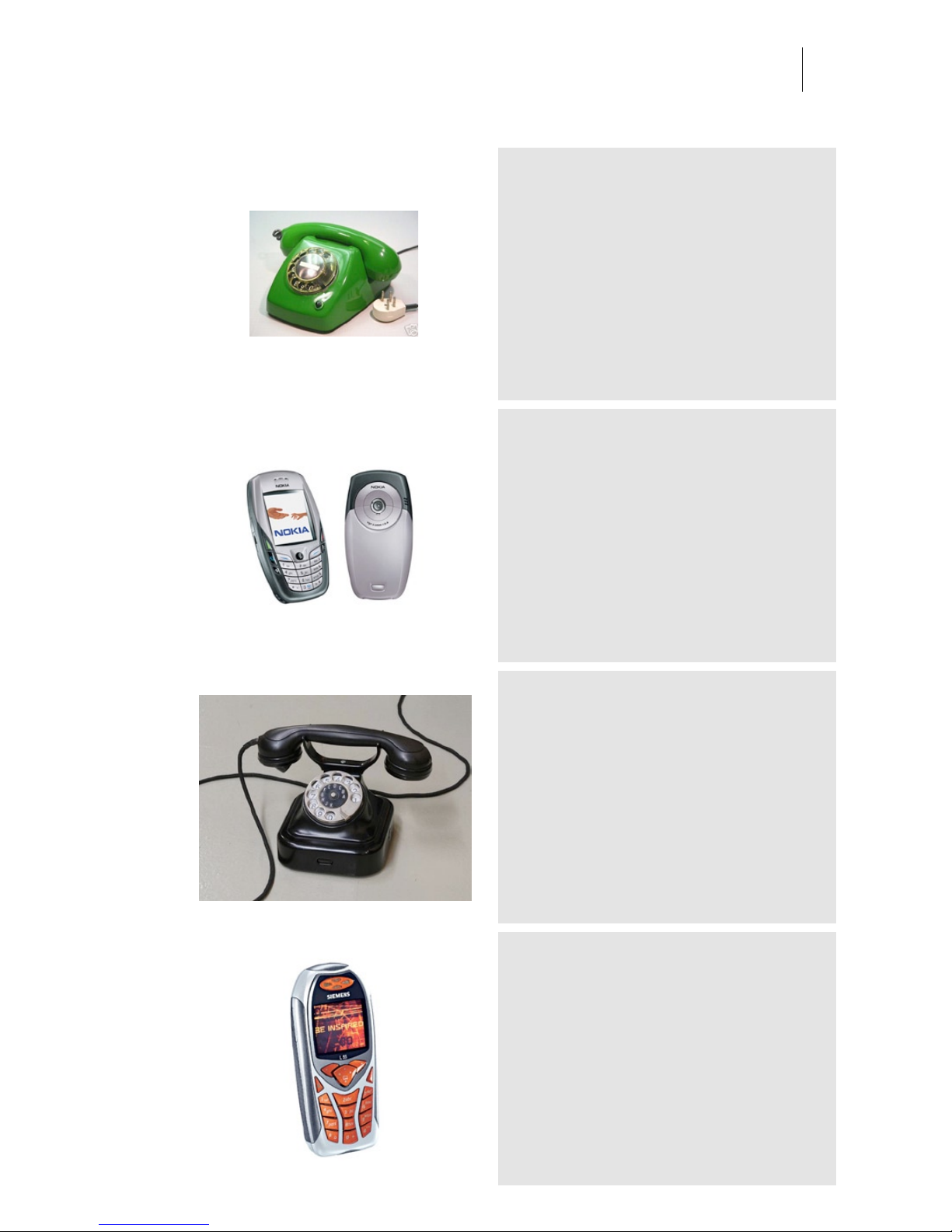
T65
Category: Phones
Owner: Arjen Location: Audio Ease
Recording: 2005-11-15 by Arjen van der Schoot
The Standard phone in the Netherlands through the
seventies and part of the eighties.
nokia-6600
Category: Phones
Owner: Seb Location: Audio Ease
Recording: 2005-05-23 by Audio Ease
Heemaf PR UL572
Category: Phones
Owner: Museum voor communicatie www.muscom.nl Location:
Museum voor communicatie www.muscom.nl
Recording: 2008-07-14 by Renier Linssen and Arjen van der Schoot
available in Speakerphone 2
Siemens M55
Category: Phones
Owner: Aram Location: Audio Ease
Recording: 2005-05-20 by Audio Ease
Page 24
Audio Ease | Speakerphone
User Guide
24
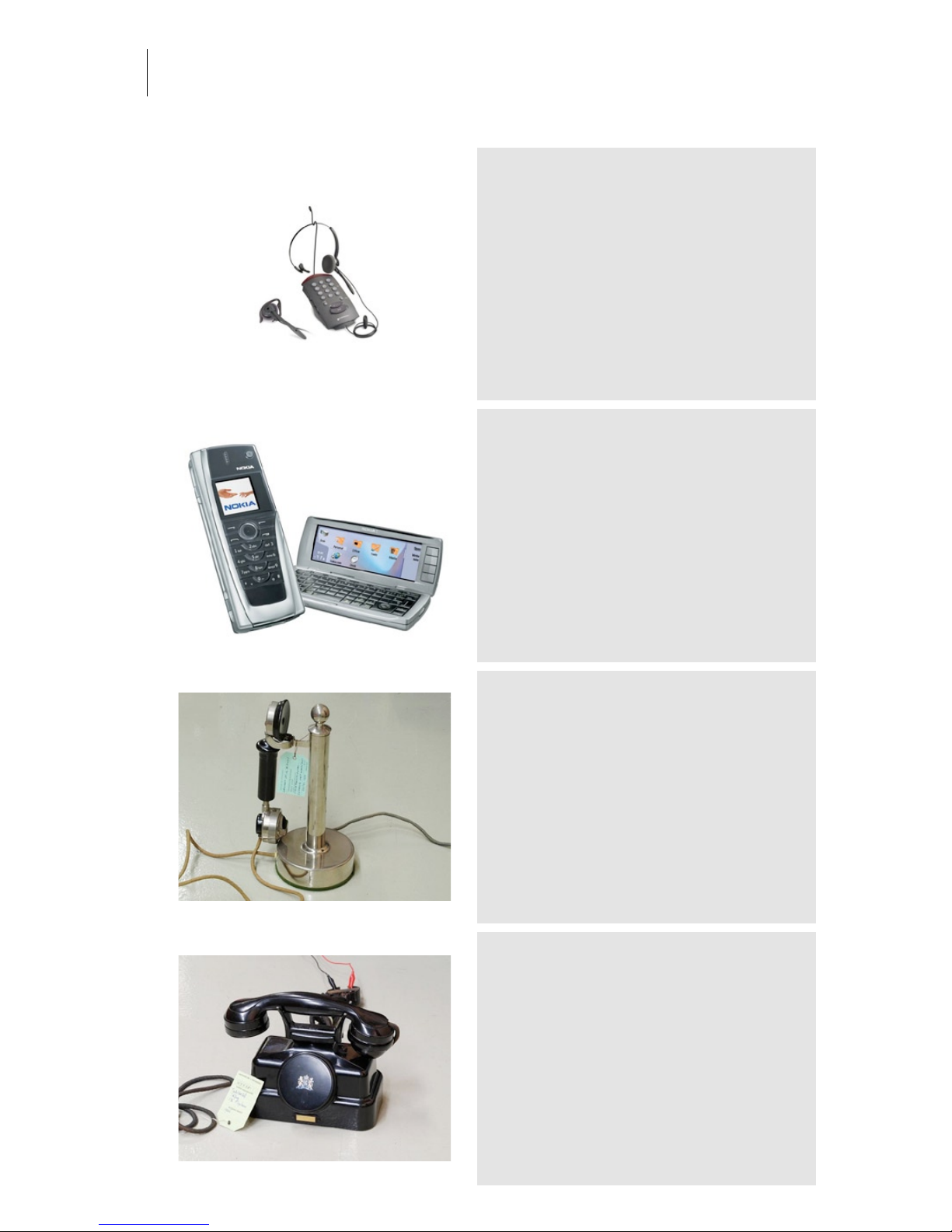
Plantronics
Category: Phones
Owner: IZI Location: Audio Ease
Recording: 2005-05-23 by Audio Ease
Nokia 9500 Handsfree
Category: Phones
Owner: Johan Location: Audio Ease
Recording: 2005-05-23 by Audio Ease
Lorenz
Category: Phones
Owner: Museum voor communicatie www.muscom.nl Location:
Museum voor communicatie www.muscom.nl
Recording: 2008-07-14 by Renier Linssen and Arjen van der Schoot
available in Speakerphone 2
1926 Tefag CB system
Category: Phones
Owner: Museum voor communicatie www.muscom.nl Location:
Museum voor communicatie www.muscom.nl
Recording: 2008-07-14 by Renier Linssen and Arjen van der Schoot
available in Speakerphone 2
Page 25
Audio Ease | Speakerphone
User Guide
25
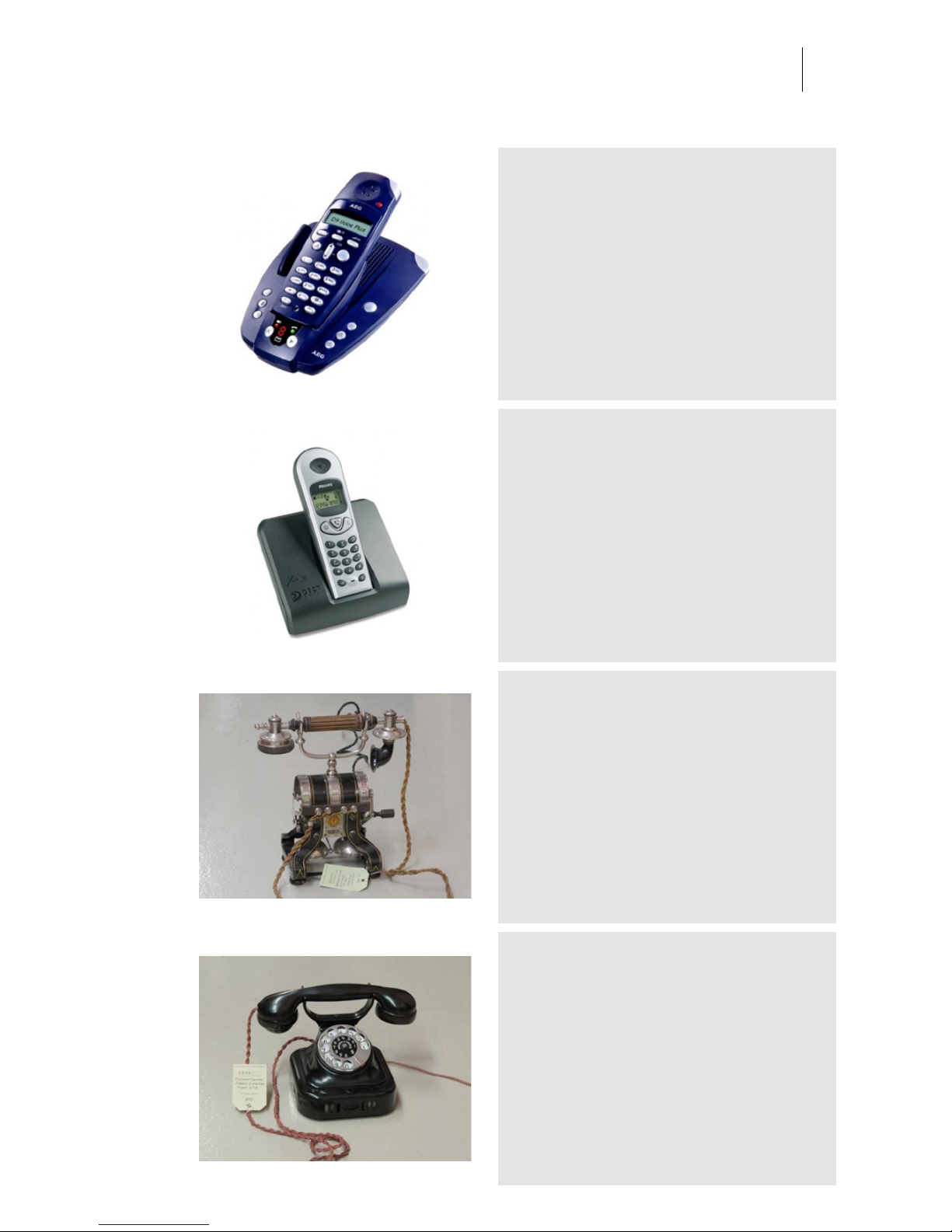
AEG d9
Category: Phones
Owner: SoundPalette Location: Audio Ease
Recording: 2005-05-20 by Audio Ease
Philips Xalio 300
Category: Phones
Owner: Jankoen Location: Audio Ease
Recording: 2005-05-25 by Audio Ease
1895 Stockholm telefon fabr
Category: Phones
Owner: Museum voor communicatie www.muscom.nl Location:
Museum voor communicatie www.muscom.nl
Recording: 2008-07-14 by Renier Linssen and Arjen van der Schoot
available in Speakerphone 2
1927 Siemens Halske W28
Category: Phones
Owner: Museum voor communicatie www.muscom.nl Location:
Museum voor communicatie www.muscom.nl
Recording: 2008-07-14 by Renier Linssen and Arjen van der Schoot
available in Speakerphone 2
Page 26
Audio Ease | Speakerphone
User Guide
26
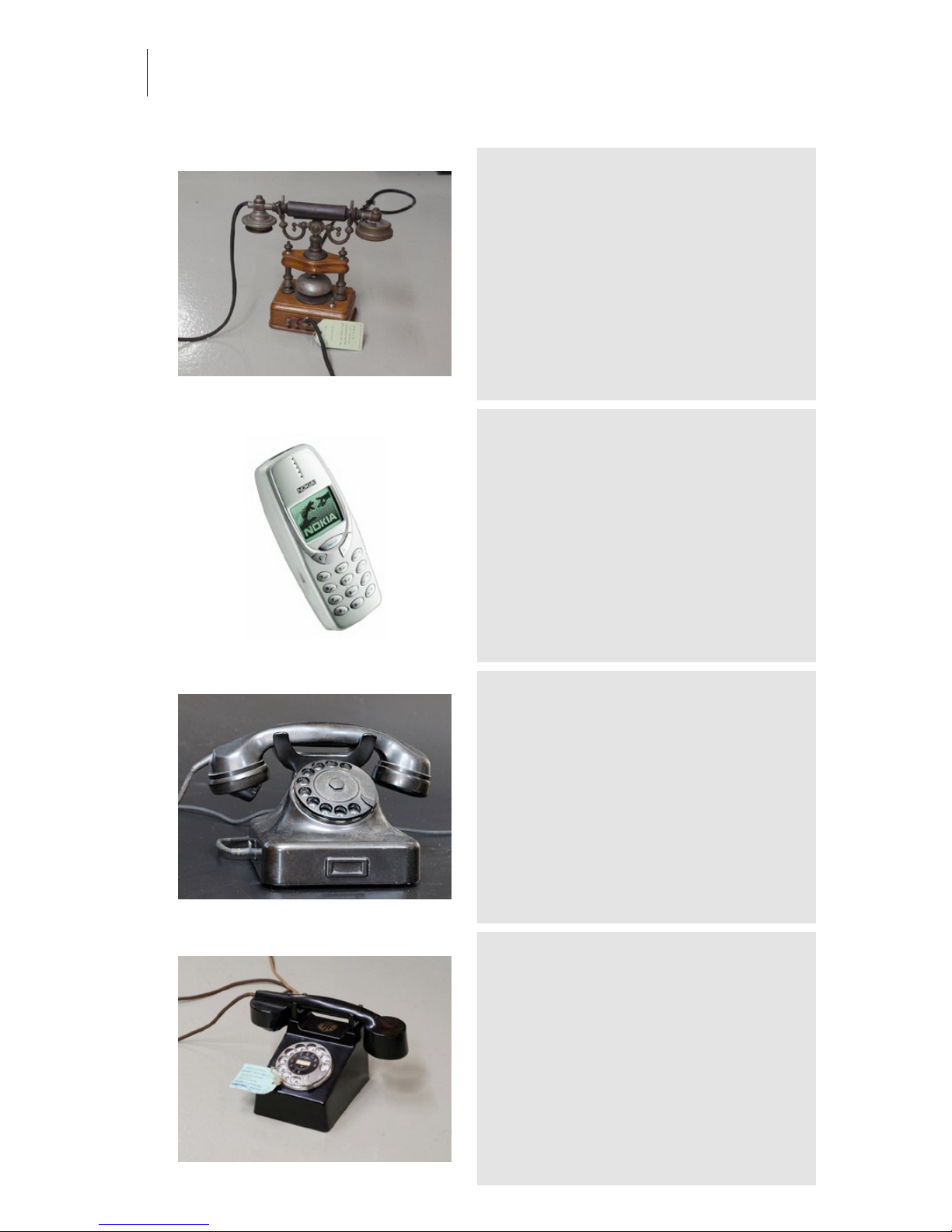
1910 Ericsson HC200
Category: Phones
Owner: Museum voor communicatie www.muscom.nl Location:
Museum voor communicatie www.muscom.nl
Recording: 2008-07-14 by Renier Linssen and Arjen van der Schoot
available in Speakerphone 2
Nokia 3310
Category: Phones
Owner: Luuk Location: Audio Ease
Recording: 2005-05-23 by Audio Ease
old-black-phone
Category: Phones
Owner: Bart Location: Audio Ease
Recording: 2007-04-03 by Audio Ease
An authentic bakelite model.
NHTM 1929
Category: Phones
Owner: Museum voor communicatie www.muscom.nl Location:
Museum voor communicatie www.muscom.nl
Recording: 2008-07-14 by Renier Linssen and Arjen van der Schoot
available in Speakerphone 2
Page 27
Audio Ease | Speakerphone
User Guide
27
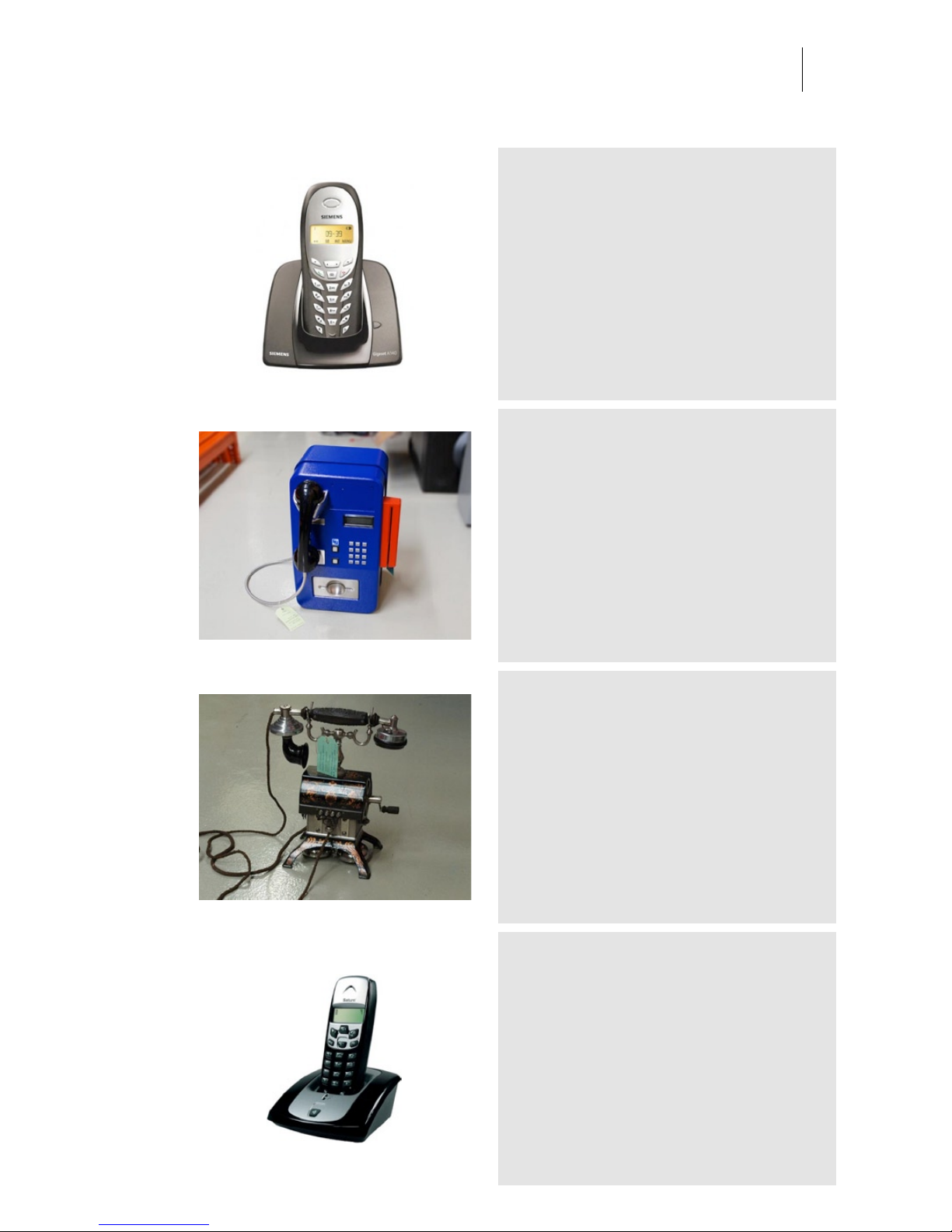
Siemens Gigaset A1
Category: Phones
Owner: Location: Audio Ease
Recording: 2005-05-23 by Audio Ease
Blue public phone
Category: Phones
Owner: Museum voor communicatie www.muscom.nl Location:
Museum voor communicatie www.muscom.nl
Recording: 2008-07-14 by Renier Linssen and Arjen van der Schoot
available in Speakerphone 2
1882 Bell TMC
Category: Phones
Owner: Museum voor communicatie www.muscom.nl Location:
Museum voor communicatie www.muscom.nl
Recording: 2008-07-14 by Renier Linssen and Arjen van der Schoot
available in Speakerphone 2
Swift Saturn.jpeg
Category: Phones
Owner: Michel Location: Audio Ease
Recording: 2005-05-23 by Aram Verwoest
-
Page 28
Audio Ease | Speakerphone
User Guide
28
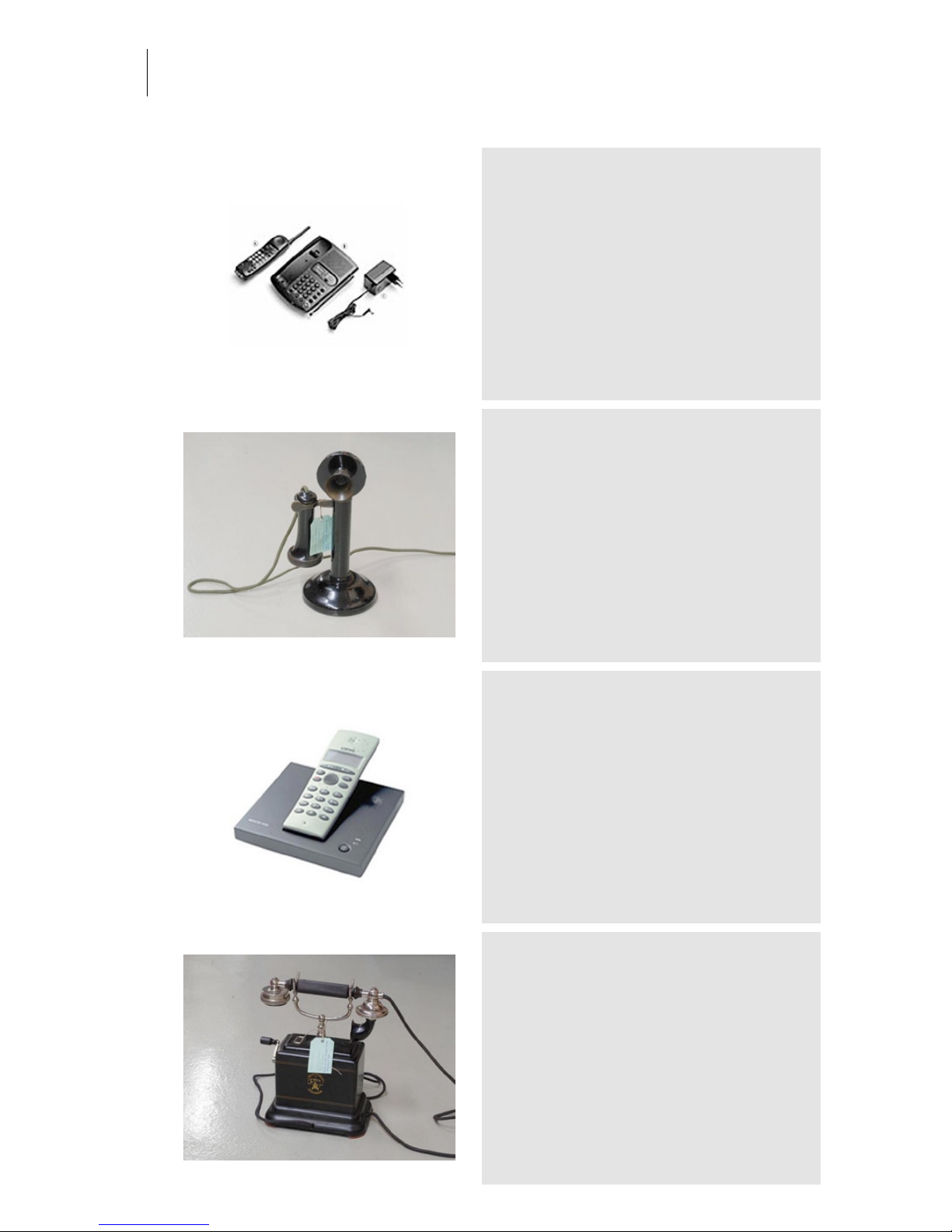
KPN Santiago 300
Category: Phones
Owner: Aram Location: Audio Ease
Recording: 2005-05-22 by Audio Ease
bad high frequencies, this one cuts off really too
early. (it's an 'old' portable phone).
Peel Conner Telephone works
Category: Phones
Owner: Museum voor communicatie www.muscom.nl Location:
Museum voor communicatie www.muscom.nl
Recording: 2008-07-14 by Renier Linssen and Arjen van der Schoot
available in Speakerphone 2
Loewe Alpha 4000
Category: Phones
Owner: Bob Location: Audio Ease
Recording: 2005-05-22 by Audio Ease
1910 Ericsson CL600
Category: Phones
Owner: Museum voor communicatie www.muscom.nl Location:
Museum voor communicatie www.muscom.nl
Recording: 2008-07-14 by Renier Linssen and Arjen van der Schoot
available in Speakerphone 2
Page 29
Audio Ease | Speakerphone
User Guide
29
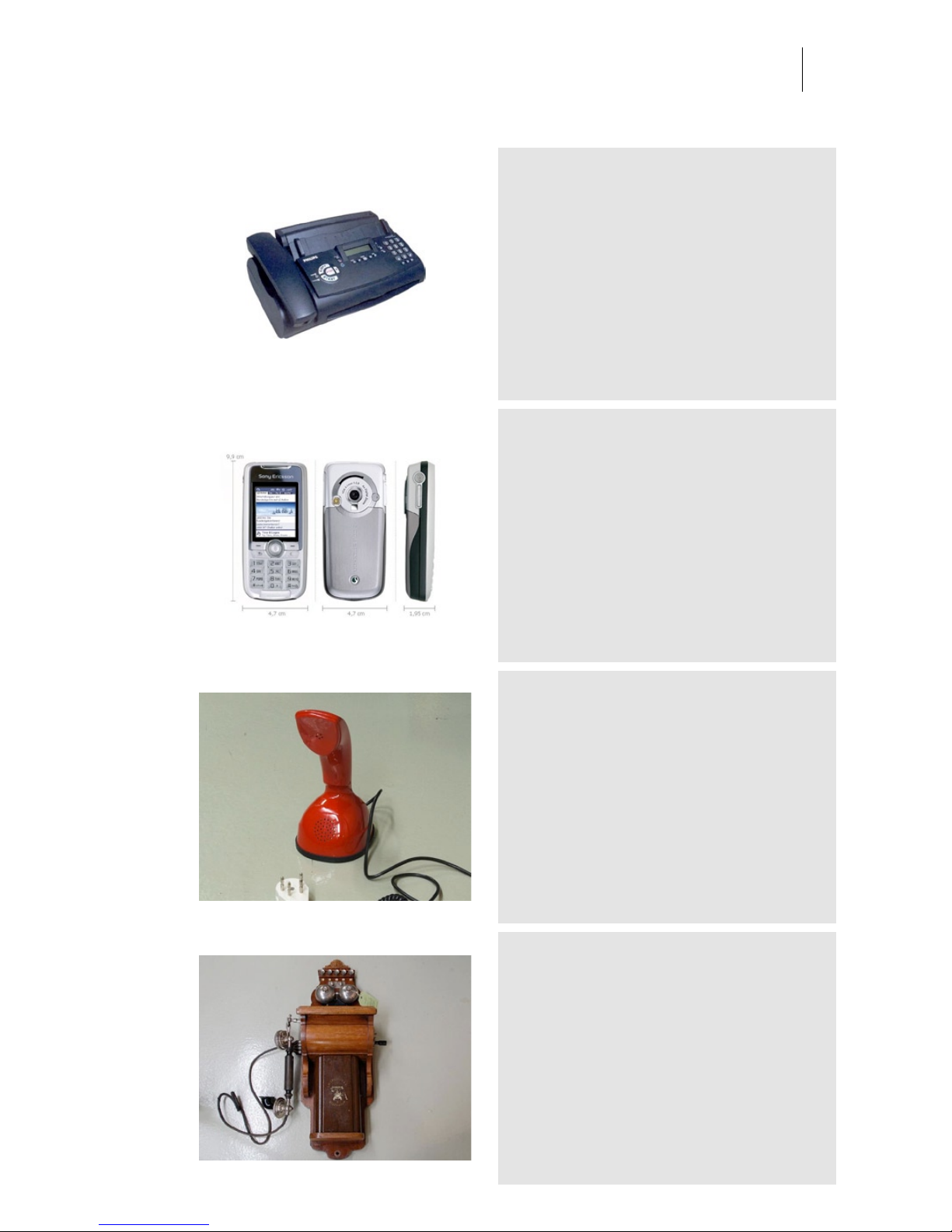
Philips Faxjet
Category: Phones
Owner: Audio Ease Location: Audio Ease
Recording: 2005-05-23 by Audio Ease
Sony-Ericsson K700i 2
Category: Phones
Owner: Zip Location: Audio Ease
Recording: 2005-05-24 by Audio Ease
Ericofoon
Category: Phones
Owner: Museum voor communicatie www.muscom.nl Location:
Museum voor communicatie www.muscom.nl
Recording: 2008-07-14 by Renier Linssen and Arjen van der Schoot
available in Speakerphone 2
1917 Ericsson wall phone
Category: Phones
Owner: Museum voor communicatie www.muscom.nl Location:
Museum voor communicatie www.muscom.nl
Recording: 2008-07-14 by Renier Linssen and Arjen van der Schoot
available in Speakerphone 2
Page 30
Audio Ease | Speakerphone
User Guide
30
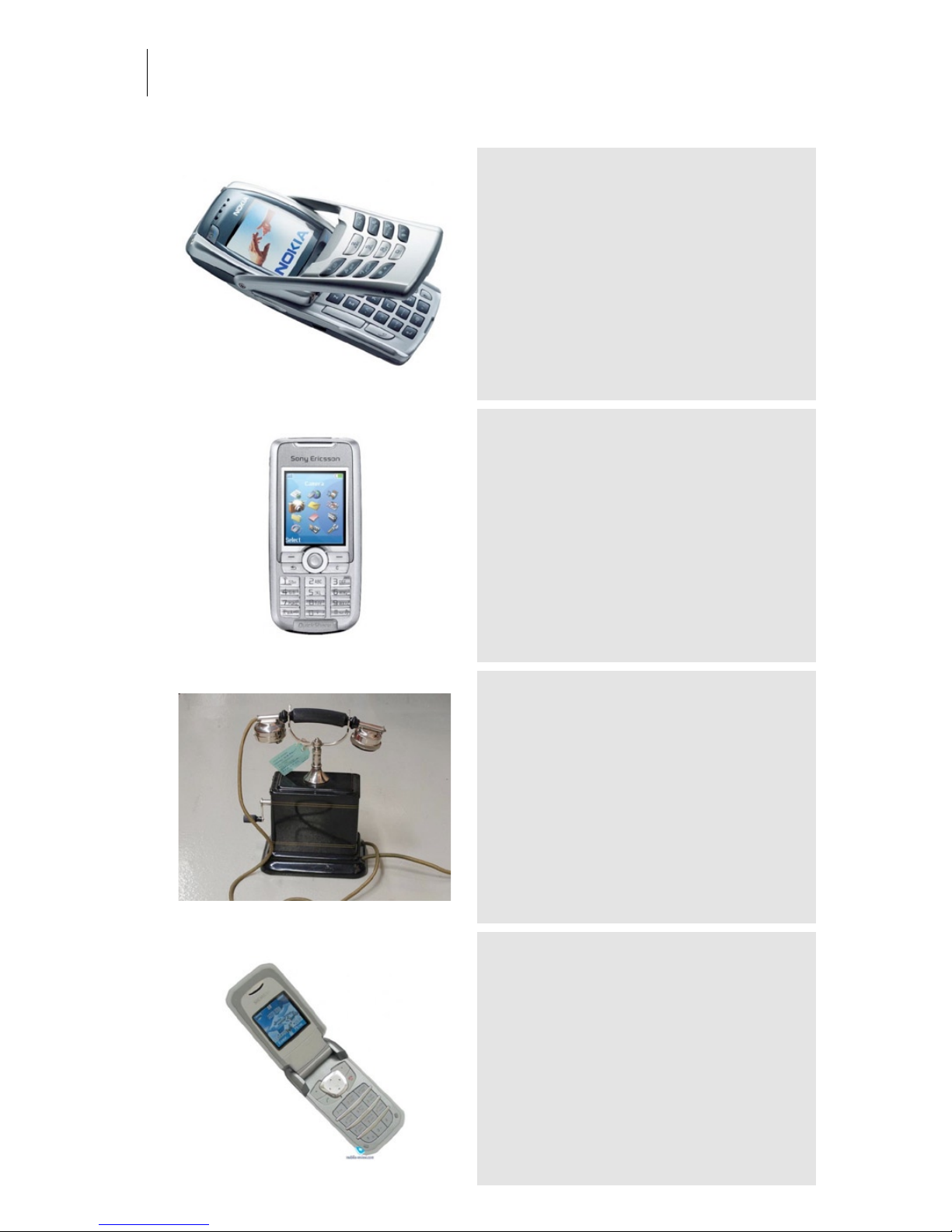
Nokia 6800
Category: Phones
Owner: Johan Location: Audio Ease
Recording: 2005-05-23 by Audio Ease
The microphone of this phone sometimes fails...
Sony-Ericsson K700i 1
Category: Phones
Owner: Arjen Location: Audio Ease
Recording: 2005-05-20 by Audio Ease
1912 BTMC
Category: Phones
Owner: Museum voor communicatie www.muscom.nl Location:
Museum voor communicatie www.muscom.nl
Recording: 2008-07-14 by Renier Linssen and Arjen van der Schoot
available in Speakerphone 2
Siemens CF62
Category: Phones
Owner: Location: Audio Ease
Recording: 2005-05-24 by Audio Ease
Page 31
Audio Ease | Speakerphone
User Guide
31
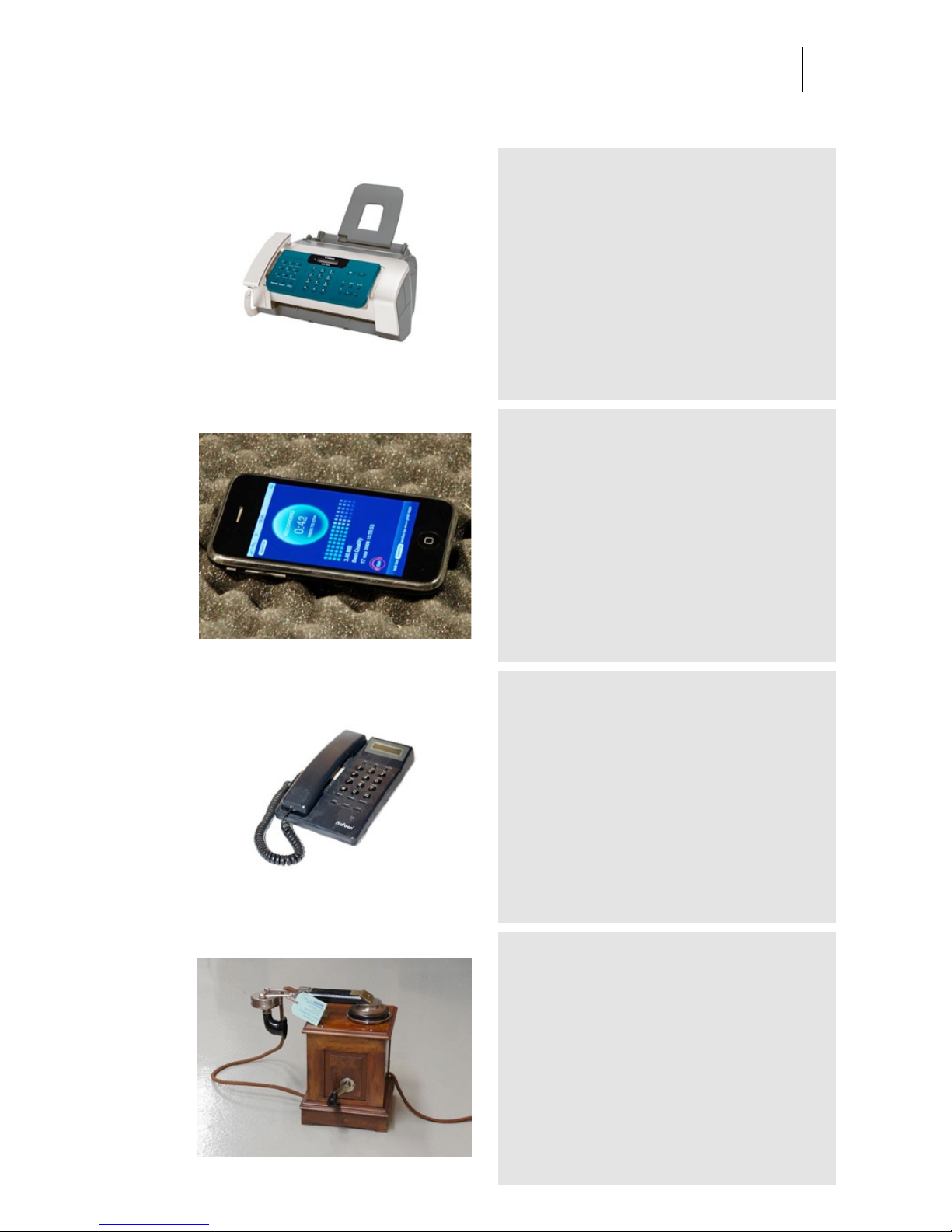
Canon h12206 Fax
Category: Phones
Owner: IZI Location: Audio Ease
Recording: 2005-05-23 by Audio Ease
iPhone
Category: Phones
Owner: Location:
Recording: 0000-00-00 by
Profone TX148
Category: Phones
Owner: - Location: Audio Ease
Recording: 2005-05-23 by Audio Ease
natural response, more lows then others, sounds
comfortable.
1890 Berliner
Category: Phones
Owner: Museum voor communicatie www.muscom.nl Location:
Museum voor communicatie www.muscom.nl
Recording: 2008-07-14 by Renier Linssen and Arjen van der Schoot
available in Speakerphone 2
Page 32
Audio Ease | Speakerphone
User Guide
32
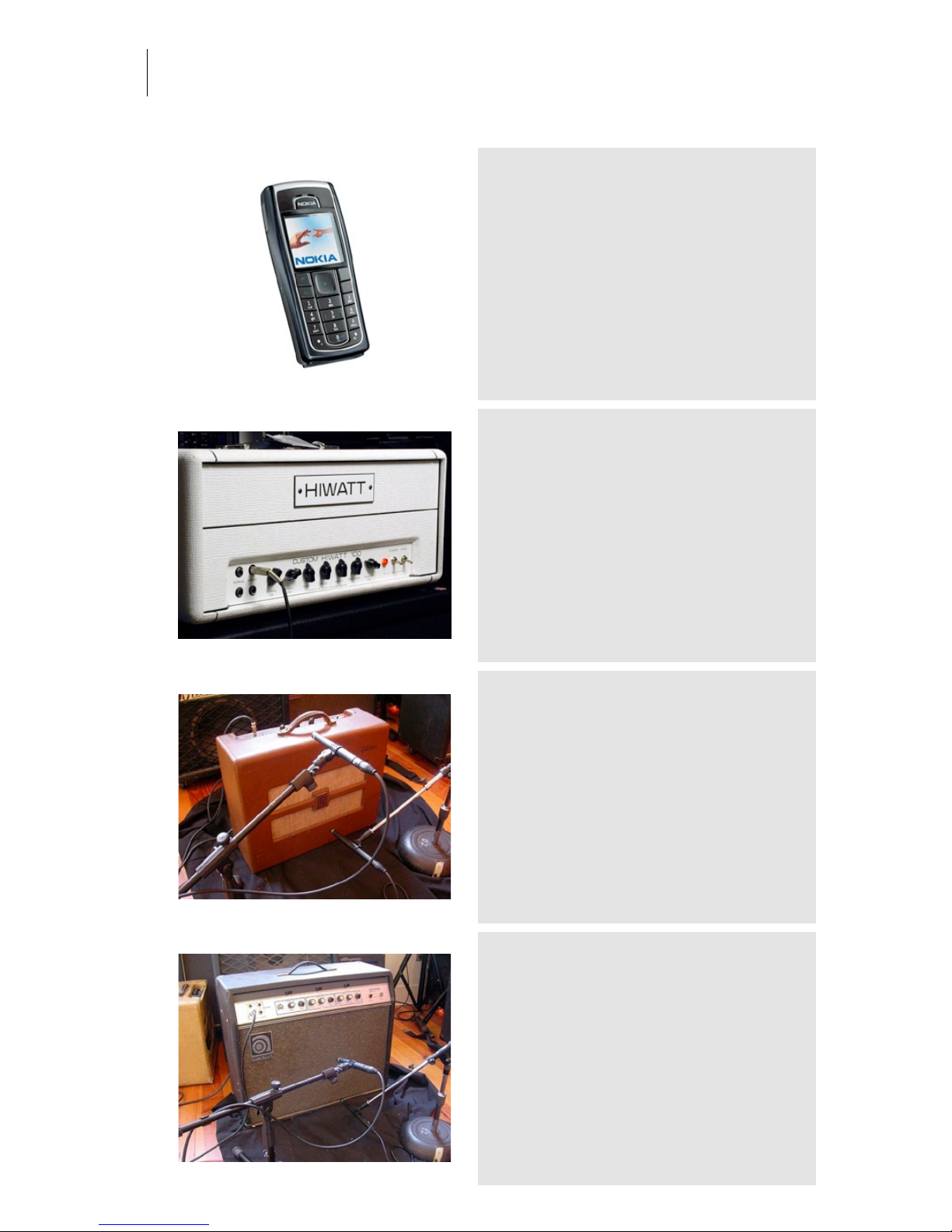
Nokia 6230
Category: Phones
Owner: seb Location: Audio Ease
Recording: 2005-05-23 by Aram Verwoest
-
2007 Hiwatt Custom 100 Top Mesa
Cab
Category: Amplifiers and Cabinets
Owner: Thomann Musikhaus Location: Thomann Musikhaus
Recording: 2008-05-28 by Renier Linssen and Aram Verwoest
available in Speakerphone 2 The top of this sampled stack was a
Hiwatt custom 100. The custom 100 is the model that made the Hiwatt
name what it is. The model is constructed exactly like the Dave
Reeves original DR-103. Equipped with 4 x EL -34 tubes in the power
stage, 4 x ECC-83 tubes in the preamp. The mesa boogie cabinet was
a 4x12 Stiletto Traditional Slant Guitar Cabinet. They are slightly
smaller than the Rectifier cabinets and produce a tighter, more
balanced low end response with an emphasis on attack. The midrange
is more pronounced and this cabinet is often preferred for styles that
require a tight tracking, articulate response.
1951 Gibson GA 20
Category: Amplifiers and Cabinets
Owner: Paul Antonell Location: Clubhouse studio
Recording: 2005-11-15 by Arjen van der Schoot
The GA-20 was Gibson's first post-war design to use
a top-mounted chassis, with the tubes hanging down.
1970s Ampeg Gemini-12
Category: Amplifiers and Cabinets
Owner: Paul Antonell Location: Clubhouse studio
Recording: 2005-11-15 by Arjen van der Schoot
Page 33
Audio Ease | Speakerphone
User Guide
33
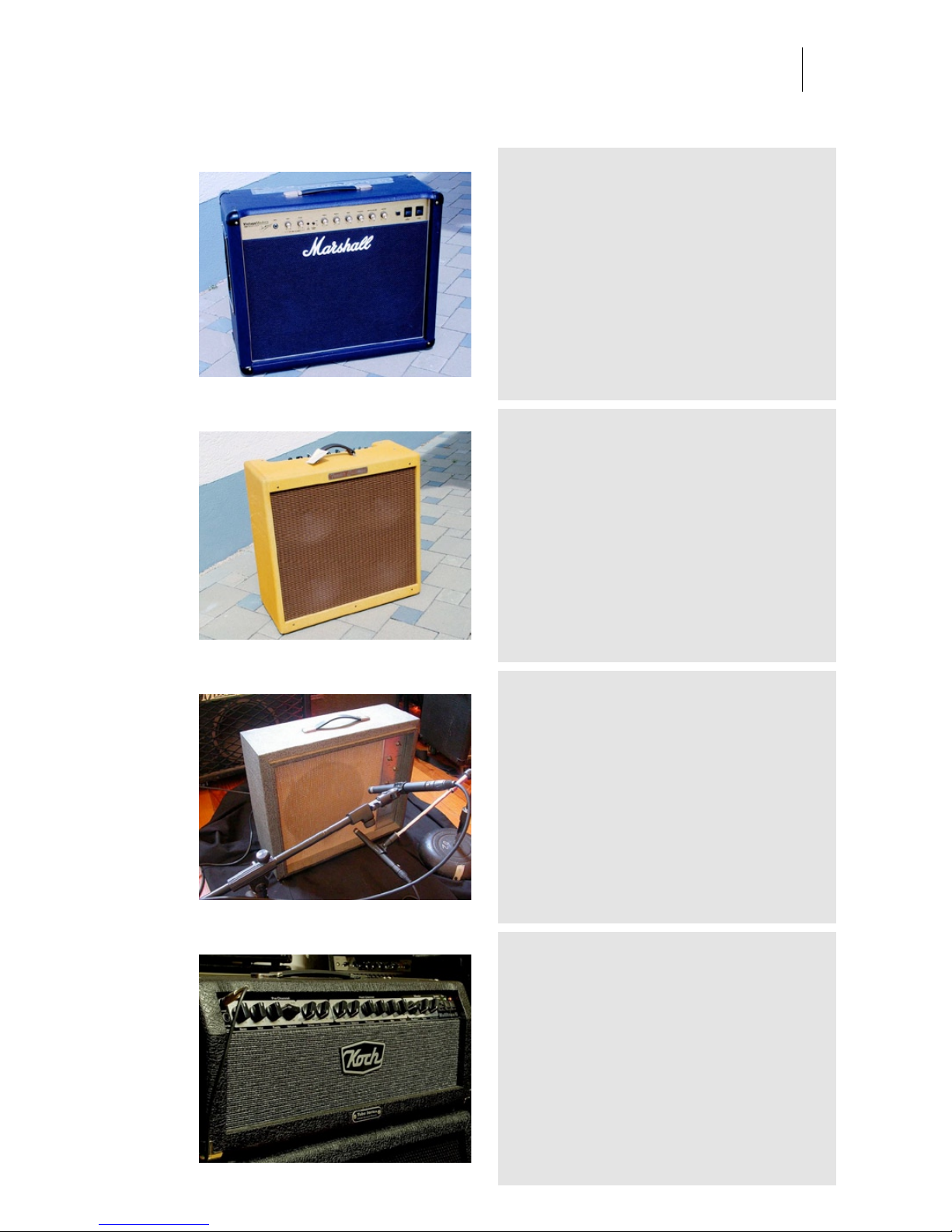
2007 Marshall Vintage Modern
2266C
Category: Amplifiers and Cabinets
Owner: Thomann Musikhaus Location: Thomann Musikhaus
Recording: 2008-05-28 by Renier Linssen and Aram Verwoest
available in Speakerphone 2. Marshall 2266C
Vintage Modern Guitar Combo, 50 Watt, Tube, 4x
ECC83, 2 KT66 Valves, 2 x Celestion G12C25
Greenback Speaker
1959 Fender Bassman
Category: Amplifiers and Cabinets
Owner: Thomann Musikhaus Location: Thomann Musikhaus
Recording: 2008-05-28 by Renier Linssen and Aram Verwoest
available in Speakerphone 2
1966 Sears Silvertone 1424
Category: Amplifiers and Cabinets
Owner: Paul Antonell Location: Clubhouse studio
Recording: 2005-11-15 by Arjen van der Schoot
2005 Koch Tube Series Multitone 2
Category: Amplifiers and Cabinets
Owner: Thomann Musikhaus Location: Thomann Musikhaus
Recording: 2008-05-28 by Renier Linssen and Aram Verwoest
available in Speakerphone 2. 100 watt head with
4x12 Koch speaker cabinet.
Page 34
Audio Ease | Speakerphone
User Guide
34
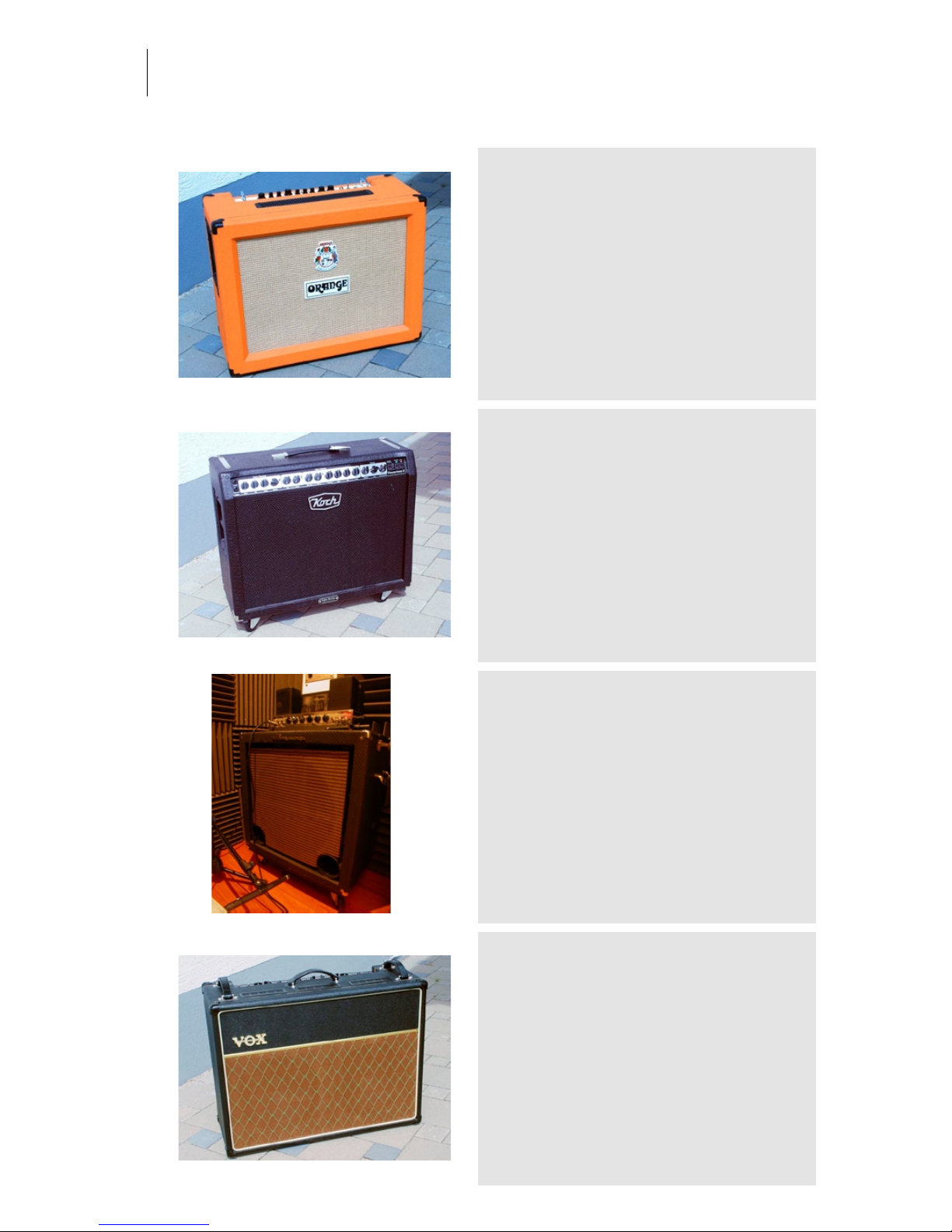
2004 Orange Rockerverb 50
combo
Category: Amplifiers and Cabinets
Owner: Thomann Musikhaus Location: Thomann Musikhaus
Recording: 2008-05-28 by Renier Linsen - Aram verwoest
available in speakerphone 2. The Rockerverb 50
combo is loaded with two Celestion Vintage 30 12"
speakers
2002 Koch Powertone 2
Category: Amplifiers and Cabinets
Owner: Thomann Musikhaus Location: Thomann Musikhaus
Recording: 2008-05-28 by Renier Linssen and Aram Verwoest
available in Speakerphone 2. This is the Koch
Powertone II EL34 120w 2x12 Tube Guitar Combo
Amp.
1966 Ampeg B-18
Category: Amplifiers and Cabinets
Owner: Paul Antonell Location: Clubhouse studio
Recording: 2005-11-15 by Arjen van der Schoot
2004 Vox AC30 cc2 blue bulldog
Category: Amplifiers and Cabinets
Owner: Thomann Musikhaus Location: Thomann Musikhaus
Recording: 2008-05-28 by Renier Linssen and Aram Verwoest
available in Speakerphone 2 - The Vox AC30 was
originally introduced in 1958 as “big brother” for the
fifteen watt AC15 model. The Original AC30, or
AC30/4, had only a single 12 inch Goodman 60 watt
speaker as opposed to the later, conventional twin
12” speaker configuration, sampled here for
speakerphone.
Page 35
Audio Ease | Speakerphone
User Guide
35
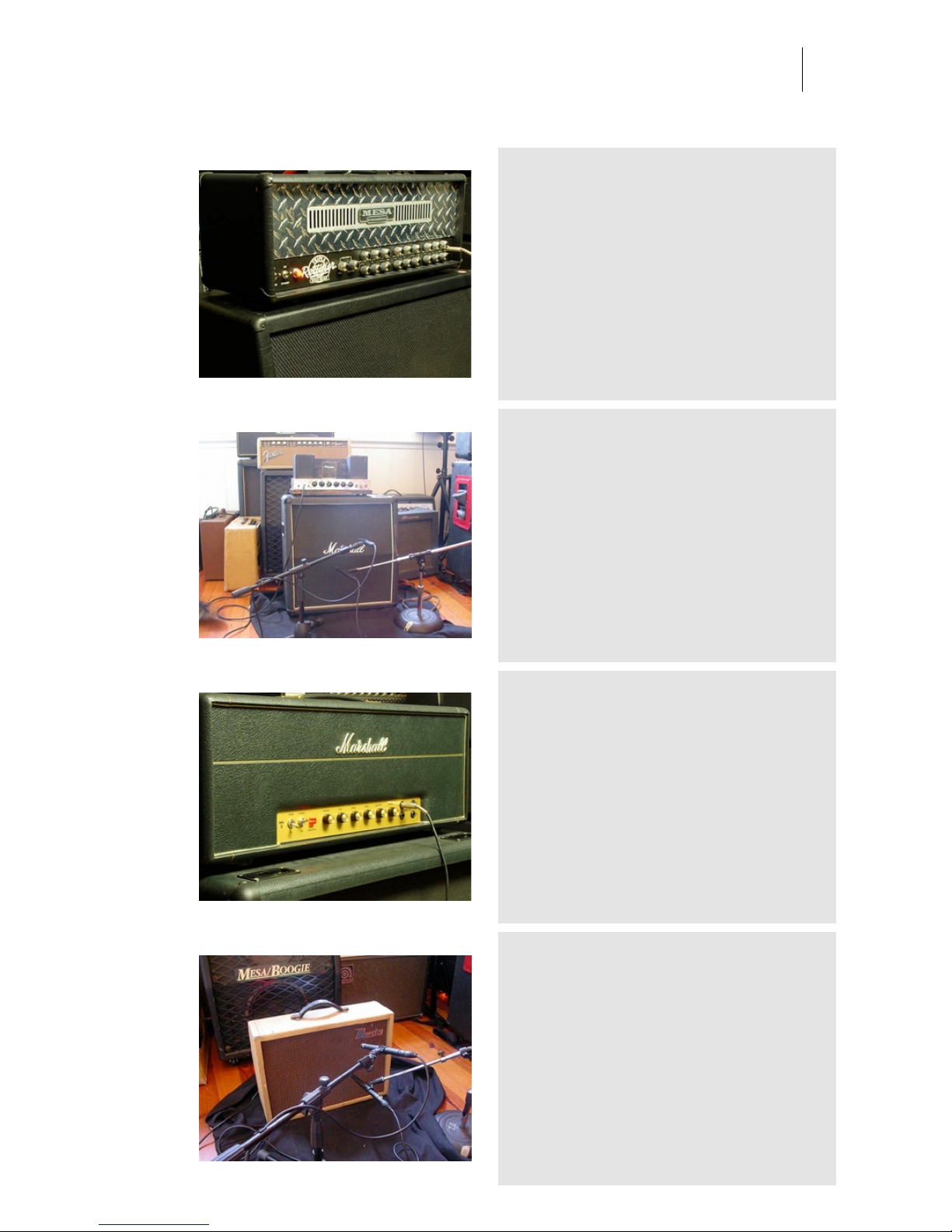
1989 Mesa Boogie Triple Rectifier
Category: Amplifiers and Cabinets
Owner: Thomann Musikhaus Location: Thomann Musikhaus
Recording: 2008-05-28 by Renier Linssen and Aram Verwoest
available in Speakerphone 2. The mesa boogie
cabinet was a 4x12 Stiletto Traditional Slant Guitar
Cabinet. They are slightly smaller than the Rectifier
cabinets and produce a tighter, more balanced low
end response with an emphasis on attack. The
midrange is more pronounced and this cabinet is
often preferred for styles that require a tight tracking,
articulate response.
1980 Marshall JCM 800
Category: Amplifiers and Cabinets
Owner: Paul Antonell Location: Clubhouse studio
Recording: 2005-11-15 by Arjen van der Schoot
1959 Marshall SLP Jimi H MKII
Category: Amplifiers and Cabinets
Owner: Thomann Musikhaus Location: Thomann Musikhaus
Recording: 2008-05-28 by Renier Linssen and Aram Verwoest
available in Speakerphone 2. sampled with a
Marshall 4X12 Cabinet.
1960 maestro reverb-echo
Category: Amplifiers and Cabinets
Owner: Paul Antonell Location: Clubhouse studio
Recording: 2005-11-15 by Arjen van der Schoot
Page 36
Audio Ease | Speakerphone
User Guide
36
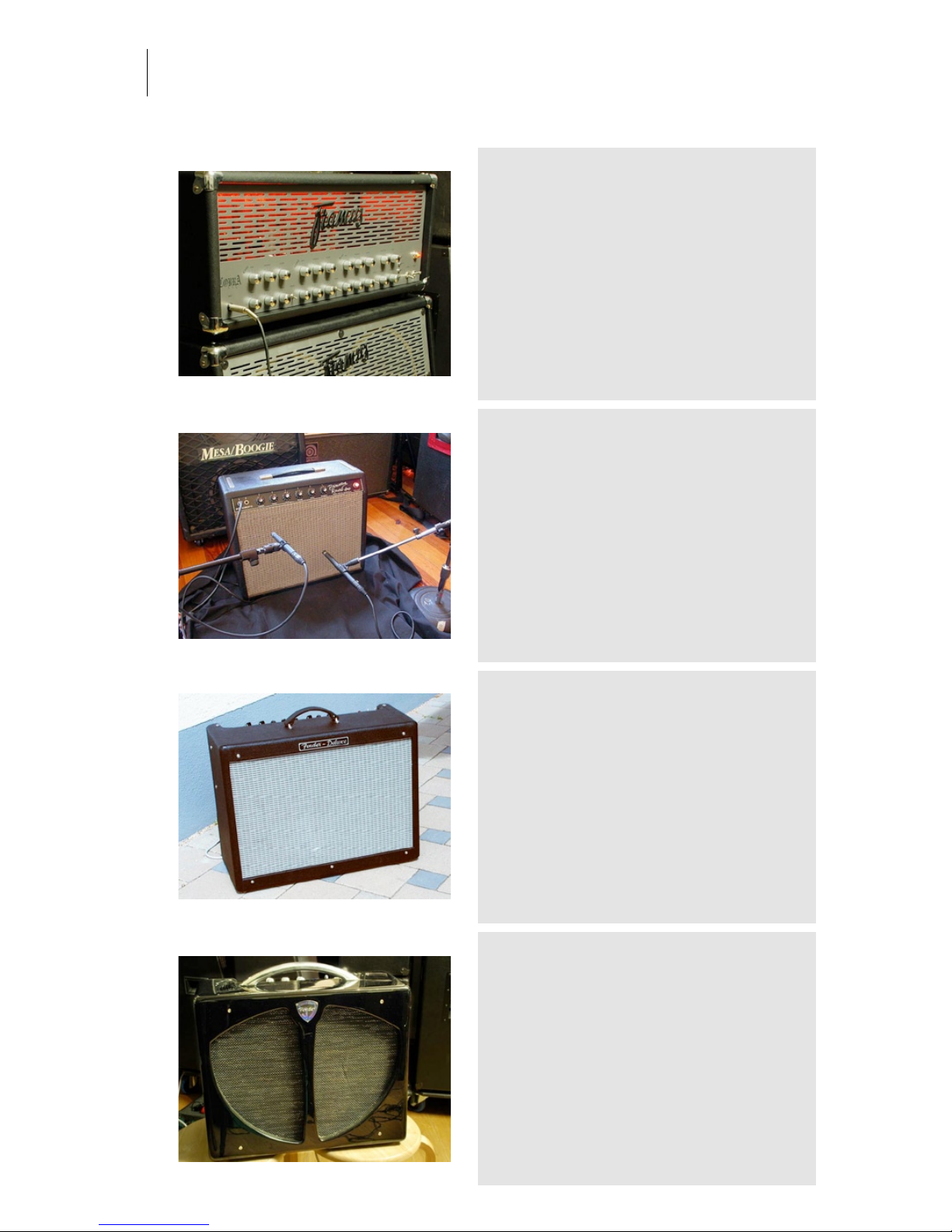
2003 Framus Cobra Top
Category: Amplifiers and Cabinets
Owner: Thomann Musikhaus Location: Thomann Musikhaus
Recording: 2008-05-28 by Renier Linssen and Aram Verwoest
available in Speakerphone 2
1965 Fender Princeton
Category: Amplifiers and Cabinets
Owner: Paul Antonell Location: Clubhouse studio
Recording: 2005-11-15 by Arjen van der Schoot
1996 Fender Deluxe Hot Rod
PR246
Category: Amplifiers and Cabinets
Owner: Thomann Musikhaus Location: Thomann Musikhaus
Recording: 2008-05-28 by Renier Linssen and Aram Verwoest
available in Speakerphone 2. Delivers 40W to a
single 12" speaker.
1957 Fender vintage tube combo
Category: Amplifiers and Cabinets
Owner: Thomann Musikhaus Location: Thomann Musikhaus
Recording: 2008-05-28 by Renier Linssen and Aram Verwoest
available in Speakerphone 2. The Blackface Fender
amplifiers were produced between 1964 and 1967.
The first (1964) blackface amps had white knobs.
After 1964 the amps had skirted black knobs. The
blackface cosmetics were discontinued in late 1967;
they returned for a brief period in 1981 before their
discontinuation the following year.
Page 37
Audio Ease | Speakerphone
User Guide
37
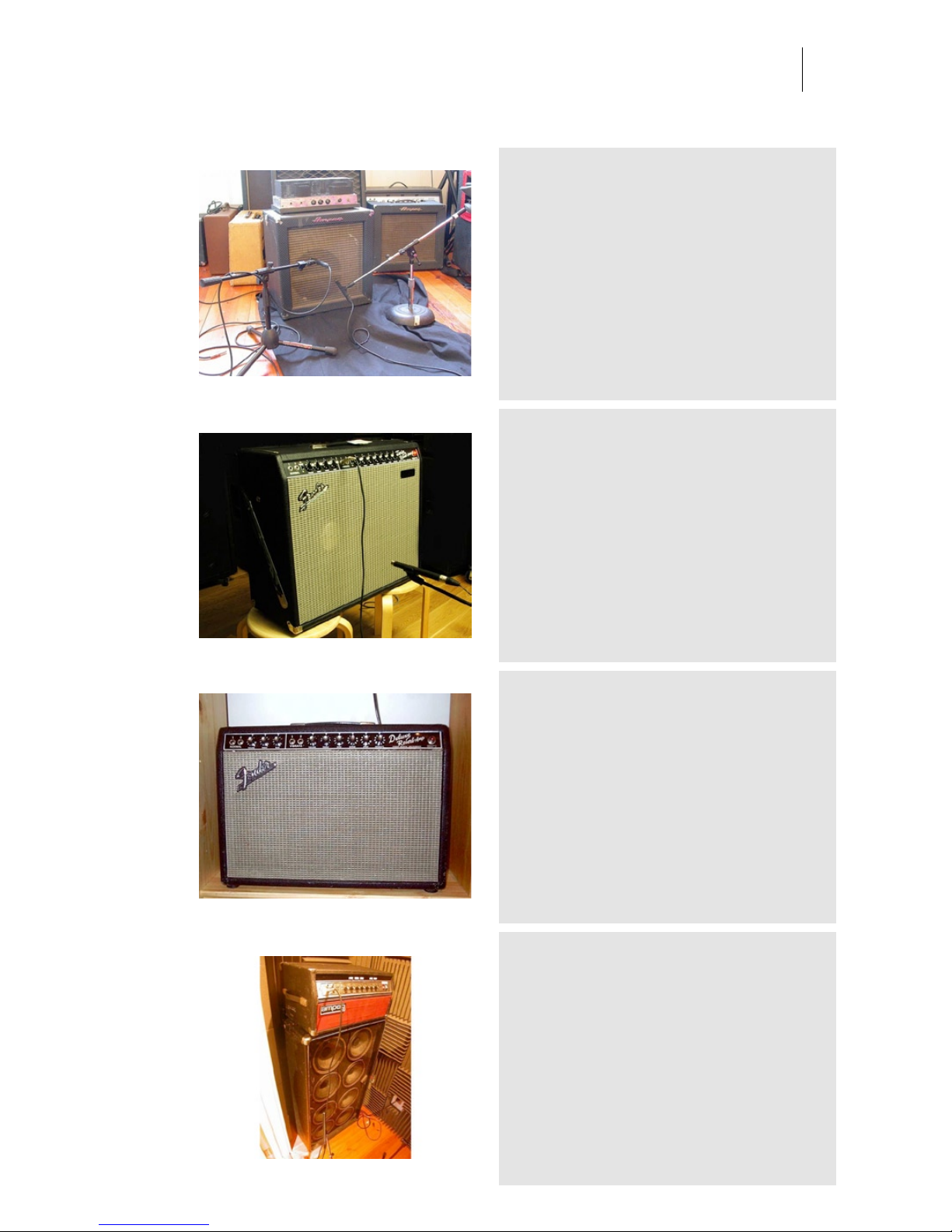
1964 Ampeg Portuflex B12N
Category: Amplifiers and Cabinets
Owner: Paul Antonell Location: Clubhouse studio
Recording: 2005-11-15 by Arjen van der Schoot
1965 Fender Twin Reverb custom
15
Category: Amplifiers and Cabinets
Owner: Thomann Musikhaus Location: Thomann Musikhaus
Recording: 2008-05-28 by Renier Linssen and Aram Verwoest
available in Speakerphone 2
1967 Fender Deluxe Reverb
Category: Amplifiers and Cabinets
Owner: Paul Antonell Location: Clubhouse studio
Recording: 2005-11-15 by Arjen van der Schoot
1976 Ampeg SVT - Selmer
Category: Amplifiers and Cabinets
Owner: Paul Antonell Location: Clubhouse studio
Recording: 2005-11-15 by Arjen van der Schoot
-
Page 38
Audio Ease | Speakerphone
User Guide
38
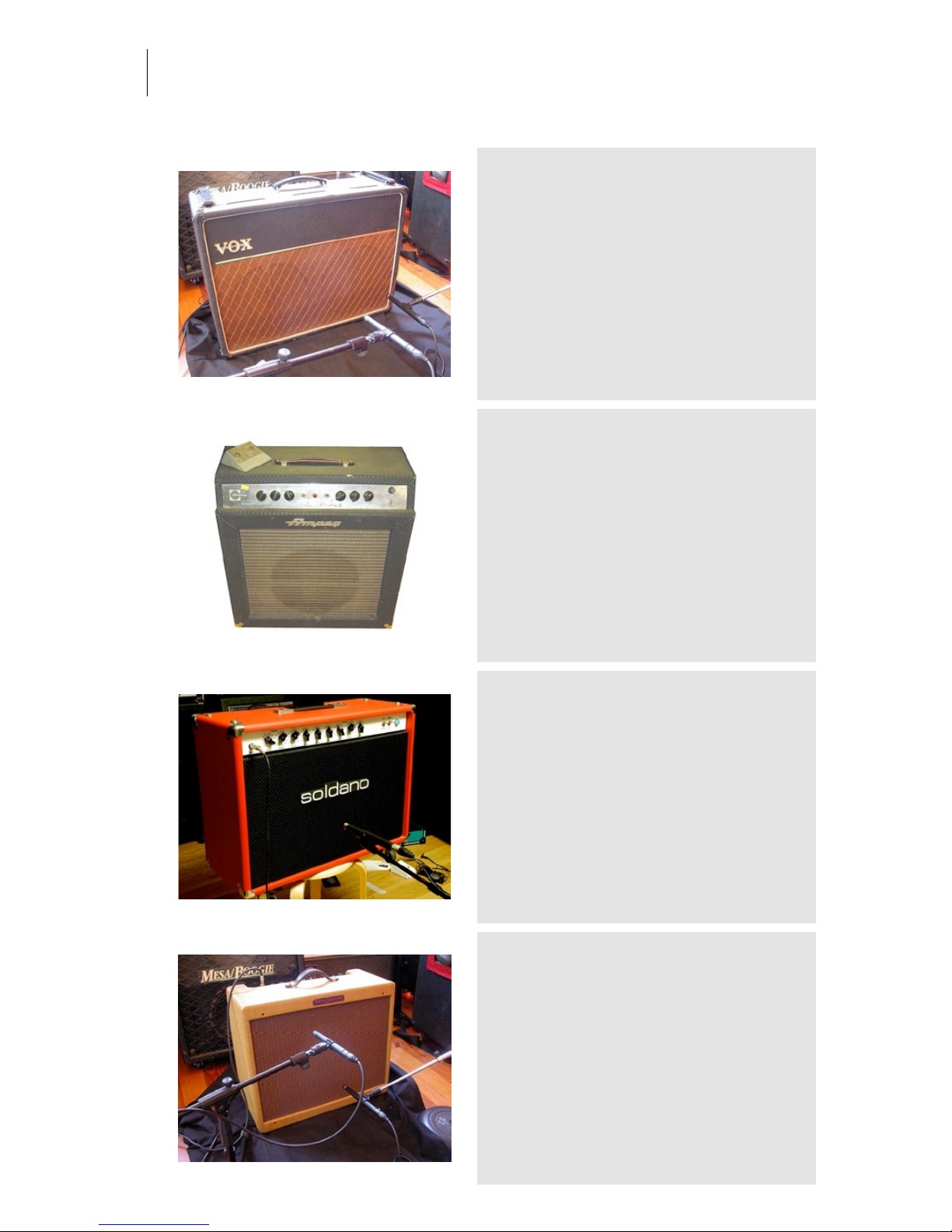
1963 Vox AC-30 Top Boost
Category: Amplifiers and Cabinets
Owner: Paul Antonell Location: Clubhouse studio
Recording: 2005-11-15 by arjen van der Schoot
These amps are the height of JMI Vox AC30
development and collectibility and are ridiculously
rare. The control panel at the top has two extra
knobs. One is "Bass " and the other is " Cut",
commonly known as "top boost"
1960s Ampeg Reverberocket
Category: Amplifiers and Cabinets
Owner: Paul Antonell Location: Clubhouse studio
Recording: 2005-11-15 by Arjen van der Schoot
In the 1960s, Ampeg became the first company to
incorporate reverberation (reverb) in an amplifier with
its Reverberocket, which preceded Fender’s
Vibroverb amp by nearly two years.
1998 Soldano Reverb-o-sonic
ROS50
Category: Amplifiers and Cabinets
Owner: Thomann Musikhaus Location: Thomann Musikhaus
Recording: 2008-05-28 by Renier Linssen and Aram Verwoest
available in Speakerphone 2. The Soldano ReverbO-Sonic 50-Watt Dual Channel 2x12 Combo.
1957 Fender Super Amp
Category: Amplifiers and Cabinets
Owner: Paul Antonell Location: Clubhouse studio
Recording: 2005-11-15 by Arjen van der Schoot
The Fender Super was a guitar amplifier made by
Fender. It was originally called the Dual Professional
and was introduced in 1947. The Dual Professional
included two 10" Jensen speakers. It was renamed
the Super in fall of 1947. (wikipedia)
Page 39
Audio Ease | Speakerphone
User Guide
39
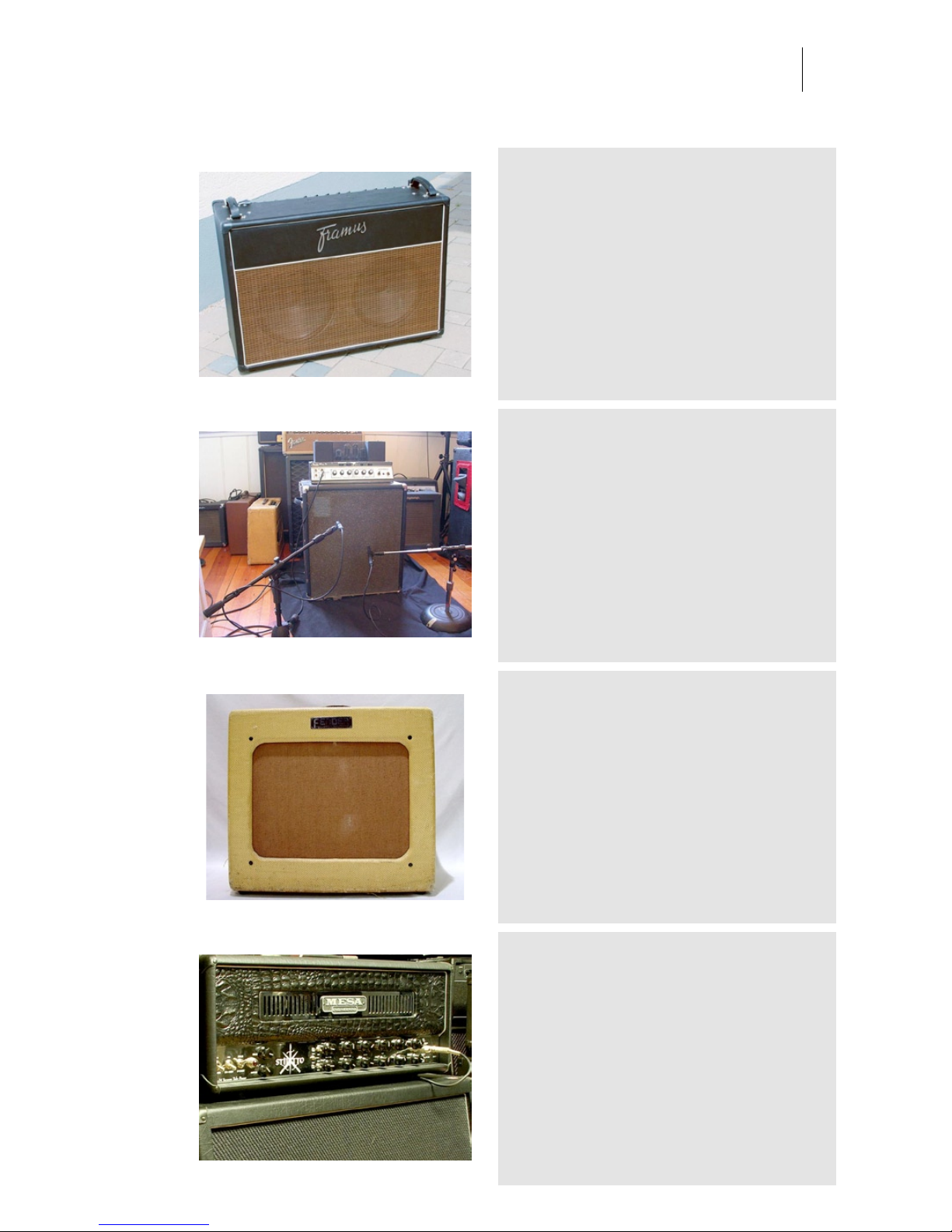
2003 Framus Ruby Riot combo
Category: Amplifiers and Cabinets
Owner: Thomann Musikhaus Location: Thomann Musikhaus
Recording: 2008-05-28 by Renier Linssen and Aram Verwoest
available in Speakerphone 2. he Ruby Riot is a 30watt ’’Class A’’ valve combo, which is hand-wired and
features two 12-inch, mismatched Celestion
speakers (A Vintage 30 and a Greenback G12).
1970s Ampeg B-15N flip top
Category: Amplifiers and Cabinets
Owner: Paul Antonell Location: Clubhouse studio
Recording: 2005-11-15 by Arjen van der Schoot
1952 Fender Deluxe
Category: Amplifiers and Cabinets
Owner: paul Antonell Location: Clubhouse studio
Recording: 2005-11-15 by Arjen van der Schoot
Scotty bought one of these, serial #0958 in 1952
along with a Fender Esquire guitar and used it
initially with the Starlite Wranglers, with Elvis on tour
and on the early Sun recordings. He traded it in
towards the Ray Butts built EchoSonic to O.K. Houck
Piano Co. in Memphis on May 24, 1955 receiving
$65.00 in credit.
2006 Mesa Boogie Stiletto Stage II
Category: Amplifiers and Cabinets
Owner: Thomann Musikhaus Location: Thomann Musikhaus
Recording: 2008-05-28 by Renier Linssen and Aram Verwoest
available in Speakerphone 2. The mesa boogie
cabinet was a 4x12 Stiletto Traditional Slant Guitar
Cabinet. They are slightly smaller than the Rectifier
cabinets and produce a tighter, more balanced low
end response with an emphasis on attack. The
midrange is more pronounced and this cabinet is
often preferred for styles that require a tight tracking,
articulate response.
Page 40
Audio Ease | Speakerphone
User Guide
40
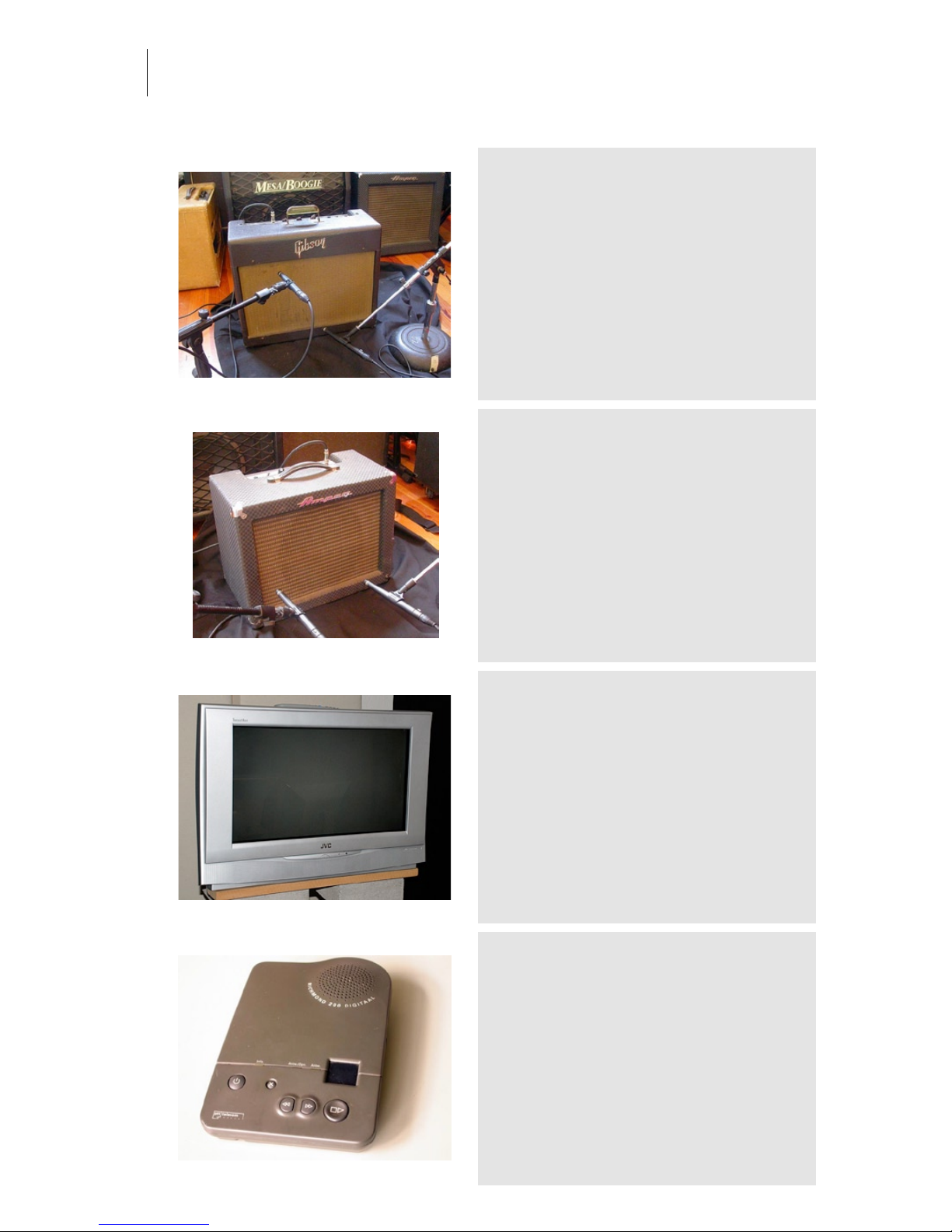
1958 Gibson GA 6
Category: Amplifiers and Cabinets
Owner: Paul Antonell Location: Clubhouse studio
Recording: 2005-11-15 by Arjen van der Schoot
1957 was a very good year and a lot of the '57
models are still going strong! This amp (built 58) is
no exception. It's been through a lot in its 5 decades.
1961 Ampeg Jet J-12
Category: Amplifiers and Cabinets
Owner: Paul Antonell Location: Clubhouse studio
Recording: 2005-11-15 by Arjen van der Schoot
JVC-InteriArt2
Category: Other Gear
Owner: Wiebe Location: SoundPalette
Recording: 2007-04-02 by Arjen
-
Answering Machine Richmond
Category: Other Gear
Owner: Peter Location: Audio Ease
Recording: 2006-08-16 by Aram Verwoest
-
Page 41
Audio Ease | Speakerphone
User Guide
41
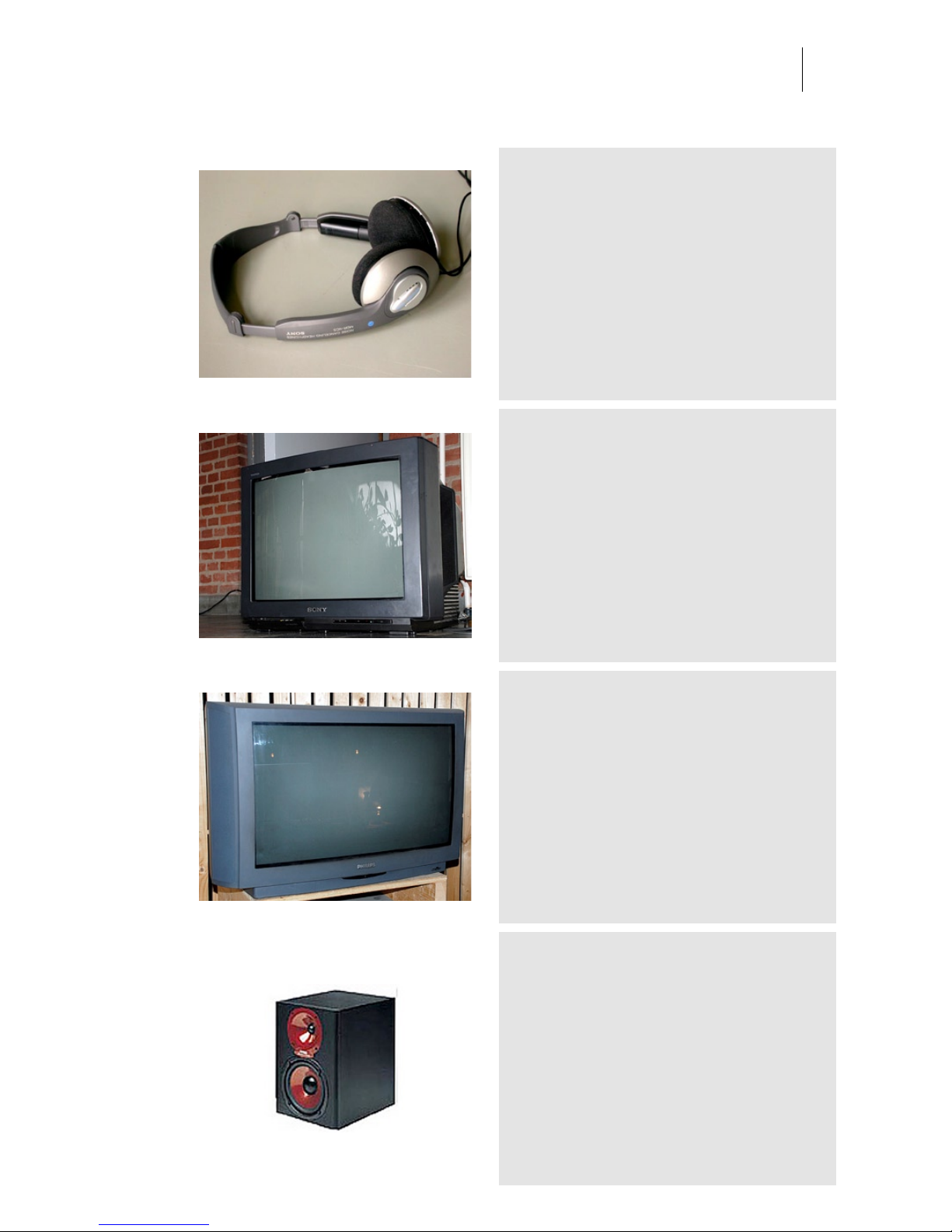
Sony Headphone Leak
Category: Other Gear
Owner: Jankoen Location: Audio Ease
Recording: 2006-08-16 by Aram Verwoest
This noise cancellation headphone leaks quite a lot
to the world outside.
Sony-Trinitron
Category: Other Gear
Owner: Sound Palette Location: Audio Ease
Recording: 2007-04-03 by Aram Verwoest
-
Philips-Backline
Category: Other Gear
Owner: Han Location: Soundpalette
Recording: 2007-04-03 by Arjen
-
Monitor Spirit Abs Zero twt
Category: Other Gear
Owner: Aram Verwoest Location: Audio Ease Postpro location
Recording: 2005-07-14 by Aram Verwoest
tweeter only
Page 42
Audio Ease | Speakerphone
User Guide
42
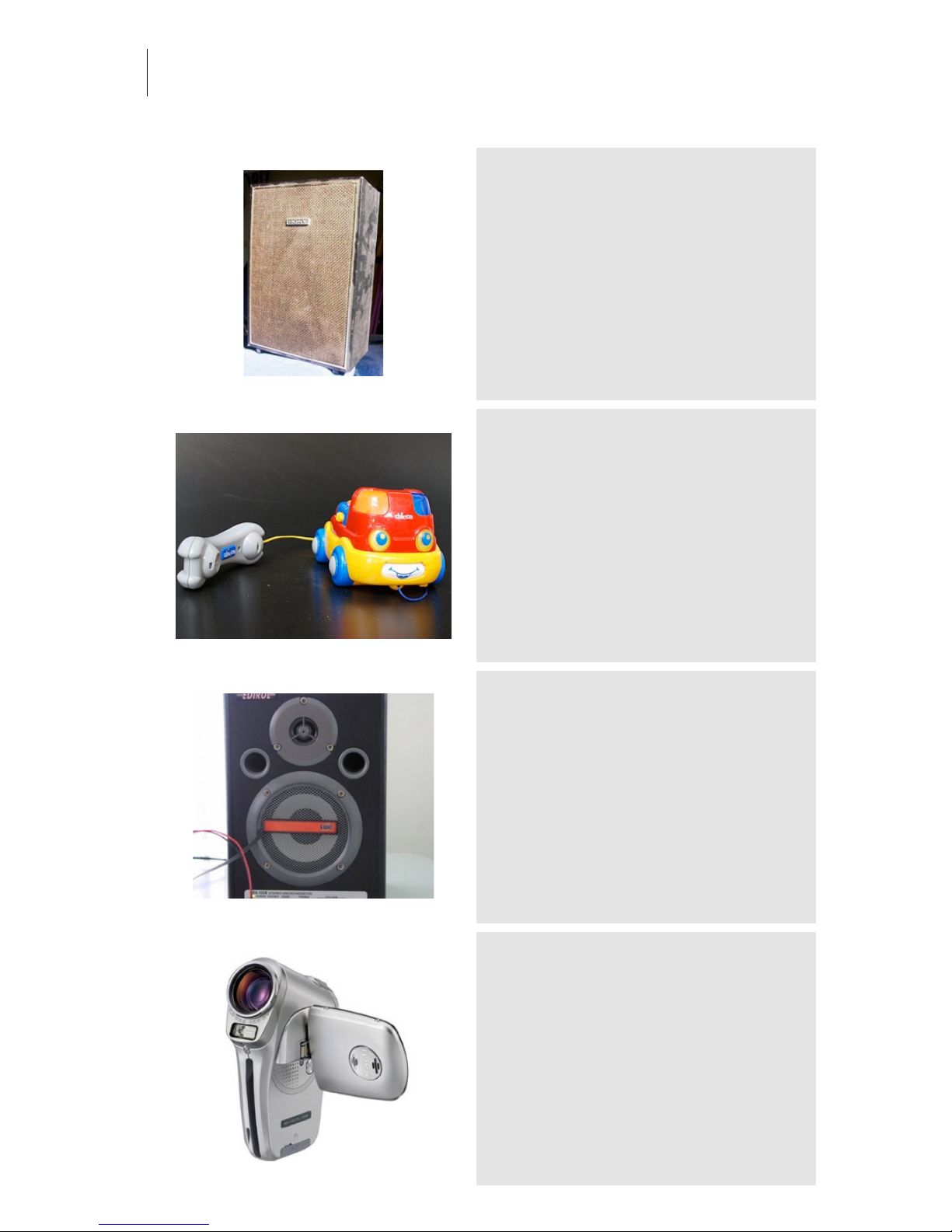
Sony Tapedeck Speaker
Category: Other Gear
Owner: Aram Verwoest Location: Audio Ease Postpro location
Recording: 2005-07-14 by Aram Verwoest
From a Hi-Fi 2-track tape deck. A set of two speakers
can be placed over the playing tape on the machine.
babyfirephonetruck
Category: Other Gear
Owner: Audio Ease Location: Audio Ease
Recording: 2007-04-03 by Arjen van der Schoot & Aram Verwoest
Samples from this toy and others from the toys
category are among the smallest sounding ones in
Speakerphone. They are the samples to try first for
the tiniest of communication devices.
Grill w. Contact Mic
Category: Other Gear
Owner: eightbitaudio Location: The Mute Matrix - Los Angeles
Recording: 2005-03-17 by S. Husky Hoskulds
Another contact mic idea
Sanyo Flash Camera
Category: Other Gear
Owner: Audio Ease Location: Audio Ease
Recording: 2006-08-16 by Aram Verwoest
This flash camcorder has a tiny speaker. Really small
sound.
Page 43
Audio Ease | Speakerphone
User Guide
43
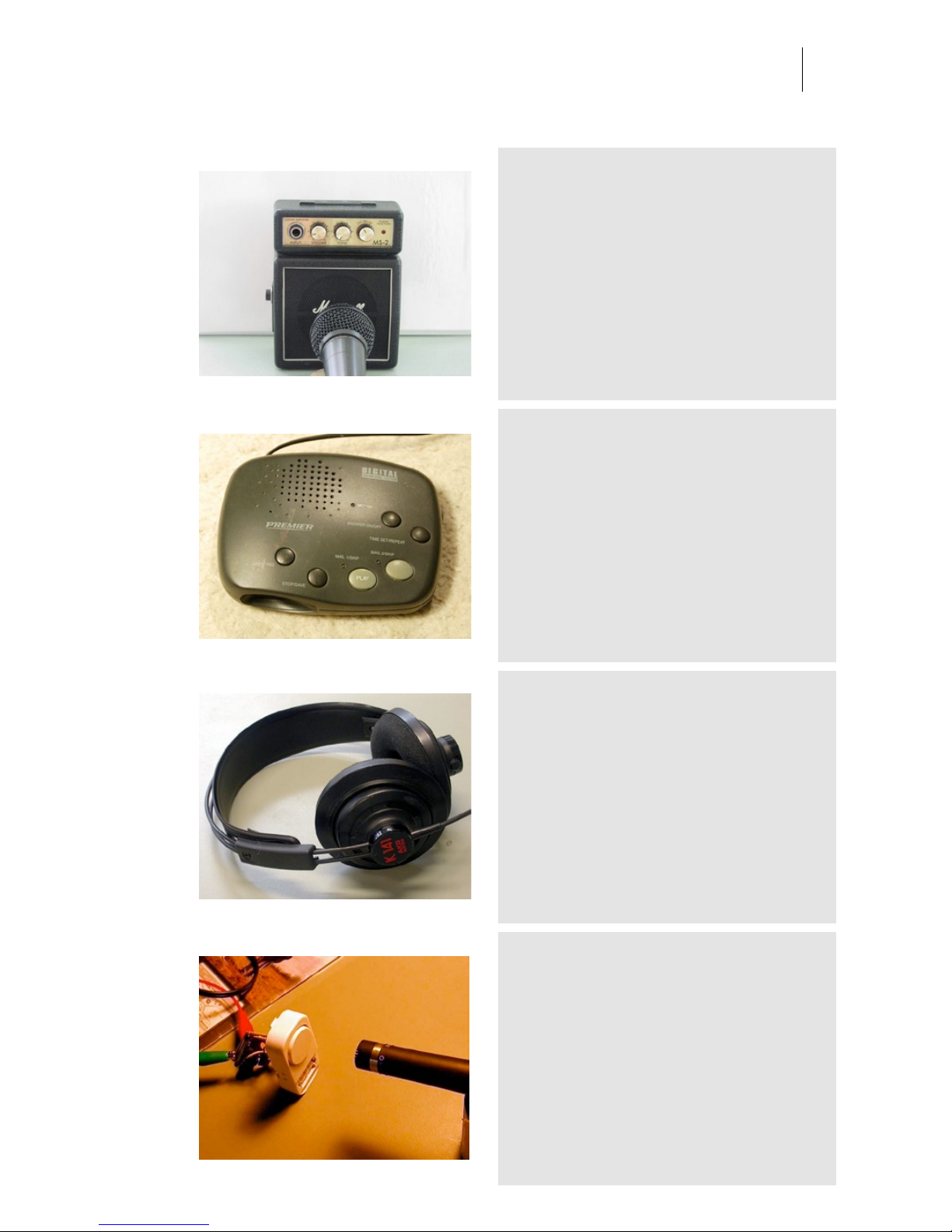
Marshall Mini
Category: Other Gear
Owner: eightbitaudio Location: The Mute Matrix - Los Angeles
Recording: 2005-03-17 by S. Husky Hoskulds
The ultimate Marshall Stack.. from the eightbitaudio
collection. Recorded via the speaker.
answering machine
Category: Other Gear
Owner: Audio Ease Location: Audio Ease
Recording: 2005-07-14 by Aram Verwoest
....leave your message after the beep. This little
speaker sounds exactly like you'd expect it, ready to
rock.
AKG K141 Headphone Leak
Category: Other Gear
Owner: Audio Ease Location: Audio Ease
Recording: 2006-08-11 by Aram Verwoest
-
Really Small Piezo
Category: Other Gear
Owner: Aram Verwoest Location: Audio Ease
Recording: 2006-08-16 by Aram Verwoest
Originally this is a little alarm speaker, but sampled
this way you'll be able to use it as the world's
smallest speaker.
Page 44
Audio Ease | Speakerphone
User Guide
44
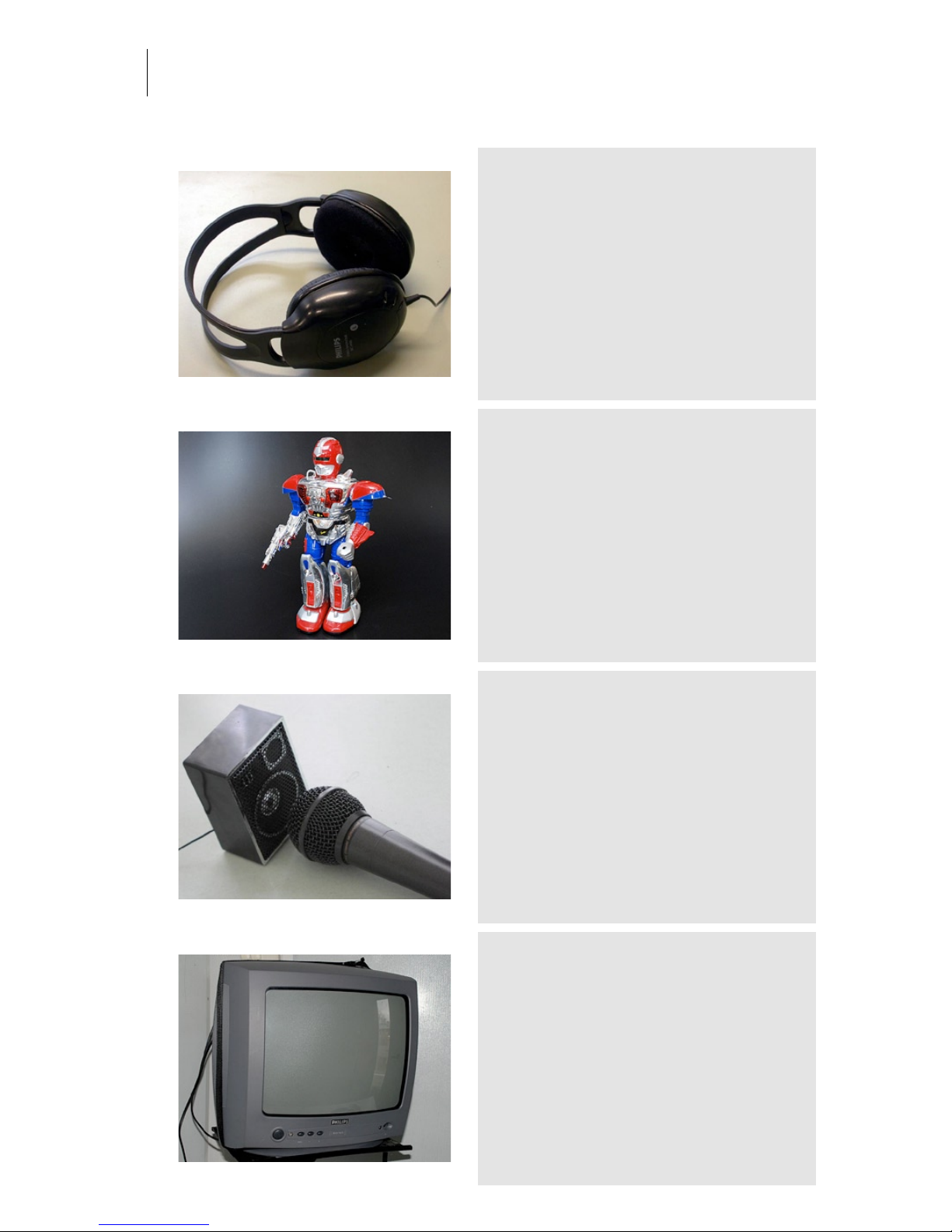
Philips Headphone Leak
Category: Other Gear
Owner: Aram Verwoest Location: Audio Ease
Recording: 2006-08-11 by Aram Verwoest
This is a 10 Dollar Headphone.
robot
Category: Other Gear
Owner: Audio Ease Location: Audio Ease
Recording: 2007-04-03 by Arjen van der Schoot & Aram Verwoest
My name is DaDa, drop your weapon! One of the
three one-liners this guy can produce.
99cents Spkr
Category: Other Gear
Owner: eightbitaudio Location: The Mute Matrix - Los Angeles
Recording: 2005-03-17 by S. Husky Hoskulds
A 99 cent speaker from the toy store. Automatic LoFi.
Philips-small
Category: Other Gear
Owner: Wiebe Location: Audio Ease
Recording: 2007-04-03 by Aram Verwoest
-
Page 45
Audio Ease | Speakerphone
User Guide
45
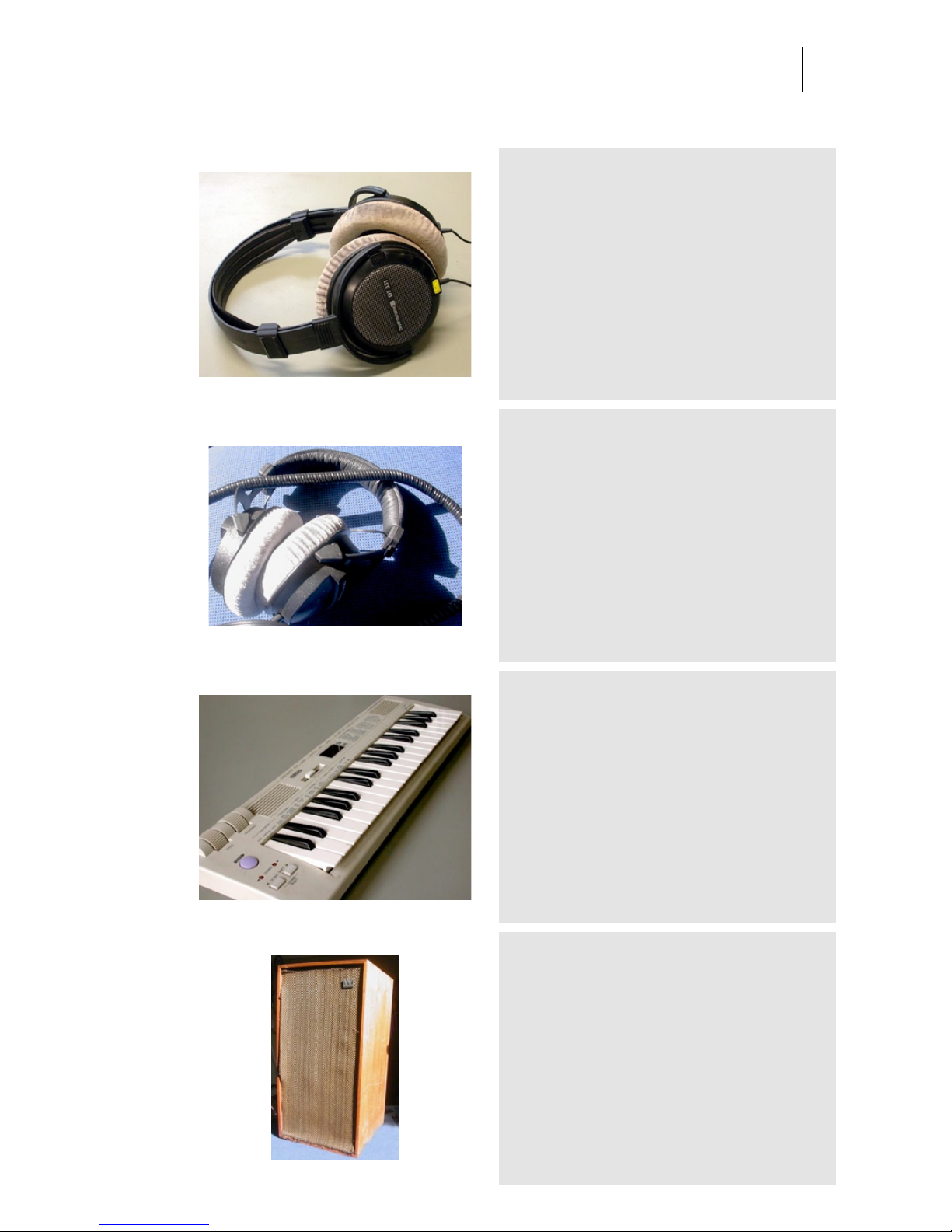
BD531 Headphone Leak
Category: Other Gear
Owner: Audio Ease Location: Audio Ease
Recording: 2006-08-11 by Aram Verwoest
Open headphone.
BD770
Category: Other Gear
Owner: Aram Verwoest Location: Audio Ease Postpro location
Recording: 2005-07-14 by Aram Verwoest
Sampled in two ways, from inside and from the
outside (leak).
Yamaha MidiSound Keyboard
Category: Other Gear
Owner: Jankoen Location: Audio Ease
Recording: 2006-08-16 by Aram Verwoest
This MIDI Sound Keyboard has two nice little
speakers.
Wharfdale broken tweeter
Category: Other Gear
Owner: Aram Verwoest Location: Audio Ease Postpro location
Recording: 2005-07-14 by Aram Verwoest
This was a nice speaker, before the tweeter stopped
working. So it turned nice and boomy.
Page 46
Audio Ease | Speakerphone
User Guide
46
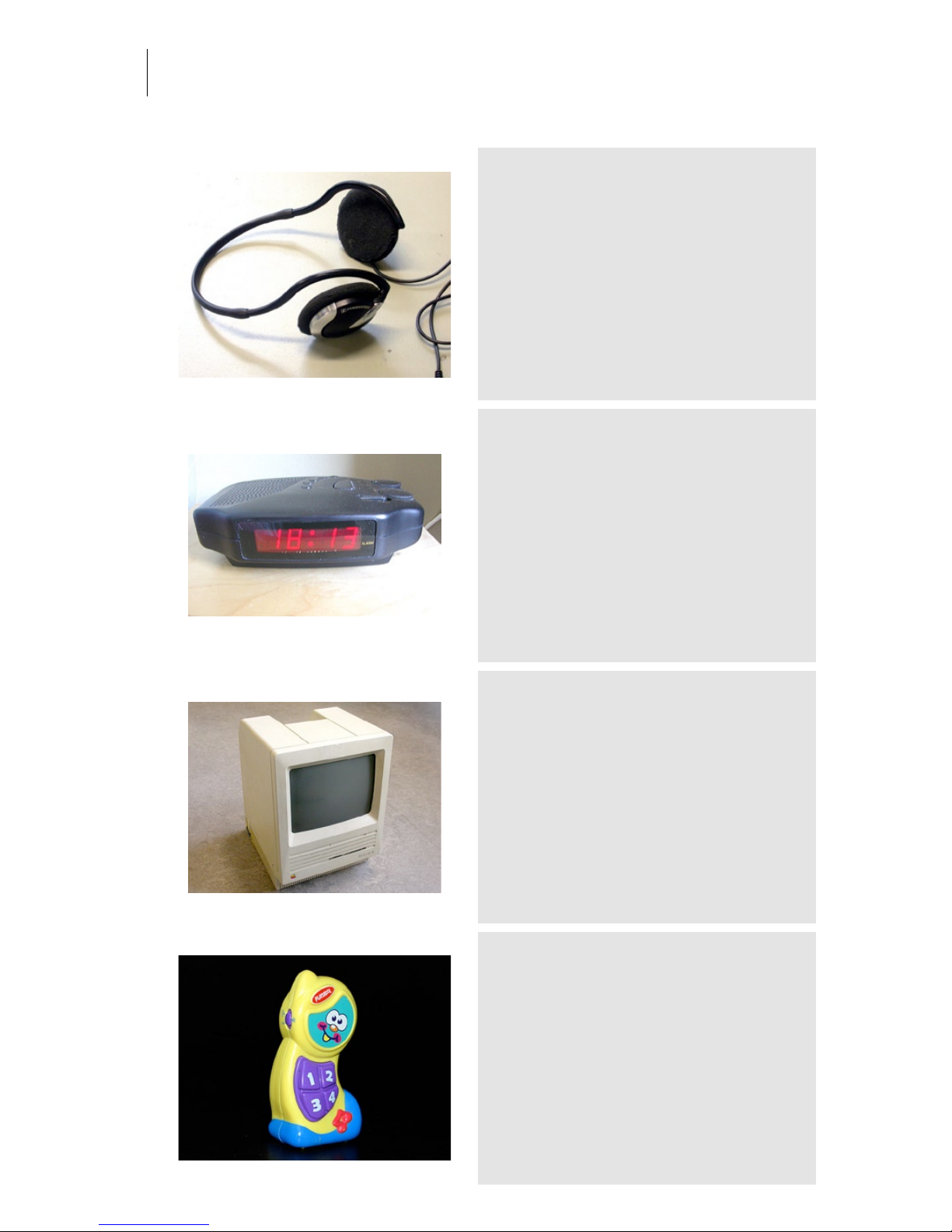
PMX 60 Headphone Leak
Category: Other Gear
Owner: Peter Bakker Location: Audio Ease
Recording: 2006-08-11 by Aram Verwoest
A good sample to start an 'iPod headset leakage'
preset from.
Alarm Clock Radio
Category: Other Gear
Owner: Aram Verwoest Location: Audio Ease Postpro location
Recording: 2005-07-14 by Aram Verwoest
Pretty good mastering tool. Although it doesn't sound
great in the morning.
mac se
Category: Other Gear
Owner: Audio Ease Location: Audio Ease
Recording: 2006-01-23 by Aram Verwoest
Old school, 8 bit sound straight out of the box.
babyphone
Category: Other Gear
Owner: Audio Ease Location: Audio Ease
Recording: 2007-04-03 by Arjen van der Schoot & Aram Verwoest
Samples from this toy and others from the toys
category are among the smallest sounding ones in
Speakerphone. They are the samples to try first for
the tiniest of communication devices.
Page 47
Audio Ease | Speakerphone
User Guide
47
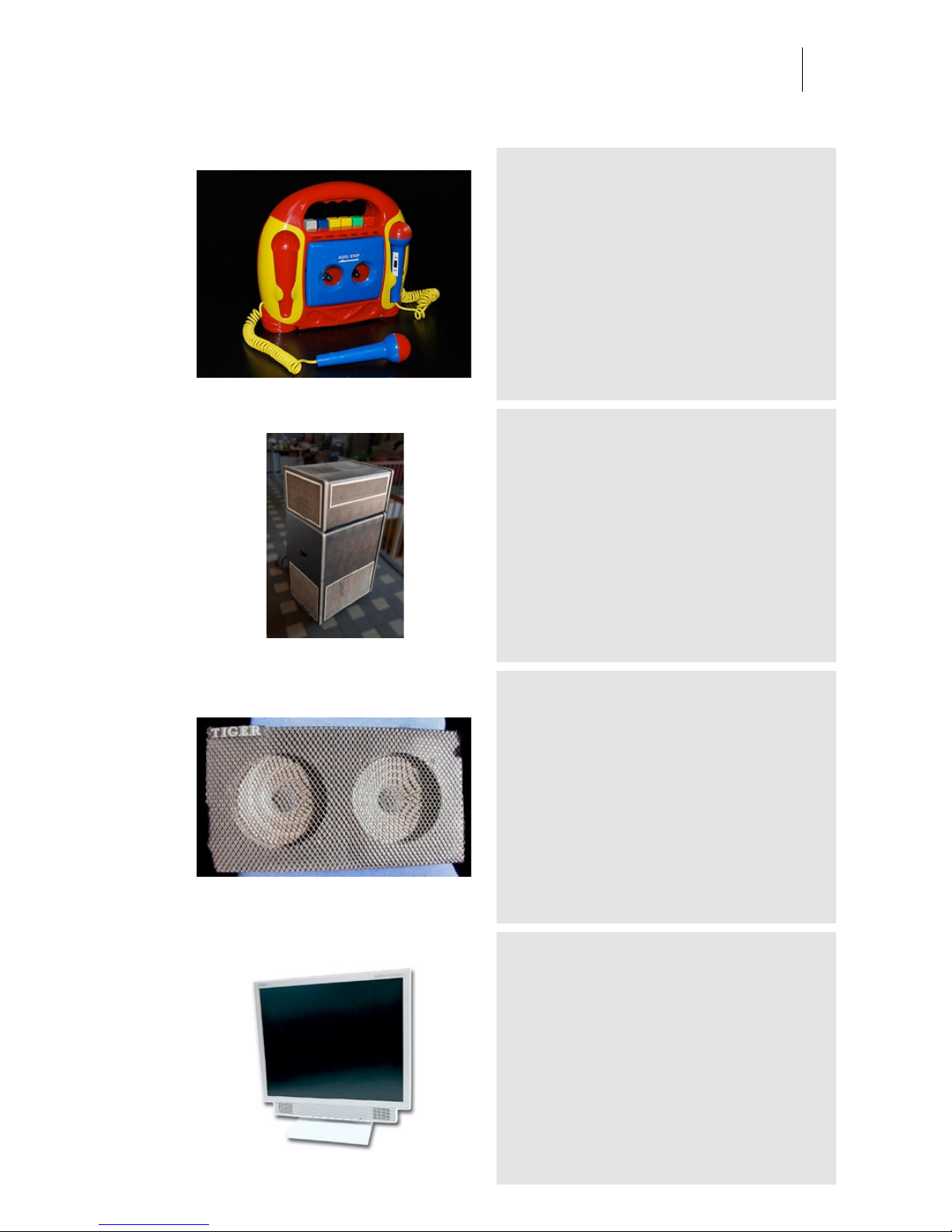
myfirstsonylookalike
Category: Other Gear
Owner: Audio Ease Location: Audio Ease
Recording: 2007-04-03 by Arjen van der Schoot & Aram Verwoest
Thick and authentic plastic sounding device. Check
out the knobs and switches audio samples in the
Electricity category for some good accompanying
push buttons.
leslie
Category: Other Gear
Owner: Bart Jillesen Location: audio ease
Recording: 2009-02-03 by arjen van der schoot
available in speakerphone 2 - to be used in
conjunction with the leslie rotation emulation module.
in speakerphone 2.
Tiger Guitar Amp Speaker
Category: Other Gear
Owner: Aram Verwoest Location: Audio Ease Postpro location
Recording: 2005-07-14 by Aram Verwoest
Speakers from a broken Guitar Amp. Sounds like the
kit one would build into the back of a car.
tft
Category: Other Gear
Owner: Audio Ease Location: Audio Ease
Recording: 2006-01-23 by Aram Verwoest
Crystal clear view and crispy sound.
Page 48
Audio Ease | Speakerphone
User Guide
48
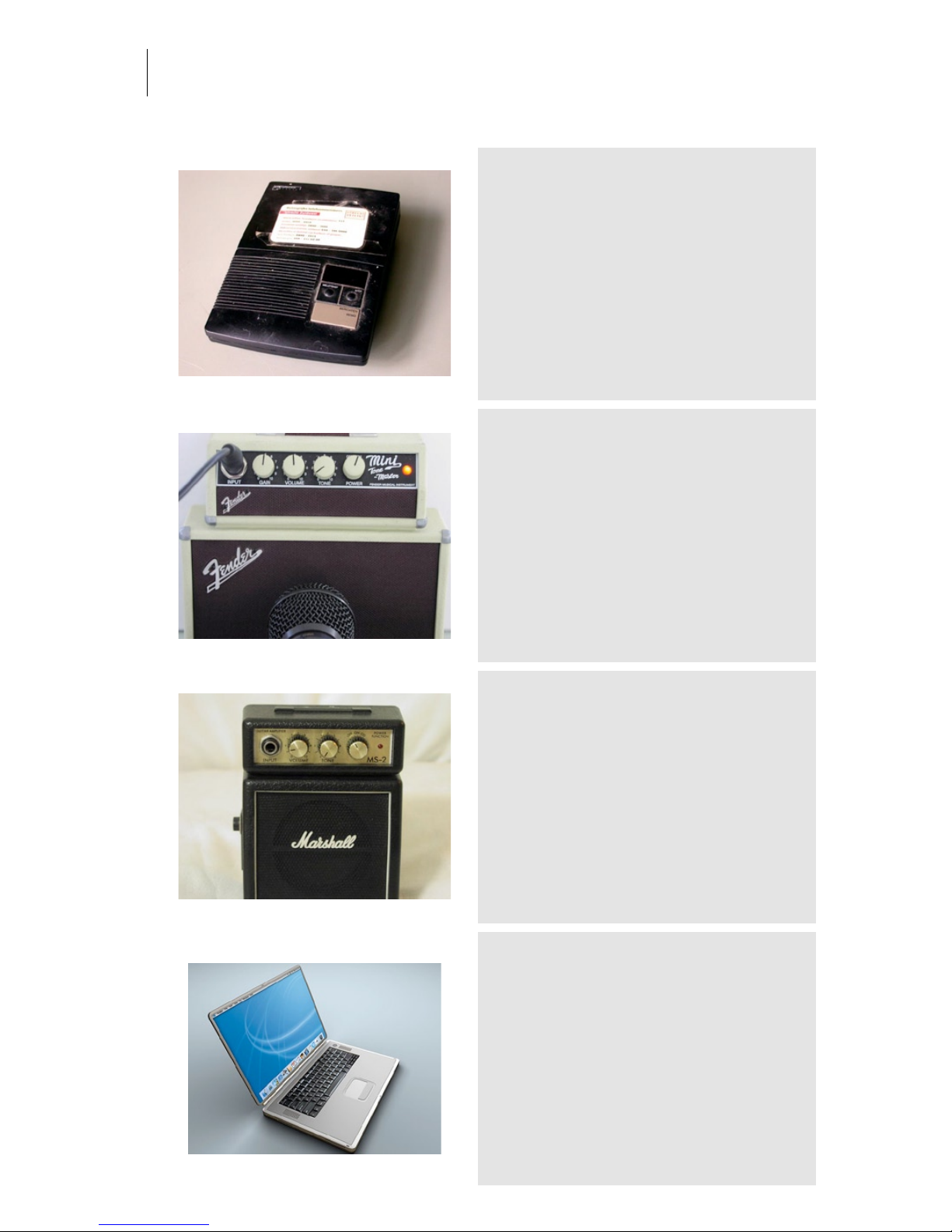
Answering Machine PTT
Category: Other Gear
Owner: Jankoen Location: Audio Ease
Recording: 2006-08-16 by Aram Verwoest
-
Fender Mini
Category: Other Gear
Owner: Evil Joe Location: The Mute Matrix - Los Angeles
Recording: 2005-03-17 by S. Husky Hoskulds
One of several loaners from legendary L.A. producer
/ engineer Evil Joe. Recorded via the speaker.
Marshall Mini DIR
Category: Other Gear
Owner: eightbitaudio Location: The Mute Matrix - Los Angeles
Recording: 2005-03-17 by S. Husky Hoskulds
The ultimate Marshall Stack.. from the eightbitaudio
collection. Recorded direct.
powerbook-b
Category: Other Gear
Owner: Audio Ease Location: Audio Ease
Recording: 2006-01-23 by Aram Verwoest
Typical laptop sound, no bass, real bad mids &
highs. From the speakerphone laptop collection this
one is most preferred.
Page 49
Audio Ease | Speakerphone
User Guide
49
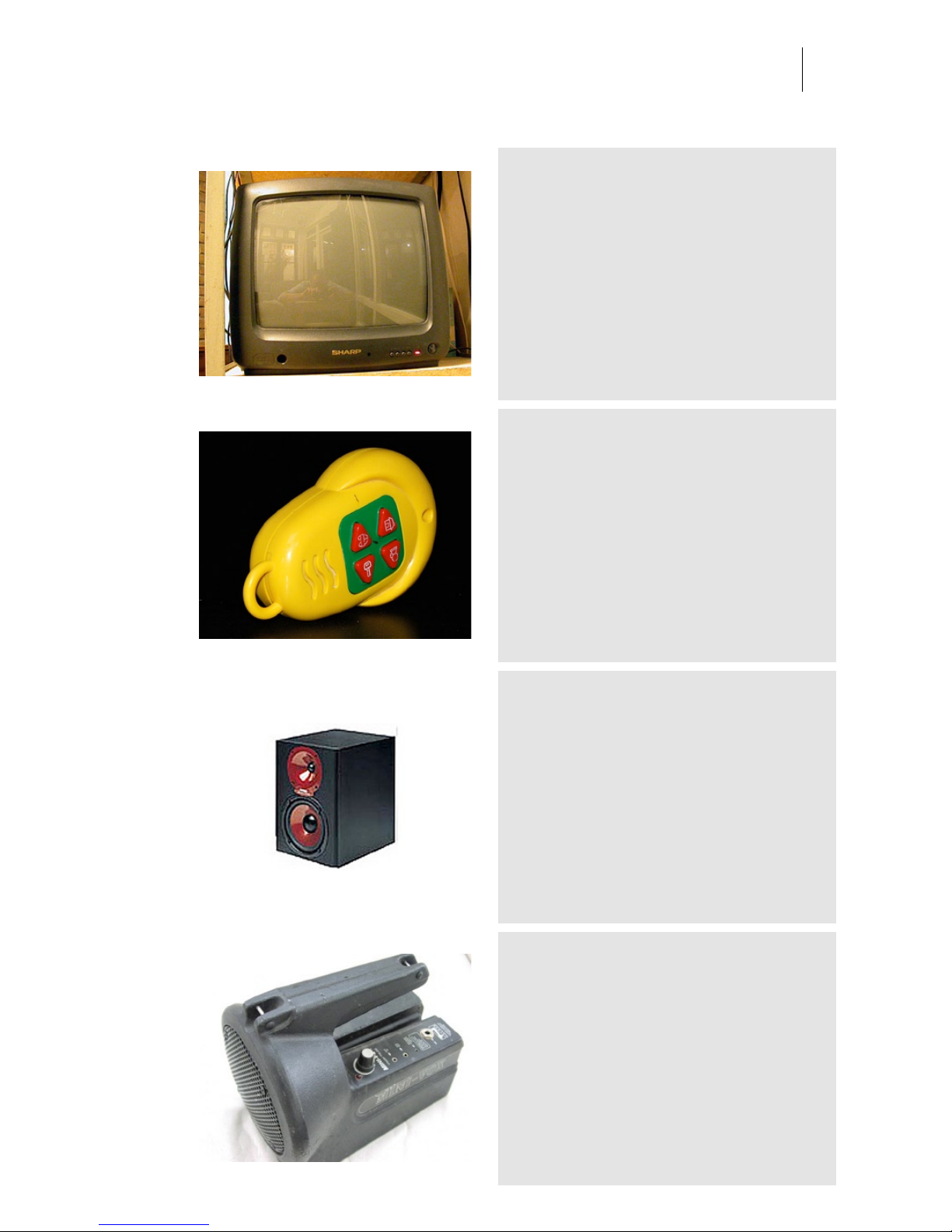
Sharp
Category: Other Gear
Owner: Arjen Location: Arjen
Recording: 2007-04-03 by Arjen van der Schoot
-
juniors-remote
Category: Other Gear
Owner: Audio Ease Location: Audio Ease
Recording: 2007-04-03 by Arjen van der Schoot & Aram Verwoest
Samples from this toy and others from the toys
category are among the smallest sounding ones in
Speakerphone. They are the samples to try first for
the tiniest of communication devices.
Monitor Spirit Abs Zero
Category: Other Gear
Owner: Aram Verwoest Location: Audio Ease Postpro location
Recording: 2005-07-14 by Aram Verwoest
-
Mini Vox
Category: Other Gear
Owner: eightbitaudio Location: The Mute Matrix - Los Angeles
Recording: 2005-03-17 by S. Husky Hoskulds
Quite powerful battery operated protest-march
megaphone. Good for vocals too.
Page 50
Audio Ease | Speakerphone
User Guide
50
Cabinet w. Contact Mic
Category: Other Gear
Owner: eightbitaudio Location: The Mute Matrix - Los Angeles
Recording: 2005-03-17 by S. Husky Hoskulds
One of several experiments with the excellent B-Band
Contact Mic.
powercenter150
Category: Other Gear
Owner: Audio Ease Location: Audio Ease
Recording: 2006-01-23 by Aram Verwoest
An internal speaker that doesn't sound bad at all, a
nice little speaker sound with quite some low
frequencies too.
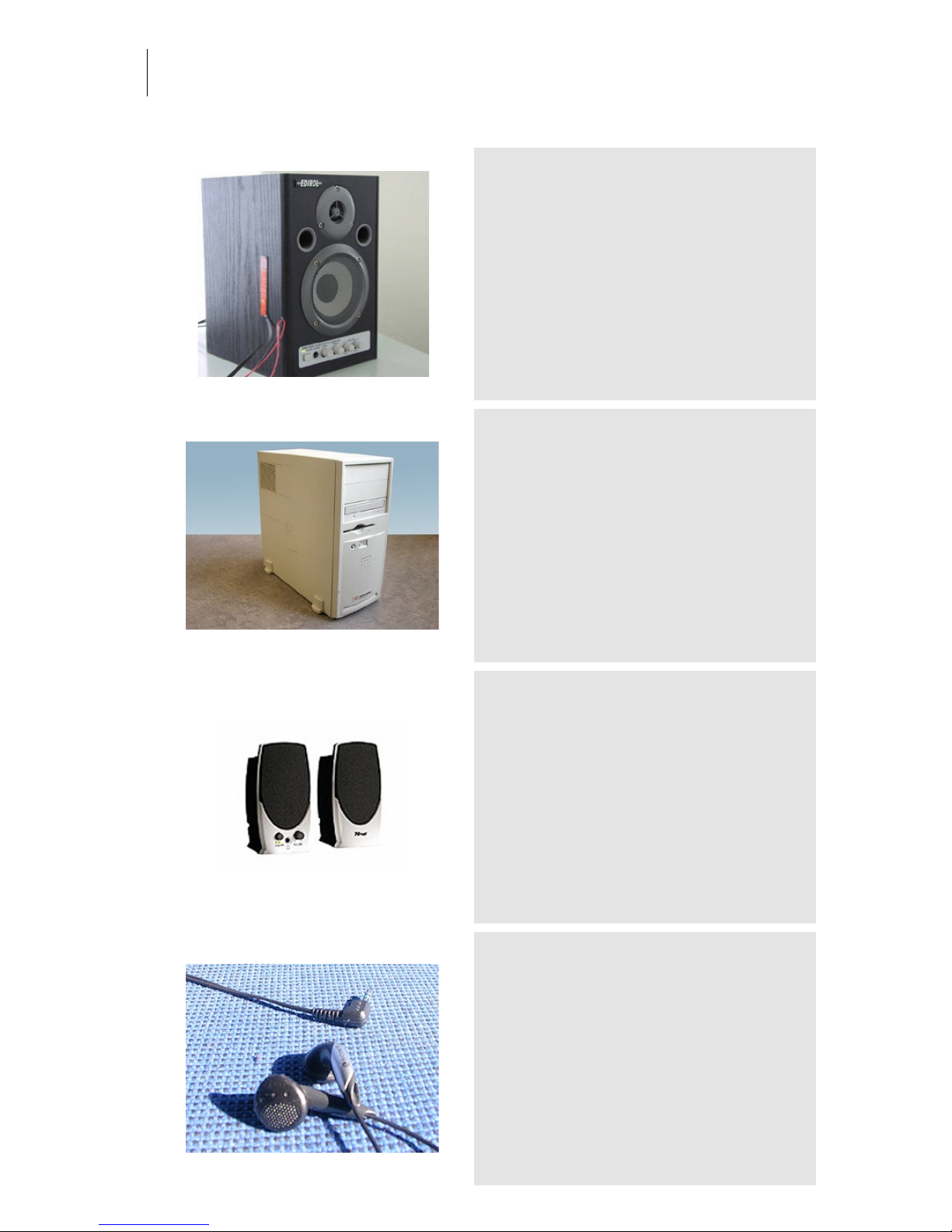
MultiMedia Trust 80P
Category: Other Gear
Owner: Aram Verwoest Location: Audio Ease Postpro location
Recording: 2005-07-14 by Aram Verwoest
Typical desktop pc speaker
In ear HP
Category: Other Gear
Owner: Aram Verwoest Location: Audio Ease Postpro location
Recording: 2005-07-14 by Aram Verwoest
No bass!
Page 51
Audio Ease | Speakerphone
User Guide
51
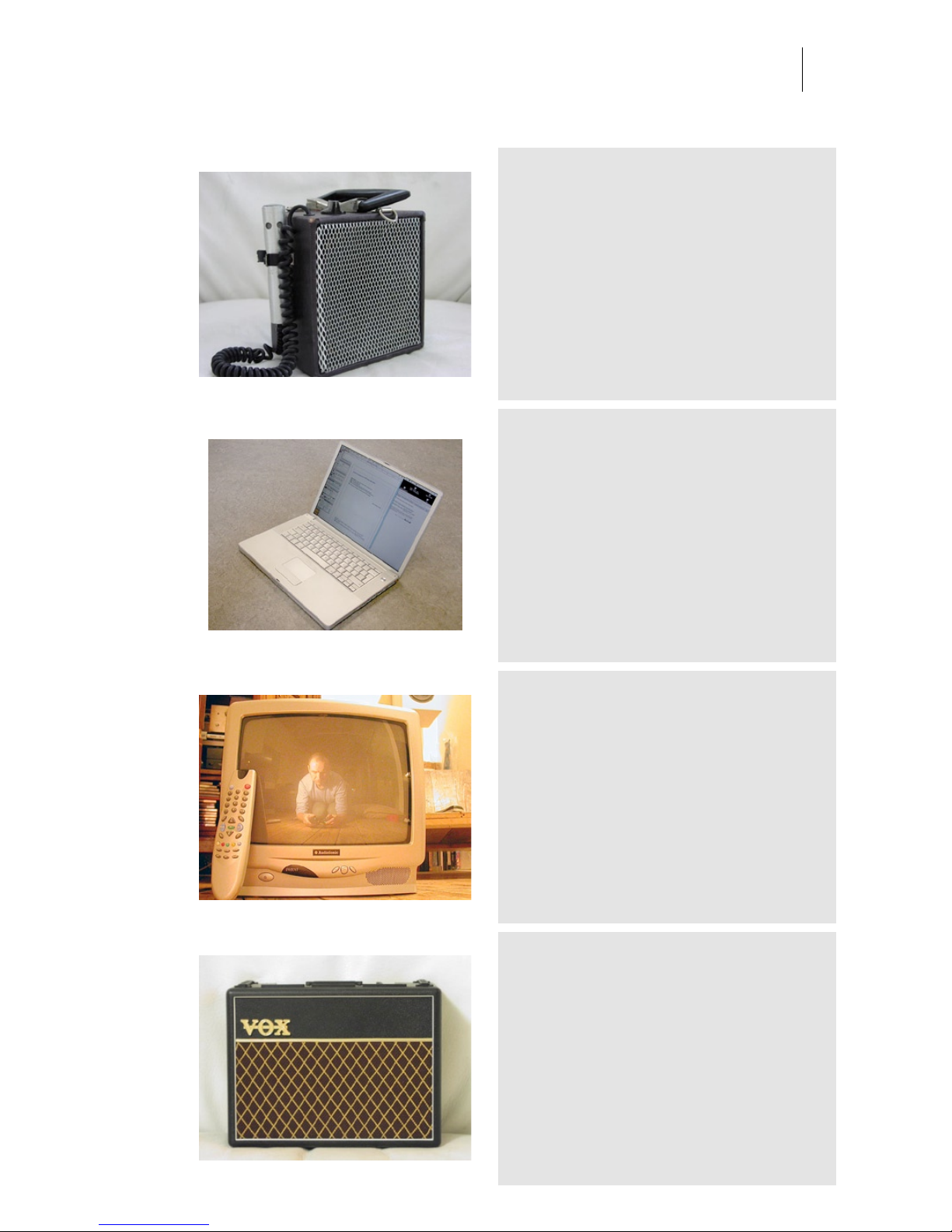
VoiceAmp
Category: Other Gear
Owner: eightbitaudio Location: The Mute Matrix - Los Angeles
Recording: 2005-03-17 by S. Husky Hoskulds
Great sounding old megaphone. From a lot of 6
bought at a school swap meet in El Paso. Used for
vocals with Bonnie Raitt and Los Lobos.
powerbook-a
Category: Other Gear
Owner: Audio Ease Location: Audio Ease
Recording: 2006-01-23 by Aram Verwoest
-
AudioSonic
Category: Other Gear
Owner: Hedwig & Michel Location: Hedwig & Michel
Recording: 2007-04-02 by Arjen
-
Vox Mini
Category: Other Gear
Owner: Evil Joe Location: The Mute Matrix - Los Angeles
Recording: 2005-03-17 by S. Husky Hoskulds
One of several loaners from legendary L.A. producer
/ engineer Evil Joe. Recorded via the speaker.
Page 52
Audio Ease | Speakerphone
User Guide
52
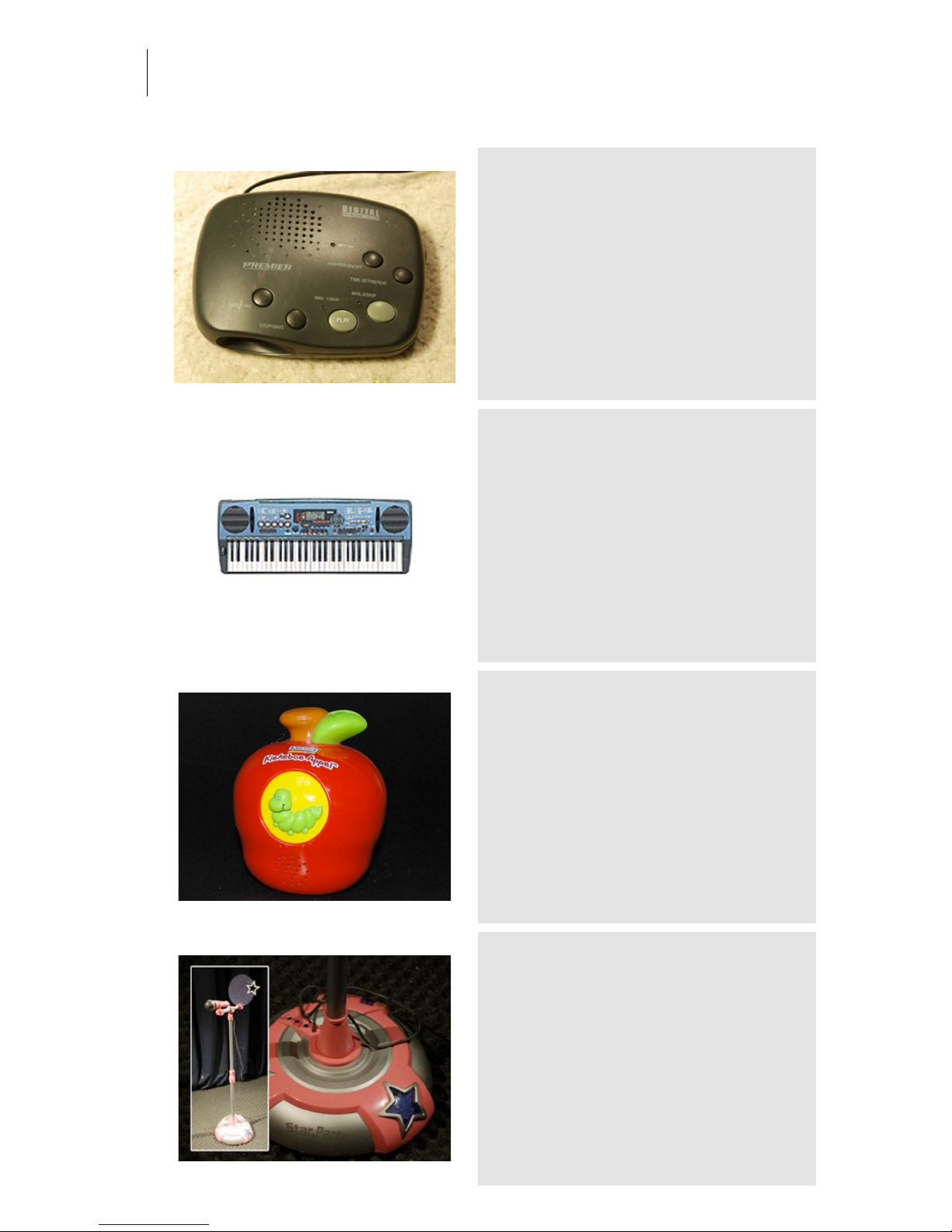
answering machine digital
Category: Other Gear
Owner: audio ease Location: audio ease
Recording: 2008-12-14 by arjen and aram
available in speakerphone 2. One of a crop of
overpriced junk at the The hague second hand store.
This one smoked after we were done wiring it.
Yamaha DJX keyboard
Category: Other Gear
Owner: Aram Verwoest Location: Audio Ease Postpro location
Recording: 2005-07-14 by Aram Verwoest
.
apple
Category: Other Gear
Owner: Audio Ease Location: Audio Ease
Recording: 2007-04-03 by Arjen van der Schoot & Aram Verwoest
Samples from this toy and others from the toys
category are among the smallest sounding ones in
Speakerphone. They are the samples to try first for
the tiniest of communication devices.
pink karaoke
Category: Other Gear
Owner: Wiebe de Boer Location: Audio ease
Recording: 2008-12-14 by arjen and aram
A classic example of extreme cost reduction, this
bright pink karaoke microphone stand with built in
speaker was sampled twice for the new
speakerphone: its mic and its speaker have been
added. to version 2 We could sample this on the
condition that it would not break. We succeeded.
Page 53
Audio Ease | Speakerphone
User Guide
53
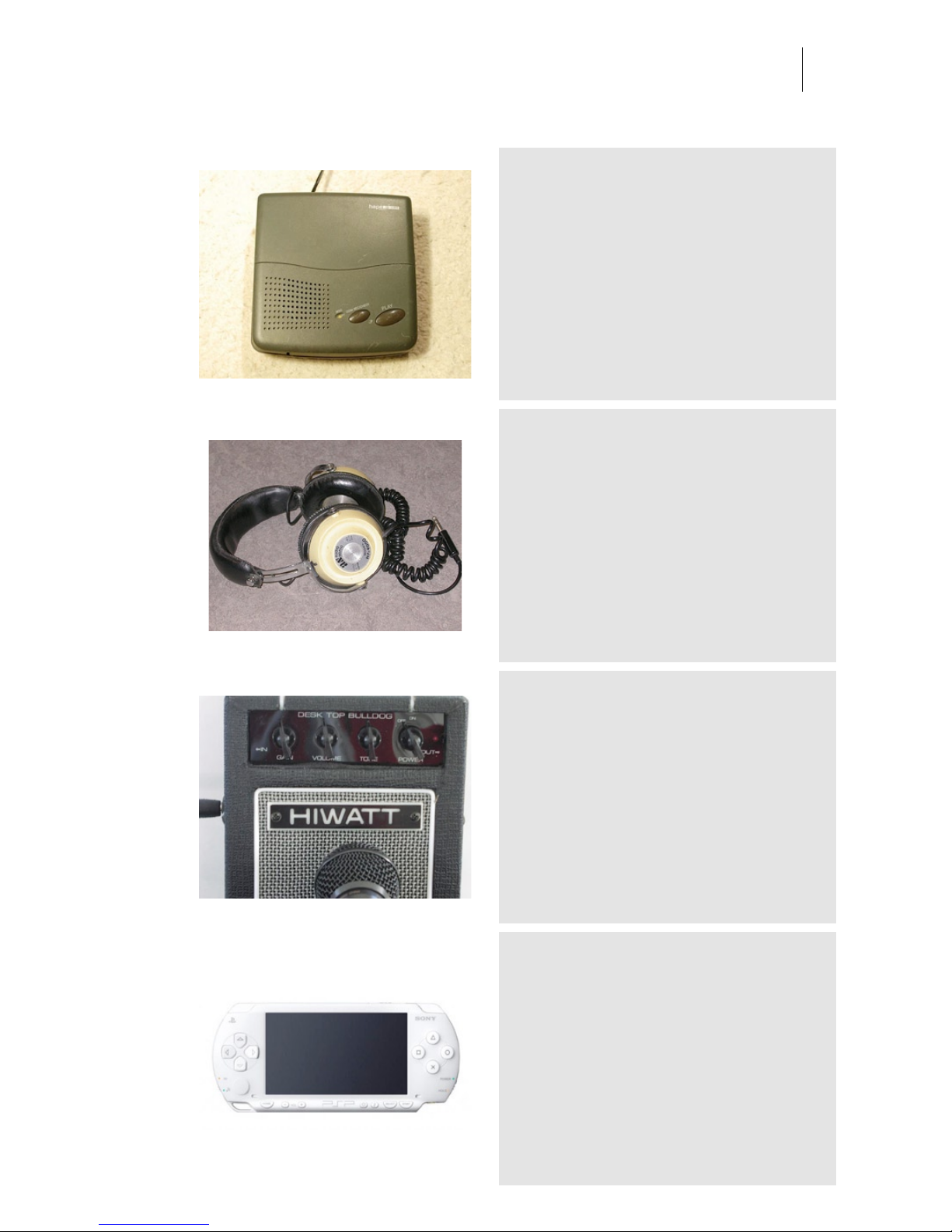
hape answering machine
Category: Other Gear
Owner: audio ease Location: audio ease
Recording: 2008-12-14 by arjen and aram
available in speakerphone 2. One of a crop of
overpriced junk at the The hague second hand store.
AS-Headphone
Category: Other Gear
Owner: Audio Ease Location: Audio Ease
Recording: 2005-07-14 by Aram Verwoest
-
Hiwatt Mini
Category: Other Gear
Owner: Evil Joe Location: The Mute Matrix - Los Angeles
Recording: 2005-03-17 by S. Husky Hoskulds
One of several loaners from legendary L.A. producer
/ engineer Evil Joe. Recorded via the speaker.
Sony PSP White
Category: Other Gear
Owner: Han Location: Audio Ease
Recording: 2006-08-16 by Aram Verwoest
Sounds even smaller then it should for its size.
Page 54
Audio Ease | Speakerphone
User Guide
54
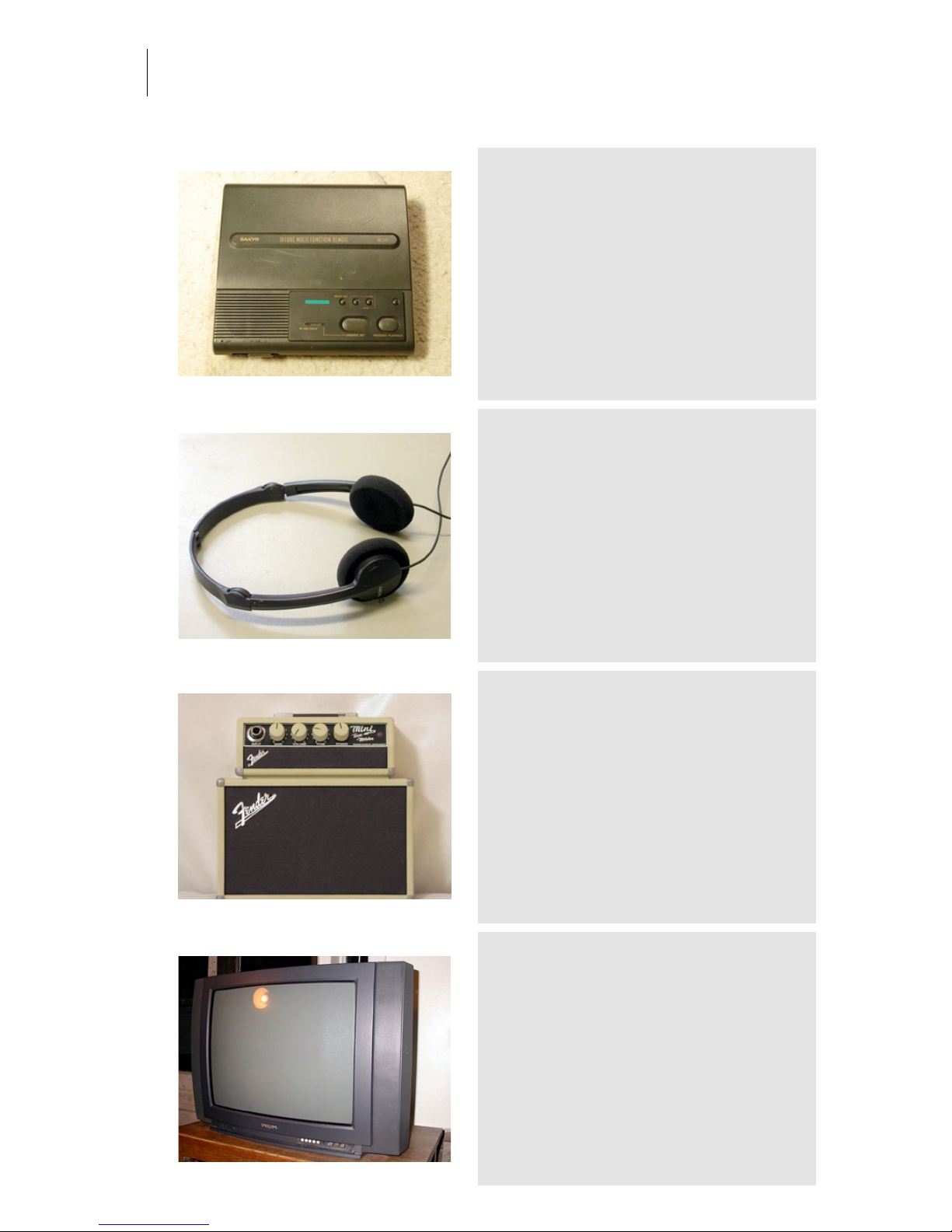
answering machine sanyo
Category: Other Gear
Owner: Audio ease Location: Audio ease
Recording: 2008-12-14 by Arjen and aram
available in speakerphone 2. One of a crop of
overpriced junk at the The hague second hand store.
Sony Small Headphone Leak
Category: Other Gear
Owner: Aram Verwoest Location: Audio Ease
Recording: 2006-08-11 by Aram Verwoest
Small Portable Headphone Leakage. This one
sounds thin. Leakage means all audio the outside
world hears when you have this headphone turned
on pretty loud.
Fender Mini Dir
Category: Other Gear
Owner: Evil Joe Location: The Mute Matrix - Los Angeles
Recording: 2005-03-17 by S. Husky Hoskulds
One of several loaners from legendary L.A. producer
/ engineer Evil Joe. Recorded via the 'direct' output.
Philips-big
Category: Other Gear
Owner: Arjen Location: Arjen
Recording: 2007-04-03 by Arjen van der Schoot
-
Page 55
Audio Ease | Speakerphone
User Guide
55
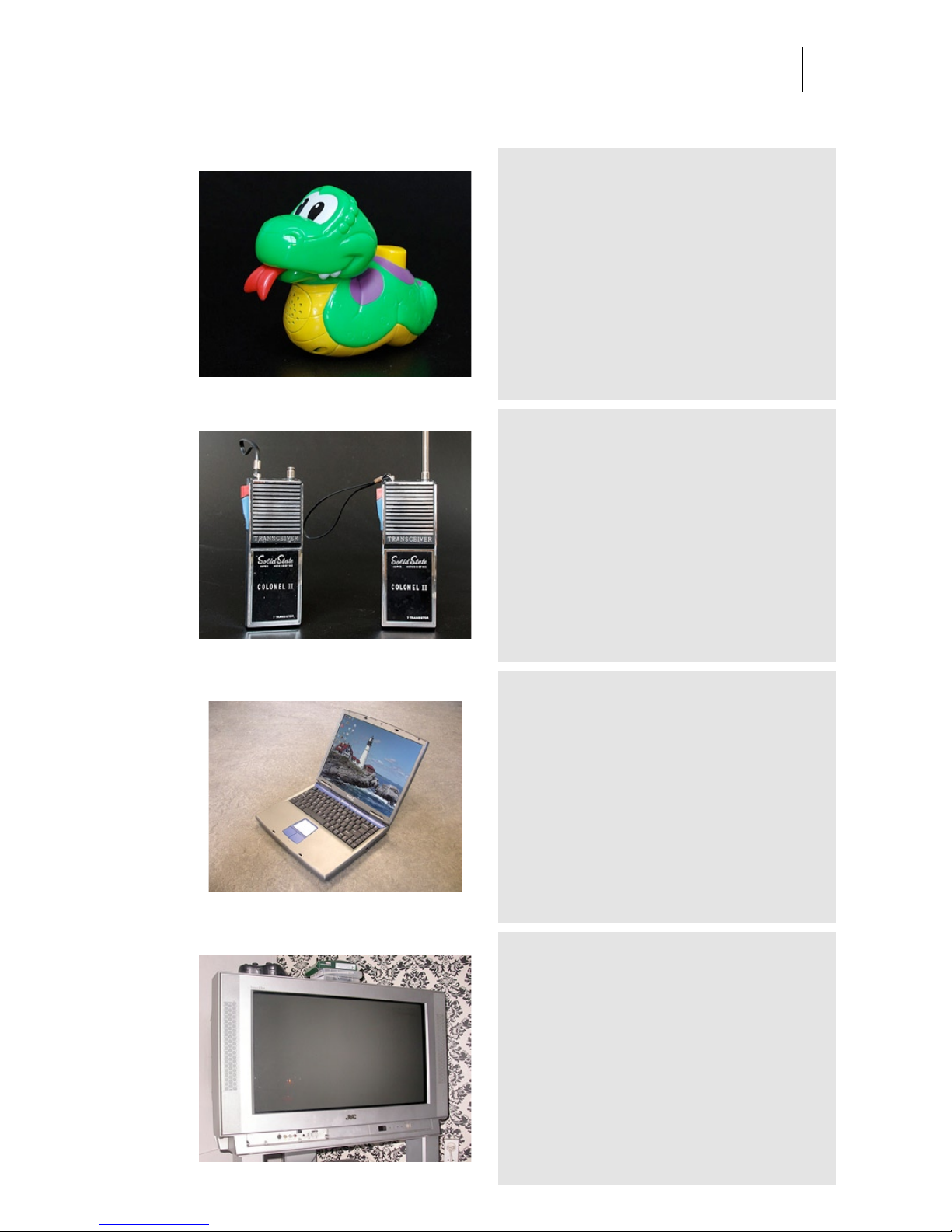
crocodile
Category: Other Gear
Owner: Audio Ease Location: Audio Ease
Recording: 2007-04-03 by Arjen van der Schoot & Aram Verwoest
Samples from this toy and others from the toys
category are among the smallest sounding ones in
Speakerphone. They are the samples to try first for
the tiniest of communication devices.
WalkieTalkie-Solidstate
Category: Other Gear
Owner: Audio Ease Location: Audio Ease
Recording: 2007-04-03 by Arjen van der Schoot & Aram Verwoest
Looks, feels and sounds like a seventies toy.
dellaptop
Category: Other Gear
Owner: Audio Ease Location: Audio Ease
Recording: 2006-01-23 by Aram Verwoest
This laptop gives new meaning to the concept 'Thin'.
JVC-InteriArt
Category: Other Gear
Owner: Moniek Location: Moniek's house
Recording: 2007-04-02 by Arjen
-
Page 56
Audio Ease | Speakerphone
User Guide
56
Hiwatt Mini Dir
Category: Other Gear
Owner: Evil Joe Location: The Mute Matrix - Los Angeles
Recording: 2005-03-17 by S. Husky Hoskulds
One of several loaners from legendary L.A. producer
/ engineer Evil Joe. Recorded via the 'direct' output.
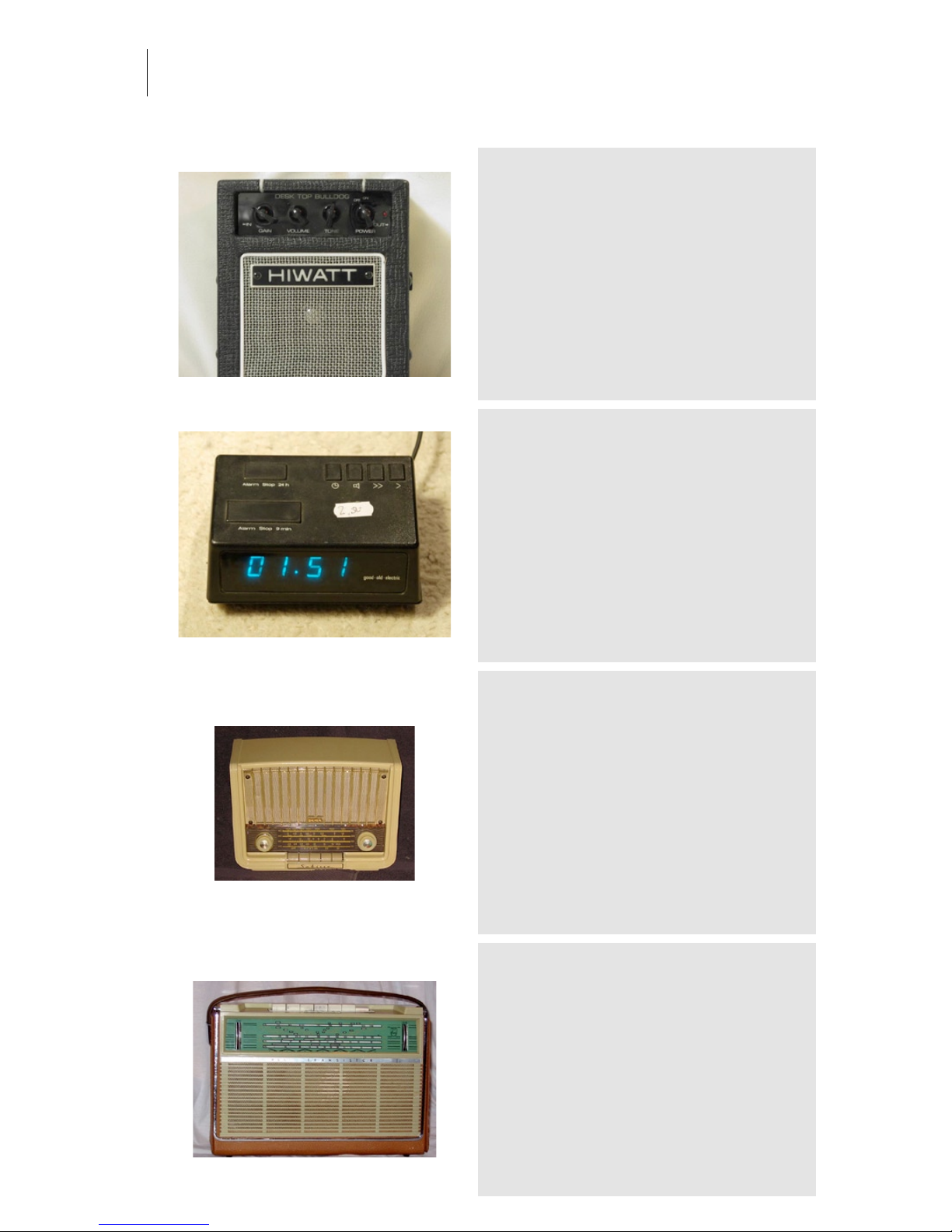
alarm clock good old electronic
Category: Other Gear
Owner: audio ease Location: audio ease
Recording: 2008-12-14 by arjen and aram
available in speakerphone 2. That's right, the brand
name is good old electronic. It required a good old
trashing disassembly job to get to the speaker.
Sabina
Category: Radios
Owner: Gerard Tel Location: Tel Family Residence
Recording: 2005-02-01 by Family Tel
Germany 1958 - Nowadays widely appreciated for its
design, in its days the Saba Sabine was a bottomline radio. Indeed, moulded cabinets were
considered cheap, and leaving out the power
transformer was also just done for saving on
production cost. The back-illuminated speaker grille
and tuning dial make this radio a real beauty at night.
The radio was probably for export: there are no
station names on the dial, and the radio does not
have the LW band but has the tropical band (60190m) instead.
Philips L4X00T
Category: Radios
Owner: Gerard Tel Location: Tel Family Residence
Recording: 2005-02-01 by Family Tel
Netherlands, 1960.
Page 57
Audio Ease | Speakerphone
User Guide
57
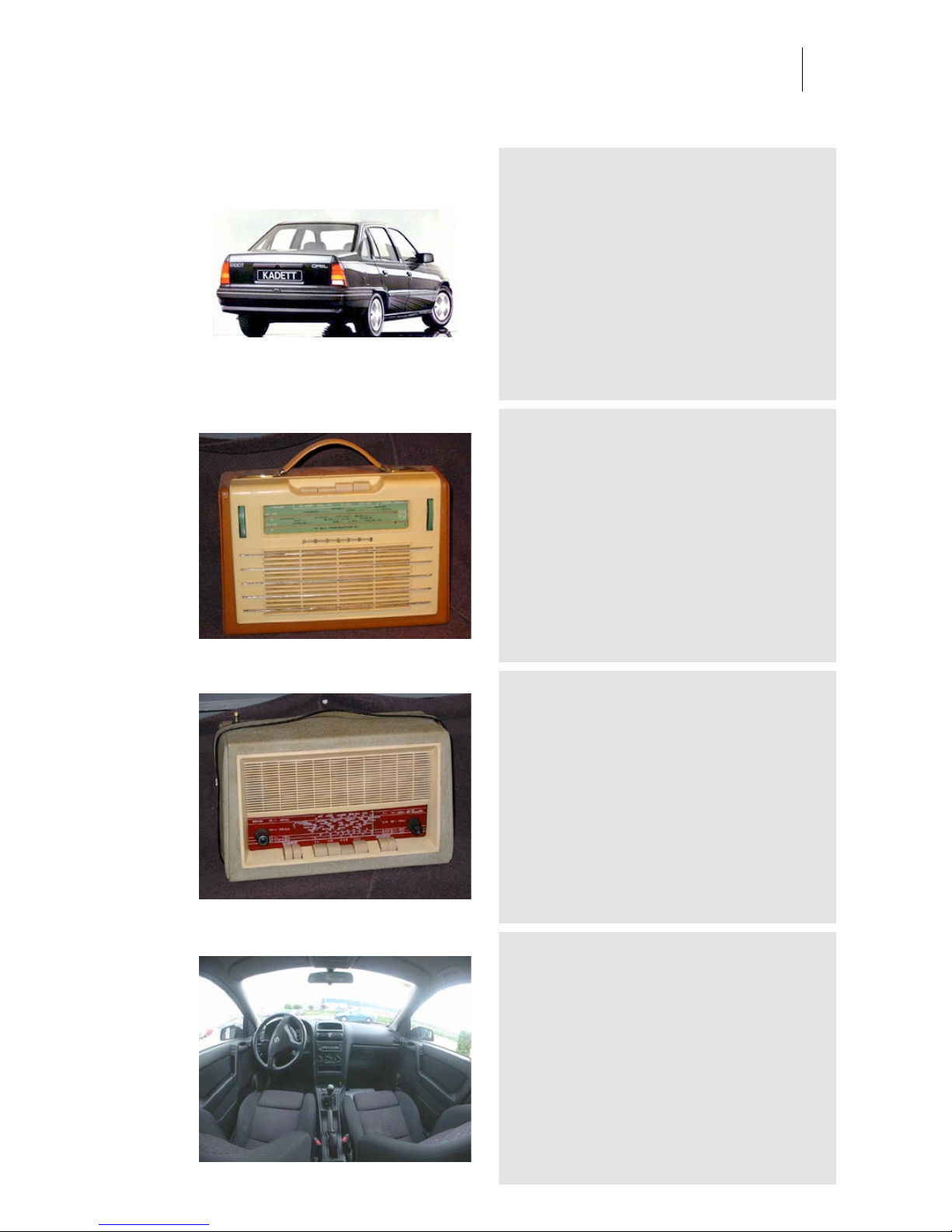
Opel Kadett
Category: Radios
Owner: Aram Location: Audio Ease
Recording: 2005-06-17 by Aram Verwoest
Dirty radio, it screams, crackles and has too much
bass.
Philips L3x71T
Category: Radios
Owner: Gerard Tel Location: Tel Family Residence
Recording: 2005-02-01 by Family Tel
The Netherlands 1957 - Wood and plastic. Size is 27x18x9 cm - At the
end of 1946 the world saw a new invention: the transistor. It was
realized from the start that this little gem was going to change radio
forever. This happened indeed, but not quite overnight. The first
commercial transistor radio appeared on the market late 1954 (the
Regency TR1, now very much demanded by collectors). Philips had
always been a bit slow to change to new technologies. Indeed, they
were very good in exploiting the old ones. But in 1957 (following 1956
experiments with Radiola and Philips radios in France) Philips could
not wait any longer and came out with a transistorized portable, the
one shown here.
Novak
Category: Radios
Owner: Gerard Tel Location: Tel Family Residence
Recording: 2005-02-01 by Family Tel
Belgium 1957 - Transistorized Table Top - For many people, transistor
is a synonym for portable, but technically spoken this is not true.
There are exceptions in both directions. There are a lot of portable
tube radios, and this radio is an example of an early radio that uses
transistors, but was not intended primarily for portable use. It seems to
be the case that in the fifties there were still people who didn't have
electricity in their homes and for using radio were dependent on
battery sets. Battery radios were also used on ships.
Opel Astra
Category: Radios
Owner: Boon Location: Autobedrijf Boon
Recording: 2005-06-12 by Aram and Arjen
Modest car, in between Seat Toledo and Renault
Megane.
Page 58
Audio Ease | Speakerphone
User Guide
58
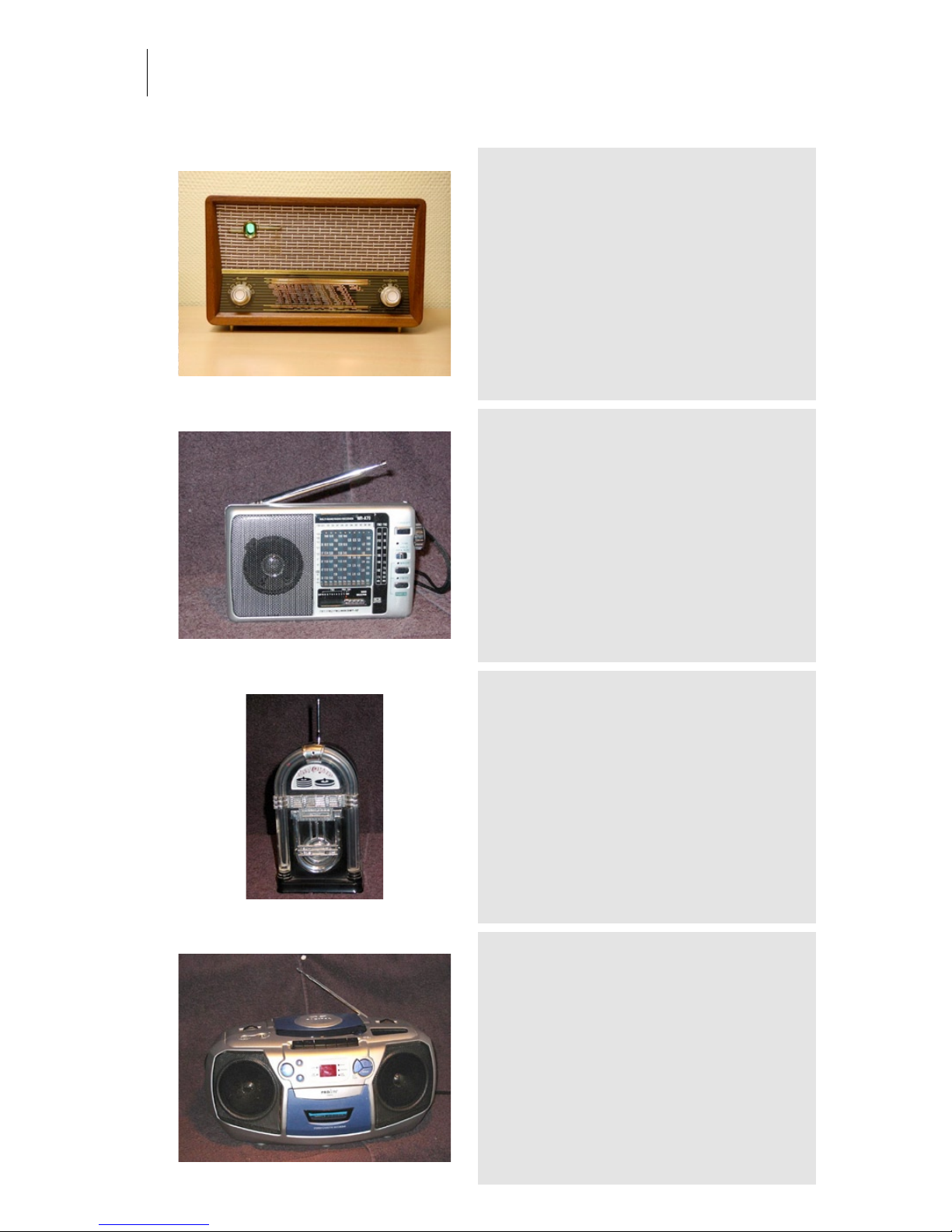
Radionette menuett 1958
Category: Radios
Owner: Norsk Radiomuseum Location: Bolkesjo
Recording: 2007-09-28 by Arjen van der Schoot
available in Speakerphone 2
World Receiver WR-A70
Category: Radios
Owner: Gerard Tel Location: Tel Family Residence
Recording: 2005-02-01 by Family Tel
Asia, 2002.
JukeBox Radio
Category: Radios
Owner: Gerard Tel Location: Tel Family Residence
Recording: 2005-02-01 by Family Tel
Japan 1985 - Plastic. Size is 14.5 cm (Height) Weight is 350 gr - When
the set is switched on, red lights in the front panel turn on and off. The
indicators for volume and tuning are at the back of the radio, of course
this is done so as not to disturb the look of the radio. I assume this is
arranged by the chip visible in the radio's inside. For the rest it is the
usual kind of cheap stuff found in all transistor radios of the eighties.
Observe the "enormous" speaker giving the radio its tremendous
sound (sic).
ProLine CD225
Category: Radios
Owner: Gerard Tel Location: Tel Family Residence
Recording: 2005-02-01 by Family Tel
.
Page 59
Audio Ease | Speakerphone
User Guide
59
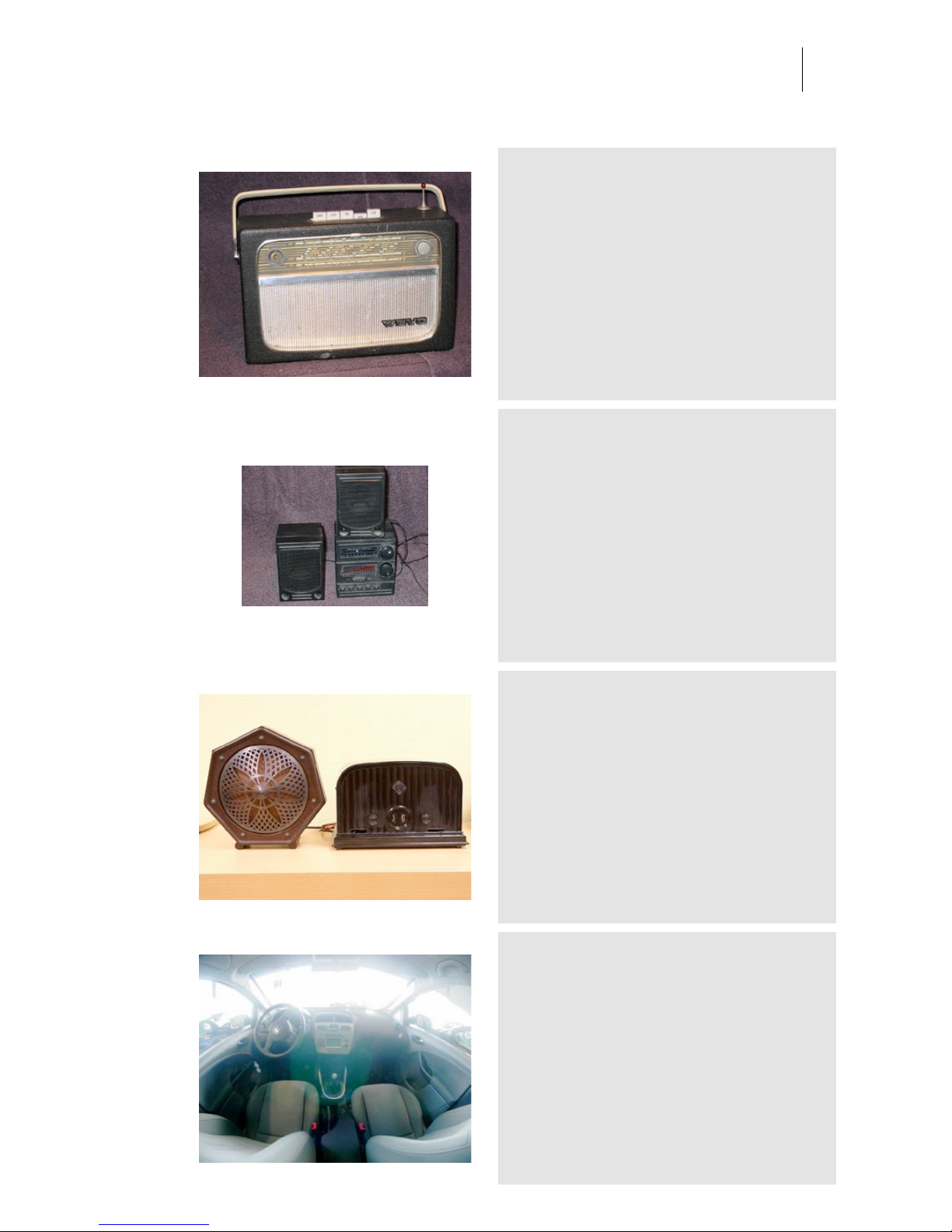
Wevo Portable
Category: Radios
Owner: Gerard Tel Location: Tel Family Residence
Recording: 2005-02-01 by Family Tel
Belgium, ca. 1960.
miniset
Category: Radios
Owner: Gerard Tel Location: Tel Family Residence
Recording: 2005-02-01 by Family Tel
1990 - Black plastic . Size is 9x10x7 cm (Speaker:
7x10x7 cm). Weight is 425 gr (radio plus boxes
together) - Does it count as a novelty if a radio
disguises as another radio?
Telefunken 33WE 1929
Category: Radios
Owner: Norsk Radiomuseum Location: Bolkesjo
Recording: 2007-09-28 by Arjen van der Schoot
available in Speakerphone 2
Seat Toledo
Category: Radios
Owner: Boon Location: Autobedrijf Boon
Recording: 2005-06-12 by Aram and Arjen
Pump up that bass!! No mids and highs, just bass.
Page 60
Audio Ease | Speakerphone
User Guide
60
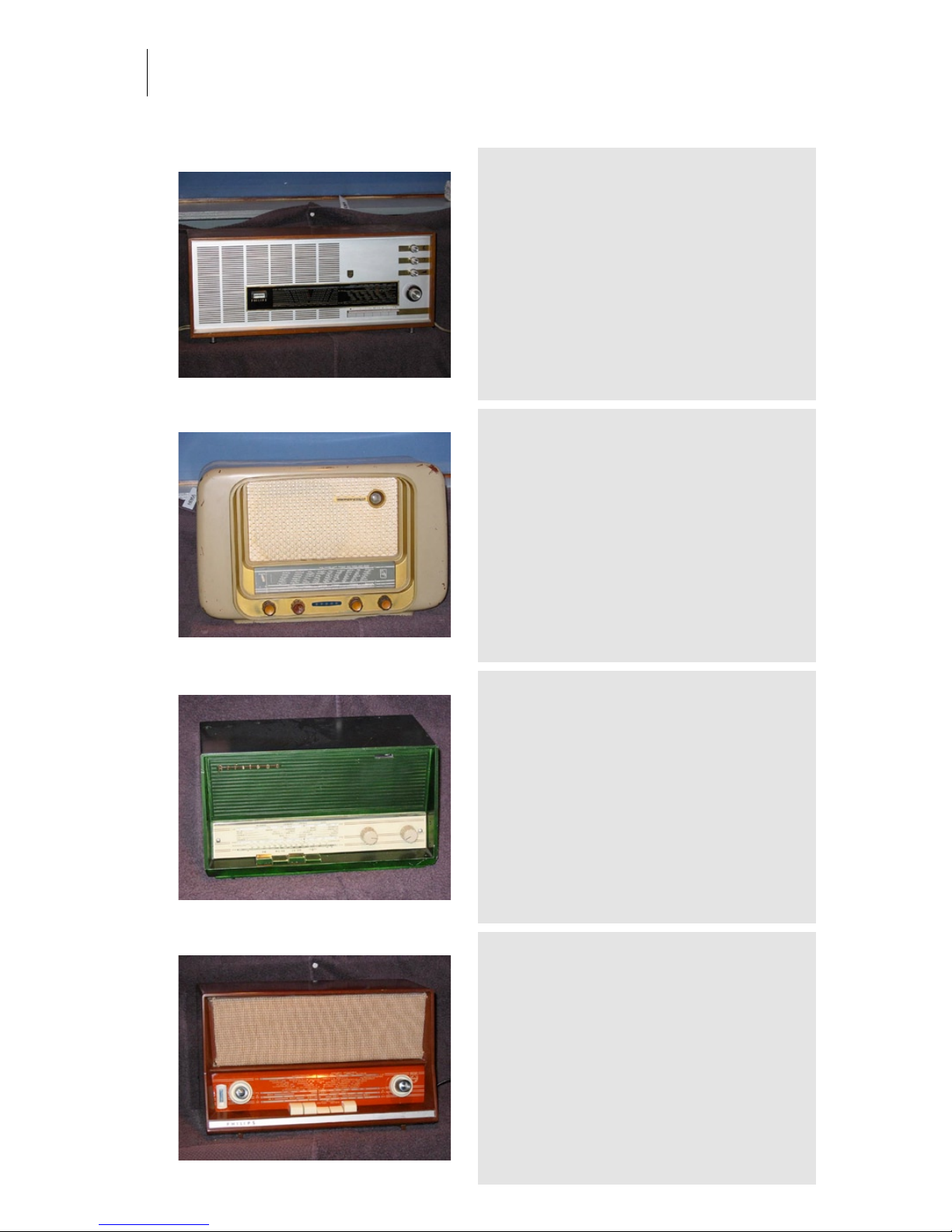
Philips B4X52AT
Category: Radios
Owner: Gerard Tel Location: Tel Family Residence
Recording: 2005-02-01 by Family Tel
Netherlands, 1965.
Erres KY 536
Category: Radios
Owner: Gerard Tel Location: Tel Family Residence
Recording: 2005-02-01 by Family Tel
Erres Radio, Netherlands, 1953. Transmission in the
FM band was introduced in The Netherlands in
1950. At first, there was not much interest because
receivers were expensive, and only Philips had a few
FM models in its collection. This is the first FMready model by Erres.
Aristona SA 2034
Category: Radios
Owner: Gerard Tel Location: Tel Family Residence
Recording: 2005-02-01 by Family Tel
Netherlands, 1960.
Philips B3x91A
Category: Radios
Owner: Gerard Tel Location: Tel Family Residence
Recording: 2005-02-01 by Family Tel
The Netherlands 1959 - Bakelite. Size is 34x20x18 cm Weight is 5 kg.
At the end of the nineteen fifties, the use of the FM band had become
quite common and most people would prefer to buy an FM-capable
set for the living. But in bedrooms and kitchens there was a market for
second sets, and these were usually a bit simpler and often incapable
of receiving FM. In this class, this set is quite decent as it has four AM
bands; it could be used as a tropical set, too. At least, the dial lists
quite southern places like Istanbul, Tal-Aviv, Damascus, and Tunis.
The DM71 tuning eye has a quite special shape, like an exclamation
mark. Contrary to most other tuning indicators, the illuminated part
becomes smaller when tuning is better.
Page 61
Audio Ease | Speakerphone
User Guide
61
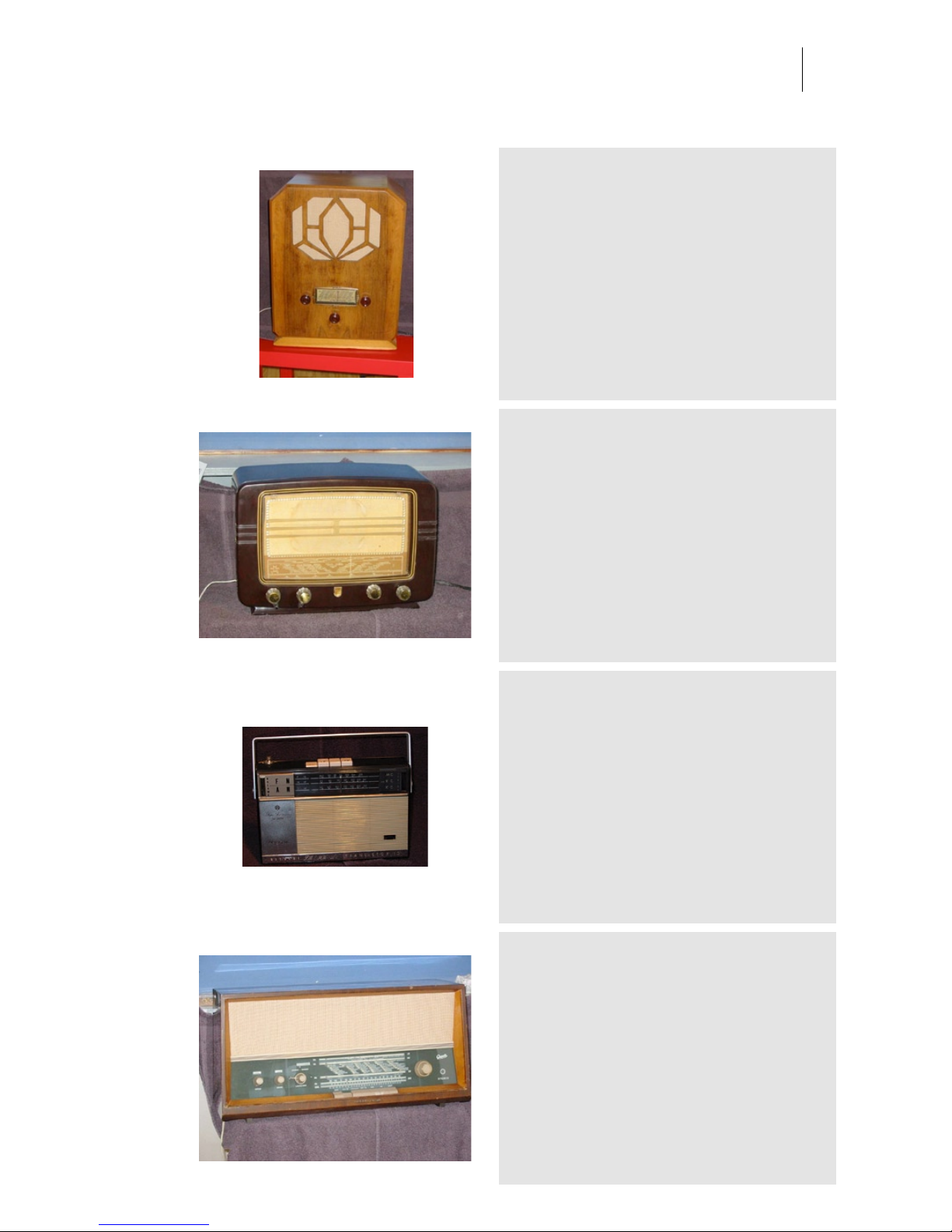
CEBE
Category: Radios
Owner: Gerard Tel Location: Tel Family Residence
Recording: 2005-02-01 by Family Tel
France, 1936. MW band only. Wooden cabinet,
40*52*29 cm. A radio of the thirties differs in some
respects from a more modern radio of, say, 1950.
First, the tubes used are of a 2.5V filament type and
the output tube is directly heated. Understandably,
these early tubes do not match the quality
characteristics of later tubes.
Philips BX 321 A
Category: Radios
Owner: Gerard Tel Location: Tel Family Residence
Recording: 2005-02-01 by Family Tel
The Netherlands 1953 - The bakelite cabinets are now well sought
and expensive, but they were considered cheap half a century ago.
Electrically the design is straightforward: mixer, IF amp,
detector/preamp, output, and rectifier, three bands. Compared to
American radios this is not quite standard, because many American
radios have only the MW band. Another difference between a simple
European and a simple American radio is that European radios usually
are multiple-voltage. Indeed, the manufacturer wanted to sell the
radios in different countries, and voltages varied quite a lot still in
Europe in the fifties.
Hitachi KH 1002
Category: Radios
Owner: Gerard Tel Location: Tel Family Residence
Recording: 2005-02-01 by Family Tel
Japan 1964 - In the nineteen sixties the import of
Japanese consumer electronics started. The radio
looks nice, is smaller and lighter than its European
counterpart, the Nordmende Stradella, but the sound
quality does not compare. The Stradella, with its
wooden case, has better sound. It has CONELRAD
marks.
Gretz Musica
Category: Radios
Owner: Gerard Tel Location: Tel Family Residence
Recording: 2005-02-01 by Family Tel
Germany, 1963.
Page 62
Audio Ease | Speakerphone
User Guide
62
Saba Meersburg ME19 P
Category: Radios
Owner: Gerard Tel Location: Tel Family Residence
Recording: 2005-02-01 by Family Tel
Germany 1968 - Built in 1968, the radio equipped
with tubes was almost an anachronism. But among
the tube radios it is one of the modernist radios. It
features five preset pushbuttons for FM stations, a
stereo demultiplexer, and push-pull output stages
with the ECLL800 tube. This very special tube
contains two powerful output pentodes and a phase
inverter triode, all in one bottle! Yet the tube has a
normal Noval base with only nine pins. The radio
comes with two separate speaker boxes.
Philips BX 480
Category: Radios
Owner: Gerard Tel Location: Tel Family Residence
Recording: 2005-02-01 by Family Tel
The Netherlands 1948 - Around the end of the forties
there was a large series of Philips radios with a lot of
spread short wave bands. This BX480A, the later
BX490, and the BX591A, and BX594A all shared this
same dial (and thus, the band coverage!). This
picture shows how the dial, illuminated by little bulbs
from aside, is equally lit and nicely appears to shine
in the dark.
Philips B1X92A
Category: Radios
Owner: Gerard Tel Location: Tel Family Residence
Recording: 2005-02-01 by Family Tel
Netherlands, 1959.
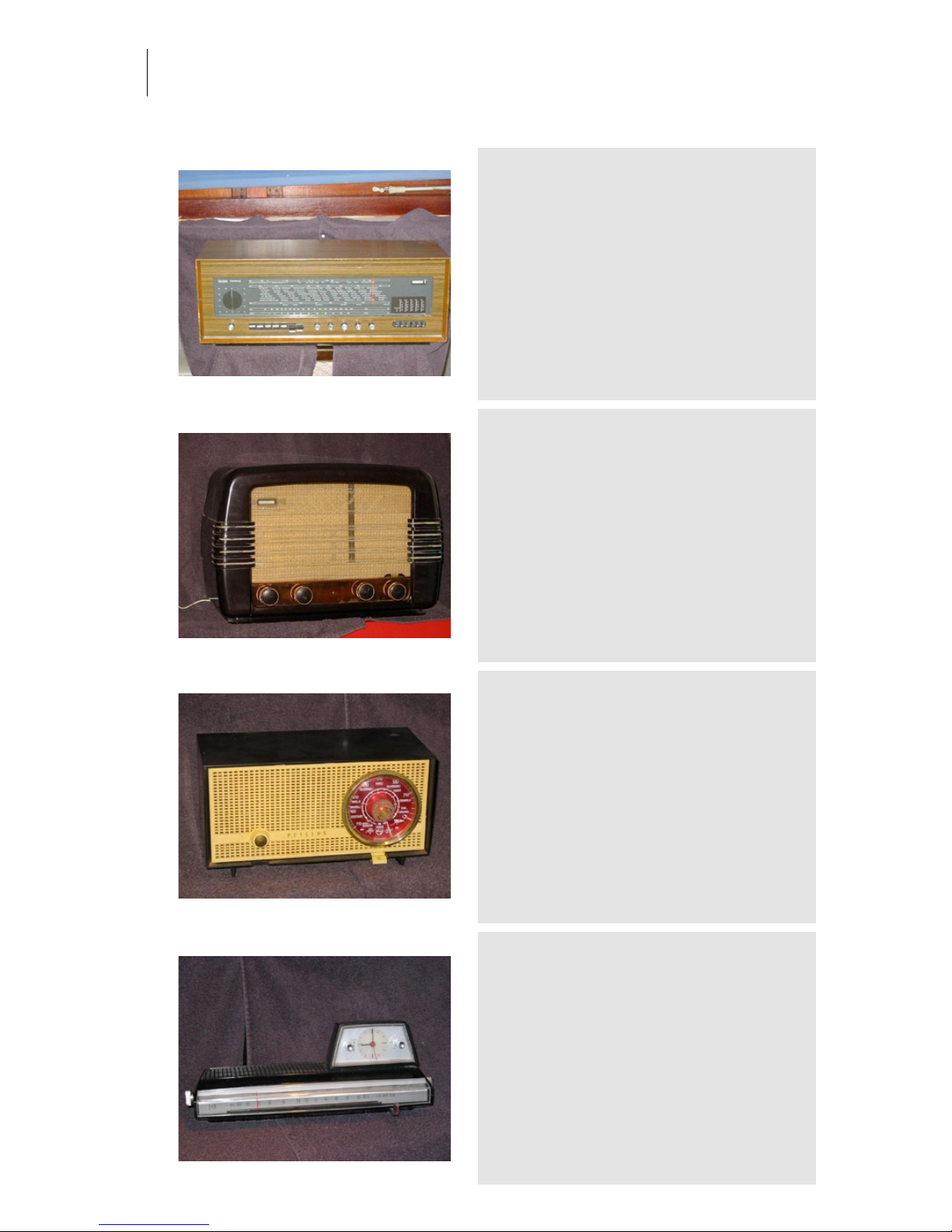
Philips Klok Radio
Category: Radios
Owner: Gerard Tel Location: Tel Family Residence
Recording: 2005-02-01 by Family Tel
Netherlands, 1967. Space age designed alarm
radio.
Page 63
Audio Ease | Speakerphone
User Guide
63
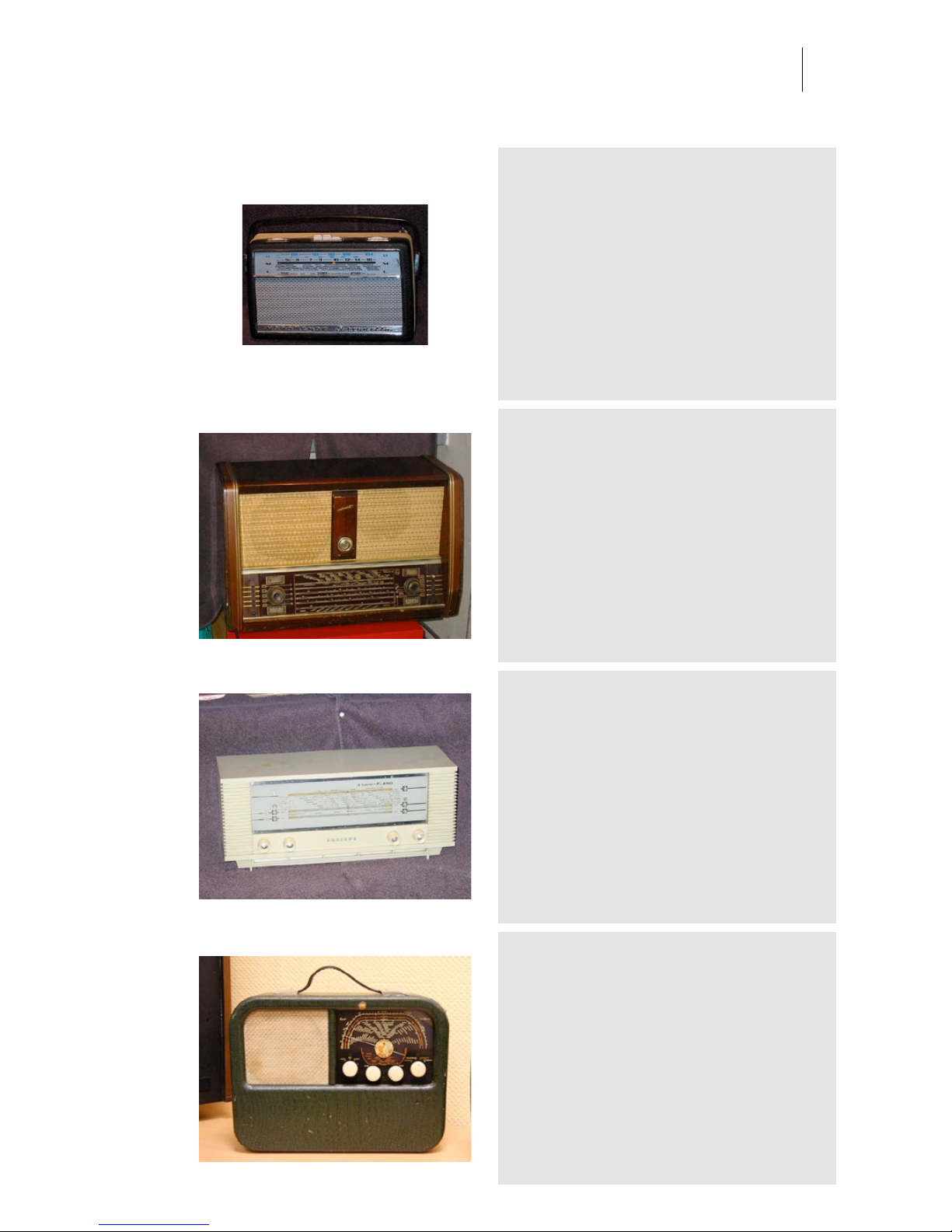
nordmende stradella
Category: Radios
Owner: Gerard Tel Location: Tel Family Residence
Recording: 2005-02-01 by Family Tel
Germany 1965 Price was 271 DM - Wood leatherette
covered. Size is 24x15x8 cm. Weight is 1,7 kg - This
radio is very agreeable to use: it tunes smooth, has
good reception and due to the wood cabinet the
sound is good. There was a Stradella K49 variation,
which offered the 49m short-wave band instead of
the LW band. That version was more popular in
America.
Philips BX998
Category: Radios
Owner: Gerard Tel Location: Tel Family Residence
Recording: 2005-02-01 by Family Tel
The Netherlands 1955 - Wood. Weight is 27 kg. Philips uses a type
numbering system where the first digit codes the luxury class of the
radio; the higher the first digit, the more expensive is the radio. The
BX998A was Philips' top model of the nineteen fifties. The price of this
radio was 820 guilders (in 1956). There was also a console model
FX995A with built-in pickup for 2300 guilders, but the nicest was the
FX997A with tape recorder, and this machine would sell for about
2700 guilders. All models were built around the same chassis. The
radio is equipped with sixteen tubes and offers the best sound quality
of the time, as well as some funny and some useless gizmos. Actually,
a few tubes could have been saved easily, but potential buyers would
rather be attracted by having this many tubes than by a fifty guilder
price reduction.
Philips B3X40U
Category: Radios
Owner: Gerard Tel Location: Tel Family Residence
Recording: 2005-02-01 by Family Tel
The Netherlands 1964 - Plastic. Size is 42x16x15 cm
- Philips B3X40U Table top Cheap plano
Kurer radionette 1951
Category: Radios
Owner: Norsk Radiomuseum Location: Bolkesjo
Recording: 2007-09-28 by Arjen van der Schoot
available in Speakerphone 2
Page 64
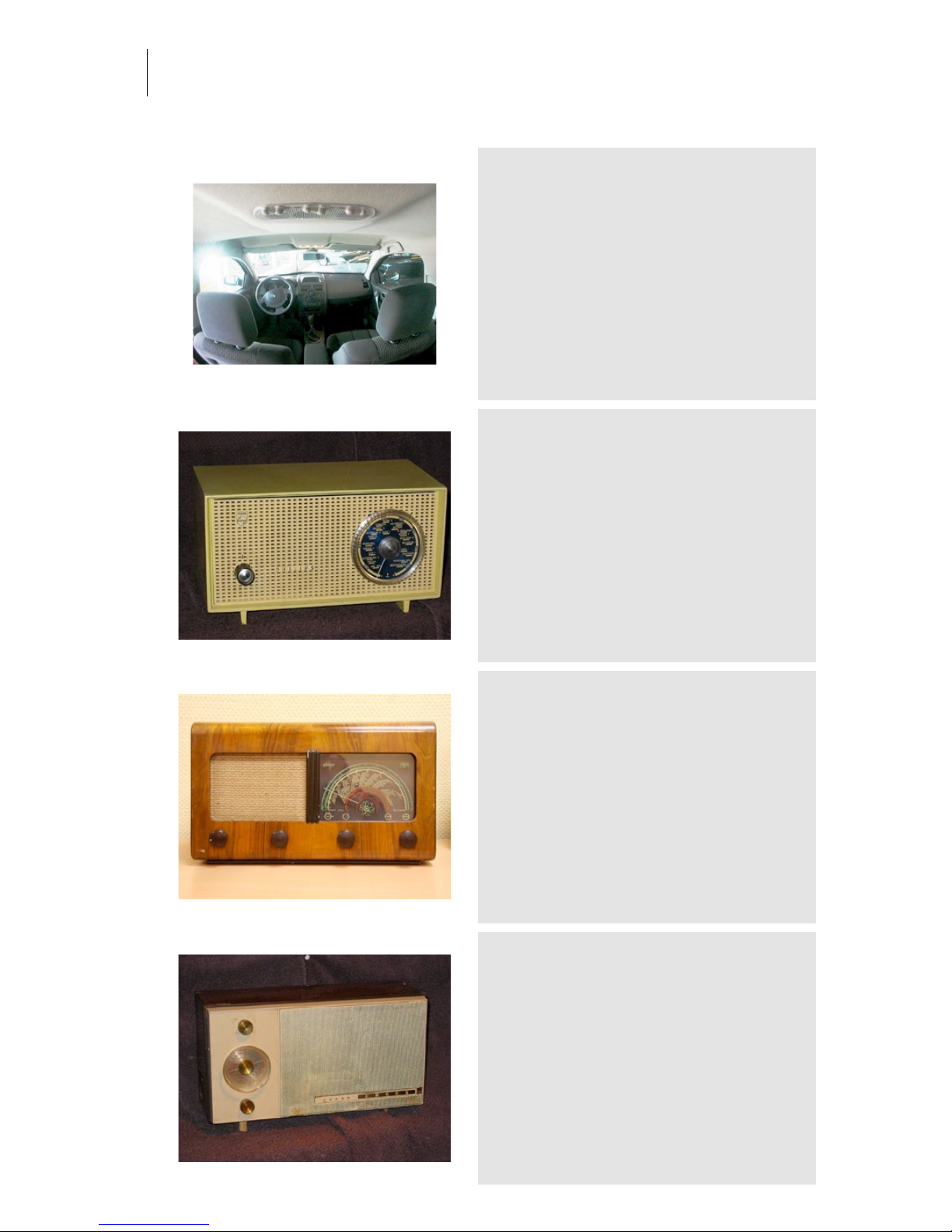
Audio Ease | Speakerphone
User Guide
64
Renault Megane
Category: Radios
Owner: Boon Location: Autobedrijf Boon
Recording: 2005-06-12 by Aram and Arjen
Family Car, family sound, less bass then the Seat
Toledo and more high frequencies too.
Philips B0X15U
Category: Radios
Owner: Gerard Tel Location: Tel Family Residence
Recording: 2005-02-01 by Family Tel
The Netherlands 1960 - Price was 67 guilders. Probably the cheapest
Philips of that time. The ACDC power supply was chosen because of
cost: no DC mains were around in the Netherlands (and probably in
Europe) in 1961. Saving the cost of a power transformer, the price
could be kept low. This was typically a set for kitchen or bedroom use.
The ACDC sets require extreme care when servicing, and it would not
be a good idea to use it in a bathroom. But ideas on safety were
different in those days. Cheap, one of the first sets built on a circuit
board, and a technical peculiarity: it has permeability tuning. I like its
elementary design, having a combined tuning knob plus dial.
Prior 3 1949
Category: Radios
Owner: Norsk Radiomuseum Location: Bolkesjo
Recording: 2007-09-28 by Arjen van der Schoot
available in Speakerphone 2
Erres RA 622
Category: Radios
Owner: Gerard Tel Location: Tel Family Residence
Recording: 2005-02-01 by Family Tel
Netherlands. 1962 - Erres RA622AT Transistorized
table top. With a shining wood case and no top
carrying handle this radio cannot be called a
portable. It is clearly a table model, intended for use
as a second set in a city home, or in places where no
power is available. In the sixties, all houses in the
Netherlands were electrified, but some recreational
bungalows and primitive places (like the famous
plaggenhuts) were not, and battery radios were still
used a lot in ships.
Page 65
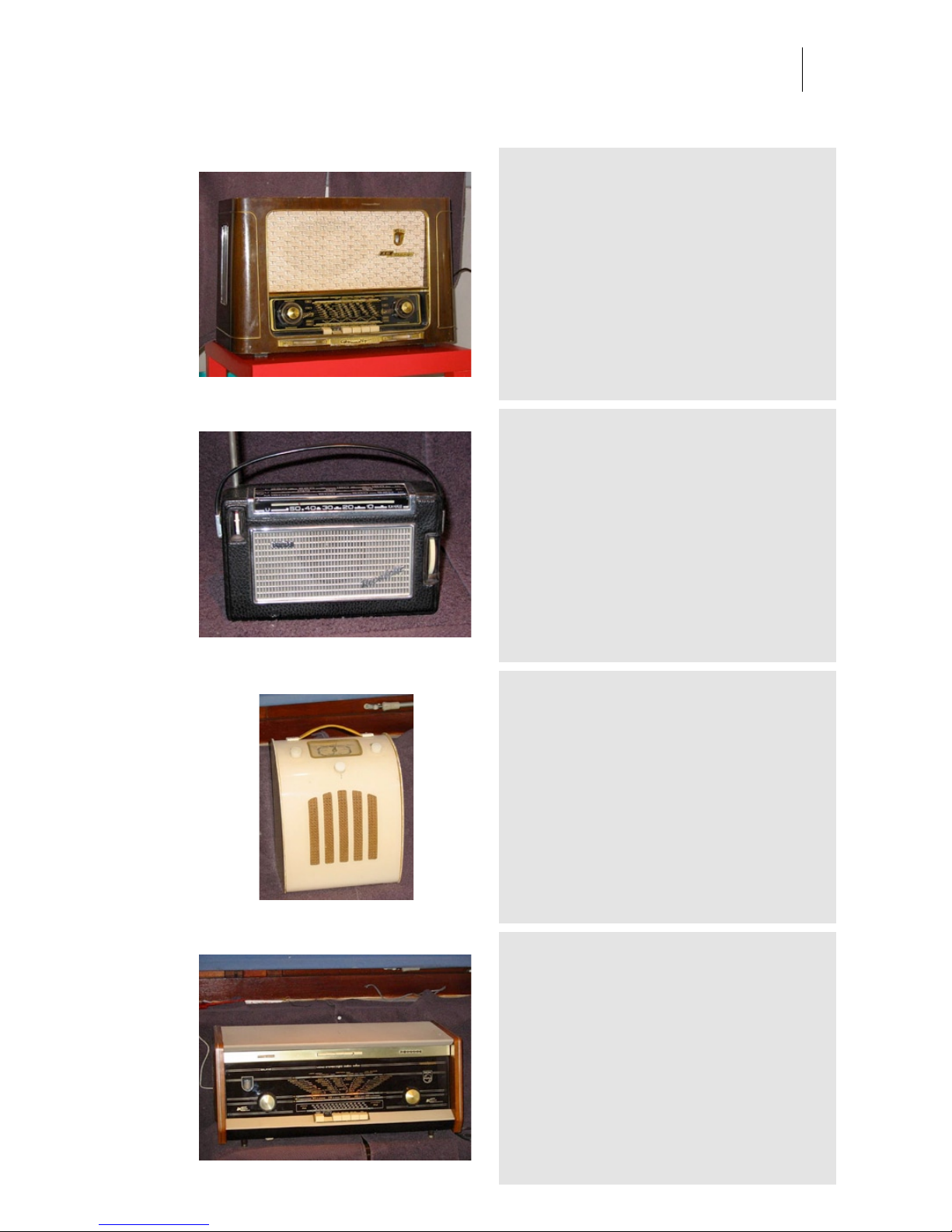
Audio Ease | Speakerphone
User Guide
65
Grundig 2031
Category: Radios
Owner: Gerard Tel Location: Tel Family Residence
Recording: 2005-02-01 by Family Tel
Germany, 1954.
Philips Nicolette
Category: Radios
Owner: Gerard Tel Location: Tel Family Residence
Recording: 2005-02-01 by Family Tel
Germany 1962 - In Germany the use of the FM band caught up earlier
than in The Netherlands. This is because the Allied forced occupying
Germany after the second World War didn't allow MW broadcasts.
Philips portable designs of those days were unbelievably crowded: the
components are partitioned over three circuit boards (one shielded and
serving as FM tuner) in this little radio! The Intermediate Frequency
(IF) for the FM band is 6.75MHz, while virtually all other radios use
10.7MHz here. This German type is similar to the Dutch L2X22T,
except on this radio you can see the German Kanäle, and the Dutch
radios didn't have the exotic girls' names.
Eveready CA
Category: Radios
Owner: Gerard Tel Location: Tel Family Residence
Recording: 2005-02-01 by Family Tel
The design goes back to circa 1946, when the
original Model C was launched. The cabinet of this
radio is quite remarkable. The case looks yellowish,
but it isn't: the outside is made from an early form of
transparent plastic, painted on the inside. Except
where the dial is. Yes, the dial glass and cabinet are
indeed moulded in one piece, but is simply unpainted
in front of the dial. It is not possible to feel where the
dial glass is.
Philips B5X94A
Category: Radios
Owner: Gerard Tel Location: Tel Family Residence
Recording: 2005-02-01 by Gerard tel
The Netherlands 1963 - Plano was the name for a
line of radios started in 1958 with the B5X84A.
Similar radios, with the same size and the same
tubes, were sold until 1964 or 65. This is one of the
later planos. The early planos had two output
amplifiers so that stereo records could be played.
From about 1963 the planos were also fitted with
stereo demultiplexers to hear FM broadcasts in
stereo.
Page 66
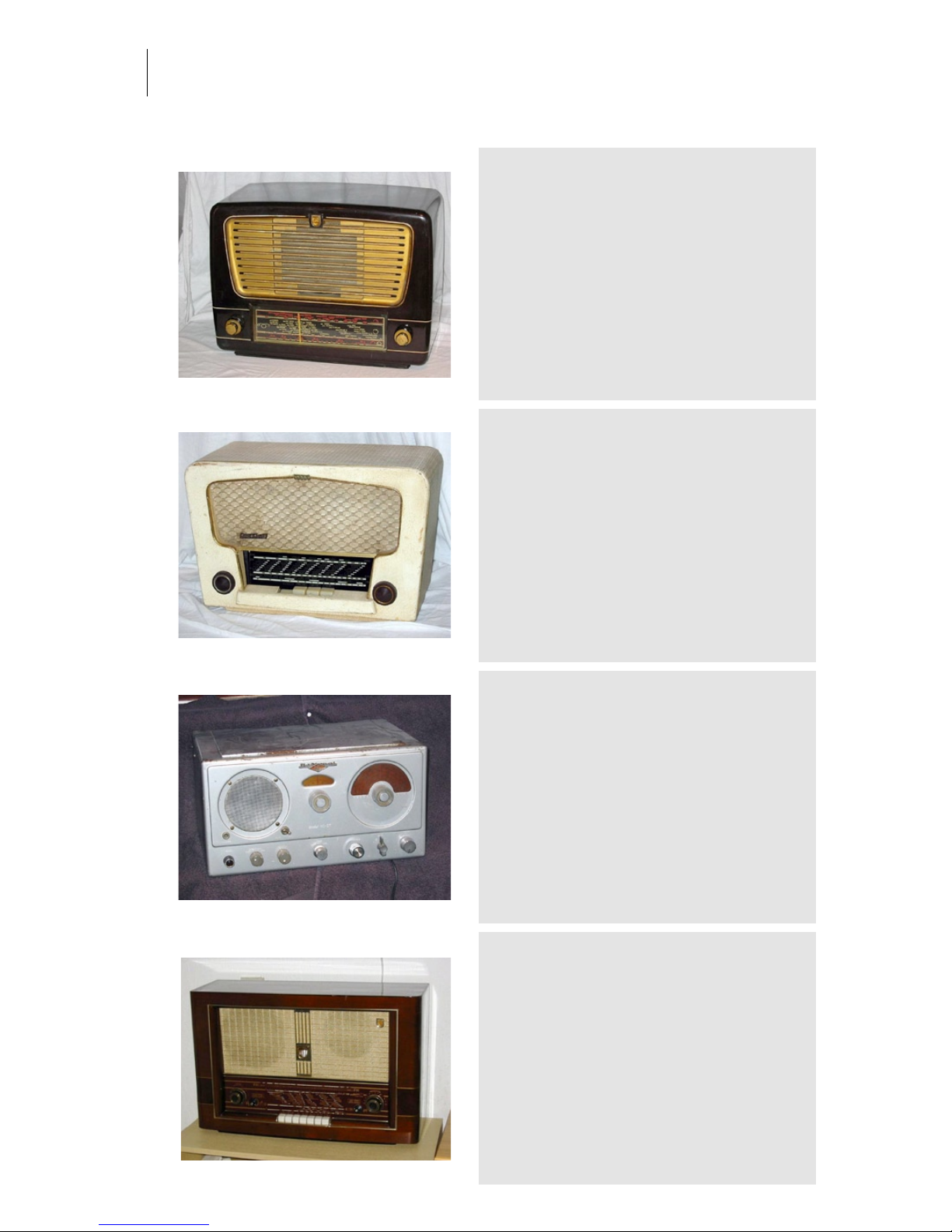
Audio Ease | Speakerphone
User Guide
66
Philips BX330
Category: Radios
Owner: Gerard Tel Location: Tel Family Residence
Recording: 2005-02-01 by Family Tel
The Netherlands 1954 - Bakelite. Size is 37x27x18
cm Weight is 5.5 kg. The Philips BX330A is one in a
series of models. Comparison of this radio to the
Fridor 522 (1952) and the Philips BX321A
immediately reveals a lot of similarities. Just look at
the placement of tubes, rectifier, and other
components.
Standard 430
Category: Radios
Owner: Gerard Tel Location: Tel Family Residence
Recording: 2005-02-01 by Family Tel
Belgium 1955 - During the early fifties it was more or less the standard
to have one single radio in a family, but during the fifties one started
to see cheaper models as second sets in the more wealthy families.
Such a radio could be used in kitchen or parent bedroom. This radio is
a transformer-less design, and could very well be used as such a
second set, but of course it could also be used as the main set in a
working class family. The sensitivity is quite good for such a low
profile design, even on the internal antennas, and sound quality is
very acceptable.
National NC 57
Category: Radios
Owner: Gerard Tel Location: Tel Family Residence
Recording: 2005-02-01 by Family Tel
USA 1948 - steel cabinet - Price was USD 98.50 Most hams were quite satisfied with this radio, if they
had the possibility to buy it, that is. The set has
electrical fine tuning by small capacitors parallel to
the main tuning capacitor. There is a possibility to
connect extra equipment, for example, a tuning
indicator.
Philips BX750
Category: Radios
Owner: Gerard Tel Location: Tel Family Residence
Recording: 2005-02-01 by Family Tel
-
Page 67
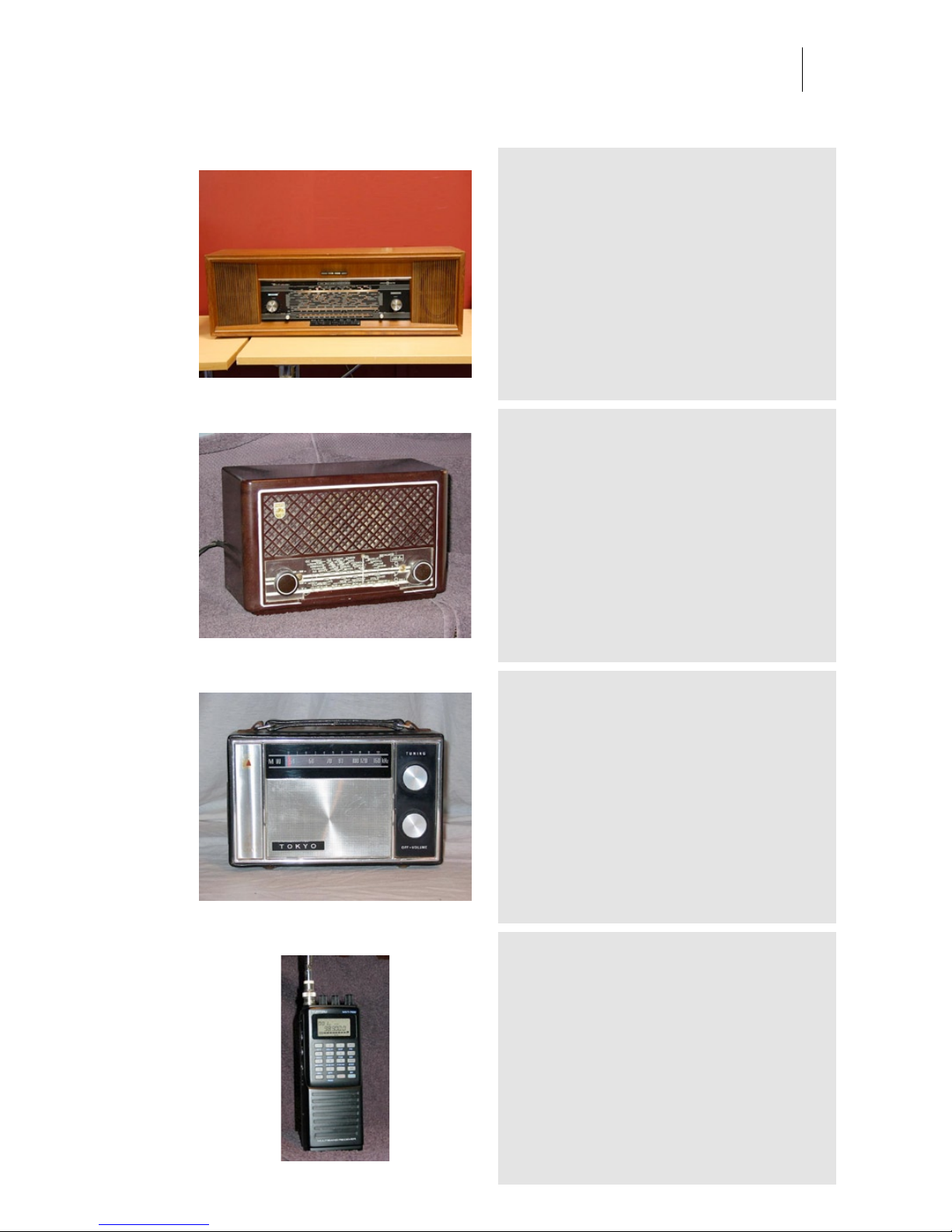
Audio Ease | Speakerphone
User Guide
67
Radionette Kvintett 1961
Category: Radios
Owner: Norsk Radiomuseum Location: Bolkesjo
Recording: 2007-09-28 by Arjen van der Schoot
available in Speakerphone 2
Philips BX 200U
Category: Radios
Owner: Gerard Tel Location: Tel Family Residence
Recording: 2005-02-01 by Family Tel
The Netherlands 1950 -Price was 145 guilders - The quite standard
ACDC design, saving the cost of the expensive power transformer was
attractive. And dangerous, because nowadays these radios are often
found without the back panel and with one or two knobs missing. The
radio is a fire hazard as well. The dropping resistor, output tube, and
rectifiers together produce some 25W of heat and are packed together
in a very small space, separated from the rest of the radio by metal
shielding. Put your hand on the set above this hot corner and you'll
know what I mean. Do not expect wires here to have still visible
insulation on them, it is all blackened and crumbled after 50 years! the
sound can be considered quite good compared to many other radios
of that era and that size.
Tokyo
Category: Radios
Owner: Gerard Tel Location: Tel Family Residence
Recording: 2005-02-01 by Family Tel
Japan, 1974.
Yupiteru MVT 7100
Category: Radios
Owner: Gerard Tel Location: Tel Family Residence
Recording: 2005-02-01 by Family Tel
Japan 1993 - Price was ca. 600 - The Yupiteru
MVT7100 is known as one of the best hand-held
scanners there is. It can be used for overhearing
police and fire communications, phones, ham radio,
air, space, everything.
Page 68
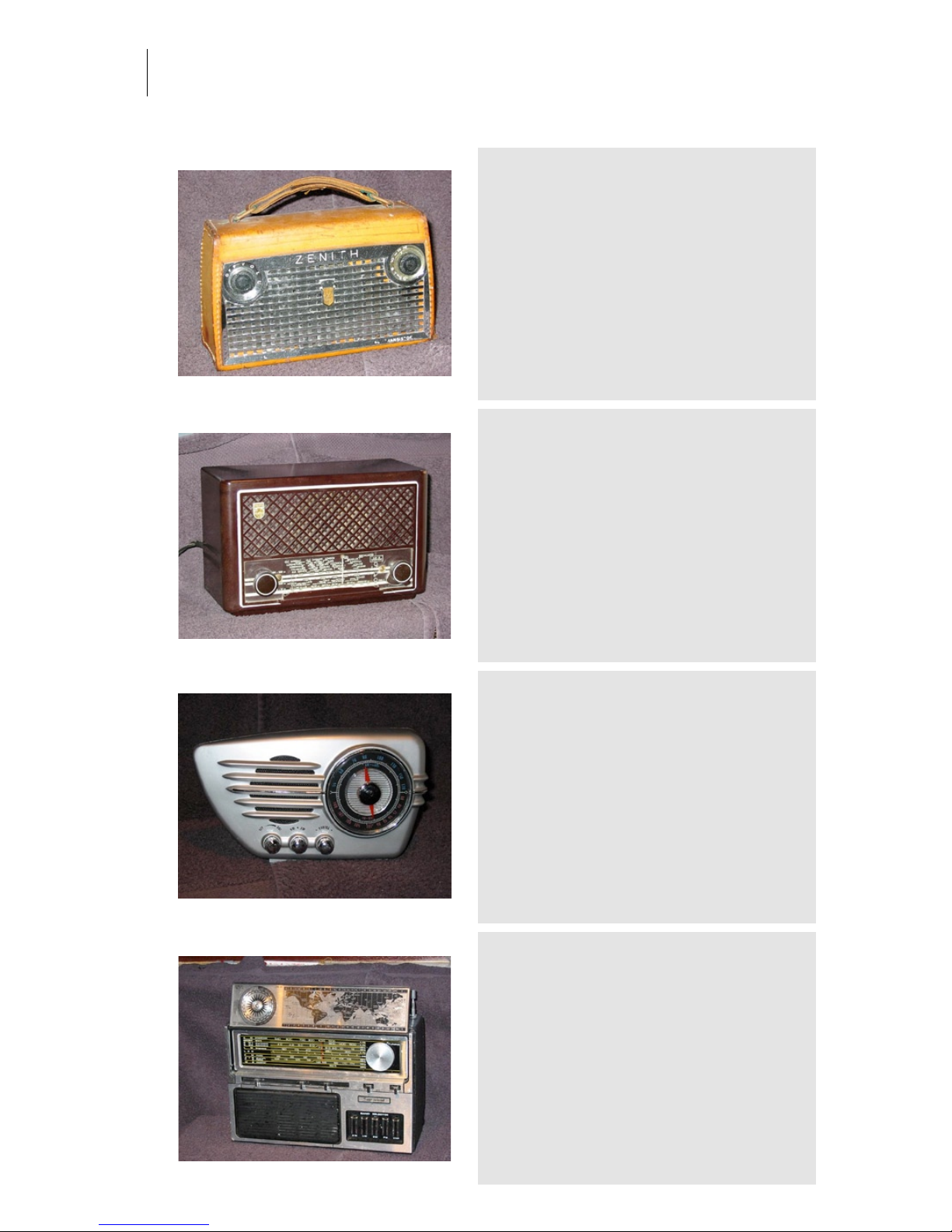
Audio Ease | Speakerphone
User Guide
68
Zenith Royal 700V
Category: Radios
Owner: Gerard Tel Location: Tel Family Residence
Recording: 2005-02-01 by Family Tel
United States 1958 - The radio has CONELRAD markings. The photo
shows them on the tiny dial as the printed CD at 640 and 1240 kc. In
the early fifties the American military became obsessed by the fear
that the Soviets would nuke the States by missiles navigating using
the many American MW broadcasting stations. As a counter measure,
it was decided that in case of a nuclear attack all stations would
abandon normal operation, and change to one of the frequencies
640kHz or 1240kHz to inform the public about measures being taken.
This system of CONtrol of ELectromagnetic RADiation was called
CONELRAD.
Philips BX 201
Category: Radios
Owner: Gerard Tel Location: Tel Family Residence
Recording: 2005-02-01 by Family Tel
.
Streamliner
Category: Radios
Owner: Gerard Tel Location: Tel Family Residence
Recording: 2005-02-01 by Family Tel
China 1990 - This modern transistor radio has a dial
light built in.
Supersound
Category: Radios
Owner: Gerard Tel Location: Tel Family Residence
Recording: 2005-02-01 by Family Tel
-
Page 69
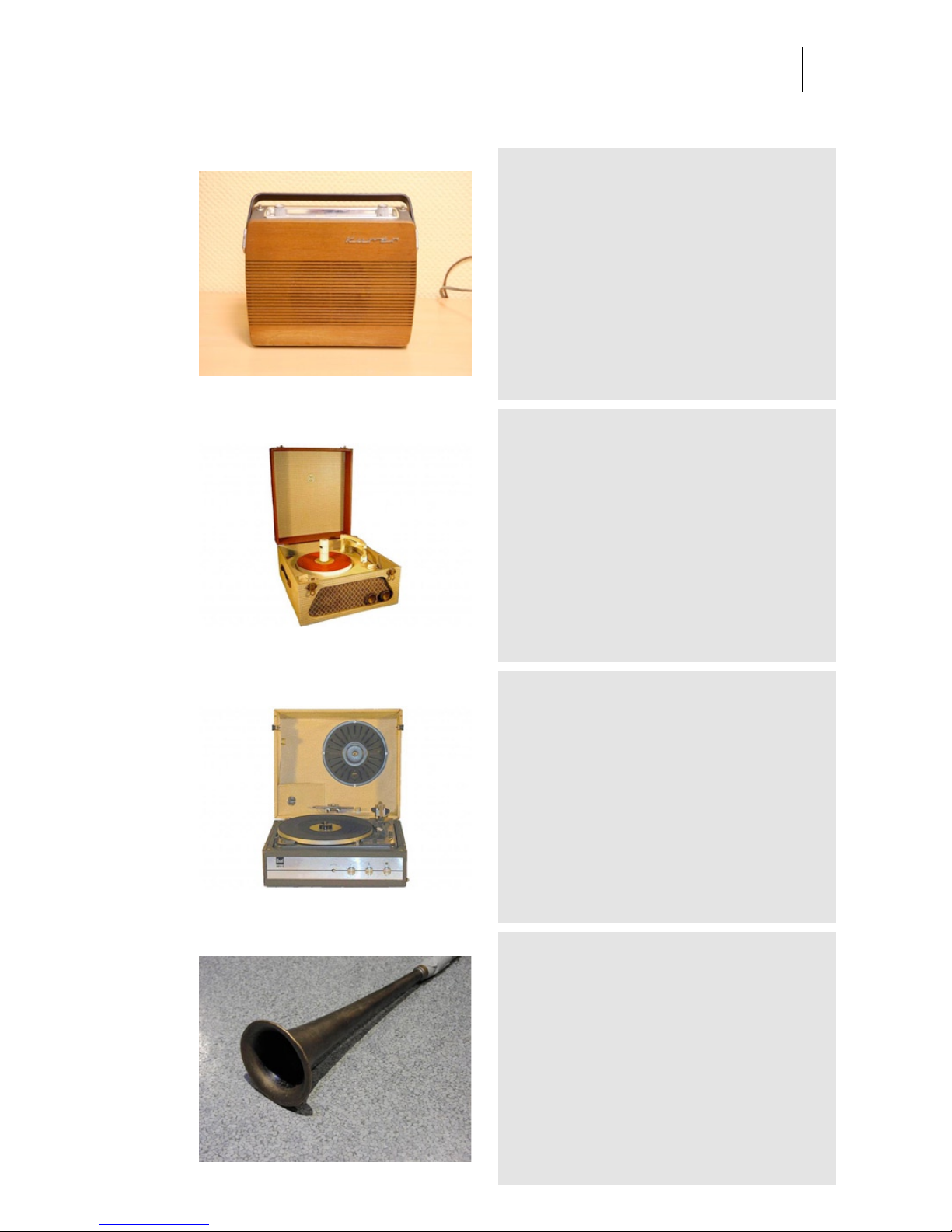
Audio Ease | Speakerphone
User Guide
69
Kurer portable
Category: Radios
Owner: Norsk Radiomuseum Location: Bolkesjo
Recording: 2007-09-28 by Arjen van der Schoot
available in Speakerphone 2
1956 - Collaro Conquest
Category: Record Players
Owner: Hennie Overdijk Location: Hennie Overdijk Family
residence
Recording: 2006-03-28 by Aram verwoest
-
1970 - Dual 1010V
Category: Record Players
Owner: max Ramali Location: hennie Overdijk Family residence
Recording: 2006-03-28 by aram verwoest
half automatic 10 record changer with wooden case
and integrated amplifier and speaker.
French Horn
Category: Record Players
Owner: eightbitaudio Location: The Mute Matrix - Los Angeles
Recording: 2005-03-15 by S. Husky Hoskulds
Old 'hearing aid' horn. Purchased at a flea market
outside of Ganges, in the South of France during the
recording of the Gipsy Kings album 'Roots'. A favorite
for piano sounds on several of the 'eightbitaudio'
album projects, including Joe Henry, Bettye Lavette
and Solomon Burke.
Page 70
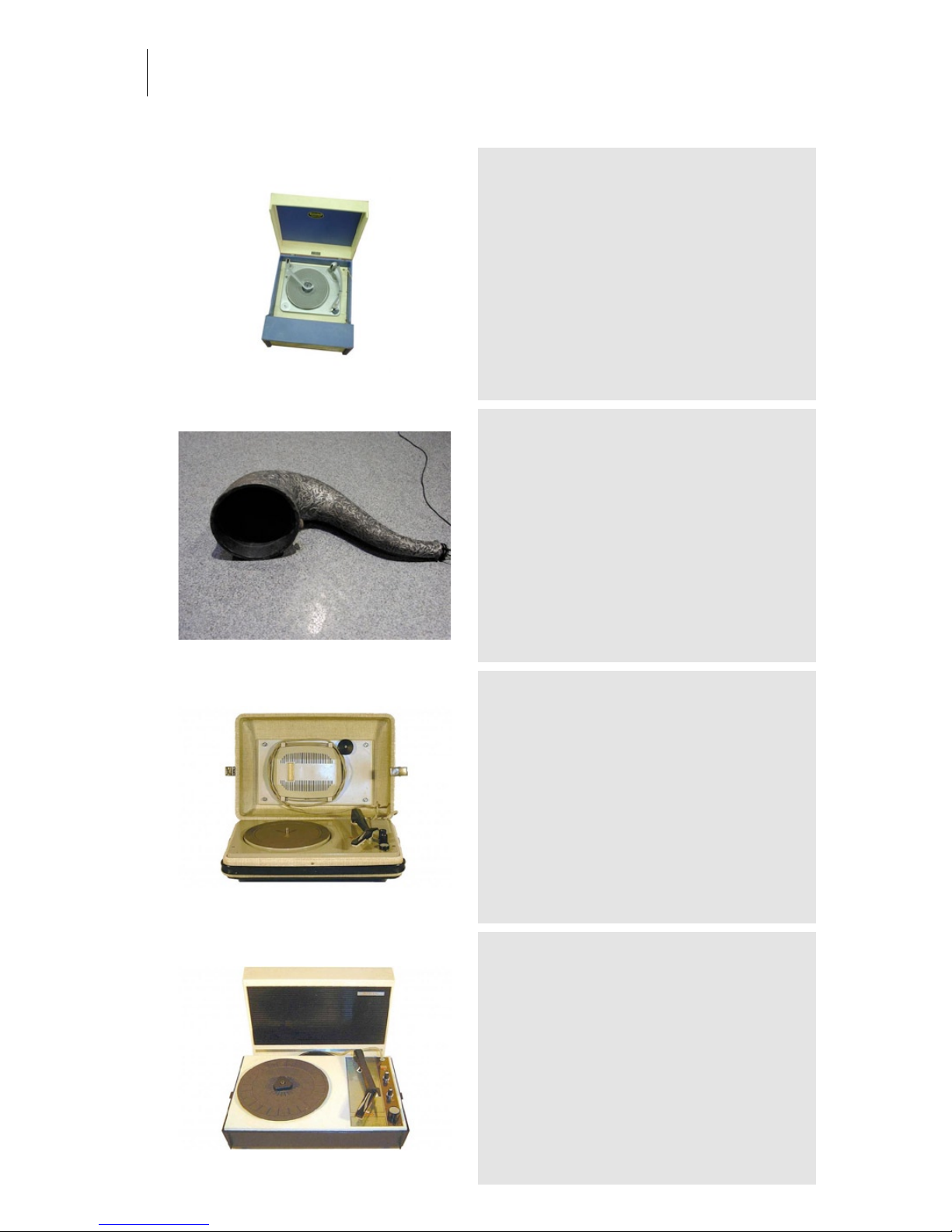
Audio Ease | Speakerphone
User Guide
70
1964 - Gerrard Dansette
Category: Record Players
Owner: Hennie Overdijk Location: Hennie Overdijk Family
residence
Recording: 2006-03-28 by Aram verwoest
-
Silver Horn
Category: Record Players
Owner: eightbitaudio Location: The Mute Matrix - Los Angeles
Recording: 2005-03-15 by S. Husky Hoskulds
Another 'hearing aid' type horn. From an antique
shop in Reykjavik, Iceland.
1961 - Aristona AR8464
Category: Record Players
Owner: Hennie Overdijk Location: Overdijk Family residence
Recording: 2006-03-28 by Aram verwoest
This electrophone has a single speaker built into its
detachable lid.
1966 - Aristona SA8490
Category: Record Players
Owner: Hennie Overdijk Location: Hennie Overdijk Family
residence
Recording: 2006-03-28 by Aram verwoest
The Detachable lid holds a single speaker. The
casing and arm are made of plastic.
Page 71
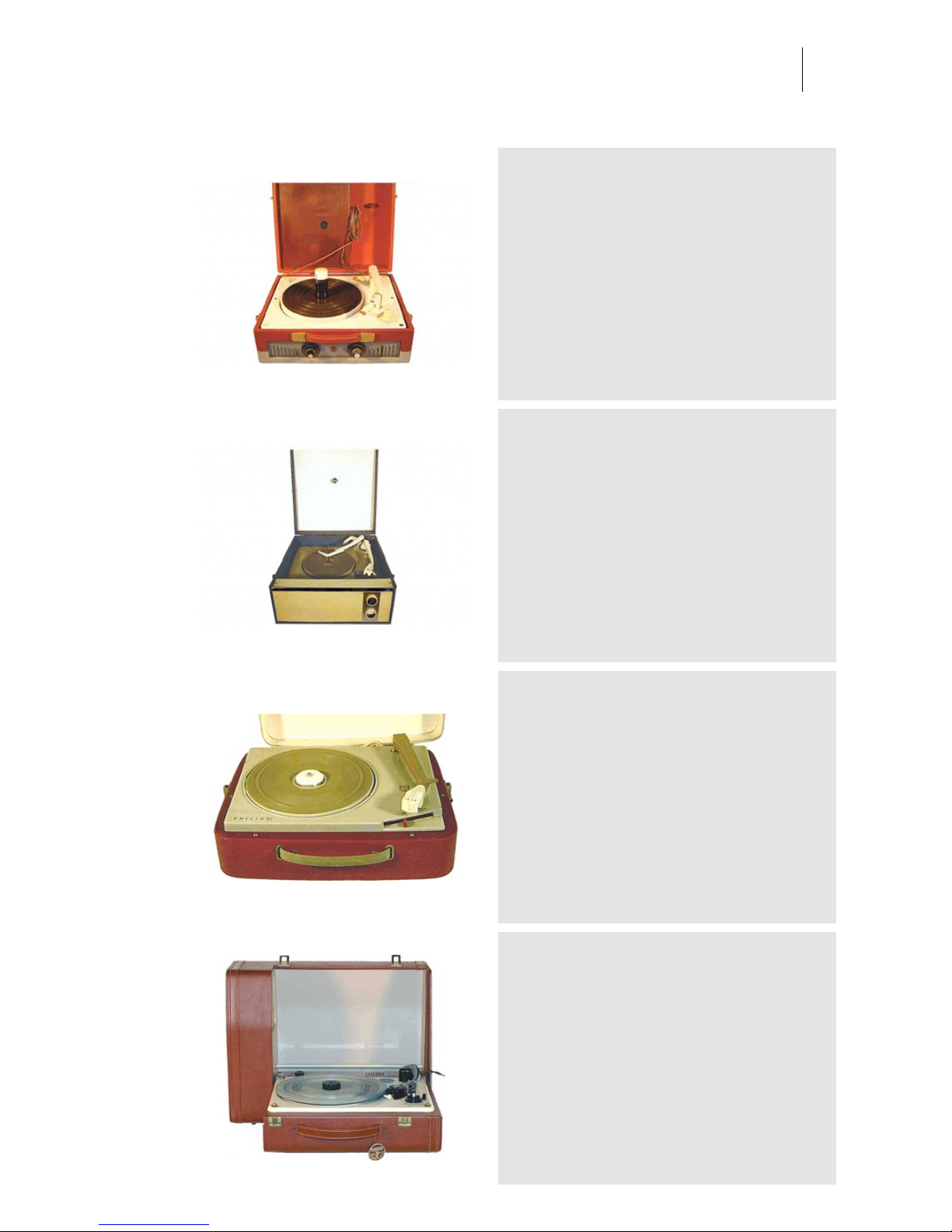
Audio Ease | Speakerphone
User Guide
71
1958 - La Voix de son Maitre
Category: Record Players
Owner: Hennie Overdijk Location: Overdijk Family Residence
Recording: 2006-03-28 by Aram verwoest
This 4-speed record changer was produced in 1958
by the French "His Master's Voice" of Pathé-Marconi.
1966 - Marconiphone
Category: Record Players
Owner: Hennie Overdijk Location: Hennie Overdijk Family
residence
Recording: 2006-03-28 by Aram verwoest
This UK Built, wooden cased record changer has a
Tone adjustment Knob.
1962 - Philips
Category: Record Players
Owner: Hennie Overdijk Location: Hennie Overdijk Family
residence
Recording: 2006-03-28 by Aram Verwoest
-
1961 - triotrackbamb
Category: Record Players
Owner: Hennie Overdijk Location: Hennie Overdijk Family
residence
Recording: 2006-03-28 by Aram Verwoest
-
Page 72
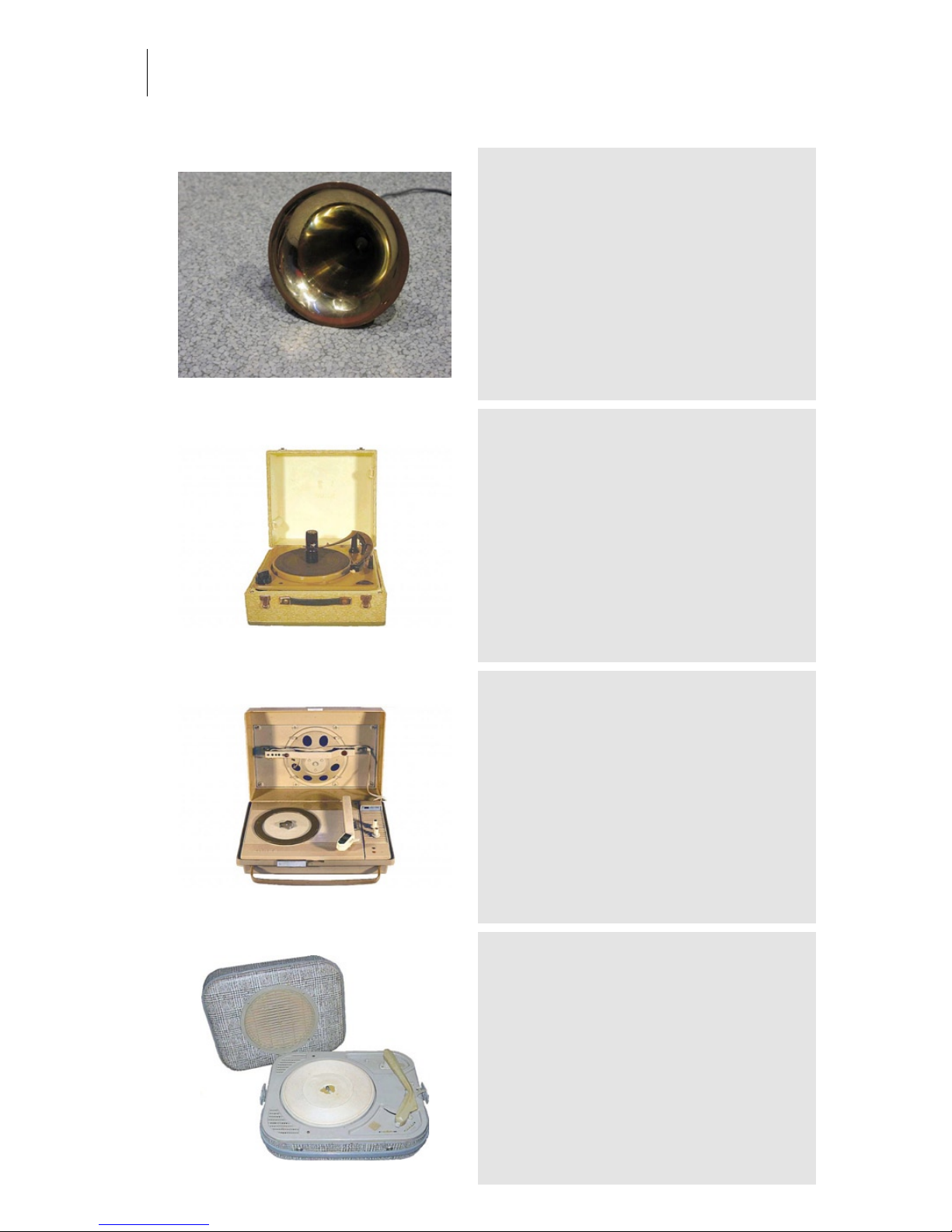
Audio Ease | Speakerphone
User Guide
72
Grammy Horn
Category: Record Players
Owner: eightbitaudio Location: The Mute Matrix - Los Angeles
Recording: 2005-03-15 by S. Husky Hoskulds
Grammy for best engineer on some record.. a few
years back. Obviously they're good for more than
doorstops and paperweights..
1960 - Collaro Studio RC60
Category: Record Players
Owner: Hennie Overdijk Location: Hennie Overdijk Family
residence
Recording: 2006-03-28 by Aram verwoest
British wooden cased record changer. It has a turnover element, with a needle on both sides.
1962 - ERRES PS106
Category: Record Players
Owner: Hennie Overdijk Location: Hennie Overdijk Family
residence
Recording: 2006-03-28 by Aram verwoest
Plastic cased 4-speed gramophone with a treble
knob.
1958 - Eden (FA)
Category: Record Players
Owner: Hennie Overdijk Location: Hennie Overdijk Family
residence
Recording: 2006-03-28 by Aram Verwoest
-
Page 73
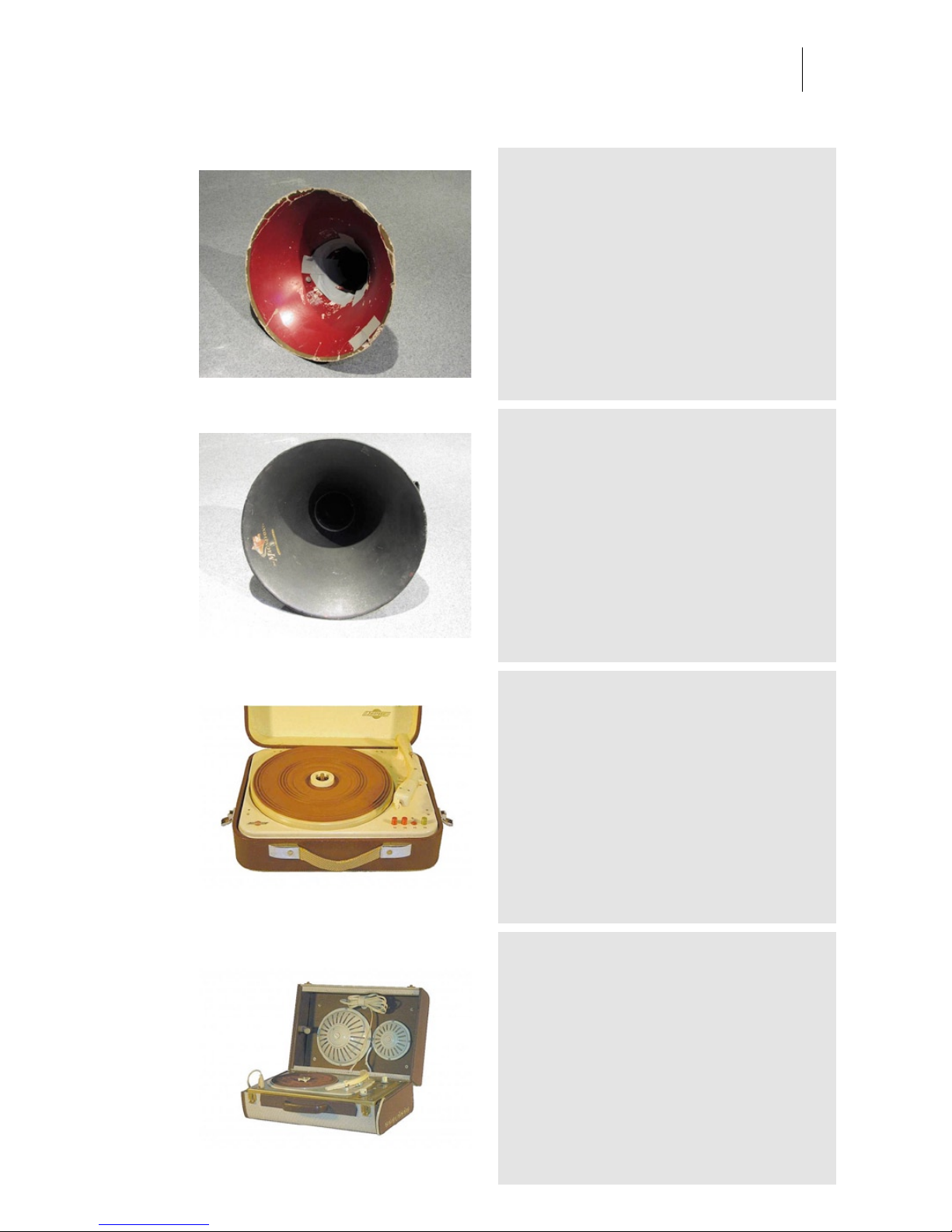
Audio Ease | Speakerphone
User Guide
73
Red Horn
Category: Record Players
Owner: eightbitaudio Location: The Mute Matrix - Los Angeles
Recording: 2005-03-15 by S. Husky Hoskulds
Some sort of paper version of a gramophone horn again, from a flea market, this time in Northern
California. Used for strings and recording Ornette
Coleman for Joe Henry's 'Scar'. Sounds great on any
brass instrument.
Black Horn
Category: Record Players
Owner: eightbitaudio Location: The Mute Matrix - Los Angeles
Recording: 2005-03-15 by S. Husky Hoskulds
Actual Gramophone horn, purchased years ago at a
market in Mexico. Used for mechanical filtering (with
a mic inside) on several albums including Joe Henry,
Tom Waits and Fantomas.
1957 - Jobo Jobophone 8
Category: Record Players
Owner: Hennie Overdijk Location: Overdijk Family Residence
Recording: 2006-03-28 by Aram verwoest
Produced between 1956 and 1959, this 1958 4speed model has colored speed knobs to indicate the
stylus type to be used. Built for connection to a radio
for amplification.
1957 - Philips NG2474
Category: Record Players
Owner: Hennie Overdijk Location: Hennie Overdijk Family
residence
Recording: 2006-03-28 by Aram verwoest
French made electrophone, 4 speed with two
speakers integrated in its lid.
Page 74
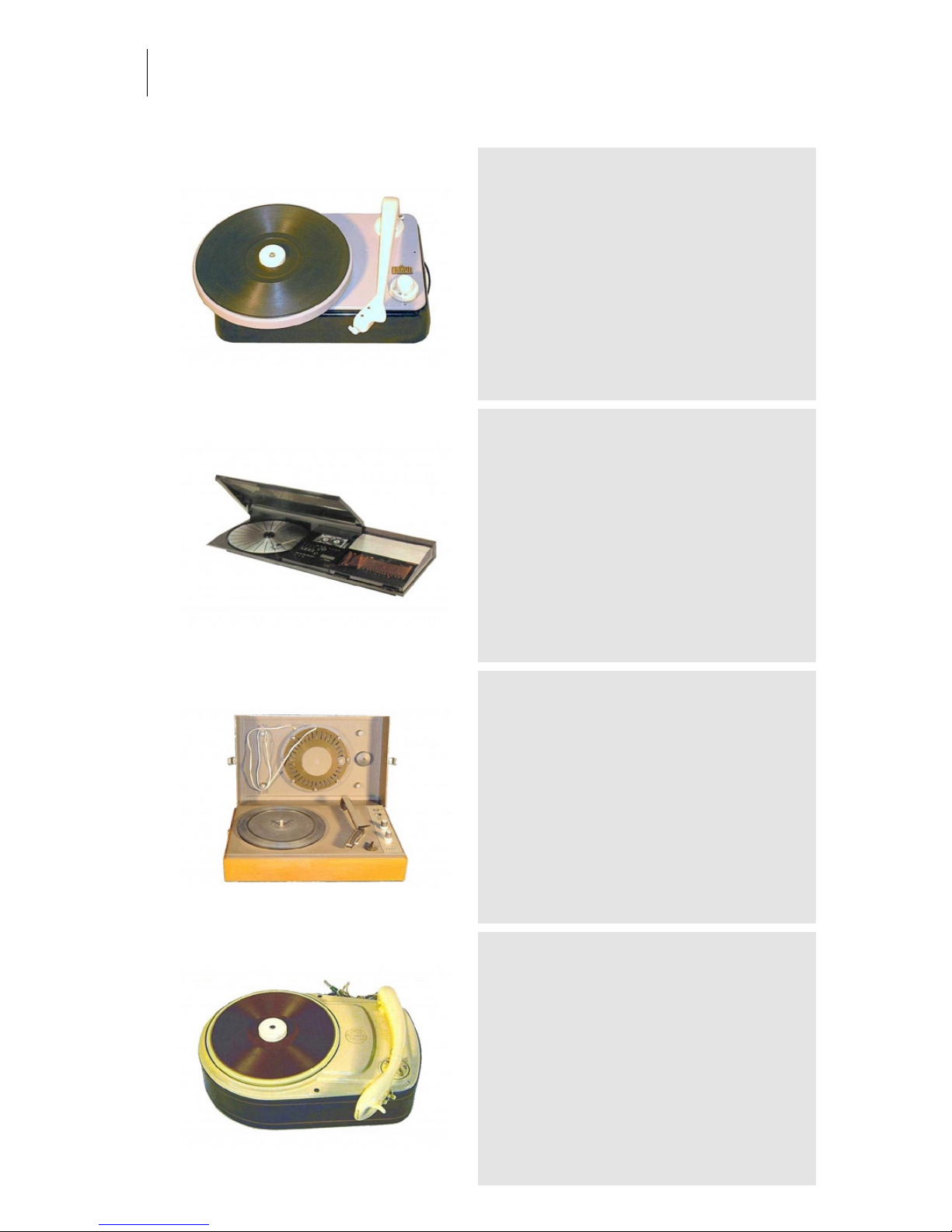
Audio Ease | Speakerphone
User Guide
74
1952 - Braun 777W
Category: Record Players
Owner: Hennie Overdijk Location: Overdijk Family Residence
Recording: 2006-03-28 by Aram Verwoest
This particular model, from 1954, is intended for
connection to a separate radio for amplification. The
gramophone has been built into integrated systems
such as the Braun 77UKW And the Braun 555UKW.
1981 - B-O Beocenter 2200
Category: Record Players
Owner: Hennie Overdijk Location: Hennie Overdijk Family
residence
Recording: 2006-03-28 by Aram verwoest
-
1970 - Philips 22GF633
Category: Record Players
Owner: Hennie Overdijk Location: Hennie Overdijk Family
residence
Recording: 2006-03-28 by Aram verwoest
Battery or socket powered 3 speed player with
wooden case. Amp and speaker are integrated in the
lid, which is detachable.
1958 - Perpetuum-Ebner
Category: Record Players
Owner: Hennie Overdijk Location: Hennie Overdijk Family
residence
Recording: 2006-03-28 by Aram verwoest
-
Page 75
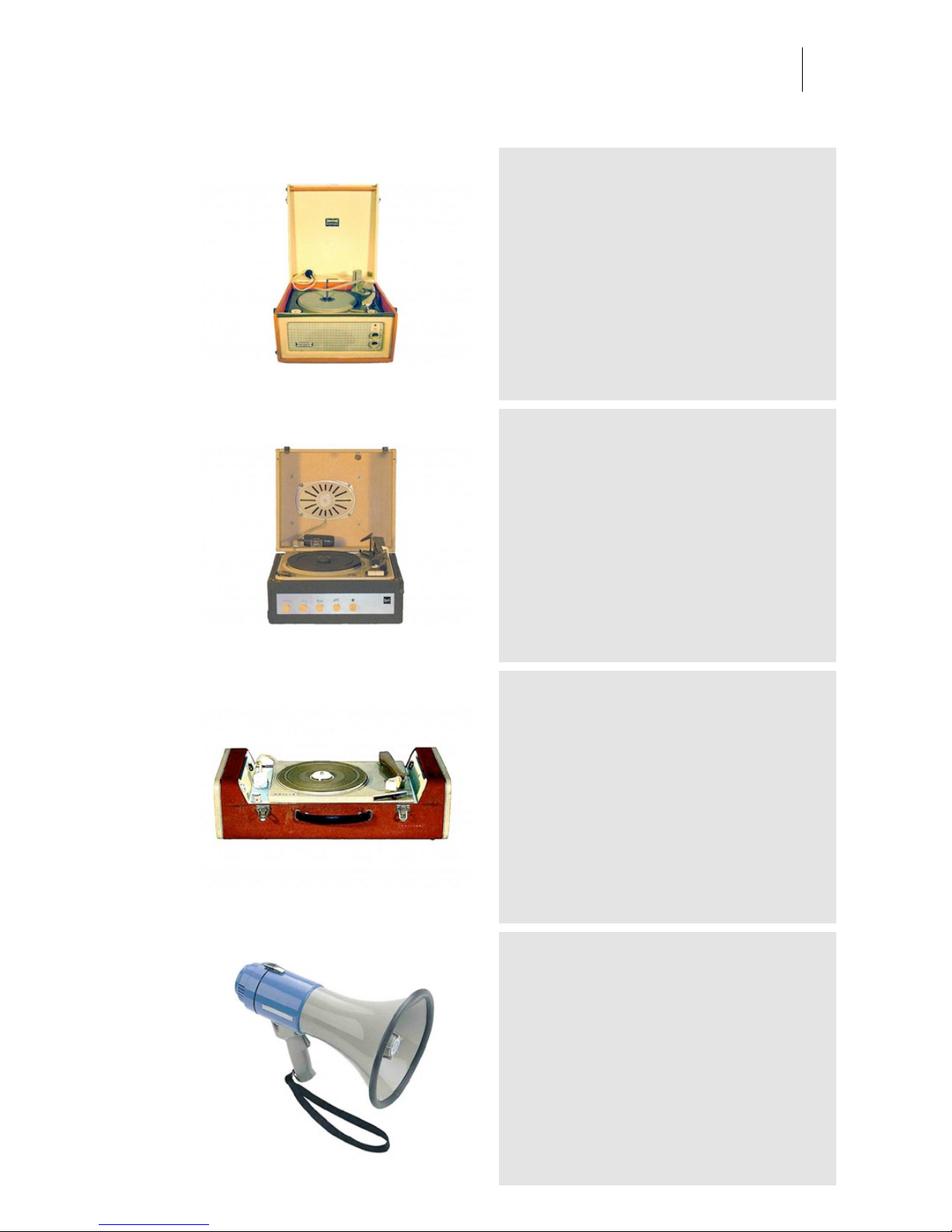
Audio Ease | Speakerphone
User Guide
75
1963 - Dansette Bermuda
Category: Record Players
Owner: Hennie Overdijk Location: Hennie Overdijk Family
residence
Recording: 2006-03-28 by Aram verwoest
Morris Margolin decided to combine his passion for
furniture and music. This Birmingham Sound
Reproducers model was therefore to be combined
with 4 legs. The record changer could play through a
stack of ten (10) 45 rpm records.
1961 - Dual 1008
Category: Record Players
Owner: Max Ramali Location: Hennie Overdijk Family residence
Recording: 2006-03-28 by Aram verwoest
The name Dual reflected the technology that was
developed by Gebrueder Steidinger for use in its
gramophones. These gramophones were literally
DUAL powered, you could use them outside on "wind
up" power. This model is single powered though,
wooden cased, fully automatic and features a record
changer for up to 10 records.
1958 - Philips AG4156
Category: Record Players
Owner: Max Ramali Location: Overdijk Family Residence
Recording: 2006-03-28 by Aram Verwoest
This 1961 built player has a built in amplifier and
speakers in de sides of the case.
Monacor Megaphone TM-27
Category: Megaphones and Walkie Talkies
Owner: Smelt-Portofoons Location: Zwolle Residence
Recording: 2005-11-09 by Aram Verwoest
The standard for shouting, negotiation, rap, beatbox,
etc. This megaphone will do it all and it's LOUD!
Page 76
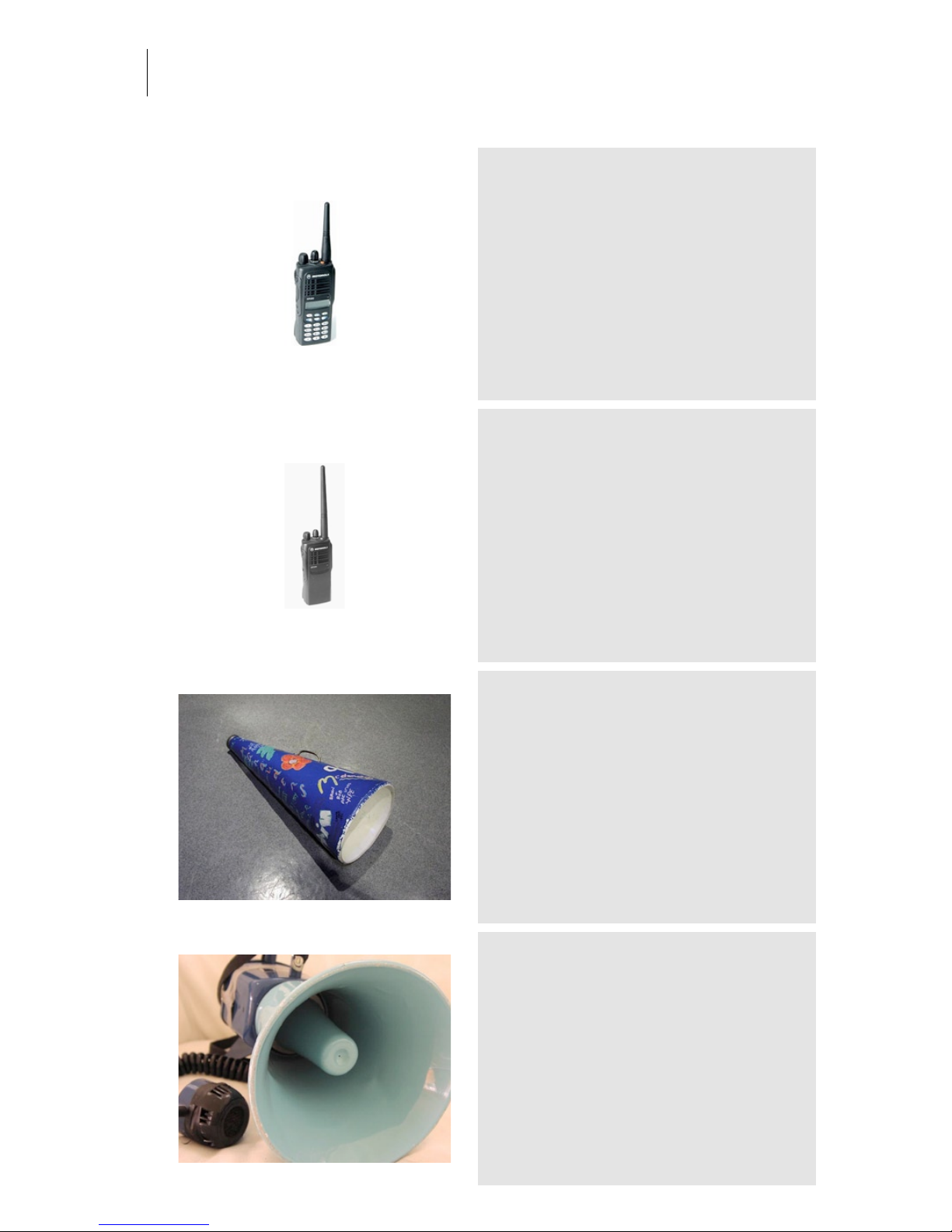
Audio Ease | Speakerphone
User Guide
76
Motorola GP-680
Category: Megaphones and Walkie Talkies
Owner: Smelt-Portofoons Location: Zwolle Residence
Recording: 2005-11-09 by Aram Verwoest
The standard in communicating with your fellow
colleagues at the construction site.
Motorola GP-340 VHF
Category: Megaphones and Walkie Talkies
Owner: Smelt-Portofoons Location: Zwolle Residence
Recording: 2005-11-09 by Aram Verwoest
-
Cheerleader Horn
Category: Megaphones and Walkie Talkies
Owner: eightbitaudio Location: The Mute Matrix - Los Angeles
Recording: 2005-03-15 by S. Husky Hoskulds
-
Guider Megaphone
Category: Megaphones and Walkie Talkies
Owner: eightbitaudio Location: The Mute Matrix - Los Angeles
Recording: 2005-03-15 by S. Husky Hoskulds
From the eightbitaudio megaphone collection.
Page 77
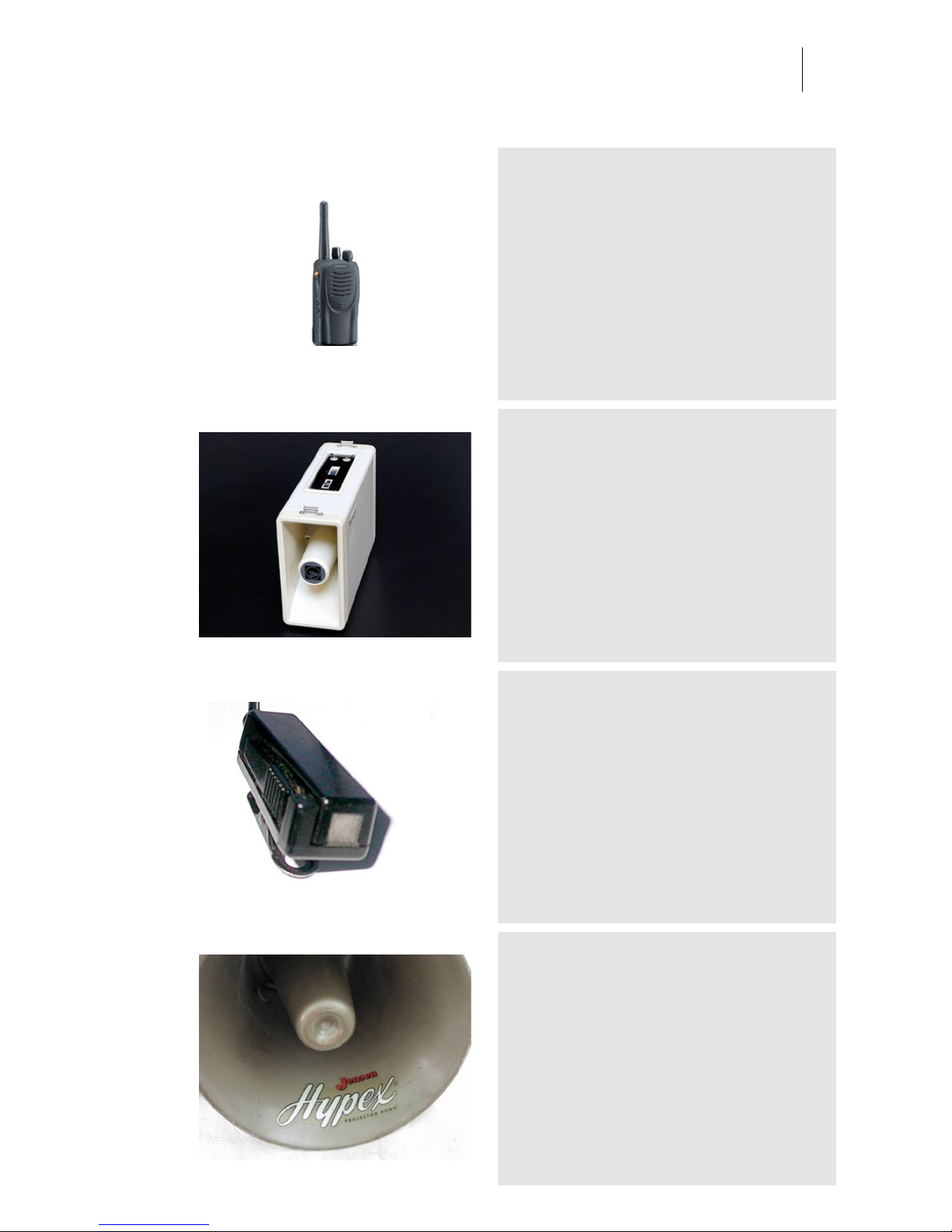
Audio Ease | Speakerphone
User Guide
77
Kenwood TK-3160 UHF
Category: Megaphones and Walkie Talkies
Owner: Smelt-Portofoons Location: Zwolle Residence
Recording: 2005-11-09 by Aram Verwoest
-
SPA-603-Shoulder-Megaphone
Category: Megaphones and Walkie Talkies
Owner: Aram Verwoest Location: Audio Ease
Recording: 2007-04-03 by Aram Verwoest
It's portable, has two mini jack inputs (for your mic
and your guitar!) you can hang it round your shoulder
and it's LOUD!
Motorola ext-mic
Category: Megaphones and Walkie Talkies
Owner: Smelt-Portofoons Location: Zwolle Residence
Recording: 2005-11-09 by Aram Verwoest
This is a standard external microphone which is
widely used with almost all walkie talkies we
recorded.
Jensen Hypex
Category: Megaphones and Walkie Talkies
Owner: eightbitaudio Location: The Mute Matrix - Los Angeles
Recording: 2005-03-15 by S. Husky Hoskulds
From the eightbitaudio megaphone collection.
Page 78
Audio Ease | Speakerphone
User Guide
78
plastic megaphone
Category: Megaphones and Walkie Talkies
Owner: audio ease Location: audio ease
Recording: 2008-12-14 by Arjen and aram
available in speakerphone 2. So loud it makes
everybody laugh.
Kenwood TK-3140 UHF
Category: Megaphones and Walkie Talkies
Owner: Smelt-Portofoons Location: Zwolle Residence
Recording: 2005-11-09 by Aram Verwoest
One of the few UHF walkie-talkies in the collection.
inear-plug
Category: Megaphones and Walkie Talkies
Owner: Smelt-Portofoons Location: Zwolle Residence
Recording: 2005-11-09 by Aram Verwoest
Use to bypass the ambient noise and get ready for
an intimate conversation.
Kenwood TK-360 UHF
Category: Megaphones and Walkie Talkies
Owner: Smelt-Portofoons Location: Zwolle Residence
Recording: 2005-11-09 by Aram Verwoest
-
Page 79
Audio Ease | Speakerphone
User Guide
79
Motorola GP-900 VHF
Category: Megaphones and Walkie Talkies
Owner: Smelt-Portofoons Location: Zwolle Residence
Recording: 2005-11-09 by Aram Verwoest
-
Kenwood TK-3210
Category: Megaphones and Walkie Talkies
Owner: Smelt-Portofoons Location: Zwolle Residence
Recording: 2005-11-09 by Aram Verwoest
-
Yeasu VX-800 VHF
Category: Megaphones and Walkie Talkies
Owner: Smelt-Portofoons Location: Zwolle Residence
Recording: 2005-11-09 by Aram Verwoest
-
Megaphone Fedtro
Category: Megaphones and Walkie Talkies
Owner: eightbitaudio Location: The Mute Matrix - Los Angeles
Recording: 2005-03-15 by S. Husky Hoskulds
From the eightbitaudio megaphone collection.
Page 80
Audio Ease | Speakerphone
User Guide
80
Kenwood TK-2180 VHF
Category: Megaphones and Walkie Talkies
Owner: Smelt-Portofoons Location: Zwolle Residence
Recording: 2005-11-09 by Aram Verwoest
One of the more fancy walkie-talkies with lots of
knobs, yes it looks like my old cell phone.
Motorola Base Station
Category: Megaphones and Walkie Talkies
Owner: Smelt-Portofoons Location: Zwolle Residence
Recording: 2005-11-09 by Aram Verwoest
Together with the Base Mic this is for the ones
coordinating the guys in the field who use the walkietalkies.
Motorola Base Mic
Category: Megaphones and Walkie Talkies
Owner: Smelt-Portofoons Location: Zwolle Residence
Recording: 2005-11-09 by Aram Verwoest
Together with the Base Station this device is used by
the ones that stay at the expedition's base-camp.
Kenwood TK-280 VHF
Category: Megaphones and Walkie Talkies
Owner: Smelt-Portofoons Location: Zwolle Residence
Recording: 2005-11-09 by Aram Verwoest
-
Page 81
Audio Ease | Speakerphone
User Guide
81
Kenwood TK-270 VHF
Category: Megaphones and Walkie Talkies
Owner: Smelt-Portofoons Location: Zwolle Residence
Recording: 2005-11-09 by Aram Verwoest
-
Motorola GP-320 VHF
Category: Megaphones and Walkie Talkies
Owner: Smelt-Portofoons Location: Zwolle Residence
Recording: 2005-11-09 by Aram Verwoest
Watch it, it's VHF!
Kenwood TK-3101
Category: Megaphones and Walkie Talkies
Owner: Smelt-Portofoons Location: Zwolle Residence
Recording: 2005-11-09 by Aram Verwoest
-
 Loading...