

Page 1
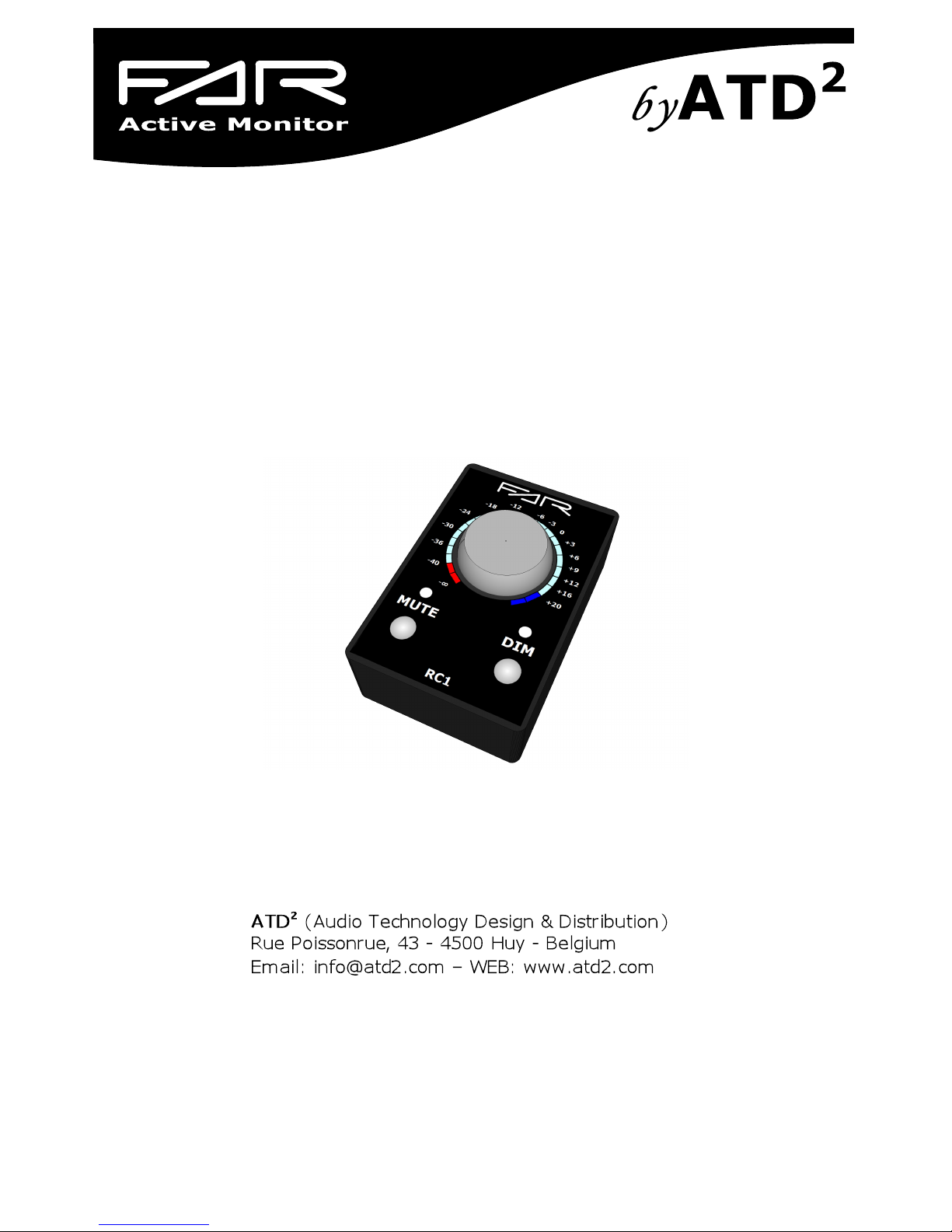
REMOTE CONTROL
RC1
USER MANUAL
Page 2

Page 2
Page 3

Page 3
TABLE OF CONTENT
1 INTRODUCTION .............................................................................................. 4
1.1 This Manual ............................................................................................ 4
1.2 The Product Concept................................................................................ 4
2 PRODUCT DESCRIPTION .................................................................................. 5
3 CONTROL PARAMETERS ................................................................................... 6
3.1 Network scan.......................................................................................... 6
3.2 System Level .......................................................................................... 6
3.3 System Mute .......................................................................................... 6
3.4 System Dim............................................................................................ 6
4 CONNECTION TO SPEAKERS ............................................................................. 7
REVISION HISTORY
Date
Version
Author
Change
2009-02-21
1.0
X. Lambrecht
Initial revision
PRODUCT COMPLIANCE
The Remote Control complies with the following specifications:
- EN 55022: Information technology equipment. Radio disturbance characteristics.
Limits and methods of measurement (Class B)
- EN 60065: Safety requirements for main operated electronics and related
apparatus for household and similar general use.
- 89/336/EEC European Directive on electromagnetic compatibility (harmonized
standard)
Page 4

Page 4
1 INTRODUCTION
1.1 This Manual
The latest manual revision is always available for download from www.atd2.com. Please
compare to the revision number of the manual (see page 4) available for download from
our web-site and download if newer. The present document will describe how to connect
and use a speaker system using the remote control.
1.2 The Product Concept
The remote control is a complement to the FAR Active Monitors products.
It connects to the FAR Link TM network and controls the system level. It also allows a
system mute and a level dim function.
The remote control fully uses the powerful and robust features of the FAR Link TM
communication network.
Every control applies to all the speakers connected to the network. With this basic
remote control, it is not allowed to address individually a speaker.
Page 5
Page 5
2 PRODUCT DESCRIPTION
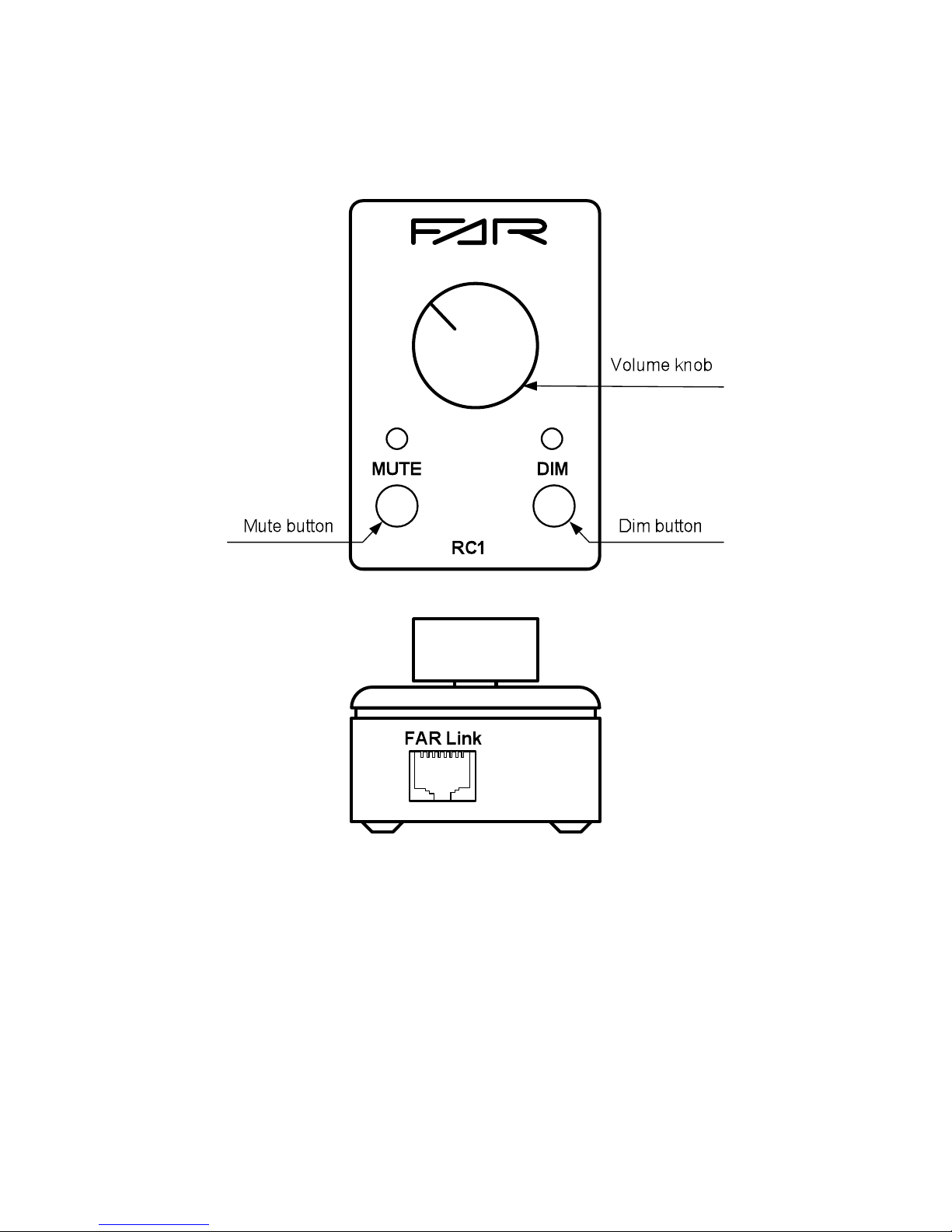
The remote control has 2 push buttons and one rotary knob. The push buttons are
associated to red color leds that indicates the status of the controls.
The remote control has one FAR Link TM connectors.
`
The remote control RC1 is powered by the Far Link network. There is no need to provide
an additional power supply.
Page 6

Page 6
3 CONTROL PARAMETERS
3.1 Network scan
When the remote control is powered ON, the 2 leds are flashing and it scans the network
to find what the speakers present are and downloads all the necessary information from
them.
3.2 System Level
The system level can be set by turning the rotary knob. The level ranges from -40 dB to
+20 dB by step of 0.5 dB.
The level control is master on the mute and dim controls. Turning the knob will always
unmute or undim the system and set back the system level acoordingly to the knob
position.
When the knob is in turned to the maximum left (-40 dB), it also mute the system.
3.3 System Mute
Press the mute button to mute the system. The mute led becomes red when mute is
engaged.
3.4 System Dim
Press the dim button to select a programmed level. The dim led becomes red when dim
is engaged.
The dim level can be set by adjusting the desired level with the rotary know and pressing
the dim button till the Dim led flashes 3 times then release the dim button. This level
will remain stored in the remote control, even if the device is switched off.
Page 7
Page 7
4 CONNECTION TO SPEAKERS
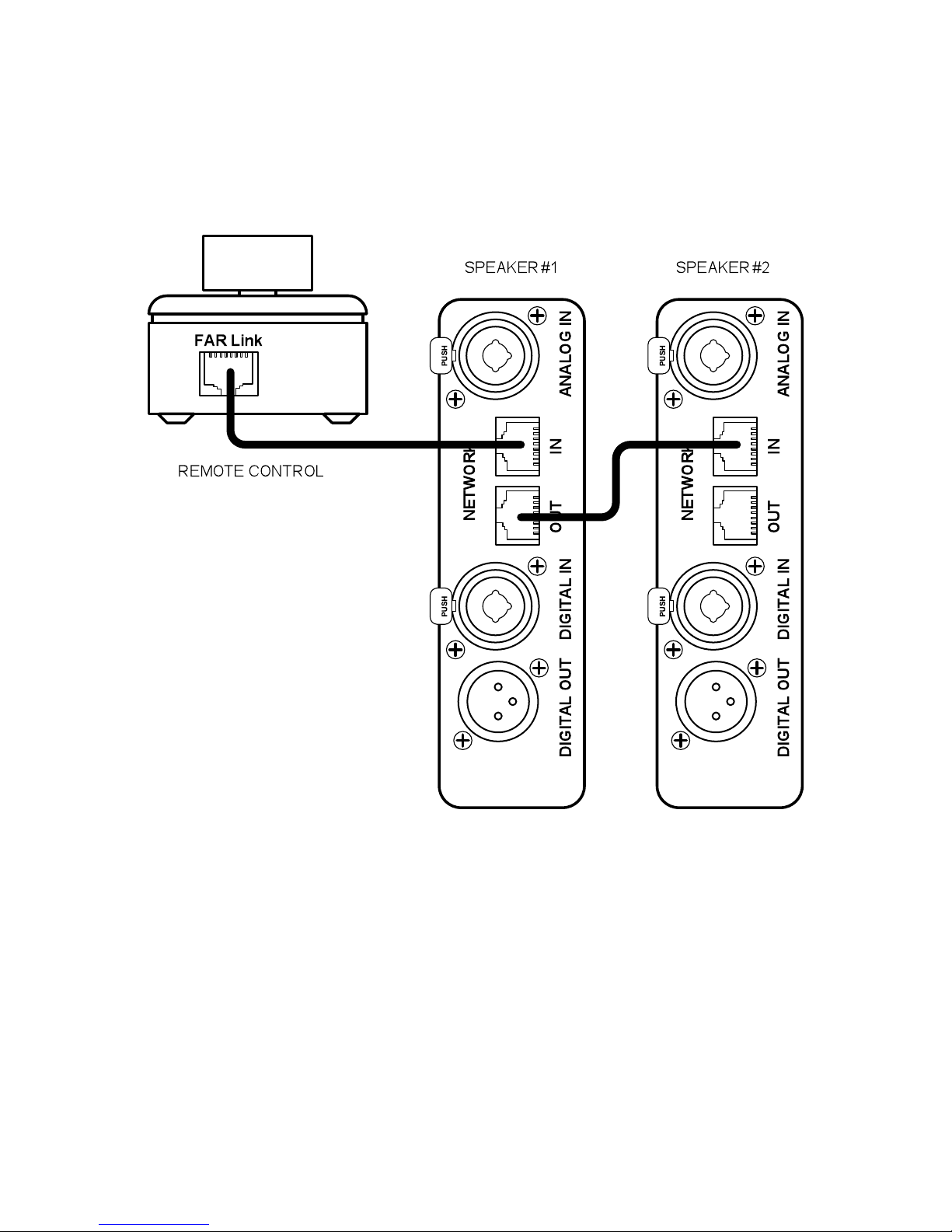
The remote control shall be connected to the Network In connector of a speaker of the
network. The chaining order does not matter for the control network.
 Loading...