

Page 1
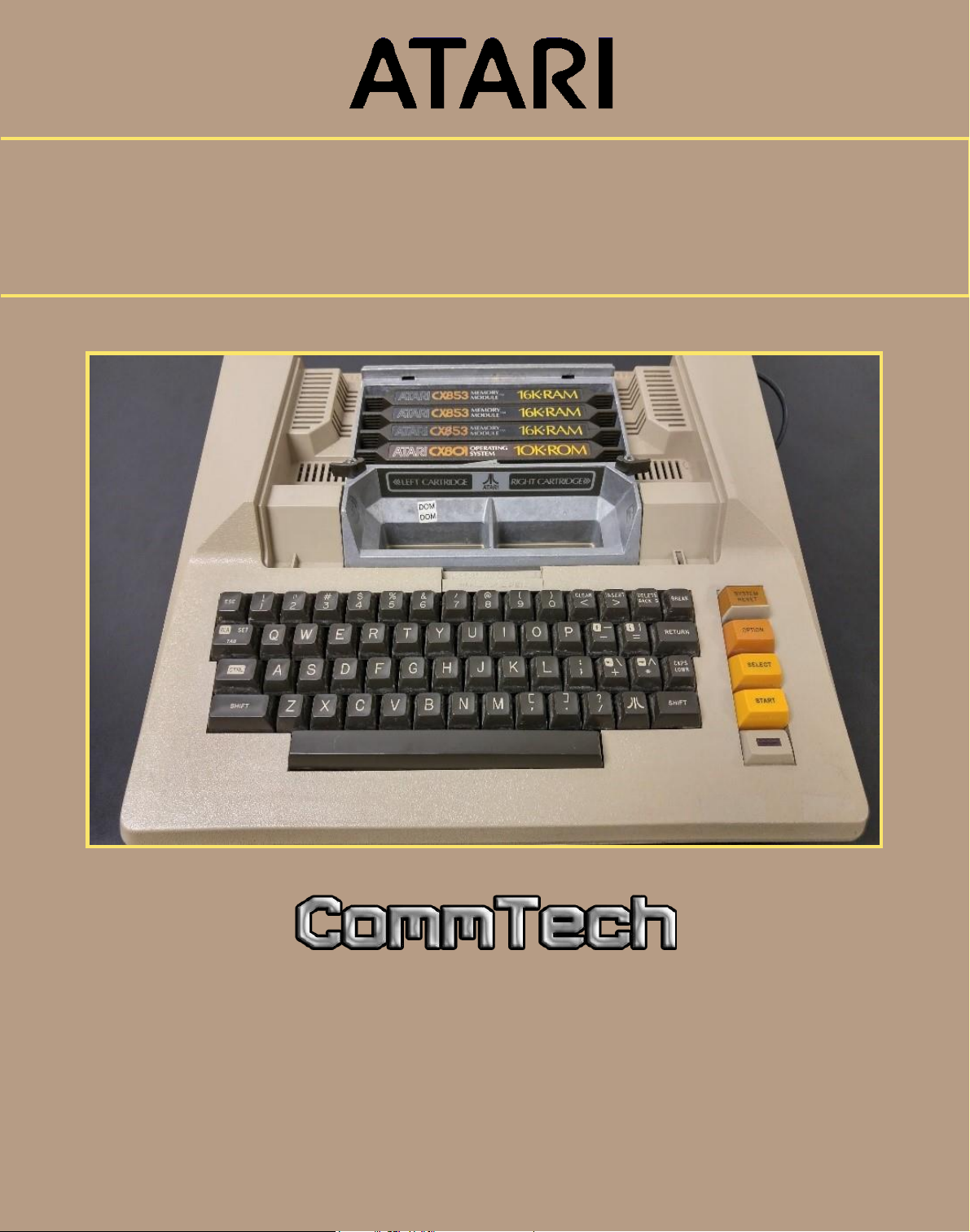
THE ATARI 800 HOME
COMPUTER OWNER’S MANUAL
Page 2

The Atari 800 Home Computer
Owner’s Manual
P a g e 1 | 7
Table of Contents
Introduction .................................................................. 2
Items Included .............................................................. 2
Set Up .......................................................................... 3
Keyboard Functions ........................................................ 4
Troubleshooting Guide .................................................... 5
Contact Information ....................................................... 5
Appendix ...................................................................... 6
Warranty Information ..................................................... 7
Page 3
The Atari 800 Home Computer
Owner’s Manual
P a g e 2 | 7
Thank you for purchasing an Atari 800 computer system.
We’ve created our system with ease of use in mind so the installation process will
be quick and easy. Simply follow the instructions and you’ll be using the Atari 800
Home Computer in no time!
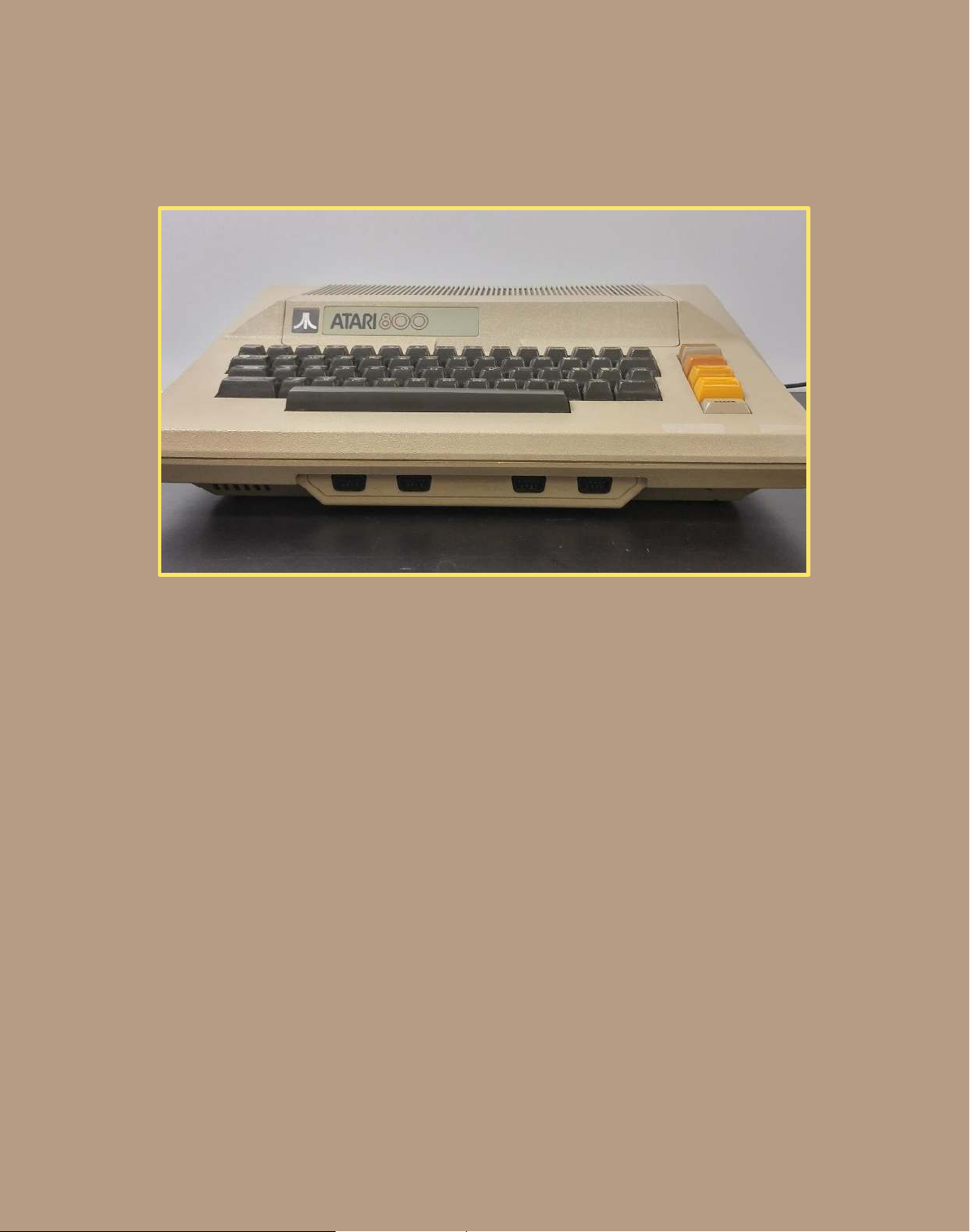
The Atari 800 Computer System includes:
1 Atari Computer System
A set of Interface Cables
AC Power Adapter Cable
1 TV Switch Box
1 Atari 10K Operating System
1 Atari 16K Memory Module
1 BASIC Computing Language Cartridge
1 STAR RAIDER Computer Game
Page 4

The Atari 800 Home Computer
Owner’s Manual
P a g e 3 | 7
Setting Up the Atari 800
To begin the installation process, have a television set ready and every item
described in the first section next to you.
Installing the TV Switch Box:
1. Disconnect any cables and/or antennas from the television and connect them to
the TV switch box to where it says ANTENNA. If the cables are flat, connect it to
the terminal marked as 300 OHM on the switch box. If they are round, connect
it to the connector marked as 75 OHM.
2. On the switch box, connect the short twin-lead cable marked as TV onto the two
VHF terminals on your television set.
3. Remove the self-adhesive square on the switch box and press it onto the back of
your television.
4. Both cables may require fine tuning or adjusting to work properly.
Connecting the Computer Console:
1. Locate the round cord on the back of the computer and connect it to the switch
box terminal that says COMPUTER (GAME).
2. Switch your television channel to either 2 or 3 (whichever is weaker in your area).
3. Change the channel on the Atari 800 to the same as the one on your television.
The channel switch is located on the right side of the Atari 800.
4. Connect the AC power adapters round end to the POWER IN terminal on the
computer. Afterwards, plug the other end into a wall outlet.
5. Turn the Atari 800 on by finding the power switch located on the right side and
turning it to ON. Once done correctly, the screen should say: ATARI COMPUTER-
MEMO PAD.
Congratulations on powering on your Atari 800 computer system!
Page 5
The Atari 800 Home Computer
Owner’s Manual
P a g e 4 | 7
Keyboard Functions
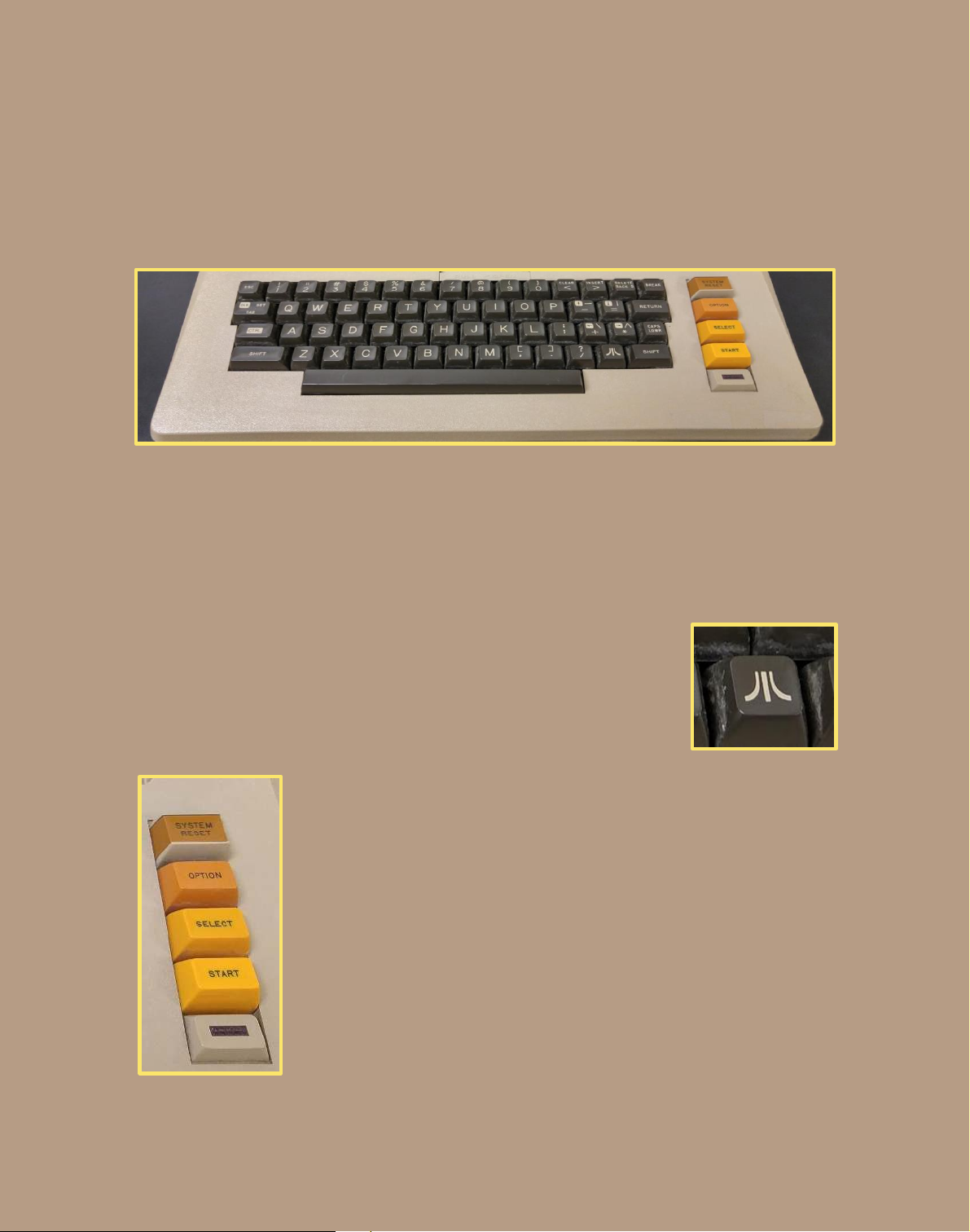
The Atari 800’s keyboard is similar to other computer systems, which allows for
a smooth typing experience. As a result, only the keys unique to the Atari 800
will be discussed in this section. However, before learning their functions take a
moment to familiarize yourself with the keyboard as much as possible.
Atari Key: This key is used to test how fonts look against
different background colors in inverse video. To use it, the
Atari key must be pressed at the same time as the number 2
key. Pressing the Atari key by itself will do nothing. To return
to regular video, simply press the Atari key again.
System Reset: This key will stop any programs currently
running and reset the computer.
Option: This key shows the different variations available from
an application or game.
Select: This key will select an application from a program or
cartridge.
Start: This key will allow the computer to start running any
application or game.
Page 6

The Atari 800 Home Computer
Owner’s Manual
P a g e 5 | 7
Troubleshooting Guide
If nothing appears on the television screen once the power of the Atari
800 is tuned on:
Check to see if your television channel is set to 2 or 3. (This will depend on the
area you live in.)
Adjust the cables on the switch box (sometimes these cables need to tightened
or adjusted to work properly).
If the power light of the Atari 800 is not on:
Make sure the AC Power Adaptor is plugged in.
Make sure the cartridge is fully closed.
Make sure all other cables are properly plugged in and in their respective slots.
If the issue has not been resolved, your product may be defective. In this case,
you are eligible for a full refund under our warranty policy, please refer to the
warranty information section on page 7. If you wish to speak to a representative
of Atari regarding this or any other issue with your Atari 800 Home Computer or
other Atari products, please contact:
(212) 726-6500
This number is available weekdays only (Monday-Friday), from 10 A.M to 6 P.M.
This number may not be available during holidays.
Page 7
The Atari 800 Home Computer
Owner’s Manual
P a g e 6 | 7
Appendix
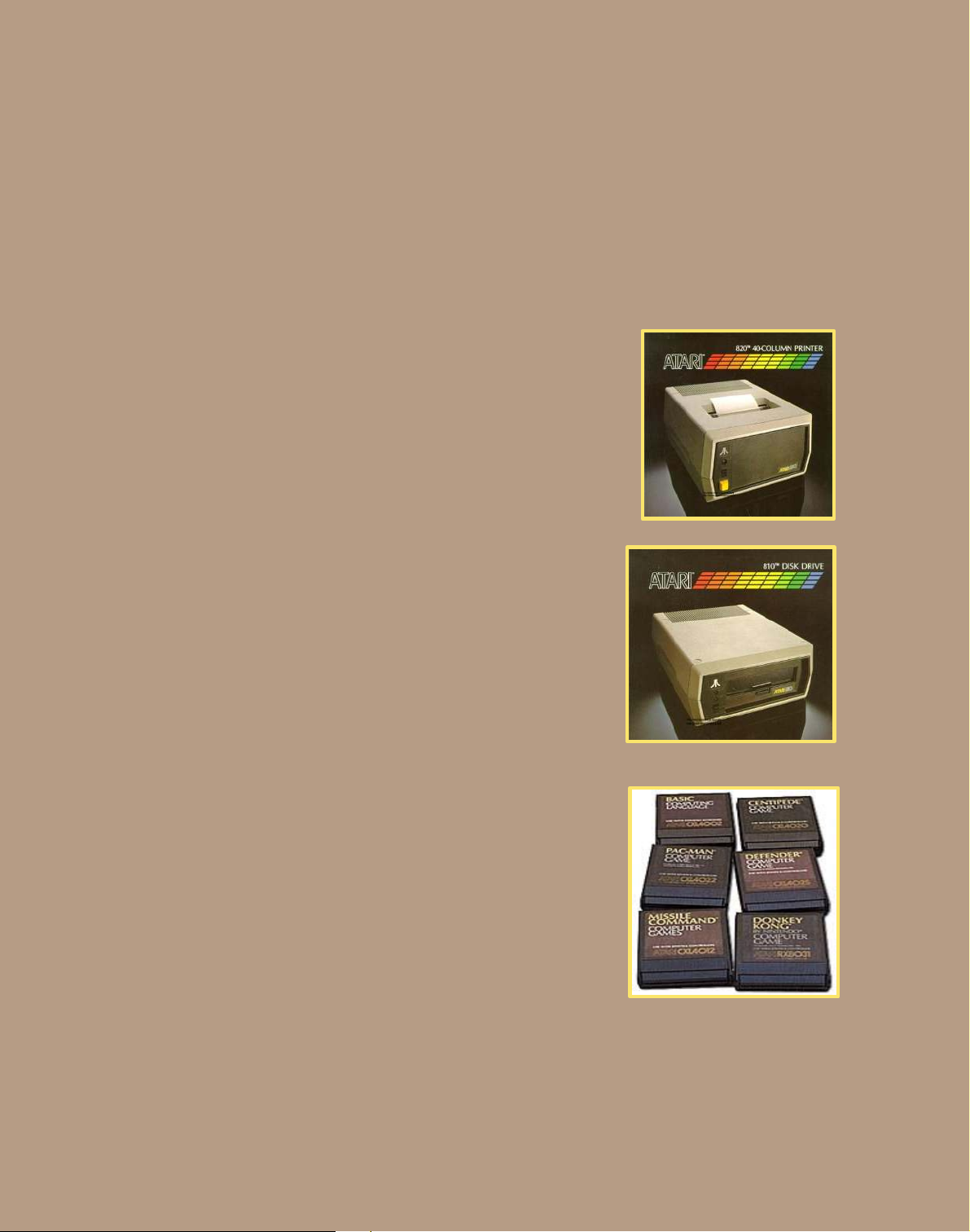
If you are interested in expanding your Atari 800 Computer System, there are
many products available, such as:
The Atari 820 40-Column Printer
Can print up to 40 characters per second
Can print 40 characters per line
Some programs that you may utilize will require
you to have a copy of the program or data
The Atari 810 Disk Drive
Allows for data or programs to be saved easily
Can store up to 88,000 characters on standard Floppy
Disks
Up to 4 can be used with a single computer system
Games and Accessories
The Atari 800 can also play games or utilize programs
that did not come with your initial purchase. Look out
for these cartridges next time you are shopping.
Please note that additional accessories such as
joysticks or floppy disks may be needed to utilize
certain programs or games (sold separately).
Page 8

The Atari 800 Home Computer
Owner’s Manual
P a g e 7 | 7
Warranty Information
Atari understands that sometimes products may not work as advertised or that
you may be dissatisfied with your purchase occur. In these instances, the product
may be returned within 30 days of purchase if accompanied with a receipt.
Atari offers warranty on all products if:
You are not satisfied with your purchase.
The product does not work as advertised.
The product is defective.*
The product is missing components that should have been included.
Atari does not provide warranty under these circumstances:
Theft.
Customer misuse.
Water Damage.
If it has been 5 years since the initial purchase.
If you are having trouble with your Atari 800 Home Computer, it may not be
defective; rather it may be an issue from the set up. Please refer to the
Troubleshooting Guide.
 Loading...