

Page 1
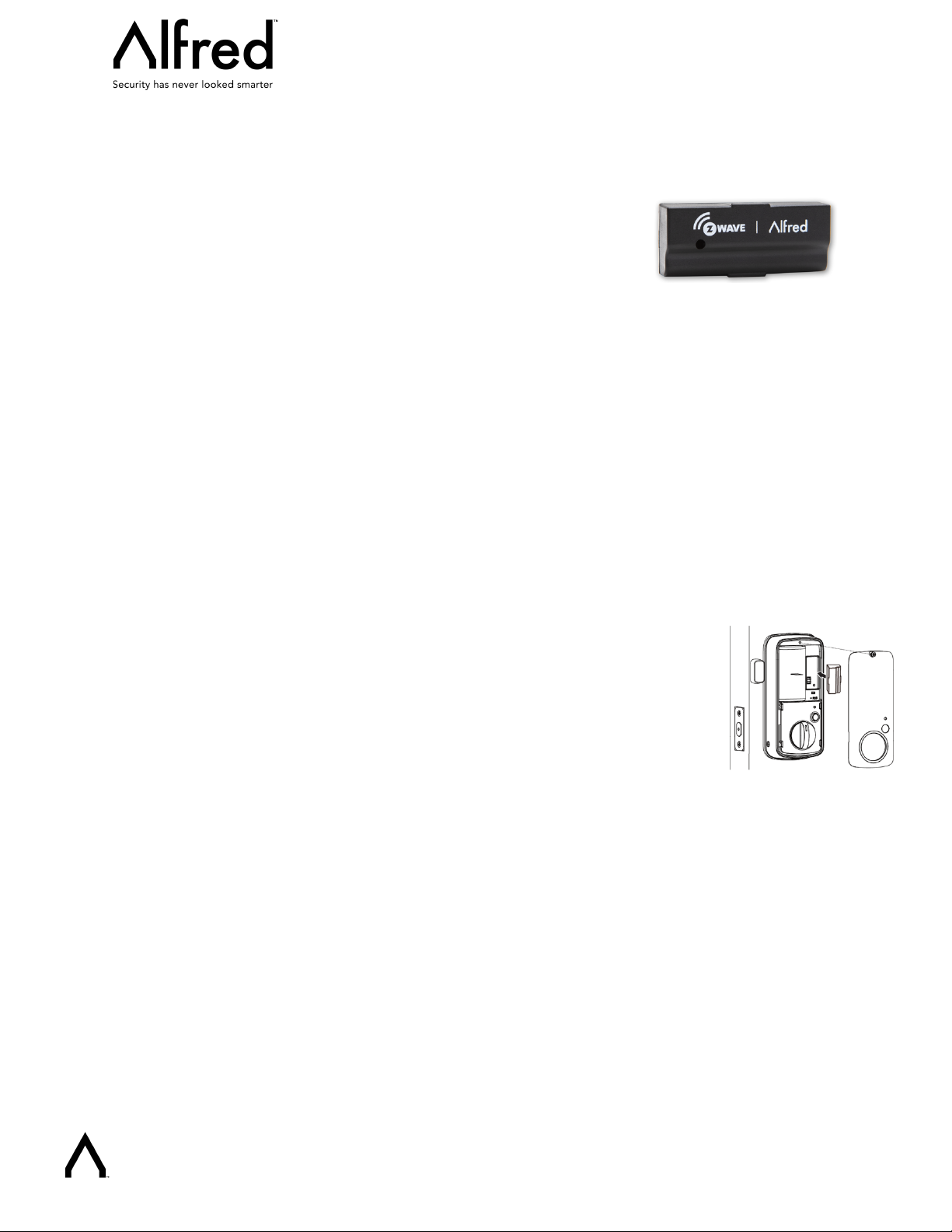
Alfred Z-Wave 700 Module
Quick Start Guide
(ZW2-PRO)
Important Safety Information
Please read this quick start guide carefully for correct and effective use. Failure to follow the recommendations set forth by
Alfred Inc. may be dangerous or cause a violation of the law. The manufacturer, importer, distributor, and/or reseller will not
be held responsible for any loss or damage resulting from not following any instruction in this guide. The product is intended for
indoor use in dry locations only. Do not use in damp, moist, and /or wet locations.
What is SmartStart
Available in selected Z-Wave Plus devices built upon 500 series technology and all devices built upon 700 series technology,
SmartStart lets you setup Z-Wave devices in seconds. Using SmartStart enabled apps, simply scan the QR code on any
compatible app to connect it to your Z-Wave gateway.
1. How to add your Alfred Lock into a Z-wave network
1. Install the Alfred Z-Wave Module into the back of your Lock by removing the battery cover
and inserting the module in the designated slot on the lock
2. Follow the user guide of your 3rd party hub to enter inclusion mode.
3. Prepare Alfred Lock for pairing with Z-Wave Hub
1) Enter master mode on your Alfred Lock (** + Master PIN Code + √)
2) Input “8” to enter “Network settings”
3) Input “1” to enter “Inclusion mode”
2. How to remove your Alfred Lock from a Z-wave network
1. Follow the user guide of your 3rd party hub to enter exclusion mode.
2. Prepare Alfred Lock for Unpairing with Z-Wave Hub
1) Enter master mode on your Alfred lock (** + Master PIN Code + √)
2) Input “8” to enter “Network settings”
3) Input “2” to enter “Exclusion mode”
www.Alfredinc.com
Page 2
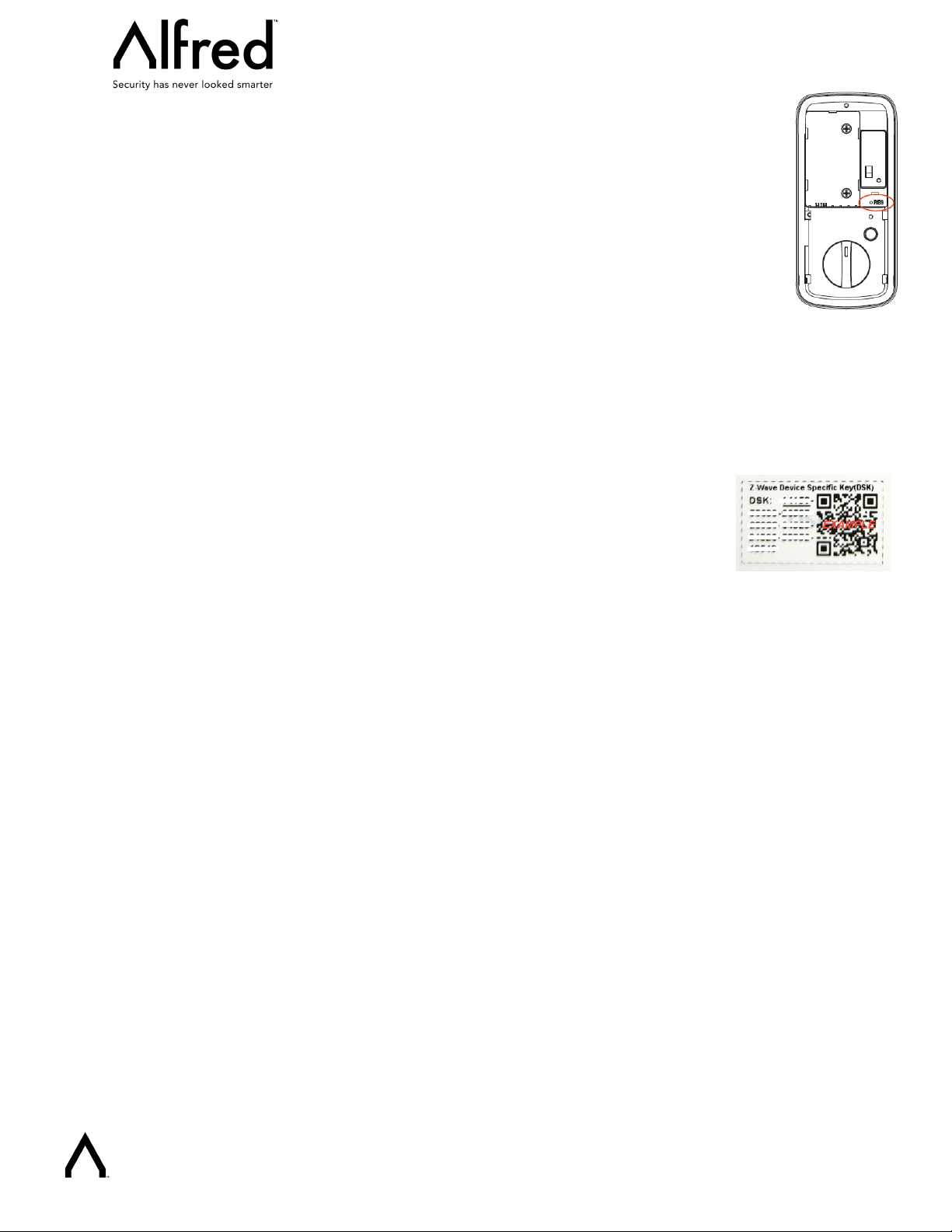
3. How to factory reset your Lock
1. Operations on Alfred lock:
1) Open the door and keep the lock in "unlock" status.
2) Take off the battery cover and find the reset button.
3) Use the reset tool or a thin object to press and hold the reset button.
4) While holding the reset button in, fully remove the battery then put it back.
5) Keep holding the reset button until you hear the lock beep (Can take up to 10
seconds).
2. Please use this procedure only when the networks primary controller is missing or otherwise
inoperable.
3. After factory reset the default master pin code on the Alfred lock will be “12345678”, please
modify it after reset (Refer to Alfred programming instruction guide for your lock model).
4. Z-wave DSK Location
You can find the QR code on the back of the Alfred Z-wave module.
You may also find the QR Code and DSK on individual package of each product.
Please do not remove or damage them.
www.Alfredinc.com
 Loading...