

Page 1

ITM-100F Test User Manual
PROJECT: ITM-100F
July 5, 2001
I. Overview
The digital equipment “ITM-100F” is the product model of Admobis Inc.: The ITM-100F is a
springboard module for the Handspring Visor, it supplies you with playing a MP3 file and recording a
voice messages. The MP3 player allows you to download MP3 files from desktop PC with using USB
port, and the Voice Recorder allows you recording/playing a voice message. The Hotke y butto n a ttached
allows you to start/stop playing the MP3 player and recording a voice message and controlling a volume.
II. Te st En viro nments
1. Downloading MP3 files from a PC to a Springboard module
- ITM-100F (Springboard module), Handspring Visor, Cradle, Notebook PC, PC Software
2. Playing MP3 files
- ITM-100F (Springboard module), Handspring Visor, Cradle, Earphone
III. How to use for downloading MP3 files
! VISOR SIDE
1. Insert the ITM-100F into the Handspring Visor external slot.
2. Click the “Home” button of the Handspring Visor
3. Launch the “TriLoader” program.
! PC SIDE
4. Run “TriLoader for PC” program.
5. Select MP3 files to be desired.
6. Click the “Commit” button for downloading MP3 files.
IV. How to use for playing MP3 files
! VISOR SIDE
1. Insert the ITM-100F into the Handspring Visor external slot.
2. Insert the earphone into the earphone jack of the ITM-100F.
3. Click the “Listen” button for launching the “Tri Juke Box” main program.
4. Click the “Play/Pause” button for playi ng MP3 files
CF)
" The ITM-100F Firmware Specification REV. 11.03
1/4
Page 2
ITM-100F Test User Manual
PROJECT: ITM-100F
July 5, 2001
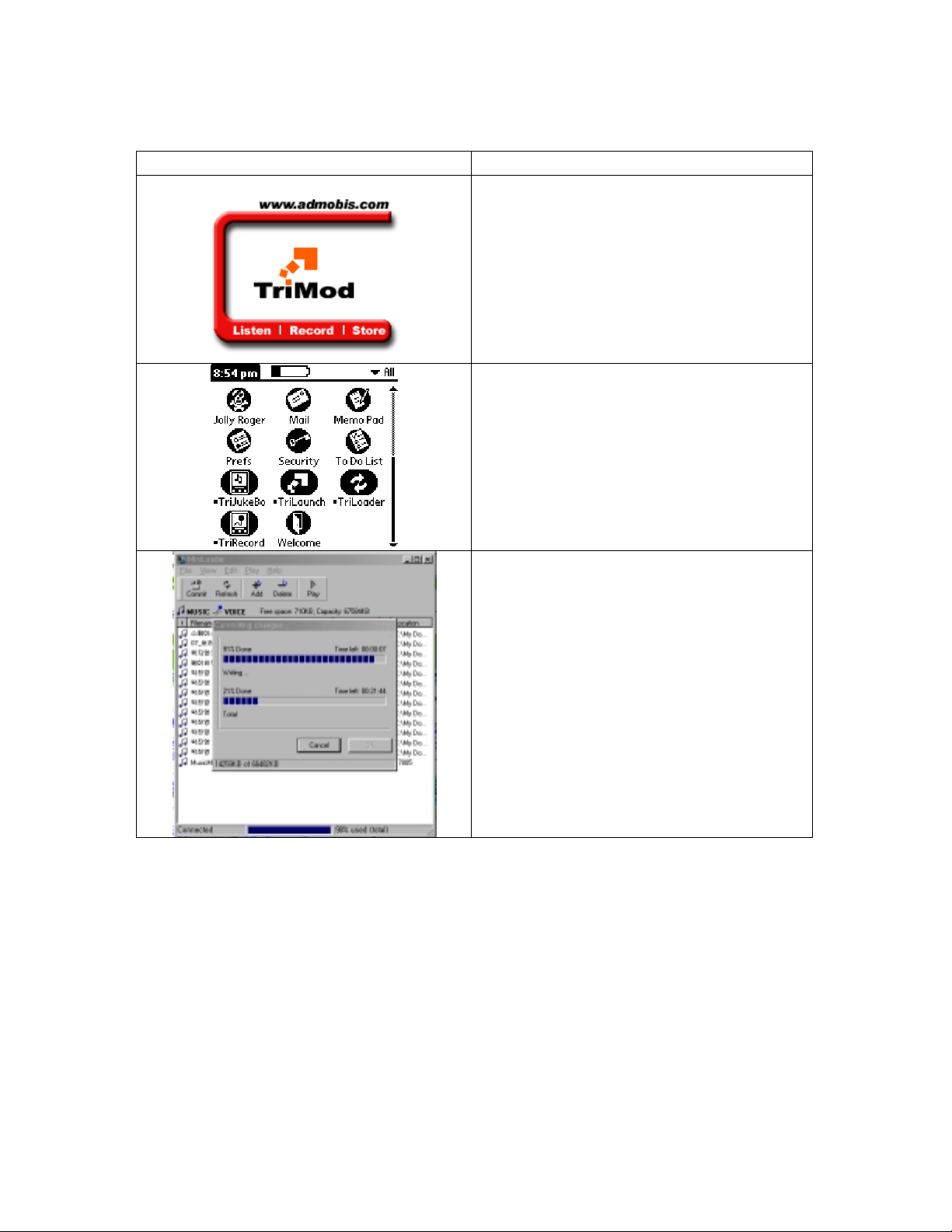
1. Downloading MP3 files from a PC to a Springboard module
PICTURE CONTENT
Uploading Test of MP3 files (Visor Side)
" Insert the ITM-100F into the Ha ndspring Visor
external slot.
" Click the “Home” butto n of the Handspring Visor
Downloading Test of MP3 files (Visor Side)
" Launch the “TriLoader” program.
Downloading Test of MP3 files (PC Side)
" Run “TriLoader for PC” program.
" Select MP3 files to be desired.
" Click the “Commit” button for downloading
MP3 files.
" Downloading now & EMI test
2/4
Page 3
ITM-100F Test User Manual
PROJECT: ITM-100F
July 5, 2001
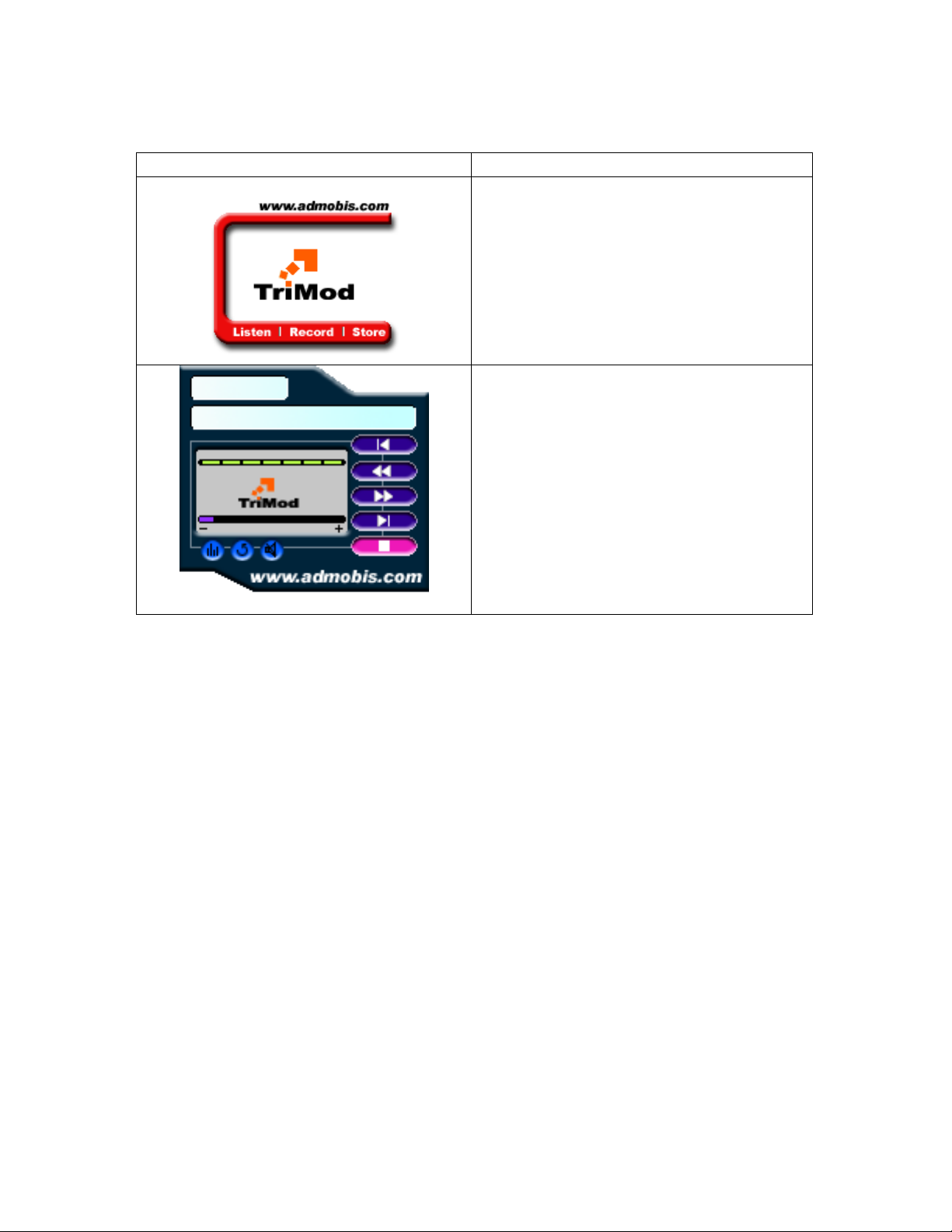
2. Playing MP3 files
PICTURE CONTENT
Playing MP3 files (Visor Side)
" Insert the ITM-100F into the Ha ndspring Visor
external slot.
" Insert the earphone i nto the earphone jack of the
ITM-100F.
" Click the “REC” button for launching the “Tri-
Juke Box” mai n program.
Playing MP3 files (Visor Side)
" Cli ck the “Pl ay/ Pa use” bu tto n for pl ayi ng M P3
files.
" Playing now & EMI test.
FCC NOTICE
3/4
Page 4

ITM-100F Test User Manual
PROJECT: ITM-100F
July 5, 2001
NOTE: This equipment has been tested and found to comply with
the limits for a Class B digital device, pursuant to Part 15 of
the FCC Rules. These limits are designed t o pr ovide reasonable
protection against harmful interfer ence in a reside ntial instal lation. This equipment generate s, uses and can radiate radio
frequency e nergy and, if not installed and used in accordance
with the instructions, may cause har mful interference to radio
communications. However, there is no guarantee that interference
will not oc c ur in a par ticul a r installat ion. If this equ ip me nt
does cause harmful interference to radio or television receptio n,
whic h can be determined by tur ning the equipme nt off and on, t he
user is encouraged to tr y to correct the interfer ence by one or
more of the following measures:
-Reorient or r elocat e t he receiving antenna.
-Increase the separation between the equipment and receiver .
-Connect the equipment into an outlet on a circuit different from
that to which the receiver is connected.
-Cons ult the dealer or an exp er ienced radio/TV technicia n for
help.
NOTE: The manufact urer is not res ponsible for any radio or TV
interference caused by unauthorized modifications to this equip ment. Such modifications could void the user's authority to
operate the eq uipme nt.
4/4
 Loading...