

Page 1
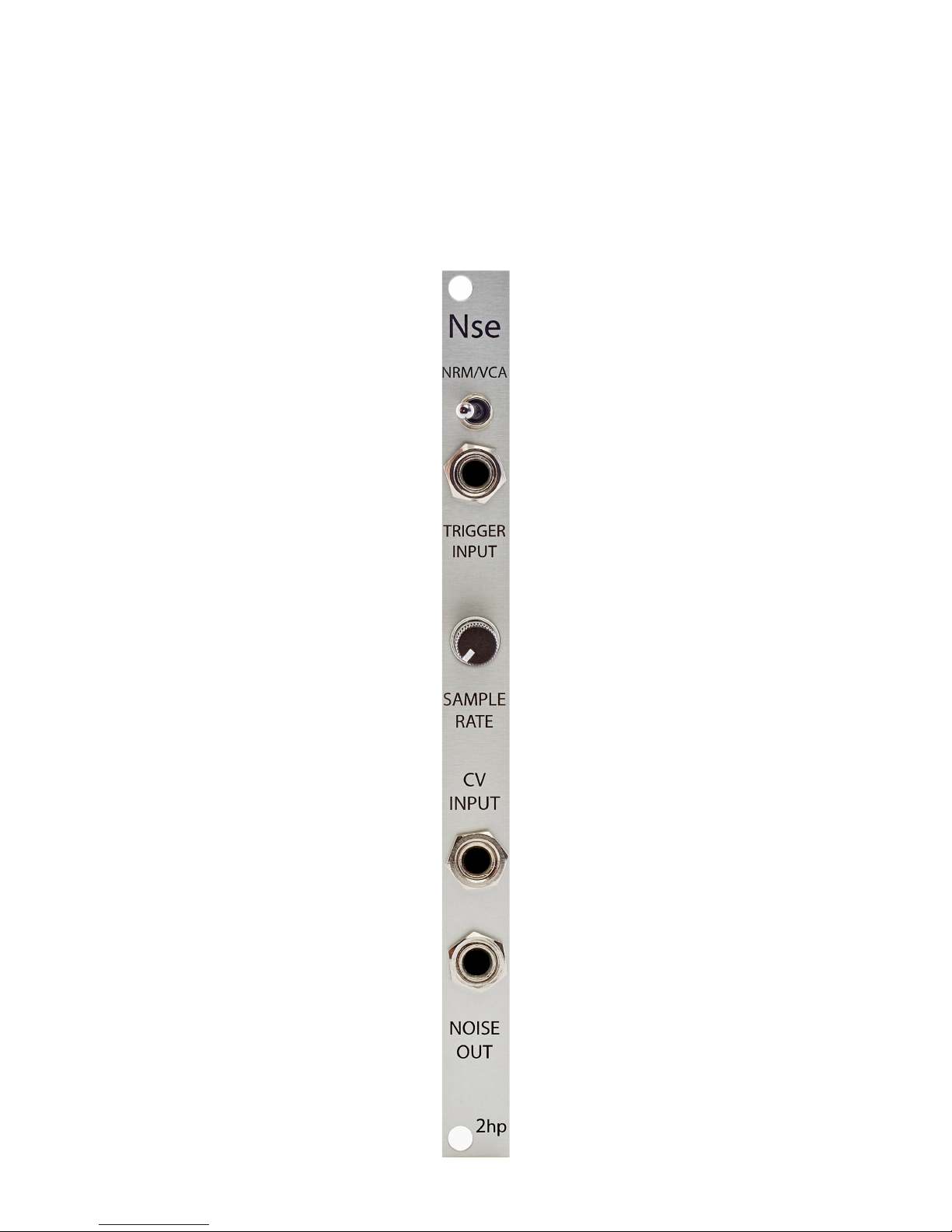
Nse
Noise Generator
Page 2

2
Description
Nse is a white noise generator. The sample rate of the noise can be adjusted allowing
for a wide range of sounds all the way from white noise to aliased, low frequency
rumble. In addition to its normal operation, VCA mode is accessible where enveloped
noise bursts are emitted upon receiving a trigger signal. This facilitates the quick and
easy creation of hi hat, snare, and percussion sounds. Whether you’re looking for a
traditional noise source, or a quick way to generate drum sounds, Nse offers a
powerful, high quality solution.
Page 3

3
Table of Contents
Installation/Specifications 4
Nse 5
General Functions Overview 6
Page 4

4
Installation
To install, locate 2 HP of space in your Eurorack case and confirm the positive
12 volts and negative 12 volts sides of the power distribution lines.
Plug the connector into the power distribution board of your case, keeping in mind
that the red band corresponds to negative 12 volts.
In most systems the negative 12 volt supply line is at the bottom.
The power cable should be connected to the Nse with the red band facing the
bottom of the module.
Specifications
Format: 2 HP Eurorack module
Depth: 34mm (Skiff Friendly)
Max Current: +12V = 35mA
-12V = 16mA
Page 5
5
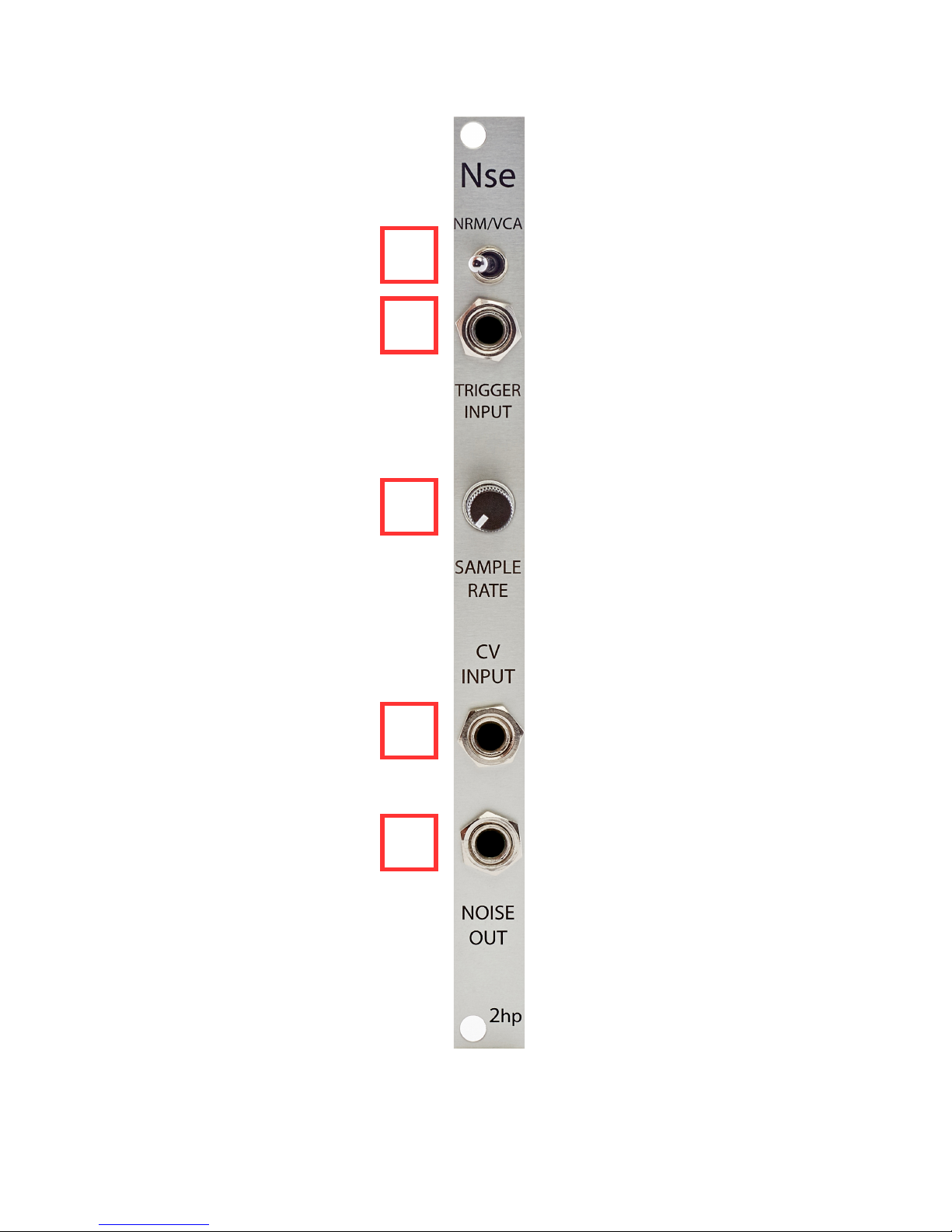
1 2 3 4 5
Page 6

6
General Functions Overview
1. NRM/VCA:
Toggle that switches between NRM and VCA mode:
If the toggle is in the left position, noise will output continuously
If the toggle is in the right position, enveloped noise will output when a trigger signal is
received at the TRIGGER INPUT
2. TRIGGER INPUT:
Trigger input for enveloped noise in VCA mode
Threshold: 2.5V
3. SAMPLE RATE:
NRM Mode
Sample rate control for the NOISE OUT
If the SAMPLE RATE control is far left, the sample rate will be as low as possible
If the SAMPLE RATE control is far right, the sample rate will be as high as possible
VCA Mode
Sample rate control for the NOISE OUT and envelope decay time of the enveloped
noise
If the SAMPLE RATE control is far left, the sample rate will be as low as possible and
decay time will be as long as possible
If the SAMPLE RATE control is far right, the sample rate will be as high as possible
and decay time will be as short as possible
Page 7

7
4. CV INPUT:
Control voltage input for sample rate and envelope decay time
Range: 0V – 8V
Control voltage is added to the knob position
5. NOISE OUT:
Noise output for both modes
 Loading...